
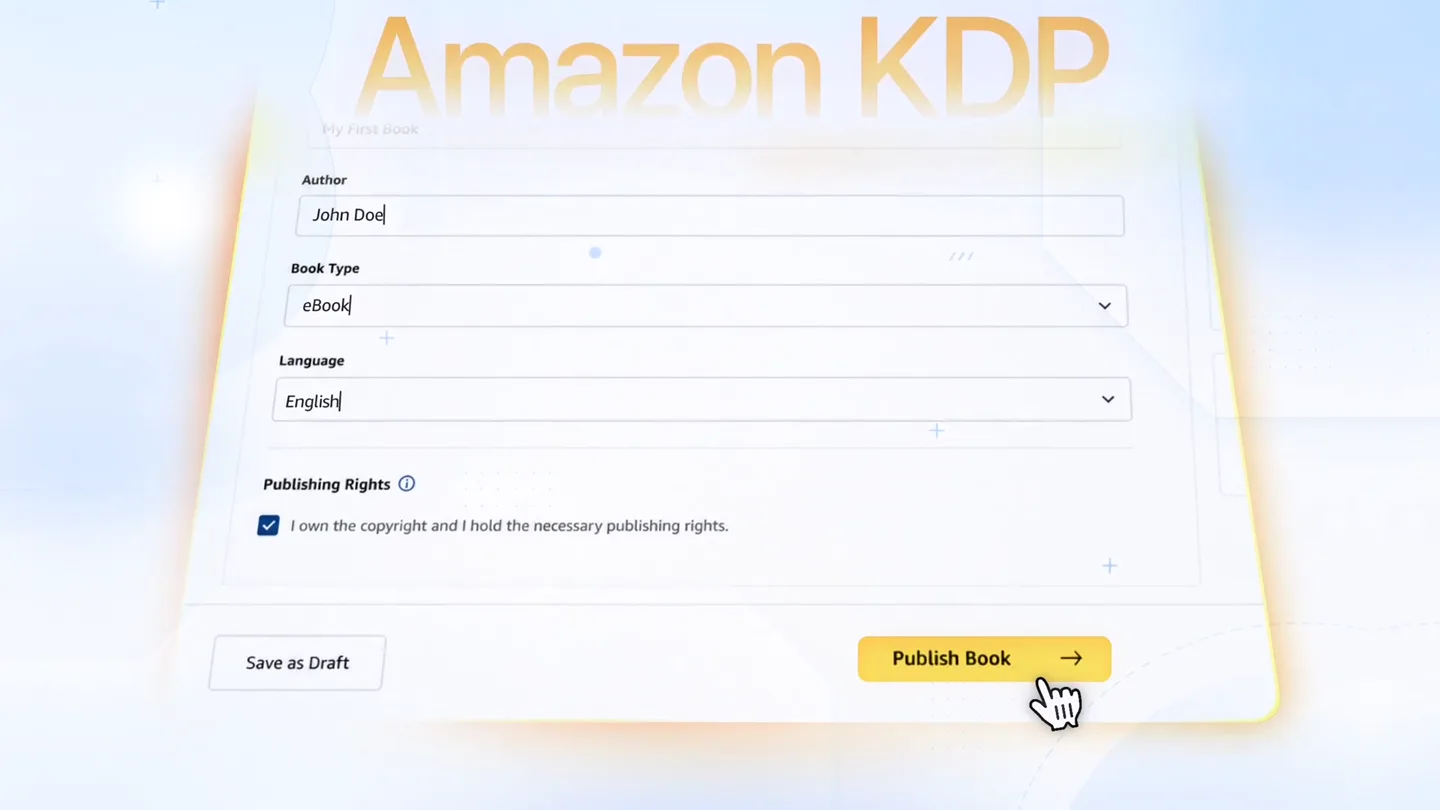
AchX · Launch Video Breakdown: Hook, Pacing & Motion Design
A launch film from AchX Studio: your homepage has 8 seconds, and your product video has even less.
Scene-by-scene timeline & spoken transcript
The Hook
The Pain of Blind Publishing
“Are you publishing blindly? Struggling to analyze your market? Or finding the right keywords? The hard part is over.”
- On screen
- Blindly Publishing Hard part
- Camera
- Static camera with subtle background element movement. Text appears centrally.
- Motion
- Text reveals with soft fades and scale-ins, accompanied by abstract background shapes animating subtly. A question mark icon animates in with a bounce.
Product Reveal
Introducing KDP Pilot: Your Publishing Co-Pilot
“Introducing KDP Pilot, your co-pilot for Amazon KDP. KDP Pilot helps you analyze your market, find the best keywords, and manage your ads.”
- On screen
- KDP PILOT Product Listing Audit Keyword Analysis Launch Planner Niche Radar Amazon Ads Assistant My KDP Agent Tutorials & Resources
- Camera
- Static camera, focusing on UI elements. Slight zoom out to reveal full UI.
- Motion
- Product logo animates in with a subtle bounce and glow. UI elements slide in from the bottom and left, with a smooth, staggered reveal. Icons animate with a quick pop.
Feature Teaser
Data-Driven Decisions & Ad Management
“It gives you data-driven recommendations, just clear, smarter decisions. Whether managing an entire catalog or you're publishing your first book, KDP Pilot is for you.”
- On screen
- History of the French Exploration of the Amazon US market Search on Amazon US Scan of results and competition volume Competitor analysis Study of top products and their positioning Strategic Keywords history of France historical curiosities anecdotes about France secrets of history little-known history of France surprising historical facts medieval history unusual history of France little-known French inventions history of France for teens manage your ads Amazon Ads Assistant Plan your campaigns and track their performance Planner Ads Performance Which book do you want to promote? Select from your catalogue or enter an ASIN My catalogue Enter an ASIN Q Filter among your books... Un Second Souffle 295969247 Mon rendez-vous avec moi-même - Découvre la vraie nature B0BFTW0D1N Les Secrets Cachés de l'Histoire de France How it works 1 Describe your book and choose your level 2 Receive a personalized plan with keywords and ASINs 3 Copy-paste into your Amazon Ads console What you get Optimized campaign structure Keywords targeted by intent Competitor ASINs to target 1. Focus on "Mon rendez-vous avec moi-même": This book has a strong BSR and a significant number of reviews. Consider leveraging its popularity by running targeted Amazon Ads to maintain and boost its visibility. 2. Optimize "Les Secrets Cachés de l'Histoire de France": With a moderate BSR and fewer reviews, focus on gathering more reviews and possibly revising the book description to improve conversion rates. 3. Evaluate Pricing for "Un Second Souffle": Given its higher price point and lower BSR, consider testing a slight price reduction or creating promotional campaigns to boost sales. BOOK METRICS fr.amazon.fr Synced just now Un Second Souffle 7d 30d 90d 1yr All BSR RANK #94k PRICE 18.90 € RATING 4.5/5 REVIEWS 1.2k CURRENT RANK #94k BEST RANK #29k Jul 20 AVG (90D) #196k VS PREV 90D +14.6% I inverted axis — #1 is best 600k 120k 180k 240k 300k 360k 17/5 2/6 18/6 6/7 Measurements (0) Alerts (0) Export Audit now
- Camera
- Dynamic camera movements, including pans, zooms, and rotations around UI elements. Some scenes feature a subtle parallax scroll.
- Motion
- UI elements animate in with smooth transitions, often sliding or scaling. Data visualizations (charts, timelines) build up dynamically. Text highlights and reveals are used to emphasize key information. A 'typing' effect is used for text reveals.
Call to Action
Start Your Free Trial
“Start your free trial today. No commitment.”
- On screen
- Start My Trial No commitment.
- Camera
- Static camera, centered on the call to action button.
- Motion
- The product logo reappears with a subtle bounce. The 'Start My Trial' button animates in with a soft scale and glow. A mouse cursor animates to click the button. The 'No commitment' text fades in below.
Motion design primitives
Synthesizable in Remotion · key components of the clean-saas-launch-pilot template.
SoftTextReveal
Text elements appear on screen with a gentle fade-in and a slight scale-up, often accompanied by a subtle glow or blur effect that resolves.
+ Code construction recipe
Use `interpolate` for opacity and `scale` properties, with a `spring` or `ease-out` curve for a smooth, organic feel. Apply a temporary `filter: blur()` that animates to `none`.
UIDynamicSlide
User interface components, such as cards, lists, or panels, slide into view from off-screen or expand from a smaller state, often with a staggered delay.
+ Code construction recipe
Animate `transform: translateX/Y` or `width/height` using `spring` or `cubic-bezier` for a fluid motion. Implement `staggerChildren` in a parent component for sequential reveals.
DataBuildUp
Data visualizations like charts, graphs, and timelines dynamically draw themselves on screen, often with lines extending or bars growing to represent data points.
+ Code construction recipe
For SVG paths, animate `stroke-dasharray` and `stroke-dashoffset` to create a drawing effect. For bar charts, animate the `height` property of rectangles. Use `delay` for sequential data point reveals.
Style DNA & aesthetic system
Visual aesthetic
Typography
Motion
Special effects
Pacing & rhythm
Conceptual story rhythm
- 1
Problem Introduction
Purpose. Establish the pain points faced by the target audience (authors publishing on KDP).
Execution. Abstract text animations posing questions, accompanied by simple, illustrative icons and a soft, questioning visual tone.
- 2
Solution Reveal
Purpose. Introduce KDP Pilot as the comprehensive solution to the identified problems.
Execution. A clear product logo reveal, followed by a clean, organized display of the product's main features within a user interface.
- 3
Feature Deep Dive
Purpose. Demonstrate the product's capabilities through specific use cases and data visualizations.
Execution. Dynamic UI walkthroughs, data charts building up, and text highlights explaining the benefits of each feature, maintaining a fast pace.
- 4
Call to Action
Purpose. Prompt viewers to take the next step, emphasizing ease of access.
Execution. A clear, prominent call-to-action button with a reassuring message, reinforced by the product logo and a final, confident visual.
Remix in Animatiq Studio
Master remix prompt · agent-ready
Sample remix
Objective
Launch a new AI-powered project management tool called 'FlowPilot' for creative agencies.How the recipe adapts
The 'SoftTextReveal' primitive will introduce pain points like 'Missed Deadlines?' and 'Scope Creep?'. 'UIDynamicSlide' will showcase FlowPilot's dashboard, task lists, and collaboration features. 'DataBuildUp' will animate project progress charts and resource allocation graphs. The overall blue and white color palette will be adapted to FlowPilot's brand colors, maintaining the clean, airy feel. The fast-paced editing will highlight quick task creation and AI-driven insights, punctuated by impactful sound design at feature reveals.Remix blueprint · clean-saas-launch-pilot
Scene durations (4 scenes, 45s)
Key Remotion components
Related Creative AI & Video Product Launches
Explore all Creative AI & Video launches →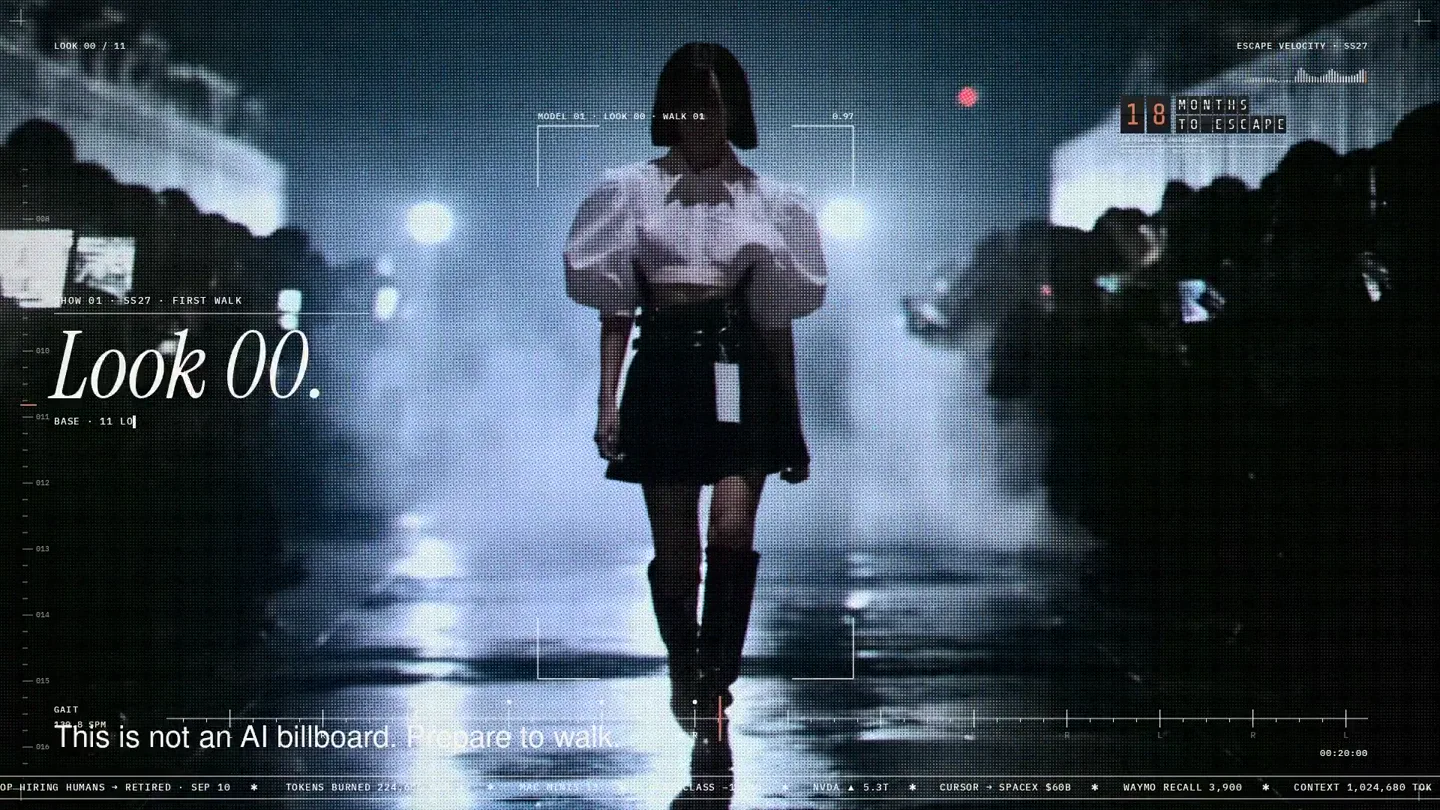
An overnight film made by giving Opus 5.5 Donald's prompt, Midjourney, and a moodboard. The piece is titled Look 00.

The new Grok Bot icon animated entirely in code — every state, shape and expression morphs smoothly into the next. Made with Grok Build.

The payment infrastructure for creators. Turn courses, ebooks, and apps into a live store in minutes.