
Create videos with Opus 5.5

From a brief to an editable project
Claude Opus 5.5 is a selectable model in Animatiq. Start with your own brief, review the plan, then refine the scenes and render the result. Model access and project limits depend on your account.
What it is
Claude Opus 5.5 is a model you can select in the Animatiq composer. This page starts the composer with Opus 5.5 already selected, so you can begin with a brief and reach a finished video sooner.
Opus 5.5 makes video by writing animation code. The code uses Canvas, SVG, Three.js, and GSAP to draw each scene, and the scene renders frame by frame. Motion built this way gives exact control over shapes, timing, and camera moves.
You do not write that code yourself. Animatiq turns your brief into scene code, shows you the plan first, and keeps the project editable after it renders.
Start here when you want the video built on Opus 5.5 from the first step. You can still select another model in the composer before you create the project.
The hard way
Making a video with Opus 5.5 by hand means building a production pipeline before the first frame. Each part can fail on its own. A missing font or a broken encode sends you back to the start.
Much of the effort goes to setup, not to the story. Each tool also changes over time, so you keep updating and testing the pipeline. You would need the following:
- An AI coding agent that writes and runs the animation code.
- A video framework that turns each frame into an image file.
- Node and Python for build tools and scripts.
- ffmpeg to encode the frames into an MP4 file.
- Model API keys, with billing set up for each service.
- An asset pipeline for logos, fonts, audio, and images.
- A render setup on your own machine or in the cloud.
With Animatiq
Animatiq runs the production steps for you. You start with a prompt and finish with a video you can still change. Model access and project limits depend on your account.
The flow runs in this order. Publishing and scheduling to connected channels is live.
- Write a prompt, or paste a brief, a URL, or a script.
- Review the plan. It lists each scene and the message in each scene.
- Animatiq builds an editable project from the plan you approved.
- Change text, timing, or color on the timeline, or ask for changes in chat.
- Render the project. Every project stays editable after the render.
- Publish the video, or schedule it to your connected channels.
What you can make
The same approach works across many kinds of video. These use cases show common starting points:
- Product launch videos that show one feature in motion.
- Explainer videos with diagrams that build one step at a time.
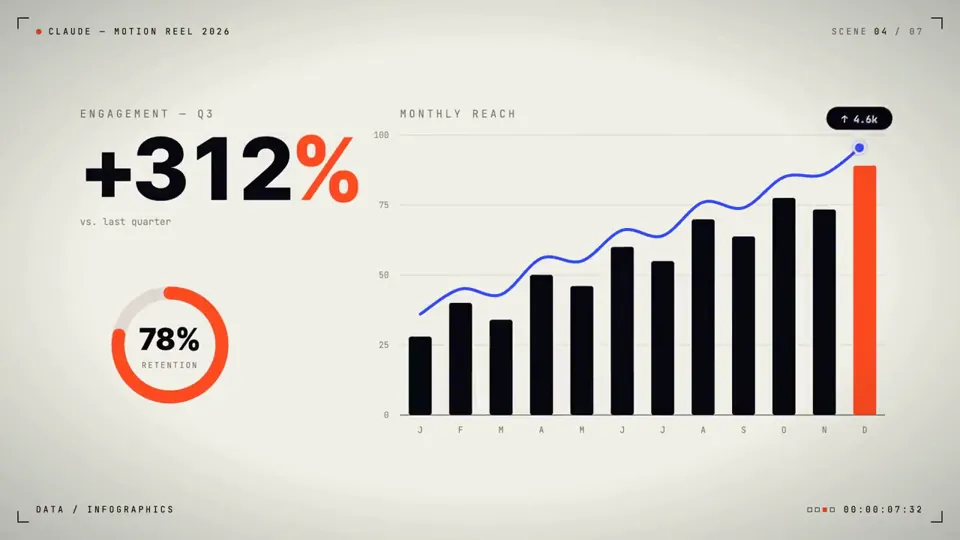
- Animated data stories with clear scales and plain takeaways.
- Logo and brand animations built around your mark.
- Social video cutdowns for short vertical formats.
Remix a gallery prompt
The Opus 5.5 gallery holds 475 videos made by creators on X. They fall into four categories: motion graphics, interactive, explainers, and 3D. Each video shows its prompt and links to its creator.
To remix a video, open it, copy its prompt, and adapt it to your brand. Replace the subject, the copy, and the colors with your own. Keep the structure that makes the original work, such as its pacing and its reveal.
A strong gallery prompt names the subject, the motion, the length, and the look. Use the same structure in your brief, and replace the details that belong to you.
The creators own their work. Credit the original creator when your remix keeps their idea.
Before you start
Is Opus 5.5 selected automatically?
Yes. This page starts the composer with Claude Opus 5.5 selected. You can choose another available model before creating the project.
Can I edit the video afterward?
Yes. Animatiq keeps the project editable so you can change its copy, timing, colors, and scenes and render another cut.
Do the example videos belong to Animatiq?
The examples link to the video directory and credit their original creators. Use their prompts as references for your own project.
Do I need to write code to use Opus 5.5?
No. Animatiq writes the animation code from your brief. You review the plan, edit the project, and render it.
Can I choose a different model?
Yes, if your account has access to it. Model access and project limits depend on your account.
Can I publish or schedule the video?
Yes. You can publish a render or schedule it to your connected channels.
Can I remix a gallery prompt?
Yes. Copy the prompt, change the subject and brand details, and build your own project. Credit the original creator when the remix keeps their idea.