
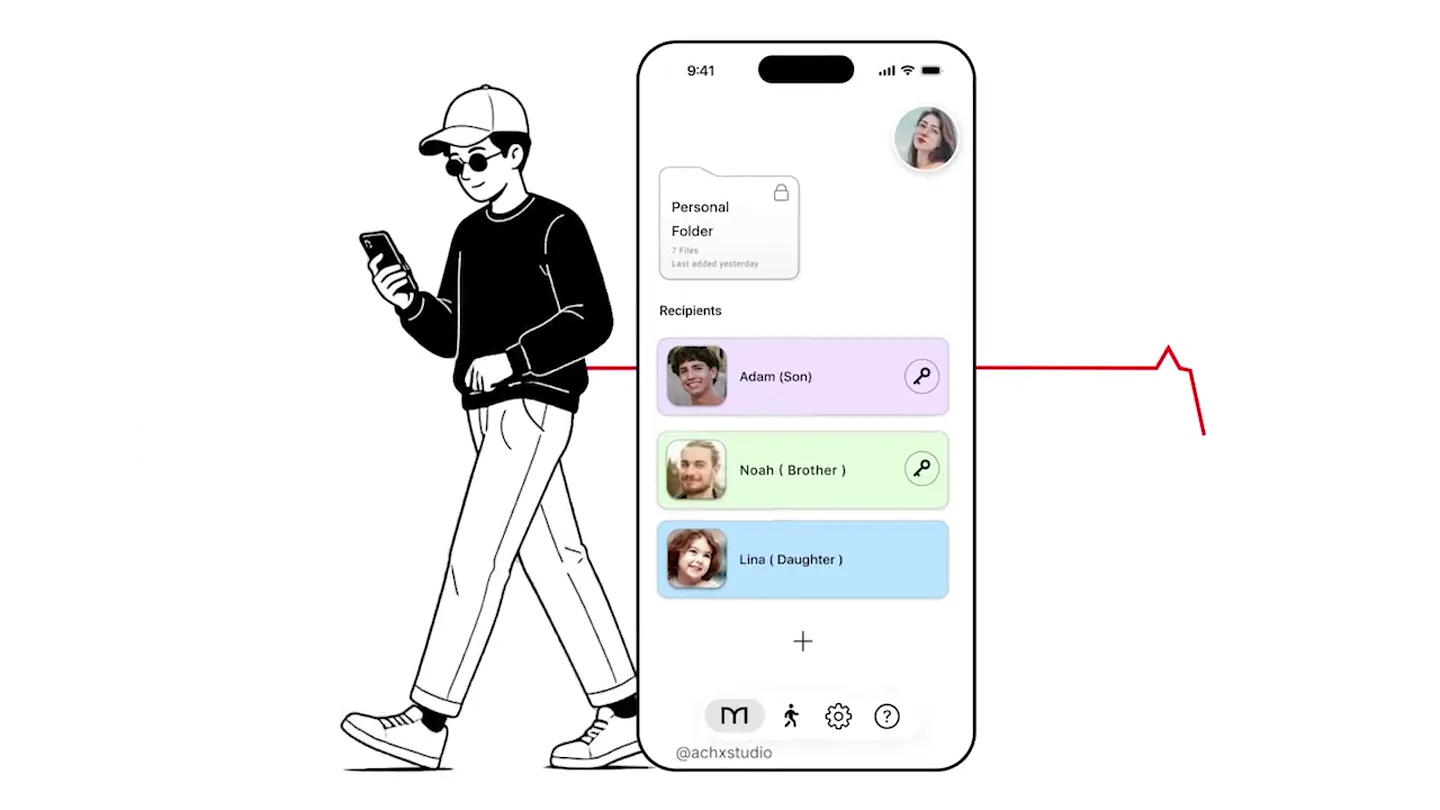
AchX · Launch Video Breakdown: Hook, Pacing & Motion Design
A recent launch film cooked by the AchX Studio team.
Scene-by-scene timeline & spoken transcript
The Hook
Introducing Misk: A Digital Legacy Solution
“(No spoken dialogue — Upbeat electronic score with four-on-the-floor kick, hi-hats, sub-bass, and synthesized percussion builds excitement.)”
- On screen
- Misk @achxstudio when you 9:41 Personal Folder 7 Files Last added yesterday Recipients + @achxstudio Choose two trusted Adam (Son) Noah ( Brother ) Lina ( Daughter ) Th Inbox Now Later Graduation day photos Our core memory Crypto Seed Phrase For my grand children My bank accounts & passwords Let Misk deliver it when the time your content with a shared secret Everything is end-to-end encrypted Meanwhile... If YOU Hello No longer with us Hello Adam, Please confirm Sarah's well-being. No longer with us 9:41 7 Sarah left this for you. Read this first In case of emergency Your childhood drawings Now Learn more at misk.now
- Camera
- Mix of static shots, subtle zooms, and pans across UI elements. Occasional wide shots of nature scenes with a person walking away.
- Motion
- Fast cuts, text reveals with subtle fades and scale, UI element highlights, cursor interaction animations, pixelation transitions.
Problem Agitation
The Challenge of Digital Inheritance
“(No spoken dialogue — The energetic electronic score continues, maintaining a propulsive rhythm with risers and sweeps.)”
- On screen
- (No on-screen text)
- Camera
- Focus on UI elements, with occasional full-screen text overlays. Some shots feature a person interacting with a phone.
- Motion
- Text wipes, object reveals, UI element pop-ins, and subtle parallax scrolling effects within the app interface.
Product Reveal
Misk: Securely Passing On Your Legacy
“(No spoken dialogue — The electronic score intensifies, with more prominent sub-bass drops and synthesized melodies.)”
- On screen
- (No on-screen text)
- Camera
- Dynamic camera movements, including quick zooms and rotations around 3D representations of UI elements. Some shots are from a first-person perspective interacting with the app.
- Motion
- 3D object rotations, depth-of-field shifts, animated data flows, and complex masking transitions revealing new content.
Call to Action
Experience Misk: Preserve What Matters
“(No spoken dialogue — The electronic score reaches its peak, then gently fades out with a final impactful beat.)”
- On screen
- (No on-screen text)
- Camera
- Smooth, deliberate camera moves, often tracking along UI paths or zooming out to reveal the full product interface. Final shot is a static display of the logo and URL.
- Motion
- Elegant wipe transitions, soft glows, subtle particle effects, and a final clean logo animation with a gentle bounce.
Motion design primitives
Synthesizable in Remotion · key components of the achx-misk-style-template template.
UITextReveal
Text appears on screen with a subtle scale-up and fade-in, often accompanied by a slight horizontal or vertical wipe effect. This is frequently used for headlines and key feature descriptions.
+ Code construction recipe
Utilize Remotion's `spring` for scale and opacity, combined with `interpolate` for position. Implement a `ClipPath` or `maskImage` for the wipe effect, animating its `inset` or `transform` property.
InteractiveCursorHighlight
A stylized cursor animates across the screen, clicking or hovering over UI elements, triggering visual feedback like button presses or menu expansions. Often includes a subtle glow or ripple effect on interaction.
+ Code construction recipe
Create a custom SVG cursor component. Animate its `x` and `y` coordinates using `interpolate` along predefined paths. Use `spring` for click animations (scale down/up) and `useCurrentFrame` to trigger `CSS filter` (e.g., `drop-shadow`) or `SVG filter` (e.g., `feGaussianBlur`) for hover effects.
PixelatedSceneTransition
Scenes transition by pixelating the outgoing frame into large, blocky squares, which then resolve into the incoming scene. This creates a distinct, digital-glitch aesthetic.
+ Code construction recipe
Apply a custom WebGL shader or a series of `CSS transform` and `filter` properties to a grid of `div` elements. Animate the `pixelSize` uniform in the shader or the `scale` and `opacity` of individual grid cells using `interpolate` and `delay` for a staggered effect.
Style DNA & aesthetic system
Visual aesthetic
Typography
Motion
Special effects
Pacing & rhythm
Conceptual story rhythm
- 1
Emotional Setup
Purpose. Establish the universal human desire to preserve memories and legacy, creating an emotional connection.
Execution. Opens with serene nature shots and a person walking, juxtaposed with simple, evocative text overlays.
- 2
Problem & Solution Introduction
Purpose. Highlight the challenge of digital inheritance and introduce Misk as the elegant solution.
Execution. Fast-paced UI demonstrations showing the complexity of current methods, followed by Misk's simplified, secure interface.
- 3
Feature Deep Dive & Security
Purpose. Showcase Misk's core functionalities and emphasize its robust security measures.
Execution. Detailed UI walkthroughs of recipient selection, content scheduling, and explicit text overlays about end-to-end encryption.
- 4
Impact & Call to Action
Purpose. Illustrate the positive impact of Misk and guide users to learn more.
Execution. Emotional payoff scenes (e.g., receiving a message from a loved one) followed by a clear logo reveal and website URL.
Remix in Animatiq Studio
Master remix prompt · agent-ready
Sample remix
Objective
A launch video for 'Synapse AI', a creative AI tool that generates video storyboards from text prompts.How the recipe adapts
The video would open with abstract, evolving AI-generated visuals instead of nature scenes, representing the creative process. UITextReveal would introduce 'Synapse AI' and its core promise. InteractiveCursorHighlight would demonstrate typing a prompt and the AI instantly generating storyboard frames. PixelatedSceneTransition would be used to shift between different storyboard layouts or AI-generated visual styles. The narrative would focus on the ease of creative ideation and secure collaboration, culminating in a call to action to visit synapse.ai.Remix blueprint · achx-misk-style-template
Scene durations (6 scenes, 81.9s)
Key Remotion components
Related Creative AI & Video Product Launches
Explore all Creative AI & Video launches →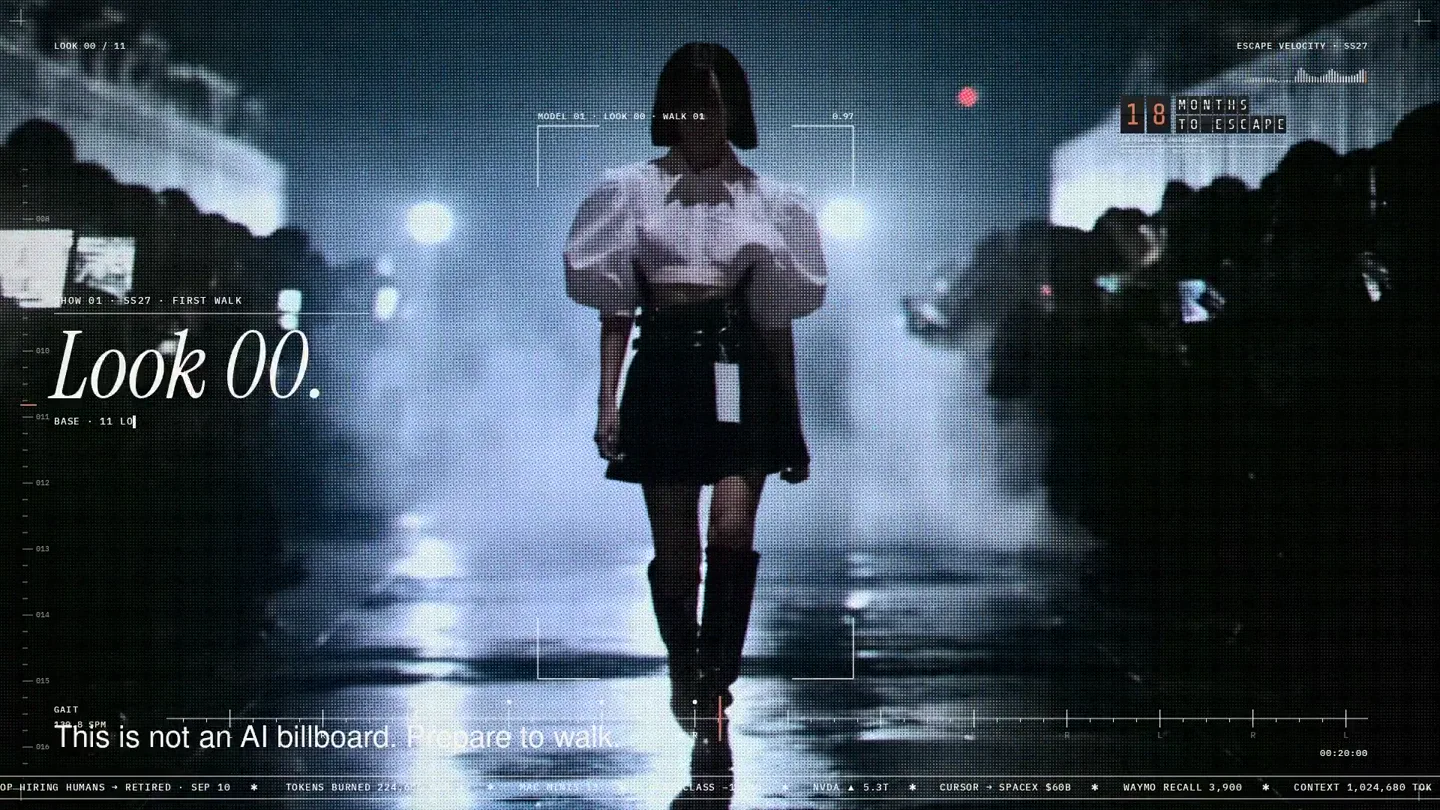
An overnight film made by giving Opus 5.5 Donald's prompt, Midjourney, and a moodboard. The piece is titled Look 00.

The new Grok Bot icon animated entirely in code — every state, shape and expression morphs smoothly into the next. Made with Grok Build.

The payment infrastructure for creators. Turn courses, ebooks, and apps into a live store in minutes.