
Agent Opus · Launch Video Breakdown: Hook, Pacing & Motion Design
Upload a song and Agent Opus builds scenes, cuts, and timing from the audio in one prompt. Now available to all users.
Scene-by-scene timeline & spoken transcript
The Hook
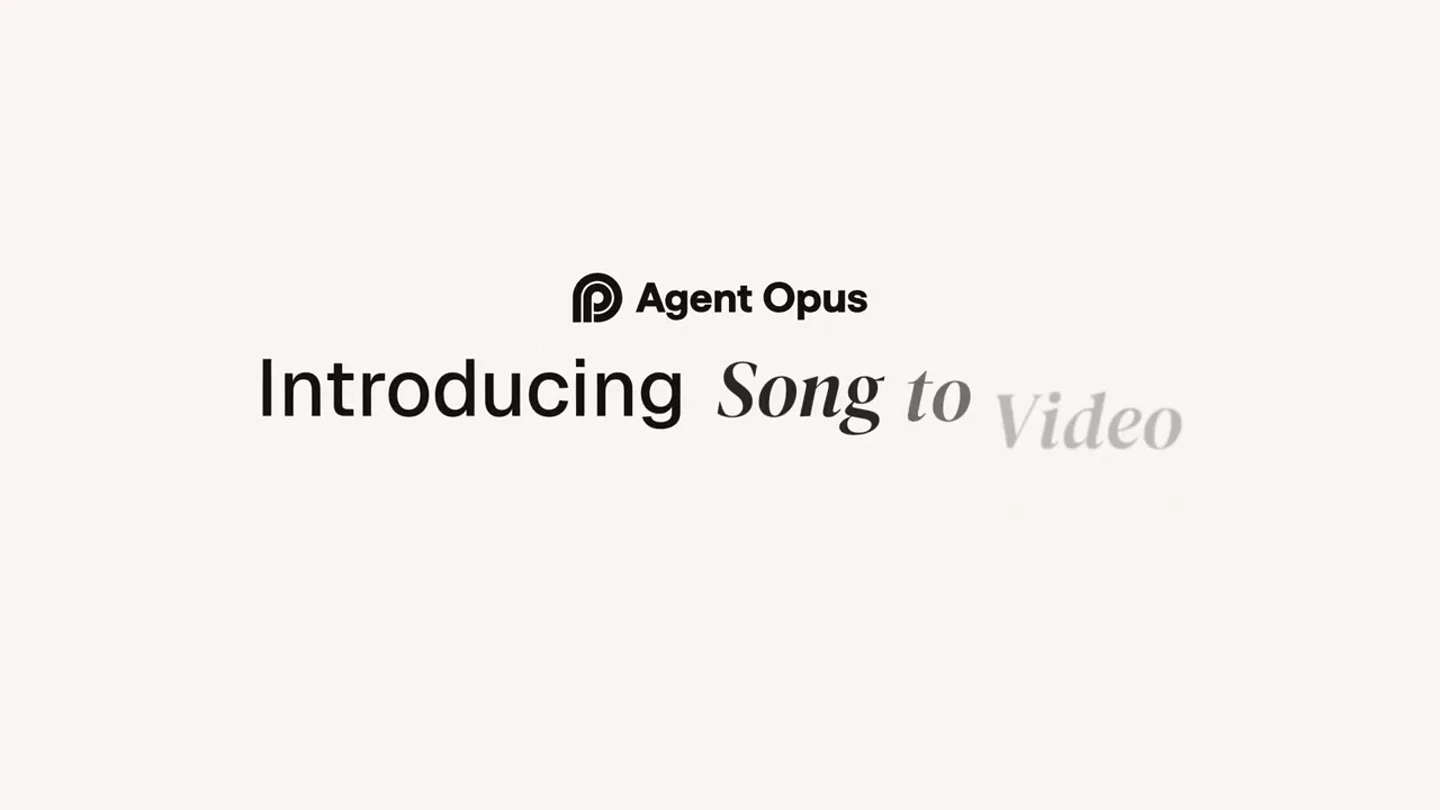
Introducing Agent Opus: Turn Any Song into a Music Video
“(No spoken dialogue — ethereal female vocals, atmospheric synths, subtle electronic drums, deep sub-bass)”
- On screen
- Agent Opus Introducing Turn any song into a music video.
- Camera
- Static shot, centered text fades in and out.
- Motion
- Subtle text fade-in/fade-out, simple typography reveal.
Product Reveal
AI Prompt Interface
“(No spoken dialogue — ethereal female vocals, atmospheric synths, subtle electronic drums, deep sub-bass)”
- On screen
- field-of-dreams.mp3 Describe your music video... Dreamy Blotch Assets Optional Brand brief 9:16 Quality - Premium
- Camera
- Static, top-down view of a UI element.
- Motion
- UI element slides in from the top, cursor animates to click.
Feature Teaser
AI-Generated Cinematic Montage
“(No spoken dialogue — ethereal female vocals, atmospheric synths, subtle electronic drums, deep sub-bass)”
- On screen
- (No on-screen text)
- Camera
- Dynamic camera movements within the generated scenes, including low-angle shots, wide shots, and close-ups.
- Motion
- Rapid, seamless cuts between AI-generated animated scenes, creating a visual narrative flow. Scenes pan and zoom subtly.
Call to Action
Agent Opus: Available Now
“(No spoken dialogue — ethereal female vocals, atmospheric synths, subtle electronic drums, deep sub-bass)”
- On screen
- Agent Opus opus.pro/agent
- Camera
- Static shot, centered logo and URL.
- Motion
- Logo and URL fade in, simple and direct call to action.
Motion design primitives
Synthesizable in Remotion · key components of the agent-opus-cinematic-ai-launch template.
TextFadeReveal
Text elements appear and disappear with a smooth, subtle opacity transition, often accompanied by a slight scale or position shift.
+ Code construction recipe
Use `interpolate` for `opacity` and `transform` properties (e.g., `translateY` or `scale`) over a short duration, applying an `ease-in-out` curve.
UISlideAndClick
User interface elements slide into view from off-screen, followed by an animated cursor that moves and performs a click action.
+ Code construction recipe
Animate `transform: translateY` for the UI element using `spring` for a natural bounce. Animate the cursor's `left` and `top` properties with `interpolate` and a `linear` curve, followed by a `scale` animation for the click.
CinematicSceneCarousel
Multiple animated scenes are presented in a horizontal carousel format, with the main scene in focus and adjacent scenes partially visible, transitioning rapidly between them.
+ Code construction recipe
Implement a `Sequence` of `AbsoluteFill` components, each containing a video or image sequence. Use `spring` for `transform: translateX` to slide scenes, and `scale` for the active scene, with `opacity` for side scenes.
Style DNA & aesthetic system
Visual aesthetic
Typography
Motion
Special effects
Pacing & rhythm
Conceptual story rhythm
- 1
The Enigmatic Promise
Purpose. Intrigue the viewer with a bold claim about the product's capability without revealing how.
Execution. Minimalist text on a clean background, slowly fading in and out, setting a contemplative tone.
- 2
The Magical Input
Purpose. Showcase the simplicity of the product's core interaction: audio upload and prompt.
Execution. A clean UI element slides in, a cursor animates to upload a file and type a prompt, emphasizing ease of use.
- 3
The Dream Unfolds
Purpose. Demonstrate the product's output: a rich, emotionally resonant animated music video.
Execution. A rapid montage of diverse, beautifully animated scenes, showcasing the AI's creative range and emotional depth, synchronized with the melancholic music.
- 4
The Invitation
Purpose. Provide a clear call to action for users to experience the product.
Execution. The company logo and website URL appear clearly on a clean background, concluding the narrative with a direct instruction.
Remix in Animatiq Studio
Master remix prompt · agent-ready
Sample remix
Objective
Launch a new AI tool, 'Code Canvas,' that transforms complex code into beautiful, interactive 3D data visualizations.How the recipe adapts
The initial text 'Introducing Code Canvas: Turn any code into a 3D visualization' will use the TextFadeReveal primitive. The UI interaction will show a code editor with a 'Run' button, using UISlideAndClick. The core montage will feature rapidly cut, abstract 3D visualizations of data structures and algorithms, rendered in a soft, ethereal style, adapting the CinematicSceneCarousel primitive. The final call to action will display 'Code Canvas' logo and 'codecanvas.ai' using TextFadeReveal.Remix blueprint · agent-opus-cinematic-ai-launch
Scene durations (4 scenes, 20s)
Key Remotion components
Related Creative AI & Video Product Launches
Explore all Creative AI & Video launches →
Figma's Made in Figma 2025 reel, a showcase film of work designed in the tool.
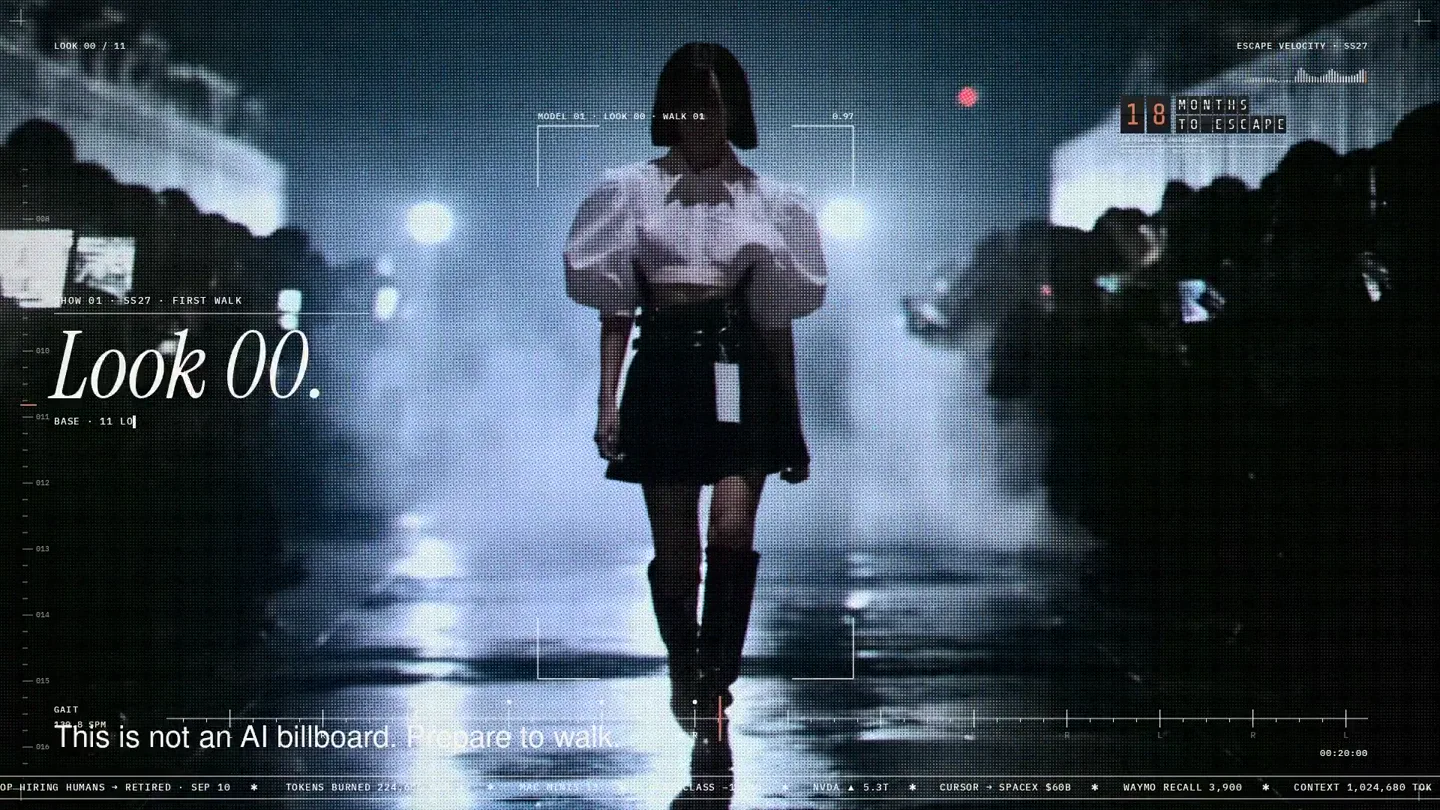
An overnight film made by giving Opus 5.5 Donald's prompt, Midjourney, and a moodboard. The piece is titled Look 00.

The new Grok Bot icon animated entirely in code — every state, shape and expression morphs smoothly into the next. Made with Grok Build.