
AI Autocomplete · Launch Video Breakdown: Hook, Pacing & Motion Design
AI Autocomplete adds typed filters to Shopify store search so shoppers can narrow results as they type, instead of scrolling a generic results list.
Scene-by-scene timeline & spoken transcript
The Hook
The Problem with Generic Search
“Today Shopify stores with powerful AI search are able to help their customers find exactly what they want. But what about the stores that don't?”
- On screen
- Today Shopify Stores With powerful AI() stores with search
- Camera
- Static, then subtle zoom out to reveal a search bar. Text elements animate in and out.
- Motion
- Text reveal with blur and scale, UI element pop-in, subtle camera push.
Problem Agitation
The Frustration of Manual Filtering
“Shoppers are left to type, scroll, then filter.”
- On screen
- running shoes Type... 🤔 Scroll... 😔 Filter... 😩 then filtering
- Camera
- Static, showcasing a simulated user interaction with a search bar and product grid.
- Motion
- On-screen text and emoji animations, cursor interaction simulation, product grid pop-in.
Product Reveal
Introducing AI Autocomplete
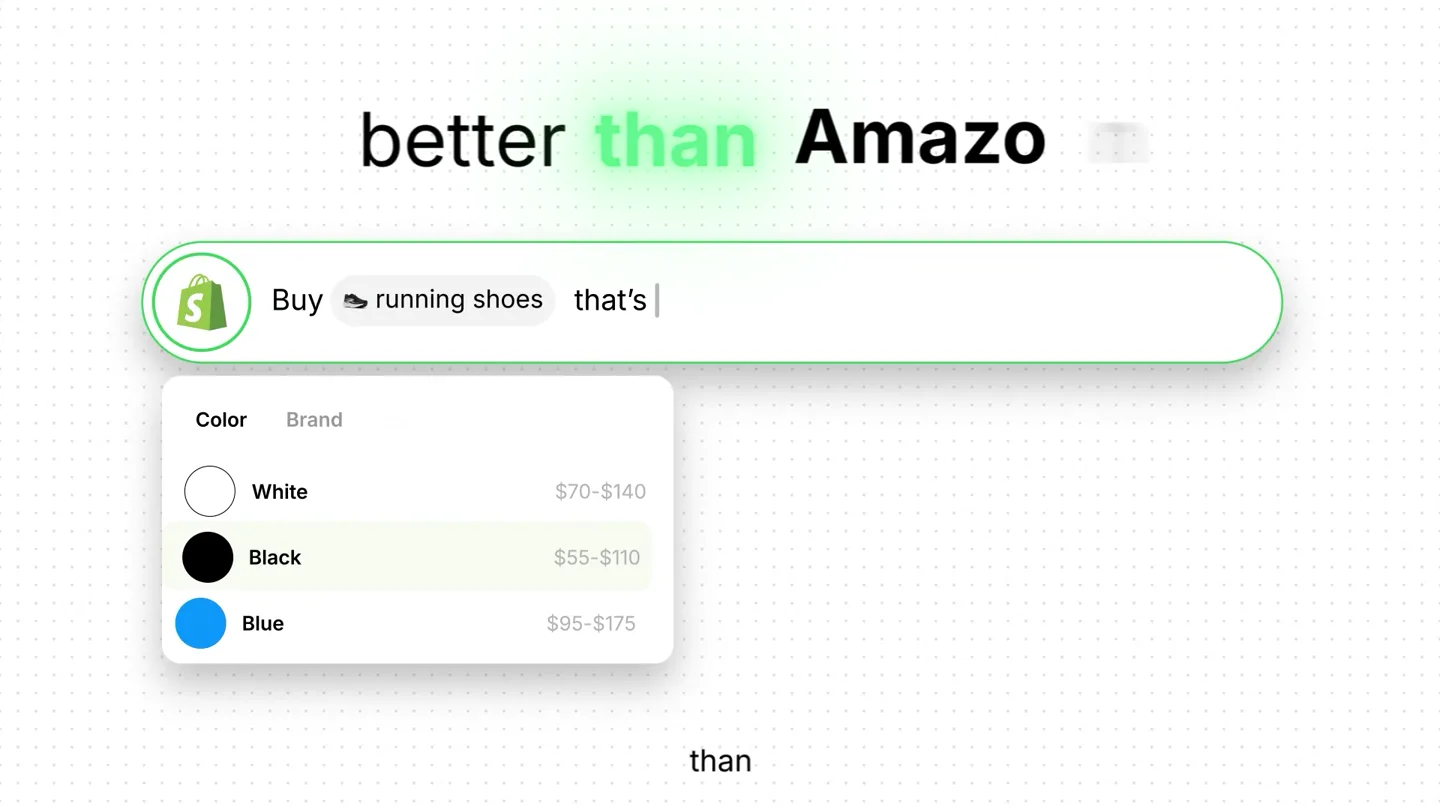
“AI Autocomplete adds typed filters to Shopify store search so shoppers can narrow results as they type, instead of scrolling a generic results list. They can filter by categories, colors, sizes, and prices.”
- On screen
- AI Autocomplete autocomplete Buy running shoes that's Color Brand White $70-$140 Black $55-$110 Blue $95-$175 for Brand Size Adidas $80-$150 Nike $100-$195 Puma $60-$120 categories Size: 11 | prices
- Camera
- Static, then a dynamic reveal of the AI Autocomplete feature, demonstrating its functionality.
- Motion
- Text wipe, UI element reveal with bounce, simulated typing and filter application, product card updates.
Feature Teaser
Instant Gratification & Easy Installation
“Find anything instantly. And the best part? It's a one-click install in the Shopify App Store.”
- On screen
- Find anything instantly Buy running shoes that's Black Nike Size: 11 | Nike Pegasus 42 Road Running Shoes $150 Nike ACG Pegas Trail Road Running Shoes $130 Nike Pegasus $140 anything powerful part? One-click install. AI Autocomplete 4.9 (124) Free plan available Smarter product search with AI-powered suggestions and filters. Install click because (07) (03) (01) 70s C (06) (09) results
- Camera
- Static, then a quick pan and zoom to highlight the 'Install' button, followed by a product grid montage.
- Motion
- Product card highlight, app store UI simulation, quick cuts, product grid reveal with staggered animation.
Call to Action
Empower Shoppers, Drive Sales
“Because shoppers don't want to scroll through endless results. They need the one they want. Help them find it with AI Autocomplete in the Shopify App Store.”
- On screen
- ADD TO CART They need the one they want they want Help them find it with With AI in the Shopify App Store in the Shopify App Store
- Camera
- Static, focusing on a call to action button, then text reveals, concluding with the Shopify App Store logo.
- Motion
- Text reveal with color highlight, pixelated background transition, logo reveal with subtle glow.
Motion design primitives
Synthesizable in Remotion · key components of the ai-autocomplete-launch-template template.
UITextReveal
Text elements appear with a subtle blur and scale, often accompanied by a color highlight or a quick wipe effect. UI elements like search bars or product cards pop into view with a slight bounce.
+ Code construction recipe
Use `interpolate` for `opacity`, `scale`, and `blur` properties. Employ `spring` for a subtle bounce effect on UI element entry. Text can use `clipPath` or `maskImage` for wipe effects, with `color` interpolation for highlights.
InteractiveCursor
A stylized cursor (often a hand icon) moves across the screen, simulating user interaction with search bars, filters, and buttons, highlighting clickable areas.
+ Code construction recipe
Animate `x` and `y` positions of an SVG cursor component using `sequence` and `interpolate`. Use `scale` and `opacity` for click feedback on target elements. Implement `delay` for realistic interaction timing.
DynamicProductGrid
Product cards or app listings appear in a staggered, grid-like fashion, often with a slight rotation or depth effect, and can be highlighted upon interaction.
+ Code construction recipe
Utilize `map` to render an array of product components. Apply `delay` to each item based on its index for staggered entry. Use `transform` properties (e.g., `rotateY`, `translateZ`) for depth, and `box-shadow` for highlights. `Grid` layout for positioning.
Style DNA & aesthetic system
Visual aesthetic
Typography
Motion
Special effects
Pacing & rhythm
Conceptual story rhythm
- 1
The Pain Point
Purpose. Establish the problem of inefficient search in e-commerce.
Execution. Show a generic search bar and the frustrating 'type, scroll, filter' process with emojis.
- 2
The Solution
Purpose. Introduce AI Autocomplete as the direct answer to the problem.
Execution. Reveal 'AI Autocomplete' text with a strong visual, then demonstrate its filtering capabilities in action.
- 3
The Benefit
Purpose. Highlight the ease of finding products and the simplicity of installation.
Execution. Showcase instant results and a 'one-click install' process in the Shopify App Store.
- 4
The Call to Action
Purpose. Reinforce the value proposition and guide users to the app store.
Execution. Emphasize 'find it' and direct viewers to 'in the Shopify App Store' with a clear visual prompt.
Remix in Animatiq Studio
Master remix prompt · agent-ready
Sample remix
Objective
A new project management app called 'TaskFlow' that uses AI to auto-assign tasks and optimize team workflows.How the recipe adapts
The 'UITextReveal' primitive would introduce 'TaskFlow' and its core features like 'AI Task Assignment' and 'Workflow Optimization'. The 'InteractiveCursor' primitive would simulate a user interacting with the TaskFlow dashboard, dragging and dropping tasks, and approving AI suggestions. The 'DynamicProductGrid' primitive would be adapted to show a staggered reveal of project cards or team member avatars, demonstrating how tasks are distributed and completed. The color palette would shift to a primary blue with green accents for completion statuses, maintaining the clean, modern aesthetic.Remix blueprint · ai-autocomplete-launch-template
Scene durations (5 scenes, 45s)
Key Remotion components
Related Consumer & Apps Product Launches
Explore all Consumer & Apps launches →
Grand Theft Auto VI: An Extended Look premieres on Netflix Thursday, August 27.
Polymarket Perps is live with up to 20x leverage on crypto, stocks, commodities, and more. Long BTC, predict the Fed, or short the S&P reaction.
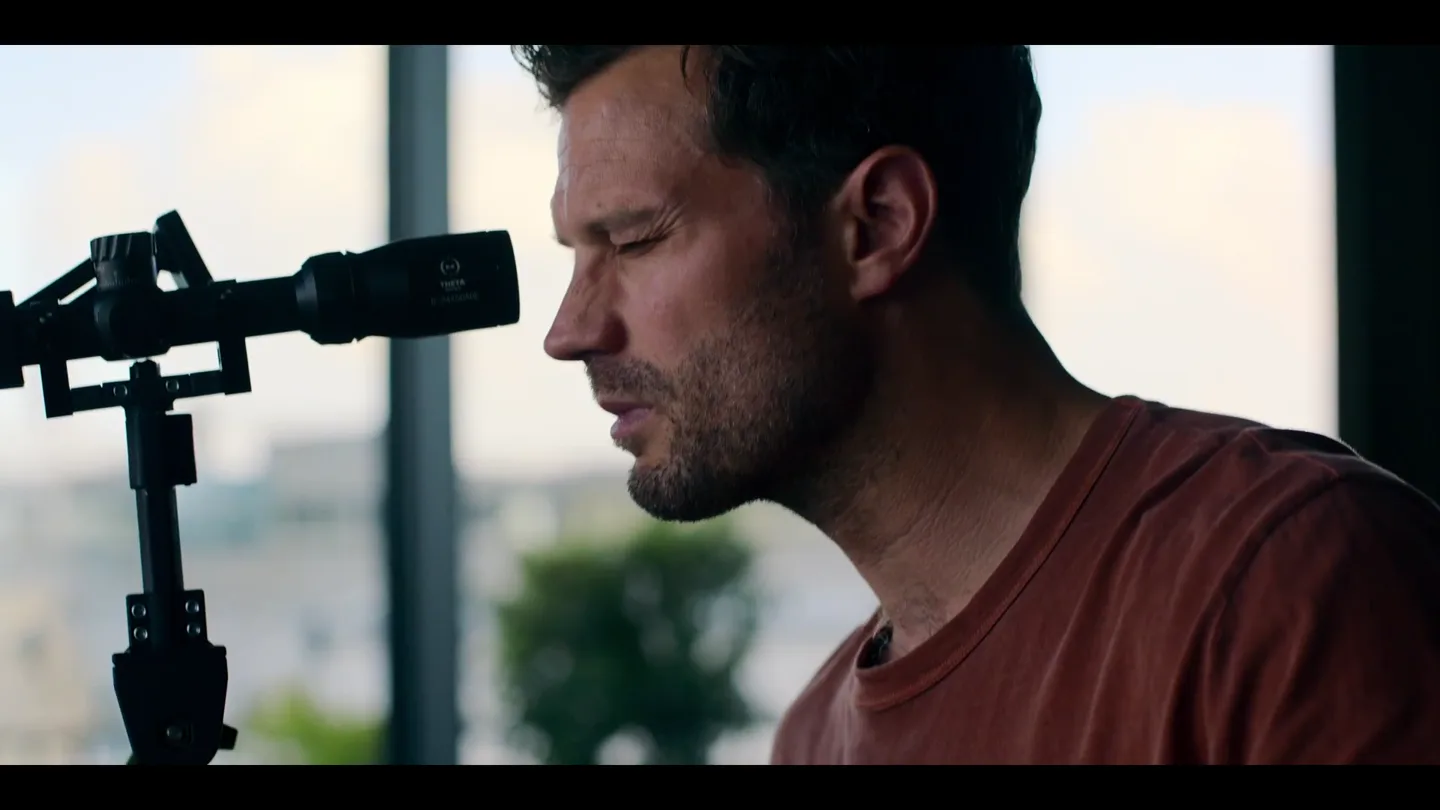
12 months to plan. 12 hours to execute. 12 days to make it out alive. 12 12 12 premieres November 13 on Apple TV+.