
Arcane Ai · Launch Video Breakdown: Hook, Pacing & Motion Design
BREAKING: Video editing just got as simple as editing a text document. Aleph 2.0 is live on @runwayml's new Edit Studio right now! Here is my quick tutorial showing 3 of its most powerful post-prod…
Scene-by-scene timeline & spoken transcript
The Hook
Effortless Video Upload & Initial Prompt
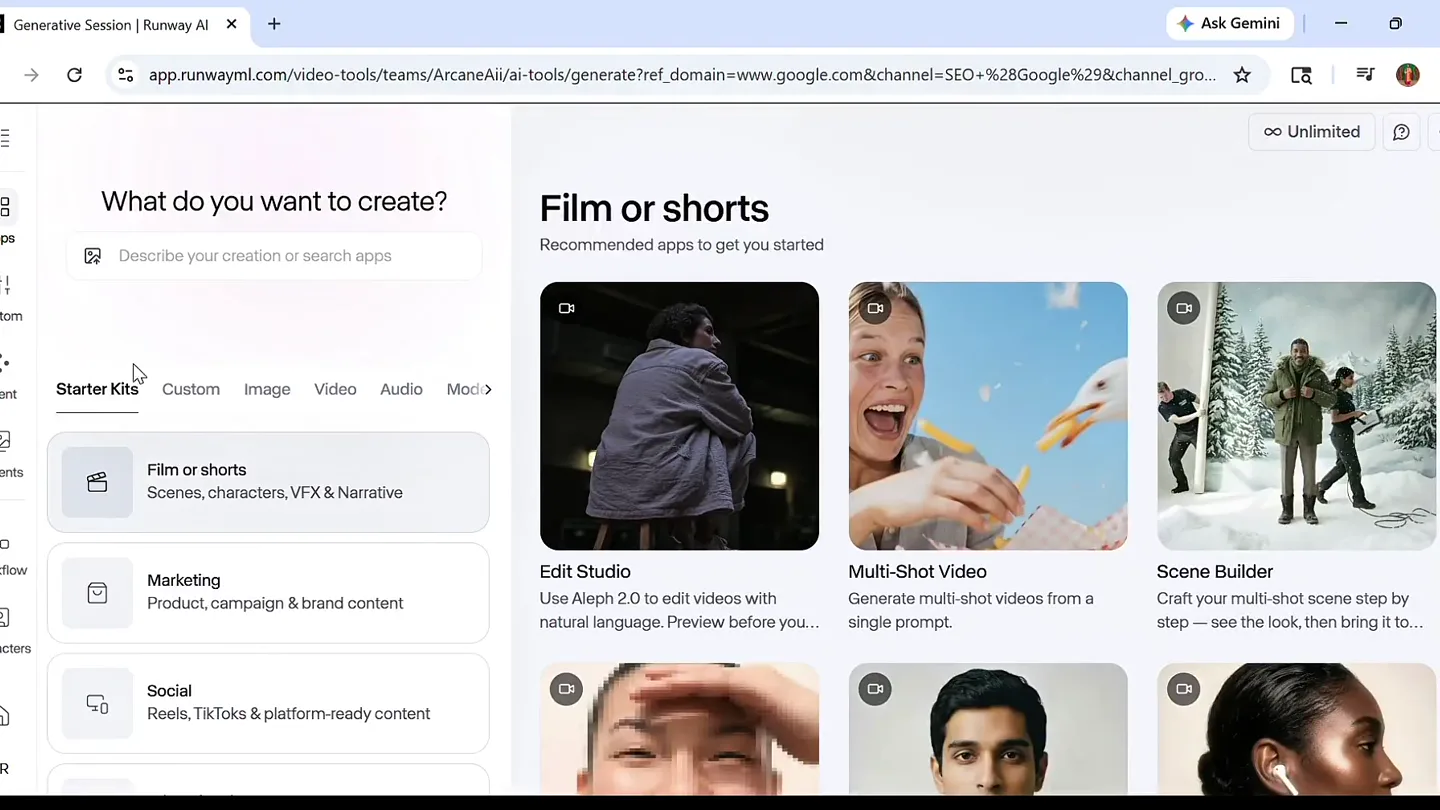
“So, here we are in Runway's Fresh Edit Studio. I'm going to upload a video.”
- On screen
- Generative Session | Runway AI, app.runwayml.com/video-tools/teams/ArcaneAi/ai-tools/generate?ref_domain=www.google.com&channel=SEO+%2BGoogle%2Bchannel_grouping%3DOrganic+Search, Ask Gemini, Recent Sessions, Untitled session, See all Sessions, Apps, Custom, Agent, Starter Kits, Custom, Image, Video, Audio, Motion, Film or shorts, Scenes, characters, VFX & Narrative, Edit Studio, Use Aleph 2.0 to edit videos with natural language. Preview before you..., Multi-Shot Video, Generate multi-shot videos from a single prompt., Scene Builder, Craft your multi-shot scene step by step — see the look, then bring it to..., Marketing, Product, campaign & brand content, Social, Reels, TikToks & platform-ready content, Workflow, Characters, AR, Unlimited, Done, Get the video you need. From the video you have., Upload a video to begin editing, Upload, Select, Try Edit Studio for, Swap Product, Change Lighting, Change Background, Remove Anything, Uploading... 88%
- Camera
- Static screen capture of a web application interface. The mouse cursor moves to click on UI elements.
- Motion
- Screen recording with animated cursor interaction. UI elements highlight on hover/click.
Product Reveal
AI Style Transformation in Action
“And then I'm going to set a prompt. I'm going to say, 'Change the style to Dark anime.' And then I'm going to hit 'Generate Video.'”
- On screen
- Generative Session | Runway AI, app.runwayml.com/video-tools/teams/ArcaneAi/ai-tools/generate?ref_domain=www.google.com&channel=SEO+%2BGoogle%2Bchannel_grouping%3DOrganic+Search, Ask Gemini, Recent Sessions, Untitled session, See all Sessions, Apps, Custom, Agent, Starter Kits, Custom, Image, Video, Audio, Motion, Film or shorts, Scenes, characters, VFX & Narrative, Edit Studio, Use Aleph 2.0 to edit videos with natural language. Preview before you..., Multi-Shot Video, Generate multi-shot videos from a single prompt., Scene Builder, Craft your multi-shot scene step by step — see the look, then bring it to..., Marketing, Product, campaign & brand content, Social, Reels, TikToks & platform-ready content, Workflow, Characters, AR, Unlimited, Done, Get the video you need. From the video you have., Upload a video to begin editing, Upload, Select, Try Edit Studio for, Swap Product, Change Lighting, Change Background, Remove Anything, Uploading... 88%, 48163.mp4, Reference, Describe a change to preview, ex. add this hat, Single edit, Multi-edit, Expand, Nano Banana Pro, Prompt versions, Your previews will show up here, Motion, Generate Video, Changes will carry through the video., Generating..., You can generate more frames while you wait., Dark Anime Style Conversion, Before, After, Re-prompt, Edit this image, Use as reference, New, 10%, You're on a roll! Please wait for your last generation to complete, or switch to Credits Mode., 12%, Aleph 2..., 0%, Tip: For more action and movement, try words like "cinematic action", "flying", or "speeding"., change the weather to dark and gloomy
- Camera
- Static screen capture with mouse interactions. The UI updates dynamically to show generation progress and results.
- Motion
- Animated UI elements, progress indicators, and a 'before/after' slider reveal. Text input animation.
Feature Teaser
Side-by-Side AI Transformation Comparison
“And here we have the original video on the left, and the AI-generated video on the right. You can see it's changed the style to a dark anime. It's also changed the lighting and the overall mood of the video.”
- On screen
- (No on-screen text)
- Camera
- Split-screen view, with the original video on the left and the AI-generated version on the right. Both videos play simultaneously.
- Motion
- Synchronized split-screen playback, showcasing real-time AI transformation. Subtle camera movement within the original footage.
Feature Teaser
Dynamic Weather & Mood Alteration
“Now, let's try something else. I'm going to change the weather to dark and gloomy. And then I'm going to hit 'Generate Video' again.”
- On screen
- (No on-screen text)
- Camera
- Split-screen view, similar to the previous scene, but now demonstrating a different AI transformation (weather change).
- Motion
- Synchronized split-screen playback. A dramatic sub-bass drop/impact sound design element emphasizes the weather change.
Call to Action
Effortless AI Video Editing
“And here we have the original video on the left, and the AI-generated video on the right. You can see it's changed the weather to dark and gloomy. It's also changed the overall mood of the video. This is just a quick tutorial showing you three of its most powerful post-production features.”
- On screen
- (No on-screen text)
- Camera
- Split-screen view, continuing the demonstration of AI-generated weather changes.
- Motion
- Synchronized split-screen playback, reinforcing the product's capability. Consistent visual comparison.
Motion design primitives
Synthesizable in Remotion · key components of the runway-ai-tutorial-template template.
UIScreenCapture
A static screen recording of a web application, featuring a visible mouse cursor that interacts with UI elements like buttons, text fields, and dropdowns. UI elements highlight on hover and click, and input fields animate text entry.
+ Code construction recipe
Use Remotion's `AbsoluteFill` for the screen capture video. Overlay an SVG cursor with `spring()` animation for clicks and `interpolate()` for path movement. Implement `Sequence` for timed UI element highlights and text input animations using `Typewriter` component.
BeforeAfterSlider
A dynamic slider that transitions between a 'Before' and 'After' image or video, revealing the AI-generated transformation. The slider can be manually dragged or automatically animate across the frame.
+ Code construction recipe
Utilize Remotion's `AbsoluteFill` with two `Video` or `Img` components. Use `interpolate()` to animate the `clipPath` or `width` property of the 'After' layer, creating a sliding reveal effect. Add a draggable handle with `useCurrentFrame()` and `useVideoConfig()` for interactive control.
SynchronizedSplitScreen
Two video feeds playing simultaneously side-by-side, typically showing an original video on one side and an AI-transformed version on the other for direct comparison.
+ Code construction recipe
Employ Remotion's `AbsoluteFill` with two `Video` components, each occupying 50% of the width. Ensure both videos are synchronized using `startFrom` and `endAt` props or by passing the same `frame` to both video components if they are pre-rendered.
Style DNA & aesthetic system
Visual aesthetic
Typography
Motion
Special effects
Pacing & rhythm
Conceptual story rhythm
- 1
Introduction to the Studio
Purpose. Orient the viewer to the software environment and the initial action of uploading a video.
Execution. Screen capture of the Runway Edit Studio interface, showing navigation and the 'Upload' button.
- 2
First AI Transformation
Purpose. Demonstrate the core capability of AI style transfer with a clear, immediate result.
Execution. Typing a prompt, clicking 'Generate Video', and then a 'Before/After' slider or split-screen reveal of the 'Dark anime' style.
- 3
Second AI Transformation
Purpose. Showcase another powerful feature, emphasizing the versatility of the AI.
Execution. Typing a new prompt for 'dark and gloomy' weather, followed by another split-screen comparison.
- 4
Summary & Call to Value
Purpose. Reinforce the product's ease of use and highlight its key benefits.
Execution. Continued split-screen comparison, with the speaker summarizing the demonstrated features.
Remix in Animatiq Studio
Master remix prompt · agent-ready
Sample remix
Objective
Demonstrate an AI-powered image upscaling and style transfer tool for photographers.How the recipe adapts
The UI screen-capture will show a user uploading a low-resolution image, typing a prompt like 'upscale and apply cinematic film grain,' and then clicking 'Generate.' A BeforeAfterSlider will reveal the high-resolution, stylized image. A SynchronizedSplitScreen will then compare the original and processed images, highlighting details like texture and clarity. The instructional voiceover will guide through each step, with a subtle electronic beat and a 'whoosh' sound effect when the AI transformation completes.Remix blueprint · runway-ai-tutorial-template
Scene durations (5 scenes, 56s)
Key Remotion components
Related Tech & SaaS Product Launches
Explore all Tech & SaaS launches →
Unreal Engine 6 has been announced with Rocket League.
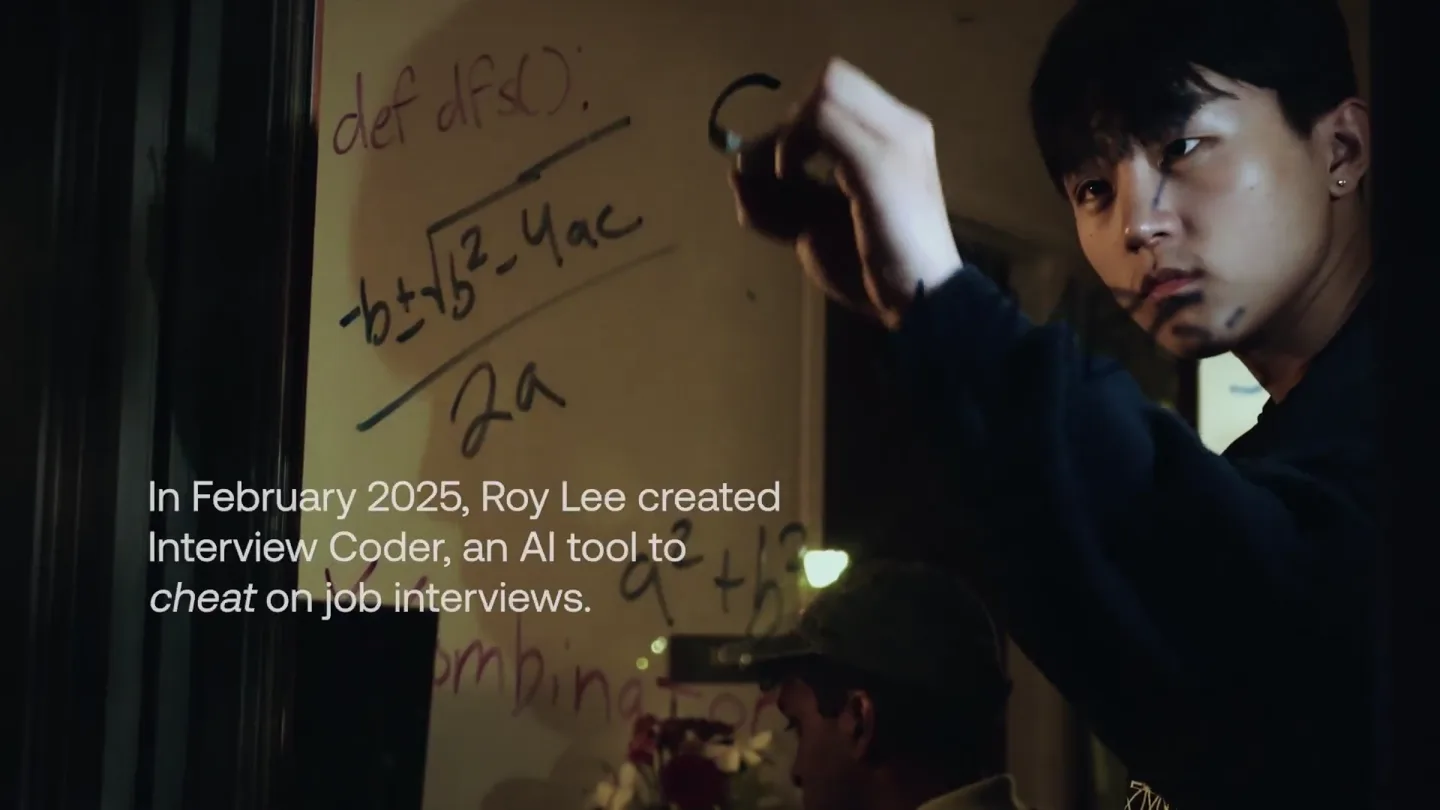
announcing @cluely's $15M fundraise, led by @a16z. cheat on everything.
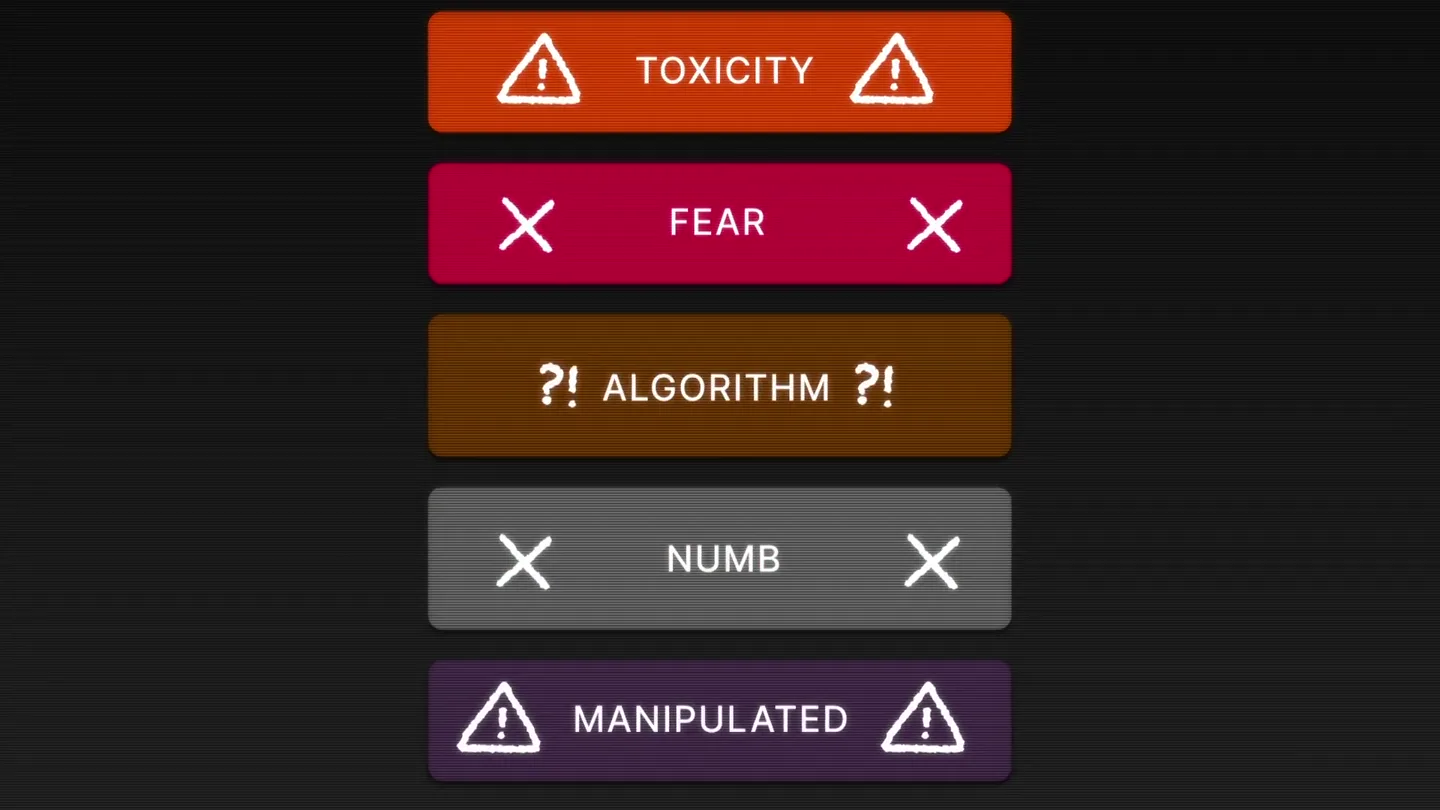
Yesterday we launched Bouncer to put users in control of their Twitter feed. Today, we open sourced the Chrome extension. We believe software should align with your interests, not the company that…