
arj · Launch Video Breakdown: Hook, Pacing & Motion Design
A tool to animate an AI character design — edit fins, motion, material, pulsing and more to create states, with one-click code / video export.
Scene-by-scene timeline & spoken transcript
The Hook
Dynamic AI Character Animation
“(No spoken dialogue — High-energy audio riser followed by a significant sub-bass drop/impact at 0:01, and another impactful sub-bass hit at 0:04.)”
- On screen
- Searching Thinking Writing Ripple Mouse Music Export video Export code
- Camera
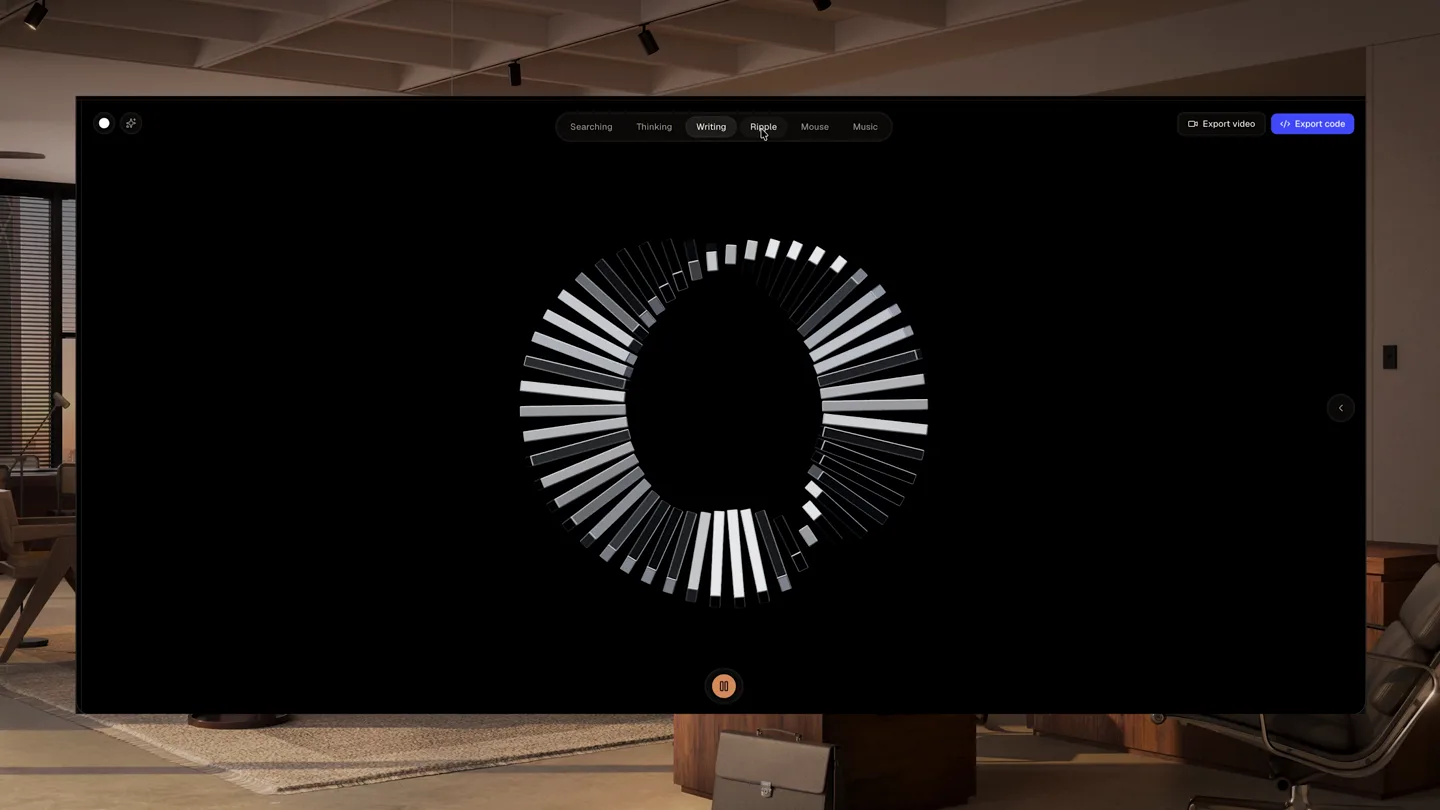
- Static wide shot of a UI window centered on a dark background, revealing an office environment behind it.
- Motion
- Procedural animation of a circular array of fins, with individual fins changing length and opacity in a rhythmic, wave-like pattern. UI elements highlight 'Ripple'.
Product Reveal
Fine-Tuning Geometry & Material
“(No spoken dialogue — Sustained electronic sweep/riser from 0:06 to 0:07, culminating in a powerful sub-bass impact at 0:07.)”
- On screen
- Variables: MOTION Pulse period 3.5 Spin Y 0° /s Spin X 0° /s Spin Z 0° /s GEOMETRY # of fins 58 Fin density 0.10 MATERIAL Glow tint #000000 RIPPLE (No on-screen text)
- Camera
- Static wide shot, UI window remains centered. Focus shifts to the right-hand 'Variables' panel.
- Motion
- UI interaction with sliders and color pickers. The circular fin array dynamically updates in real-time as '# of fins' and 'Fin density' parameters are adjusted, increasing complexity and density.
Feature Teaser
Customizing Glow & Ripple Effects
“(No spoken dialogue — Subtle electronic sweep from 0:10 to 0:11, followed by a sub-bass impact at 0:11.)”
- On screen
- Variables: MOTION Pulse period 3.5 Spin Y 0° /s Spin X 0° /s Spin Z 0° /s GEOMETRY # of fins 122 Fin density 0.03 MATERIAL Glow tint #D08080 RIPPLE (No on-screen text)
- Camera
- Static wide shot. The UI panel continues to be the focal point.
- Motion
- Real-time color change of the 'Glow tint' parameter, shifting the fin array's glow from white to a soft pink. The 'Fin density' is further reduced, making the individual fins more distinct.
Feature Teaser
Advanced Aliveness Parameters
“(No spoken dialogue — Building electronic riser from 0:14 to 0:15, leading to a strong sub-bass impact at 0:15.)”
- On screen
- Variables: MOTION Pulse period 3.5 Spin Y 0° /s Spin X 0° /s Spin Z 0° /s GEOMETRY # of fins 122 Fin density 0.03 MATERIAL Glow tint #D08080 RIPPLE (No on-screen text)
- Camera
- Static wide shot. The UI panel scrolls down to reveal more parameters.
- Motion
- UI interaction, scrolling to reveal 'ALIVENESS PER BAR' section. 'Pulse speed' is adjusted, causing the fin array's rhythmic expansion and contraction to become more pronounced.
Call to Action
Complex Ripple & Ambient Shift
“(No spoken dialogue — Final, extended electronic sweep/riser from 0:18 to 0:20, culminating in a final sub-bass impact at 0:20.)”
- On screen
- Variables: MOTION Pulse period 3.5 Spin Y 0° /s Spin X 0° /s Spin Z 0° /s GEOMETRY # of fins 122 Fin density 0.03 MATERIAL Glow tint #D08080 RIPPLE (No on-screen text)
- Camera
- Static wide shot. UI panel remains visible, showcasing further parameter adjustments.
- Motion
- Further UI interaction, adjusting 'Pulse spread', 'Radial ripple', 'Ripple count', 'Glow breathing', and 'Ambient shift'. The fin array transforms into a complex, undulating, flower-like shape with dynamic internal motion and a subtle overall rotation.
Motion design primitives
Synthesizable in Remotion · key components of the generative-ui-showcase template.
RadialFinArray
A circular arrangement of rectangular 'fins' that dynamically change length, opacity, and rotation, creating a pulsating, wave-like effect. The array can increase or decrease in density and overall shape.
+ Code construction recipe
Utilize `map` to render an array of `Rect` components, each representing a fin. Animate `scaleY`, `opacity`, and `rotate` properties using `interpolate` or `spring` based on their index in the array and a global `time` variable to create the wave effect. Implement `useCurrentFrame` and `useVideoConfig` for timing. Parameters like fin count, density, and ripple can be passed as props.
RealtimeUIParameterControl
Interactive UI elements (sliders, color pickers, toggles) that, when manipulated, instantly update a visual animation or graphic in the main display area. The UI itself is clean and functional.
+ Code construction recipe
Create a `Sequence` for the UI panel. Use `AbsoluteFill` for the main animation canvas. Implement `useState` and `useCallback` to manage UI parameter changes. Animate slider movements and color picker interactions using `interpolate` or `spring` for smooth transitions. Pass UI state as props to the `RadialFinArray` component to drive its animation.
DynamicGlowTint
The color of an animated object's glow or emissive material changes smoothly in response to a UI color picker input, affecting the overall aesthetic of the animation.
+ Code construction recipe
The `RadialFinArray` component should accept a `glowColor` prop. Use `interpolateColor` or a simple `Color` component with `interpolate` for the `backgroundColor` or `filter: drop-shadow` property of the fins. Animate the `glowColor` prop based on the `RealtimeUIParameterControl`'s color picker value.
Style DNA & aesthetic system
Visual aesthetic
Typography
Motion
Special effects
Pacing & rhythm
Conceptual story rhythm
- 1
Initial Intrigue
Purpose. Hook the viewer with a mesmerizing, abstract animation and hint at creative control.
Execution. A complex, pulsating radial fin array is shown, with 'Ripple' highlighted in the UI, demonstrating dynamic motion.
- 2
Demonstrating Control
Purpose. Showcase the granular control users have over the animation's core properties.
Execution. UI sliders are manipulated to change the number of fins and fin density, instantly altering the visual complexity of the array.
- 3
Personalization & Depth
Purpose. Illustrate the ability to customize aesthetics and introduce advanced motion parameters.
Execution. The glow tint is changed, and the UI scrolls to reveal 'Aliveness' parameters, which are then adjusted to create more intricate, organic motion.
- 4
Full Creative Expression
Purpose. Conclude by showing the potential for highly complex and unique animated states.
Execution. Multiple 'Aliveness' parameters are tweaked, transforming the array into a dynamically undulating, flower-like form with subtle rotation, showcasing the tool's full expressive power.
Remix in Animatiq Studio
Master remix prompt · agent-ready
Sample remix
Objective
A generative music composition tool that visualizes soundscapes in real-time.How the recipe adapts
The RadialFinArray primitive would be re-imagined as a 'SonicWaveformVisualizer', where each fin represents a frequency band or a segment of a waveform. Adjusting 'Fin density' could control the complexity of the waveform, 'Glow tint' could change the mood color of the soundscape, and 'Aliveness' parameters could dictate the waveform's amplitude, rhythm, and spatial distortion, all in real-time via UI sliders. The background would remain a subtle, blurred office environment, grounding the abstract visuals in a professional context.Remix blueprint · generative-ui-showcase
Scene durations (5 scenes, 20.5s)
Key Remotion components
Related Creative AI & Video Product Launches
Explore all Creative AI & Video launches →
Figma's Made in Figma 2025 reel, a showcase film of work designed in the tool.
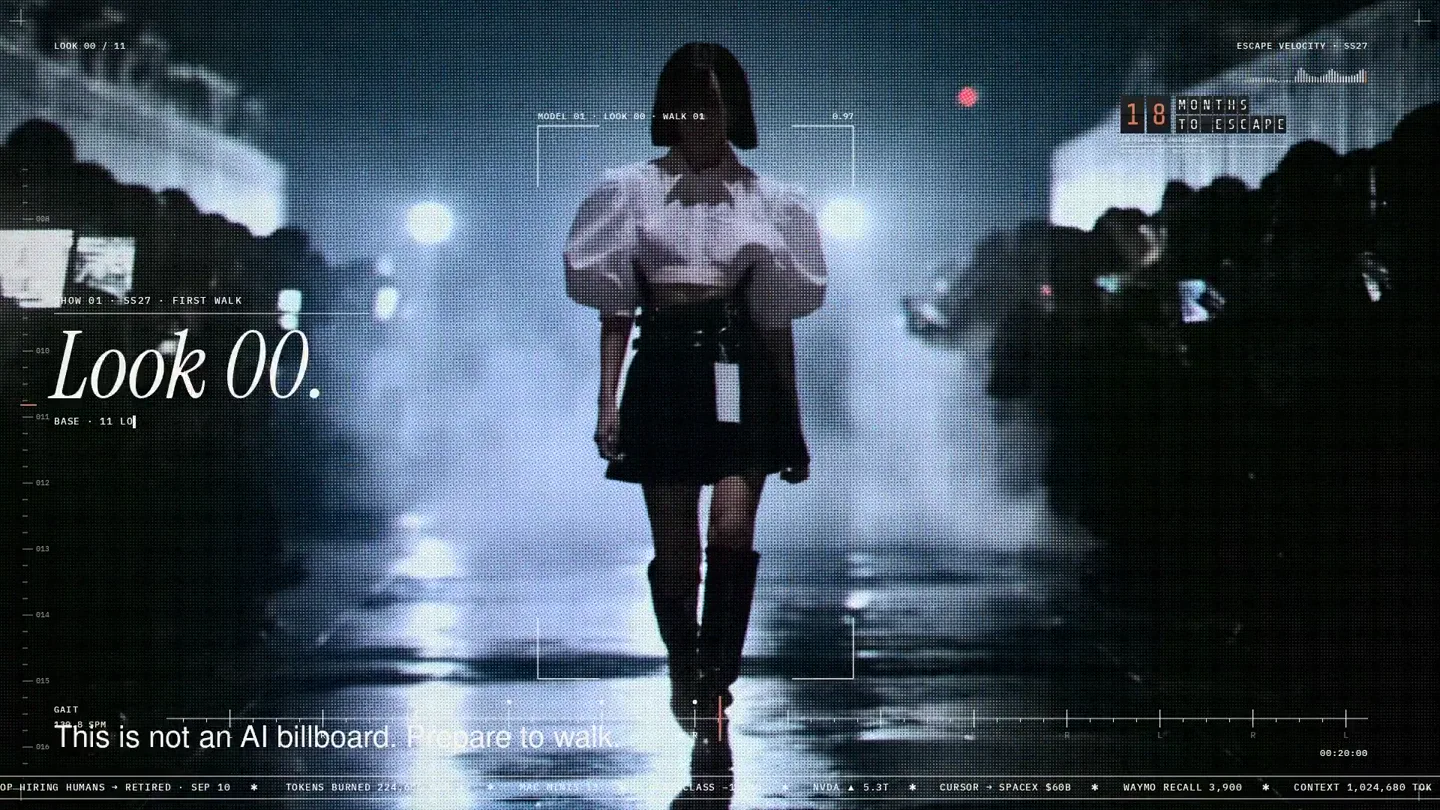
An overnight film made by giving Opus 5.5 Donald's prompt, Midjourney, and a moodboard. The piece is titled Look 00.
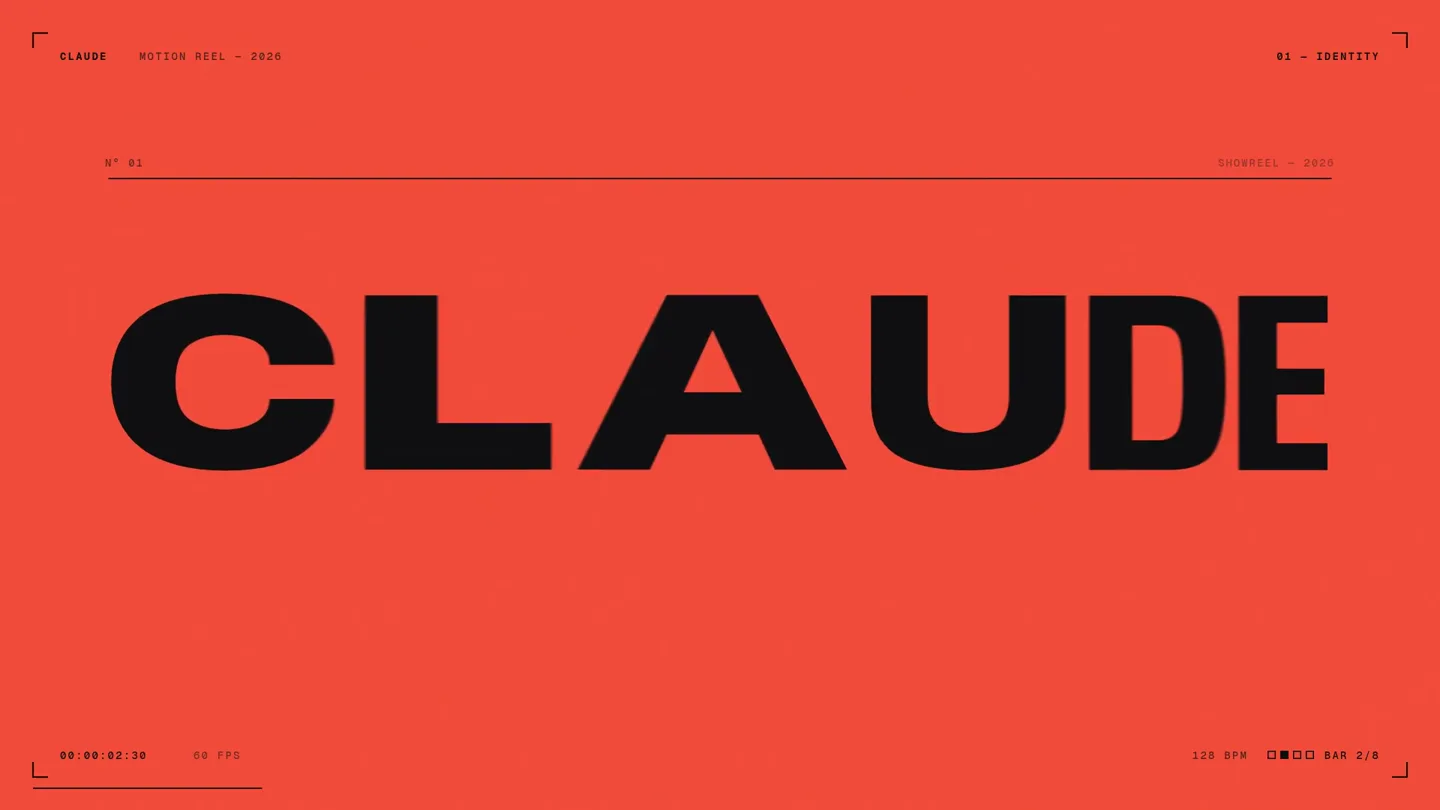
A 15-second motion reel made by asking Opus 5.5, on max effort, for a résumé showreel.