
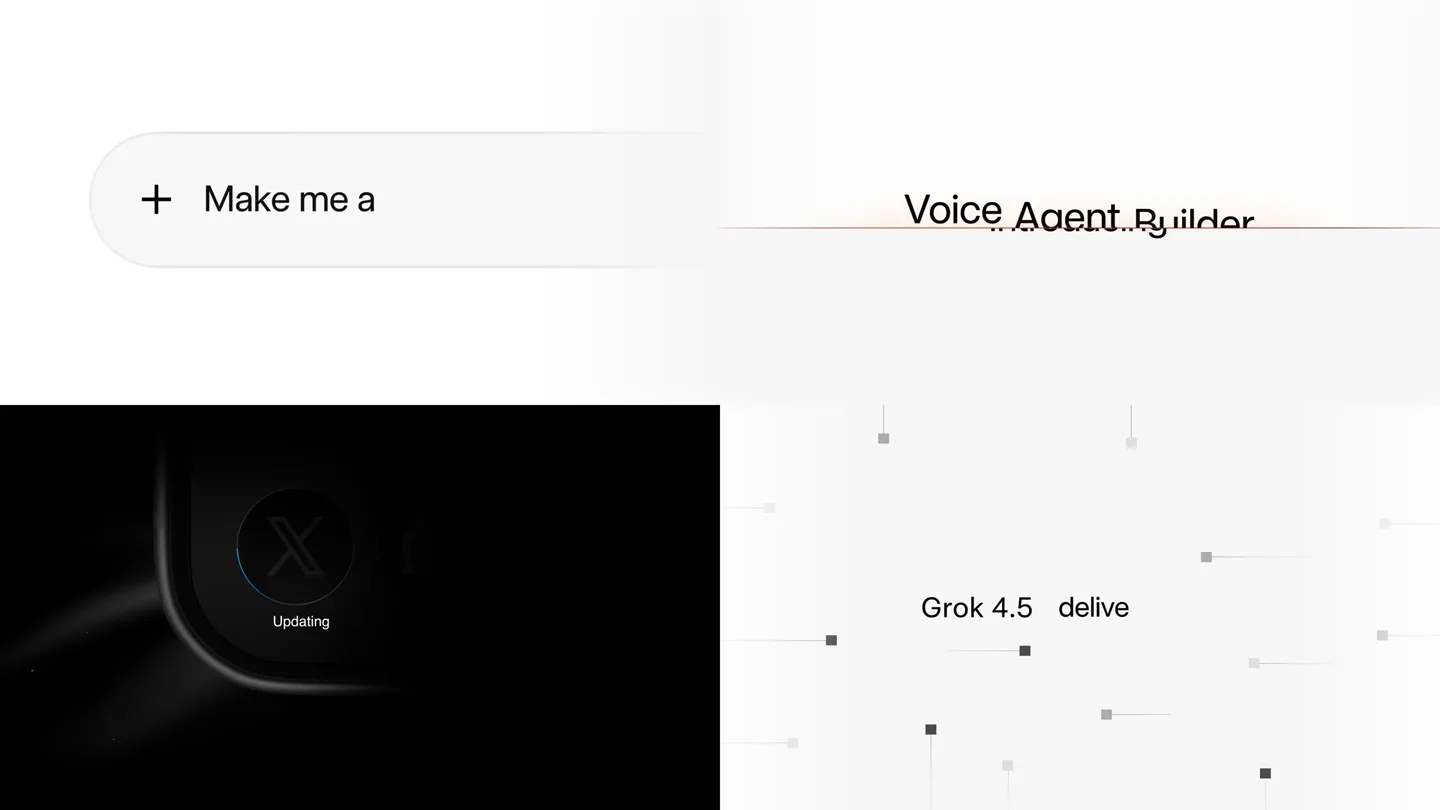
Benji Taylor · Launch Video Breakdown: Hook, Pacing & Motion Design
A reel of recent launch videos from Benji Taylor's in-house motion design team.
Scene-by-scene timeline & spoken transcript
The Hook
Introducing Build Mode & Grok 4.5
“(No spoken dialogue — rapid, percussive sound design with UI clicks and subtle whooshes)”
- On screen
- Int| Introducing Rebuilt from > Introduc| Introducing Build Mode from the ground up > ducing Grok 4.5 + Make me Grok 4.5 ⌄ 🎤 ||||| Agent Builder Updating Grok 4.5 delivers frontier-level intell Customer Support Call Router Sales Qualifier Auto Chooses Fast or Expert ⚡ Fast Quick responses 💡 Expert Thinks hard ⌘ Heavy Team of Experts -level intelligence
- Camera
- Static, multi-panel grid view, each panel showing a different UI element or text animation.
- Motion
- Split-screen grid, rapid text reveals (typing effect), subtle UI element animations (e.g., loading spinners, expanding menus), and abstract data point animations.
Feature Teaser
Enhanced Performance & Agent Creation
“(No spoken dialogue — continued percussive UI sounds, subtle ambient hums, and whooshes)”
- On screen
- More a Kanban Bo More ideas Endless Ru Agent + Faster on real-world software and engineering tasks Better High-speed Configuration Stronger performance. Create a Voice Agent Agent name Custome Goal (optional) You are a friend High-speed performance. Low cost. are a friendly customer support agen the caller, identify their issue, and re I cannot issue, take a messag|
- Camera
- Primarily static grid, with some panels featuring subtle camera zooms or pans within the UI elements.
- Motion
- Text reveals, expanding UI elements, progress bar animations, and a dynamic data visualization (vertical bars growing/shrinking).
Product Reveal
Interactive App Building & AI Personalities
“(No spoken dialogue — UI clicks, typing sounds, and subtle ambient tones)”
- On screen
- Hello! How can I help you today? Can I book a hotel room for two people? Build a wea| + Build a weather app Grok 4.5 ⬆️ Ara Warm & friendly Eve Energetic & upbeat Leo Authoritative & strong share Build Deploy Build Deploy Palo Alto 67°
- Camera
- Static grid, with focus shifting between panels. Some panels show dynamic UI interactions like car customization or code editing.
- Motion
- Typing animations, UI element selection/highlighting, code editor text reveal, and a spherical AI avatar with subtle glow and texture changes.
Call to Action
Voice Cloning & Knowledge Base Integration
“(No spoken dialogue — final UI sounds, subtle whooshes, and a concluding ambient tone)”
- On screen
- Build Deploy Share 41+ Voices with voice cloning Multilingual voices with natural intonation. Preview any voice instantly. + Build the Q2 sales deck Grok 4.5 ⬆️ Share apps from web Built for Android. Knowledge base Drop docs to teach your agent /frequently_asked_questions.pdf Bui X Android Agenda Total $4.2M $4.2M +18.4% 47 112% hours_of_operation.pdf frequently_asked_questions.pdf 100% returns_policy.pdf Sales Report Build me a CV builder ap > +1 305-555| Deploy Publish Share Now live > +1 (312) 555-8901
- Camera
- Static grid, with a final wide shot of the 'Now live' text and a subtle camera pan on the cloud background.
- Motion
- Waveform animations, document upload progress bars, data visualization updates, and a final brand logo reveal with a subtle glow.
Motion design primitives
Synthesizable in Remotion · key components of the quad-panel-ai-launch template.
QuadPanelUIReveal
A four-panel grid layout where each quadrant independently reveals UI elements, text, or animations. Panels can transition content or swap entirely.
+ Code construction recipe
Utilize Remotion's <AbsoluteFill> with four child <Div> components, each styled to occupy a quadrant. Animate opacity, scale, and position of content within each Div using `interpolate` and `spring` for staggered reveals. Use `Sequence` for precise timing of individual panel animations.
DynamicTextTypewriter
Text appears as if being typed out character by character, often accompanied by a blinking cursor, then quickly transitions to new text or disappears.
+ Code construction recipe
Implement with `splitChars` from `@remotion/text` and animate the `opacity` and `transform` (e.g., `translateY`) of individual characters. A blinking cursor can be a separate `Div` animated with `opacity` using `loop` and `spring`.
OrbitalSphereAvatar
A glowing, textured sphere that subtly rotates and changes color/texture, often with text appearing below it to denote a 'personality' or 'agent'.
+ Code construction recipe
Create a 3D sphere using `three.js` or a custom `Canvas` component in Remotion. Apply a `Shader` for the glowing, textured effect. Animate rotation using `interpolate` and `frame` for continuous motion. Color and texture changes can be driven by `props` or `context`.
Style DNA & aesthetic system
Visual aesthetic
Typography
Motion
Special effects
Pacing & rhythm
Conceptual story rhythm
- 1
Rapid Feature Introduction
Purpose. Quickly introduce multiple key features and product updates to capture attention and demonstrate breadth.
Execution. Fast-cut grid panels, each revealing a new UI interaction or text description, often with typing animations and subtle UI element reveals.
- 2
Problem-Solution Showcase
Purpose. Illustrate how the product solves user problems through direct UI interaction and clear benefits.
Execution. Demonstrations of app building, agent creation, and performance metrics, showing user input leading to immediate, tangible results.
- 3
AI Personalization & Customization
Purpose. Highlight the product's advanced AI capabilities, particularly in creating personalized agents and experiences.
Execution. Orbital sphere avatars representing different AI personalities, alongside UI for customizing agents and integrating knowledge bases.
- 4
Platform & Ecosystem Integration
Purpose. Emphasize the product's compatibility and seamless integration within a broader tech ecosystem.
Execution. Showcasing Android compatibility, web app sharing, and integration with various data sources and communication channels.
Remix in Animatiq Studio
Master remix prompt · agent-ready
Sample remix
Objective
Launch a new AI-powered financial analytics platform called 'QuantifyAI'.How the recipe adapts
The QuadPanelUIReveal primitive would showcase different data visualizations and report generation interfaces simultaneously. DynamicTextTypewriter would highlight key metrics and insights being generated by the AI. The OrbitalSphereAvatar would represent QuantifyAI's predictive intelligence, changing colors based on market sentiment. The overall aesthetic would shift to a darker, more sophisticated palette with subtle grid lines and data streams, maintaining the fast-paced, information-dense delivery.Remix blueprint · quad-panel-ai-launch
Scene durations (4 scenes, 26s)
Key Remotion components
Related Creative AI & Video Product Launches
Explore all Creative AI & Video launches →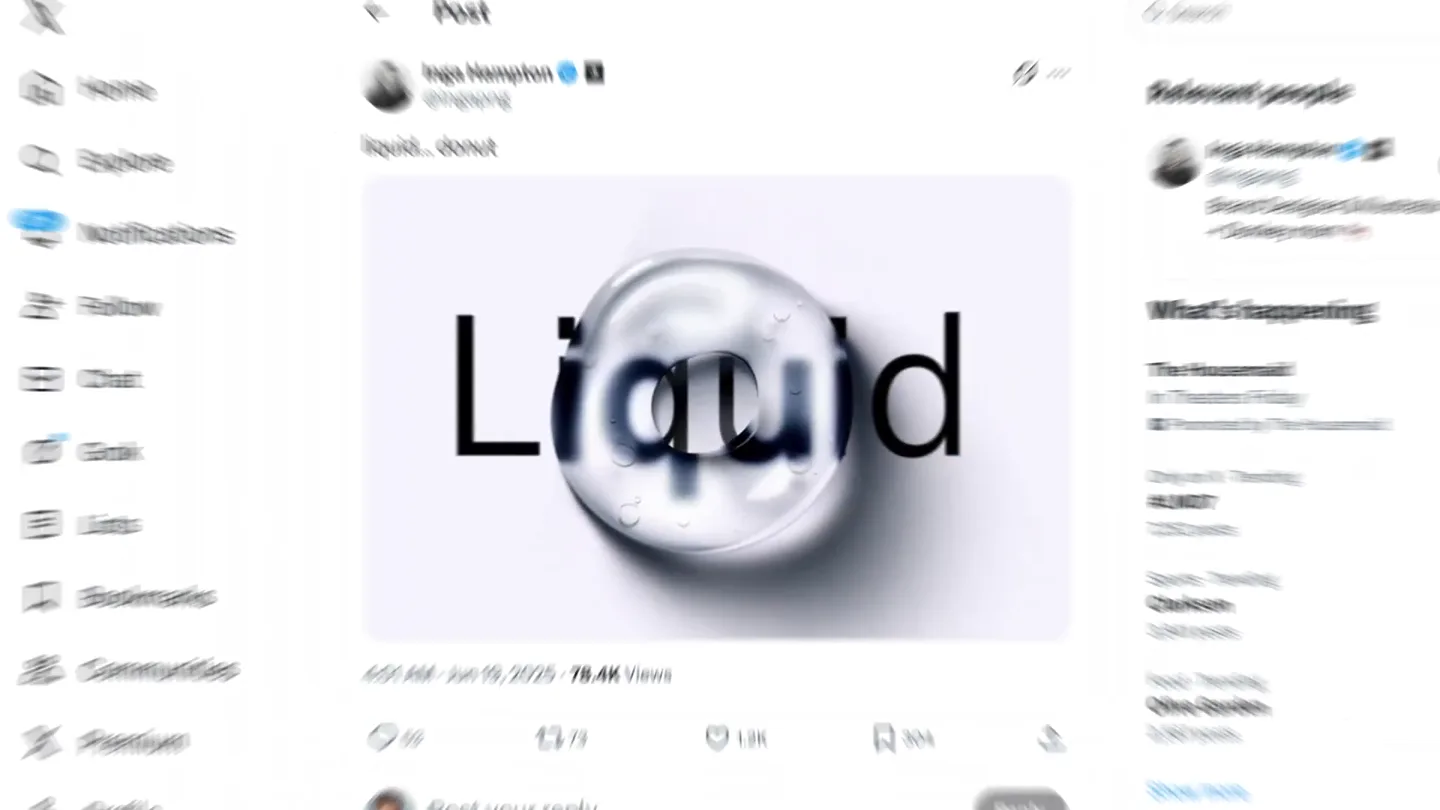
Figma's Made in Figma 2025 reel, a showcase film of work designed in the tool.
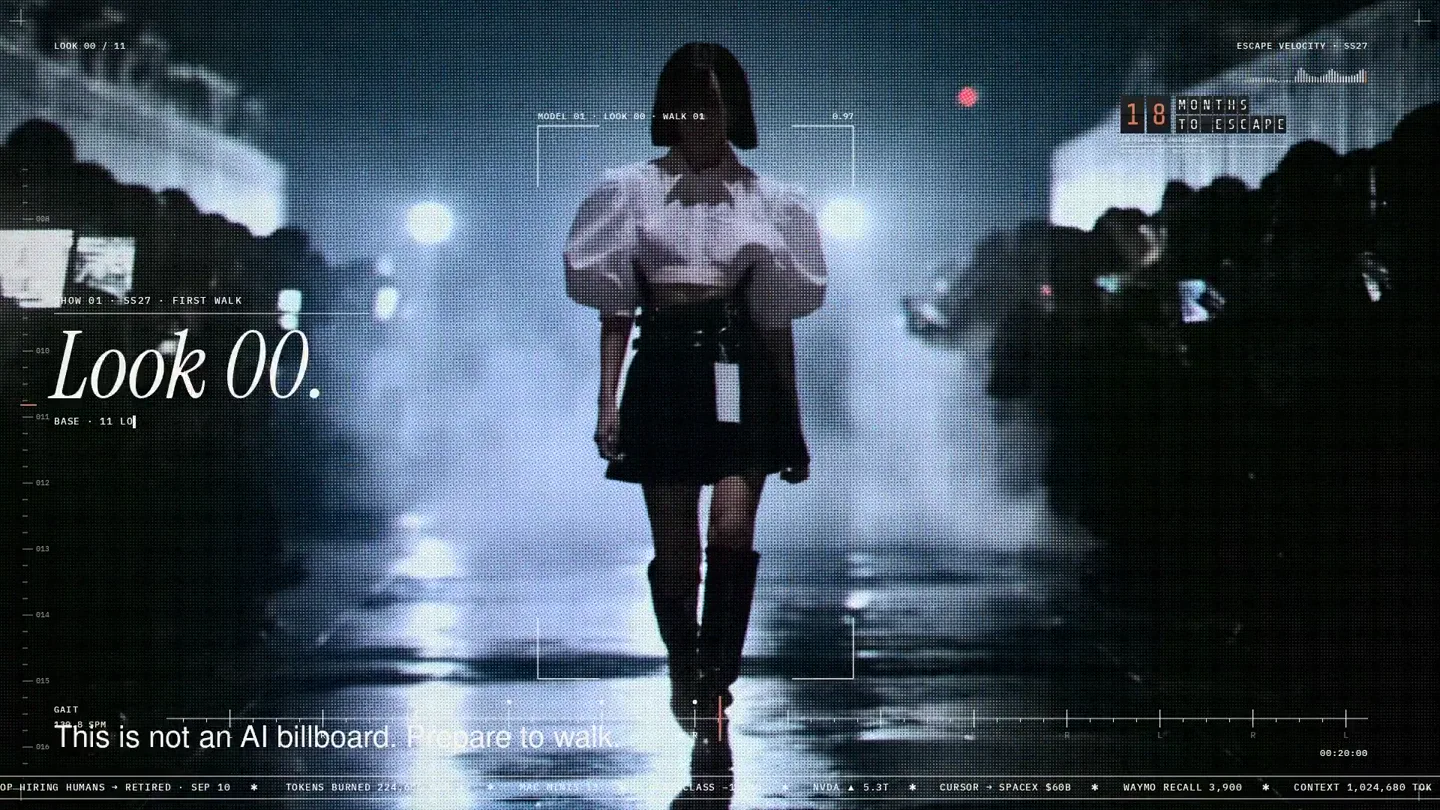
An overnight film made by giving Opus 5.5 Donald's prompt, Midjourney, and a moodboard. The piece is titled Look 00.
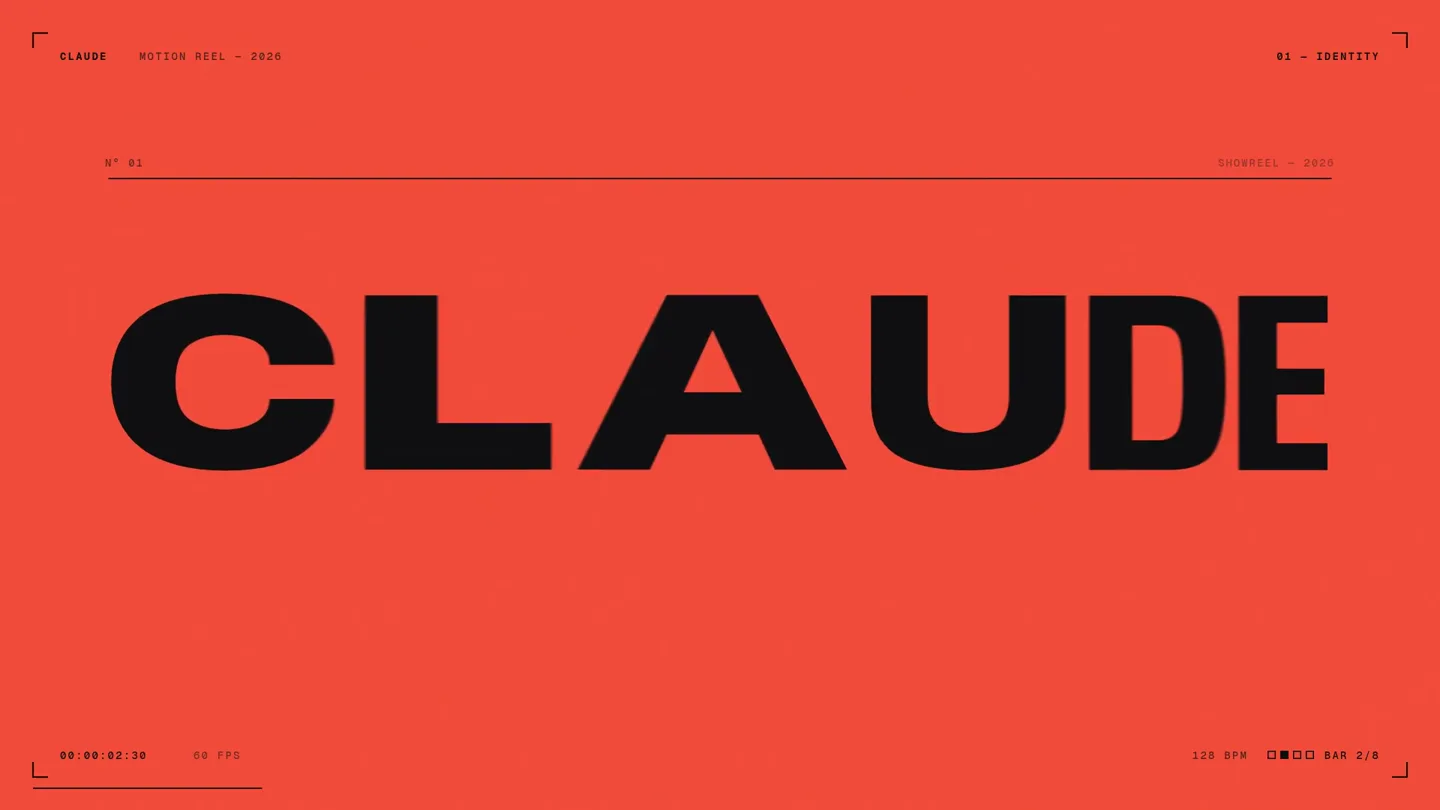
A 15-second motion reel made by asking Opus 5.5, on max effort, for a résumé showreel.