
Box · Launch Video Breakdown: Hook, Pacing & Motion Design
The Box connector, powered by the Box MCP server, is live in Gemini Enterprise. Gemini can read contracts, extract metadata, and build dashboards.
Scene-by-scene timeline & spoken transcript
The Hook
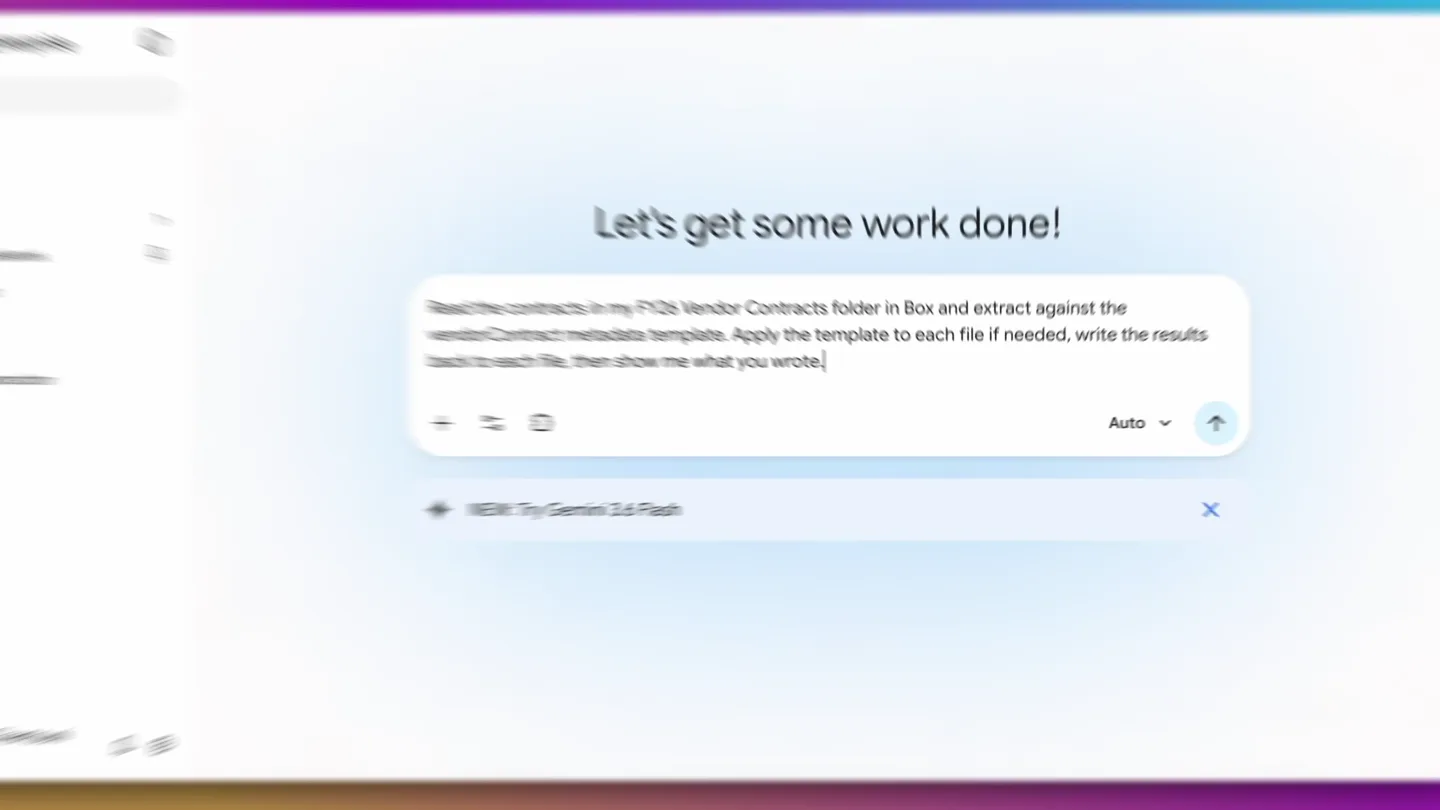
AI-Powered Contract Metadata Extraction
“(No spoken dialogue — The track begins with a sustained, evolving synth pad, creating an atmospheric and slightly mysterious mood. At 0:08, a subtle high-frequency riser begins, building tension, culminating in a sub-bass drop/impact at 0:10.)”
- On screen
- Northwind_Analytics_MSA.pdf FY26 Vendor Contracts - Updated Aug 16, 2026 by Gemini Admin Box AI Open Share Metadata Add Metadata Templates Add Metadata to your file to support business operations, workflows, and more! NORTHWIND Analytics - Insights Platform Master Services Agreement Category: Analytics Document Ref: MRG-LEG-2024-0841 Effective Date: October 1, 2024 Parties: Northwind Analytics, Inc. and Meridian Retail Group, Inc. This Master Services Agreement (the "Agreement") is entered into as of October 1, 2024 (the "Effective Date") by and between Northwind Analytics, Inc., with offices at 2100 Cascade Avenue, Floor 12, Seattle, WA 98101 ("Provider"), and Meridian Retail Group, Inc., with offices at 4800 Harbor Boulevard, Suite 500, Oakland, CA 94607 ("Customer"). Commercial snapshot. Annual Fees: $240,000. Initial Term ends October 6, 2026. Auto-renewal applies with 45 days' notice. Cancellation notice deadline for the Initial Term: August 22, 2026. Vendor Northwind Analytics, Inc. Agreement Type Master Services Agreement Category Analytics Annual Value $240,000 Effective Date October 1, 2024 Initial Term End October 6, 2026 Notice Period 45 days Let's get some work done! Read the contracts in my FY26 Vendor Contracts folder in Box and extract against the vendorContract metadata template. Apply the template to each file if needed, write the results back to each file, then show me what you wrote. Connectors NEW: Try Gemini 3.6 Flash Submit Gemini Enterprise New chat Search Library Agents Gemini Notebook New agent Recent Vendor Contracts metadata Box extraction Vendor Contracts metadata Auto Renew * Yes Notice Days * 30 Notice Deadline * 2026-09-15T00:00:00Z Send Cancel Ask a follow-up Generative Al may display inaccurate information, including about people, so double-check its responses. Chirine Chartouni Plus
- Camera
- The camera initially frames a Box document viewer, then smoothly transitions to a full-screen view of the Gemini Enterprise AI chat interface, focusing on a prompt input field.
- Motion
- Seamless UI transition with a subtle zoom and pan, combined with text typing animation in the chat interface.
Product Reveal
Automated Metadata Application & Insights
“(No spoken dialogue — A rhythmic, pulsing synth bass line and a driving, high-energy electronic drum beat begin. A short, sharp sweep effect is heard at 0:15. Another impactful sub-bass drop occurs at 0:20.)”
- On screen
- Gemini Enterprise New chat Search Library Agents Gemini Notebook New agent Recent Vendor Contracts metadata Box extraction Vendor Contracts metadata Action Confirmed Working on the request (8s) The first contract (Cobalt Systems Ltd.) was successfully updated with its metadata. I will now proceed to apply the extracted metadata to the second contract, Halcyon Security Services Inc. Apply metadata 2/5 Box: Set File Metadata Working on it.. Action Confirmed Working on the request Box: Applying Metadata Further I've successfully applied metadata to the fourth file. My next focus is to process the fifth file, "Vantage Cloud Systems," mirroring the prior successful operation. Working on it.. Ask a follow-up Auto Generative Al may display inaccurate information, including about people, so double-check its responses. Chirine Chartouni Plus Vendor Contracts metadata Auto Renew * Yes Notice Days * 90 Notice Deadline * 2026-08-08 Send Cancel Action Confirmed Working on the request (13s) I have successfully extracted the information and applied the vendorContract metadata template to all five contracts in your folder. Here is the summary of the metadata that was written to each file: Working on it. Ask a follow-up Auto Watch out for: The cancellation deadline for Vantage Cloud Systems LLC has already passed (August 8, 2026), meaning this contract will likely auto-renew. The deadline for Northwind Analytics, Inc. is coming up in just a few days on August 22, 2026. Create a summary report for Northwind Analytics Search for other contracts renewing this year Set a reminder for the Cobalt Systems deadline Ask a follow-up Auto Northwind_Analytics_MSA.pdf FY26 Vendor Contracts - Updated Aug 16, 2026 by Gemini Admin Box AI Open Share Metadata Vendor Contract Vendor Name Northwind Analytics, Inc. Annual Contract Value (USD) 240000 Term End Date October 6, 2026 Auto-Renews Yes Notice Period (Days) 45 Cancellation Notice Deadline August 22, 2026 NORTHWIND Analytics - Insights Platform Master Services Agreement Category: Analytics Document Ref: MRG-LEG-2024-0841 Effective Date: October 1, 2024 Parties: Northwind Analytics, Inc. and Meridian Retail Group, Inc. This Master Services Agreement (the "Agreement") is entered into as of October 1, 2024 (the "Effective Date") by and between Northwind Analytics, Inc., with offices at 2100 Cascade Avenue, Floor 12, Seattle, WA 98101 ("Provider"), and Meridian Retail Group, Inc., with offices at 4800 Harbor Boulevard, Suite 500, Oakland, CA 94607 ("Customer"). Commercial snapshot. Annual Fees: $240,000. Initial Term ends October 6, 2026. Auto-renewal applies with 45 days' notice. Cancellation notice deadline for the Initial Term: August 22, 2026. Vendor Northwind Analytics, Inc. Agreement Type Master Services Agreement Category Analytics Annual Value $240,000 Effective Date October 1, 2024 Initial Term End October 6, 2026 Notice Period 45 days
- Camera
- The camera remains focused on the Gemini Enterprise chat interface, showing the AI processing and confirming actions, then briefly zooms into the metadata panel of a Box document.
- Motion
- Rapid text generation, UI element highlighting, and a quick zoom-in to emphasize extracted data points.
Feature Teaser
Dashboard Generation & Risk Analysis
“(No spoken dialogue — A distinct high-frequency sweep is present at 0:25, leading into a more intense section with layered synth melodies and a driving rhythm. A final, powerful sub-bass impact and sweep are heard at 0:30.)”
- On screen
- Vendor Contracts metadata Systems LLC Watch out for: The cancellation deadline for Vantage Cloud Systems LLC has already passed (August 8, 2026), meaning this contract will likely auto-renew. The deadline for Northwind Analytics, Inc. is coming up in just a few days on August 22, 2026. Query the vendorContract metadata across that folder and build an interactive HTML dashboard from the results: a renewal timeline for the next 12 months, total value at risk in the next 90 days, and a prioritized action list sorted by days remaining. Link each row back to its contract in Box. Upload it to the folder and give me the shared link! Submit Gemini Enterprise New chat Search Library Agents Gemini Notebook New agent Recent Vendor Contracts metadata Box extraction Vendor Contracts metadata Uploading Contract Data Ask Gemini Enterprise Auto Generative Al may display inaccurate information, including about people, so double-check its responses. Chirine Chartouni Plus Action Confirmed Working on the request Implementing Dashboard Enhancements I'm currently refining the HTML structure, specifically focusing on the dynamic display of contract data and the incorporation of visual indicators for risk levels, such as 'past', 'urgent', and 'safe' statuses. My aim is to make the dashboard more intuitive for users. Updating Contract Data I am currently processing the latest batch of vendor contract information. My focus is on ensuring accurate extraction of key details, including contract values, expiration dates, and associated risk indicators. Working on it. Ask a follow-up FY26_Vendor_Contracts_Dashboard.html FY26 Vendor Contracts - Updated Today by Gemini Admin Share FY26 Vendor Contracts Dashboard Generated on: August 19, 2026 Total Value at Risk (Next 90 Days) $845,000 Includes contracts with notice deadlines missed recently or upcoming in the next 90 days. Prioritized Action List (Sorted by Notice Deadline) Vendor Name Annual Value Term End Date Notice Deadline Days Remaining Link Vantage Cloud Systems LLC $520,000 2026-11-06 2026-08-08 -11 View Contract Northwind Analytics, Inc. $240,000 2026-10-06 2026-08-22 3 View Contract Cobalt Systems Ltd. $85,000 2026-10-15 2026-09-15 27 View Contract Halcyon Security Services Inc. $180,000 2027-03-01 2026-12-31 134 View Contract Save What can I help you with? Summarize the document Find and synthesize all relevant information Analyze the content and highlight trends, Ask Box Al Box Al outputs should be reviewed and verified
- Camera
- The camera again focuses on the Gemini Enterprise chat, showing the AI generating a complex query and then processing the request, culminating in a full-screen reveal of an interactive HTML dashboard.
- Motion
- Progressive text generation, dynamic UI updates indicating processing, and a dramatic reveal of the generated dashboard with data highlighting.
Call to Action
Comprehensive Contract Management & AI Integration
“(No spoken dialogue — The track transitions to a slightly more open, yet still energetic, soundscape with sustained synth chords and a continued rhythmic pulse, maintaining a dynamic, forward-moving feel throughout.)”
- On screen
- FY26_Vendor_Contracts_Dashboard.html FY26 Vendor Contracts - Updated Today by Gemini Admin Share FY26 Vendor Contracts Dashboard Generated on: August 19, 2026 Total Value at Risk (Next 90 Days) $845,000 Includes contracts with notice deadlines missed recently or upcoming in the next 90 days. Prioritized Action List (Sorted by Notice Deadline) Vendor Name Annual Value Term End Date Notice Deadline Days Remaining Link Vantage Cloud Systems LLC $520,000 2026-11-06 2026-08-08 -11 View Contract Northwind Analytics, Inc. $240,000 2026-10-06 2026-08-22 3 View Contract Cobalt Systems Ltd. $85,000 2026-10-15 2026-09-15 27 View Contract Halcyon Security Services Inc. $180,000 2027-03-01 2026-12-31 134 View Contract Ironwood Legal Services LLP $200,000 N/A (No Auto- Renew) N/A View Contract Save What can I help you with? Summarize the document Find and synthesize all relevant information Analyze the content and highlight trends, Ask Box Al Box Al outputs should be reviewed and verified Vantage_Cloud_EA.pdf FY26 Vendor Contracts - Updated Aug 16, 2026 by Gemini Admin Box AI Open Share What can I help you with? Summarize the document Find and synthesize all relevant information Analyze the content and highlight trends, Ask Box Al Box Al outputs should be reviewed and verified VANTAGE CLOUD SYSTEMS ENTERPRISE AGREEMENT Cloud Infrastructure Services Ref: MRG-LEG-2024-0912 Category: Cloud Infrastructure THIS ENTERPRISE AGREEMENT (the "Agreement") is made and entered into as of November 1, 2024 (the "Effective Date") by and between Vantage Cloud Systems LLC, a limited liability company with principal offices at 55 Commerce Plaza, Suite 200, Chicago, IL 60601 ("Supplier"), and Meridian Retail Group, Inc., a corporation with principal offices at 4800 Harbor Boulevard, Suite 500, Oakland, CA 94607 ("Customer"). In consideration of the mutual covenants herein and for other good and valuable consideration, the receipt and sufficiency of which are hereby acknowledged, the parties agree as follows. 1. DEFINITIONS 1.1 "Affiliate" means any entity that directly or indirectly controls, is controlled by, or is under common control with a party, where "control" means ownership of more than fifty percent (50%) of the voting process. 1.2 "Cloud Service" means the infrastructure-as-a-service and related managed components identified in an Order Form, including compute, storage, networking, and the control-plane tooling made available by Supplier. 1.3 "Confidential Information" has the meaning set forth in Section 1.1 and includes, without limitation, Customer workloads, configuration data, and pricing schedules. 1.4 "Charges" means all amounts payable by Customer under this Agreement and any Order Form, including the Annual Commitment of $520,000. 1.5 "Order Form" means a written ordering document executed by the parties that references this Agreement and specifies Cloud Services, regions, and commercial parameters. 1.6 "Service Levels" means the quantitative availability and support commitments set forth in Section 1.1, subject to the exclusions described therein. 2. ORDER FORM AND SERVICES 2.1 Subject to Customer's compliance with this Agreement, including timely payment of Charges pursuant to Section 7, Supplier shall make the Cloud Services available in accordance with the applicable Order Form and the Service Levels. 2.2 Customer may issue Order Forms for additional capacity, such Order Form is incorporated herein by reference. In the event of conflict between an Order Form and this Agreement, the Order Form controls solely with respect to the commercial
- Camera
- The camera pans across the generated dashboard, highlighting key data points and interactive elements, then transitions back to a Box document viewer, demonstrating the seamless integration.
- Motion
- Smooth horizontal pan, data highlighting with color changes, and a final cross-fade to the integrated document view.
Motion design primitives
Synthesizable in Remotion · key components of the ai-document-workflow-showcase template.
AITypingReveal
Text appears character by character in a chat interface, simulating real-time AI response generation, often accompanied by a subtle cursor animation.
+ Code construction recipe
Use `Sequence` and `spring` for character-by-character opacity and scale animation. Implement a `delay` for each character to create the typing effect. A blinking cursor can be achieved with a `Loop` and `interpolate` for opacity.
UIDataHighlight
Specific UI elements or data points within a dashboard or document are highlighted with a color change, glow, or subtle scale animation to draw attention.
+ Code construction recipe
Apply `interpolate` on `backgroundColor` or `boxShadow` properties for a smooth highlight transition. For a subtle scale, use `spring` on `scale` transform. Can be triggered by `AbsoluteFill` or `Sequence` timing.
SeamlessAppTransition
A smooth, often quick, transition between different application views or screens, typically involving a pan, zoom, or cross-fade, maintaining context.
+ Code construction recipe
Utilize `AbsoluteFill` components for each app screen. Animate `translateX`, `translateY`, and `scale` properties using `spring` or `interpolate` with `easing` functions like `easeOutCubic` for smooth movement. Cross-fades can be achieved by animating `opacity`.
Style DNA & aesthetic system
Visual aesthetic
Typography
Motion
Special effects
Pacing & rhythm
Conceptual story rhythm
- 1
The AI Prompt
Purpose. Introduce the problem and the AI's capability to solve it through a natural language prompt.
Execution. Show a user typing a complex request into an AI chat interface, demonstrating ease of use.
- 2
Processing & Extraction
Purpose. Illustrate the AI's active work in understanding and extracting information from documents.
Execution. Display the AI chat interface showing progress updates and confirmation of metadata application, with quick UI highlights.
- 3
Insight Generation
Purpose. Showcase the AI's ability to synthesize extracted data into actionable insights and visualizations.
Execution. Reveal a dynamically generated dashboard, highlighting key metrics and risk factors, demonstrating the value of the AI's output.
- 4
Seamless Integration
Purpose. Emphasize how the AI's output integrates back into the user's workflow and existing tools.
Execution. Transition from the dashboard back to the original document viewer, showing updated metadata and the ability to drill down into details.
Remix in Animatiq Studio
Master remix prompt · agent-ready
Sample remix
Objective
A user wants to quickly review 50 non-disclosure agreements (NDAs) for specific indemnification clauses and generate a summary report of all identified clauses.How the recipe adapts
The video would open with a LexiFlow UI, showing a user uploading a folder of NDAs. An 'AITypingReveal' primitive would show the user prompting LexiFlow to 'Analyze NDAs for indemnification clauses and generate a summary report.' The 'SeamlessAppTransition' primitive would then show LexiFlow processing the documents, with 'UIDataHighlight' emphasizing the identified clauses within a simulated document viewer. Finally, a generated summary report dashboard would be revealed, similar to the Box video's dashboard, showcasing the extracted clauses and compliance status.Remix blueprint · ai-document-workflow-showcase
Scene durations (4 scenes, 55.7s)
Key Remotion components
Related Productivity Product Launches
Explore all Productivity launches →
Don't type, just speak. Flawless voice-to-text across every app at 240 WPM.

One workspace for knowledge scattered across Slack, email, Docs, and Notion. Connect your tools and build apps and agents that stay live with your data.

Notion positions itself as the backbone of your dock — a brand film of the Notion icon among everyday apps, ending on “Works with everything.”