
BrowserGateway · Launch Video Breakdown: Hook, Pacing & Motion Design
BrowserGateway is the open router for cloud browsers. It routes browser-use, Stagehand, Puppeteer, Playwright, or MCP clients across providers.
Scene-by-scene timeline & spoken transcript
The Hook
Introducing Multi-Providers
“(No spoken dialogue — Driving electronic score with four-on-the-floor kick, sub-bass, arpeggiated synth, claps, and hi-hats. Steady rhythmic groove.)”
- On screen
- Introducing The Multi-providers
- Camera
- Static, then subtle zoom out on text elements.
- Motion
- Text reveals with glowing underline, quick cuts, and a full screen wipe transition.
Product Reveal
Code Integration & Core Features
“(No spoken dialogue — Driving electronic score with four-on-the-floor kick, sub-bass, arpeggiated synth, claps, and hi-hats. Steady rhythmic groove.)”
- On screen
- puppeteer-script.js import puppeteer from "puppeteer-core"; const browser = await puppeteer.connect({ browserWSEndpoint: 'wss://your-provider.example.com/cdp?token=***' }); const page = await browser.newPage(); await page.goto('https://wikipedia.org'); terminal $ node puppeteer-script.js Connected via cdp.browsergateway.io Fail Route Failover Persist Replay
- Camera
- Top-down perspective on code editor, then a subtle camera pan and zoom on the terminal, followed by a static shot on abstract spheres.
- Motion
- Code editor window reveal, terminal output animation, and abstract spherical elements with text appearing around them.
Feature Teaser
Persisted Sessions & Provider Compatibility
“(No spoken dialogue — Driving electronic score with four-on-the-floor kick, sub-bass, arpeggiated synth, claps, and hi-hats. Steady rhythmic groove.)”
- On screen
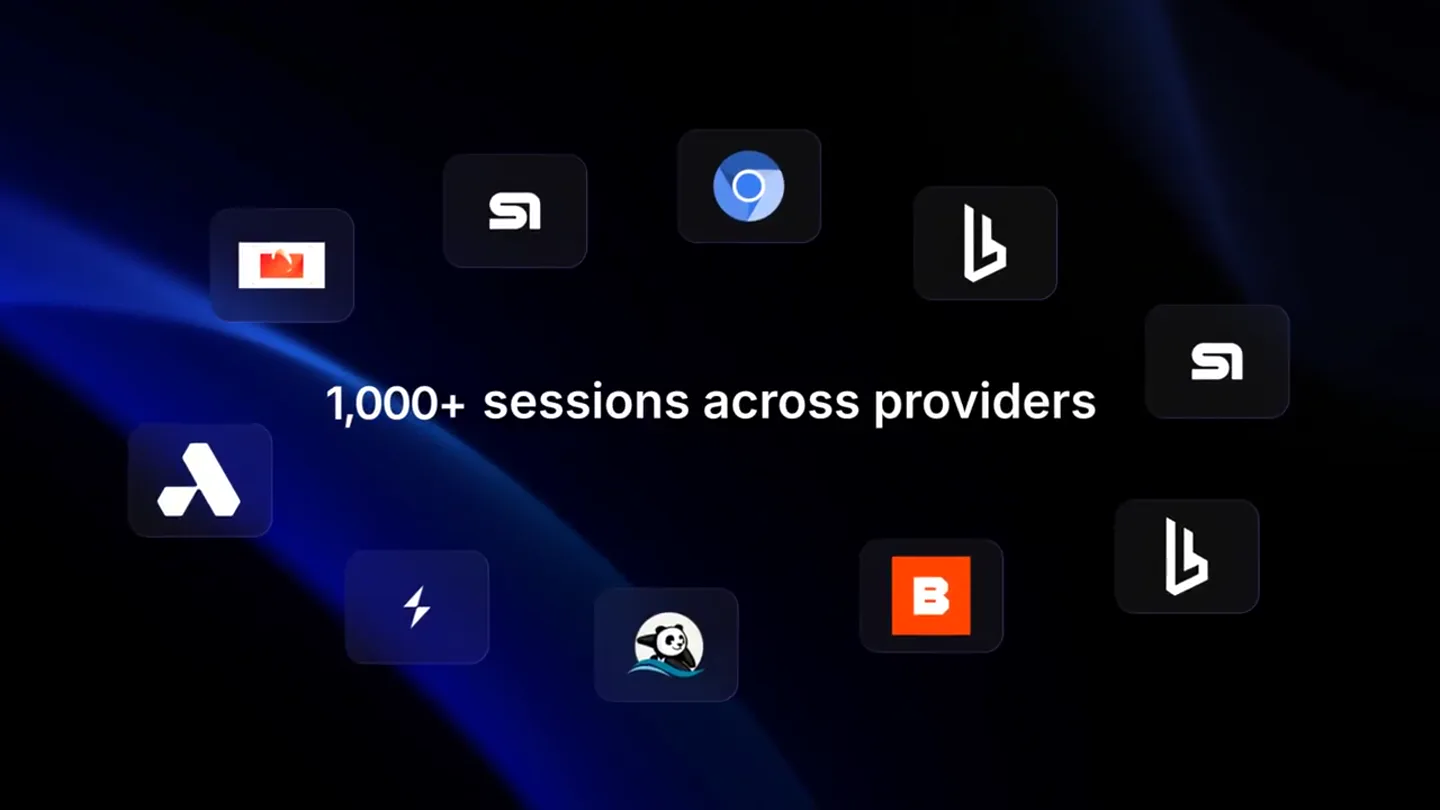
- Persisted sessions across providers Cloud browser-5 692 1,000+ sessions across providers
- Camera
- Dynamic camera movement orbiting around multiple browser windows, then a quick zoom out to reveal a grid of logos.
- Motion
- 3D rotation of browser windows, numerical counter animation, and a grid of application icons appearing with a subtle parallax effect.
Problem Agitation
Seamless Workflow & Scalability
“(No spoken dialogue — Driving electronic score with four-on-the-floor kick, sub-bass, arpeggiated synth, claps, and hi-hats. Steady rhythmic groove.)”
- On screen
- Smart automation Seamless workflow Real-time insights Cloud powered Scale your workload 1x more
- Camera
- Static shot with text appearing, then a subtle vertical pan revealing more text and a call-out bubble.
- Motion
- Text fade-in and color shift, followed by a numerical multiplier reveal within a rounded rectangle.
Call to Action
BrowserGateway: The Open Router
“(No spoken dialogue — Driving electronic score with four-on-the-floor kick, sub-bass, arpeggiated synth, claps, and hi-hats. Steady rhythmic groove.)”
- On screen
- BrowserGateway github.com/browser-gateway browsergateway.com npm i -g browser-gateway
- Camera
- Static shot with orbiting spheres, then a static shot on the logo and call-to-action text.
- Motion
- Abstract orbiting spheres around a central icon, followed by a clean logo reveal and animated URL/command text.
Motion design primitives
Synthesizable in Remotion · key components of the tech-launch-dark-gradient template.
TextGlowReveal
Text appears with a subtle glow effect, often accompanied by an underline or a background shape that expands and contracts, revealing the text. The glow can shift colors.
+ Code construction recipe
Use Remotion's <Text> component with a `text-shadow` CSS property animated via `interpolate` for the glow radius and color. A `<Rect>` or `<Path>` component can be animated for the expanding underline/background, using `spring` for a smooth, elastic feel.
OrbitalIconGrid
Multiple icons or elements are arranged in a circular or grid pattern, often with a subtle 3D rotation or parallax effect as the camera moves. Elements can fade in or scale up.
+ Code construction recipe
Implement using `map` over an array of icon data to render multiple `<Img>` or `<Svg>` components. Animate their `transform` properties (e.g., `rotateY`, `translateX`, `translateZ`) using `interpolate` or `spring` based on a global camera position or a time-based offset for orbital motion. Apply `perspective` to the parent container for 3D depth.
CodeTerminalReveal
A code editor or terminal window appears, with code lines or command outputs typing out or fading in sequentially. The window itself might have a subtle 3D tilt or shadow.
+ Code construction recipe
Create a `<CodeBlock>` component (or similar) with individual lines rendered using `map`. Animate the `opacity` and `transform` (e.g., `translateY`) of each line with a staggered `delay` using `sequence` and `spring`. For the terminal output, simulate typing with `substring` and `interpolate` on the text content.
Style DNA & aesthetic system
Visual aesthetic
Typography
Motion
Special effects
Pacing & rhythm
Conceptual story rhythm
- 1
The Tech Unveiling
Purpose. Introduce the core concept and the problem it solves in a visually engaging way.
Execution. Rapid text reveals, abstract glowing shapes, and quick cuts to establish a high-tech, problem-solving tone.
- 2
Developer's Perspective
Purpose. Showcase the product's direct utility and ease of integration for developers.
Execution. Code editor and terminal animations, demonstrating practical application and immediate results.
- 3
Scalability & Reliability
Purpose. Highlight the product's robust features like session persistence and multi-provider support.
Execution. Dynamic 3D browser window rotations, numerical counters, and a grid of compatible provider logos.
- 4
Call to Action & Brand Identity
Purpose. Reinforce the brand and guide viewers to learn more or get started.
Execution. Clean logo reveal, orbiting abstract elements, and clear display of website and installation commands.
Remix in Animatiq Studio
Master remix prompt · agent-ready
Sample remix
Objective
Launch video for 'DataFlow Engine', a platform for real-time data processing and orchestration.How the recipe adapts
The 'Introducing' sequence will feature 'DataFlow Engine' with glowing text. Instead of Puppeteer code, we'll show a visual representation of a data pipeline being configured in a terminal-like interface. The 'Persisted sessions' scene will become 'Real-time data streams across clouds', with abstract data packets flowing between server rack icons instead of browser windows. The '1,000+ sessions' will be '1,000+ data connectors', using the OrbitalIconGrid to showcase various database and API logos. The final call to action will feature the DataFlow Engine logo with links to documentation and installation commands.Remix blueprint · tech-launch-dark-gradient
Scene durations (5 scenes, 38.6s)
Key Remotion components
Related Developer Tools Product Launches
Explore all Developer Tools launches →
Agentic CLI for coding, building apps, and automating workflows.

New in Claude Code: your sessions can now message each other. Tell Claude to send a summary (not your history or files), and the other session picks it up mid-task.

Meet Qwen3.8-Max: A New Bar for Coding and Cowork. https://t.co/mJaA8vr6xT