
CapCut · Launch Video Breakdown: Hook, Pacing & Motion Design
A reimagined design studio on an infinite AI canvas.
Scene-by-scene timeline & spoken transcript
The Hook
Infinite AI Canvas Introduction
“(No spoken dialogue — A driving beat with kick drum and clap, consistent sub-bass, and pizzicato synth melodies. Subtle riser at 0:04, distinct sub-bass drop/impact at 0:07.)”
- On screen
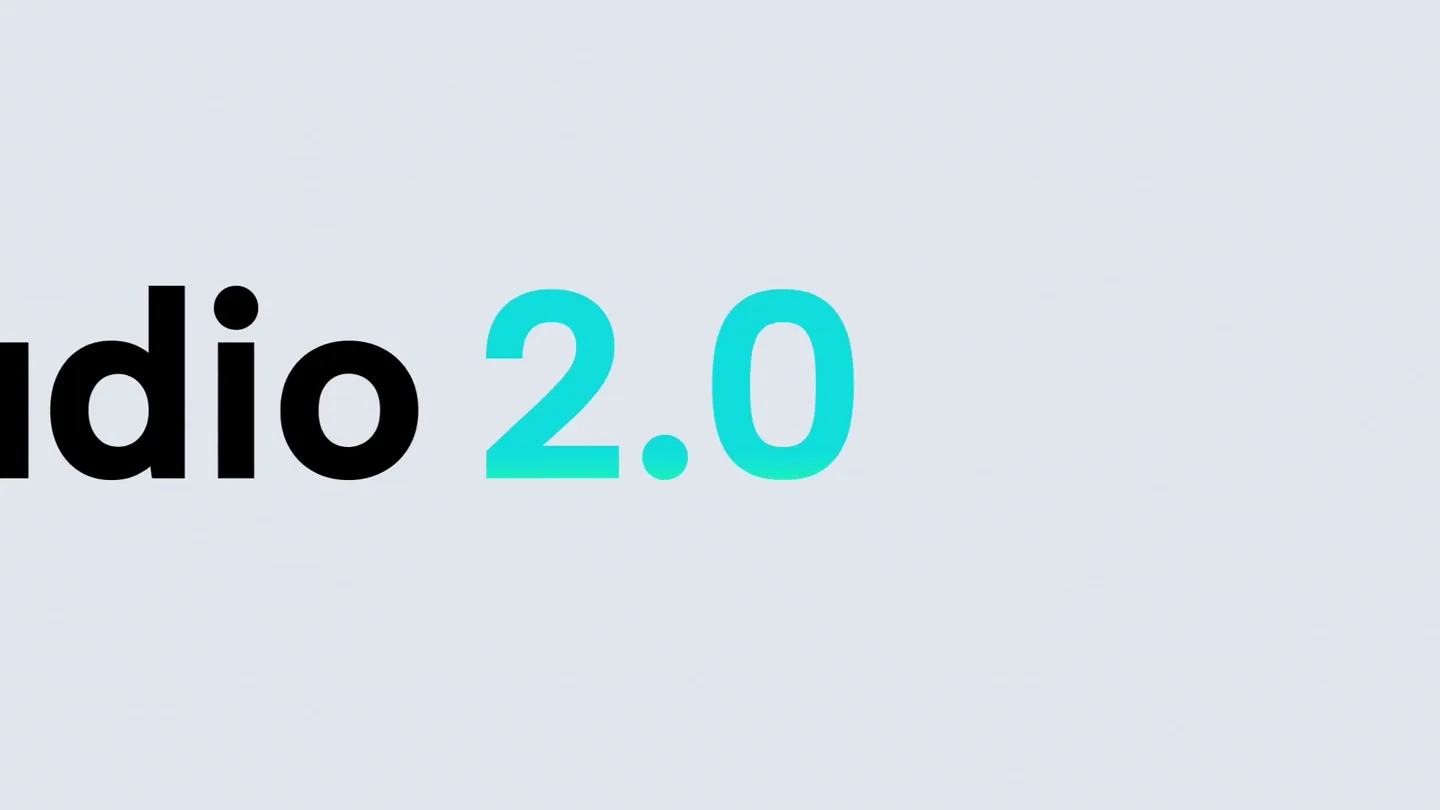
- studio 2.0
- Camera
- Starts with a close-up on 'studio 2.0' text, then pulls back to reveal a hand interacting with a laptop screen displaying various AI-generated fashion items. The camera then zooms into a 3D rendered green furry jacket, with hands manipulating it in a virtual space.
- Motion
- Text reveal, UI interaction simulation, 3D object manipulation, camera zoom and pan.
Product Reveal
AI-Powered Design Workflow
“(No spoken dialogue — Driving beat continues. Riser at 0:16, quick sweep at 0:20, significant sub-bass drop/impact at 0:25.)”
- On screen
- Design Studio, Download, 255, Use, 1 cloth, 2 coat, 3 shell, 4 cactus, 5 pearl, Design outfit using these images and notes, GPT Image 2, More Inspiration In One Click, Creative portrait id, Design with AI
- Camera
- Close-up on the CapCut UI, demonstrating drag-and-drop functionality, text input for AI prompts, and scrolling through AI-generated design variations. The camera follows the cursor's interaction with the interface.
- Motion
- UI animation, simulated cursor interaction, text input animation, content carousel, seamless transitions between design iterations.
Feature Teaser
Advanced Editing & Translation
“(No spoken dialogue — Driving beat continues. Riser at 0:30, sweep at 0:35, sub-bass drop/impact at 0:40.)”
- On screen
- Design Studio, Download, 255, AI DESIGN, Change text to "Design Studio", Translate, English, Edit elements, PUNK SOCIAL koleksi koleksi, Design with AI
- Camera
- Focuses on specific UI elements like text editing, translation features, and element manipulation. The camera pans and zooms to highlight these interactions, often showing the result of the AI's processing.
- Motion
- Interactive UI elements, text transformation, language translation simulation, dynamic content updates, object manipulation.
Call to Action
Unleash Your Creativity
“(No spoken dialogue — Driving beat continues. Riser at 0:45, sweep at 0:50, sub-bass drop/impact at 0:55, final extended riser leading to a fade-out at 1:06.)”
- On screen
- Design Studio, Download, 255, COMING SOON, CULTURAL NEXUS, A CONVERGENCE OF CONTEMPORARY EXPRESSION, 08.10.24, MOCKTAILS, OVID, UNLEASHED, design studio, CapCut, there's emerg, M e k, CapCut, Design Studio 2.0
- Camera
- Rapid montage of diverse AI-generated content and UI screens, showcasing the breadth of the tool's capabilities. Ends with a clean reveal of the CapCut logo and 'Design Studio 2.0' tagline.
- Motion
- Fast-cut montage, dynamic grid layouts, content pop-ins, logo reveal, text animation.
Motion design primitives
Synthesizable in Remotion · key components of the ai-design-studio-launch template.
InfiniteCanvasPan
A seamless, continuous horizontal or vertical pan across an expansive digital canvas, revealing new content or design elements as it moves.
+ Code construction recipe
Implement using `interpolate` for `translateX` or `translateY` properties, with `ease-in-out` or `linear` timing functions for smooth, continuous motion. Utilize a large canvas component that extends beyond the viewport.
AIContentCarousel
A dynamic carousel effect where AI-generated images or design variations slide into view, often with a subtle blur or scale transition, mimicking a rapid browsing experience.
+ Code construction recipe
Use `spring` for `translateX` and `scale` properties, combined with `opacity` and `blur` filters. Each item in the carousel should be a distinct component, animated in sequence or in response to user interaction.
InteractiveUITextReveal
Text elements appear or transform on screen, often accompanied by a simulated cursor interaction or a highlight effect, demonstrating real-time editing or AI-driven text generation/translation.
+ Code construction recipe
Animate `opacity`, `scale`, and `translateY` for text elements. Use `sequence` to time character-by-character or word-by-word reveals. Cursor animation can be a separate SVG or Lottie animation overlaid.
Style DNA & aesthetic system
Visual aesthetic
Typography
Motion
Special effects
Pacing & rhythm
Conceptual story rhythm
- 1
The Creative Spark
Purpose. Immediately hook the viewer by demonstrating the product's core magic: transforming abstract ideas into tangible designs.
Execution. Rapid cuts from text 'studio 2.0' to hands interacting with a laptop, then to 3D object manipulation, showcasing the intuitive nature of the AI canvas.
- 2
Seamless Workflow
Purpose. Showcase the product's ease of use and integrated AI capabilities for generating and refining designs.
Execution. Detailed UI walkthroughs, demonstrating prompt-based generation, image referencing, and quick iteration through design variations.
- 3
Unleash Expression
Purpose. Highlight advanced editing features and the ability to personalize and localize designs, emphasizing creative freedom.
Execution. Demonstrations of text editing, style application, translation, and element manipulation on a vibrant, AI-generated poster.
- 4
Infinite Possibilities
Purpose. Conclude by reinforcing the product's versatility and potential for diverse creative applications.
Execution. A fast-paced montage of various AI-generated images and design projects, culminating in the brand logo and tagline.
Remix in Animatiq Studio
Master remix prompt · agent-ready
Sample remix
Objective
Launch an AI-powered music composition tool called 'MelodyMind' that generates unique tracks based on user prompts and mood selections.How the recipe adapts
The InfiniteCanvasPan primitive would adapt to a 'soundscape' canvas, revealing new musical elements or waveform visualizations. The AIContentCarousel would showcase different generated musical styles or instrument variations. InteractiveUITextReveal would demonstrate prompt input for genre, mood, and tempo, with the generated music's title appearing dynamically. The color palette would shift to deep blues, purples, and neon greens, maintaining the vibrant contrast. The driving beat would be replaced with a more ambient, evolving electronic score, punctuated by musical stings and synth risers for transitions.Remix blueprint · ai-design-studio-launch
Scene durations (5 scenes, 73s)
Key Remotion components
Related AI Agents Product Launches
Explore all AI Agents launches →
To ensure that artificial general intelligence benefits all of humanity

Gopuff introduces Go, an AI shopping assistant built with SpaceXAI: say what you need and the order is placed.

Iliad (Troy) trailer made by Grok Imagine 1.5, which was just released