
OpenAI · Launch Video Breakdown: Hook, Pacing & Motion Design
ChatGPT desktop can now remember your activity history across apps and websites on your computer, with timeline review, selective clearing and pause/resume. Rolling out globally to Pro, Business and Enterprise.
Scene-by-scene timeline & spoken transcript
The Hook
Introducing Computer History
“(No spoken dialogue — High-energy audio riser, sweep, and sub-bass impact.)”
- On screen
- What should we work on? @compu Custom 5.6 Sol Medium
- Camera
- Static wide shot of a desktop UI, then a quick zoom into the text input field.
- Motion
- Rapid zoom and text typing animation, simulating user interaction.
Product Reveal
Time-Warp History Review
“(No spoken dialogue — High-energy audio riser, sweep, and sub-bass impact.)”
- On screen
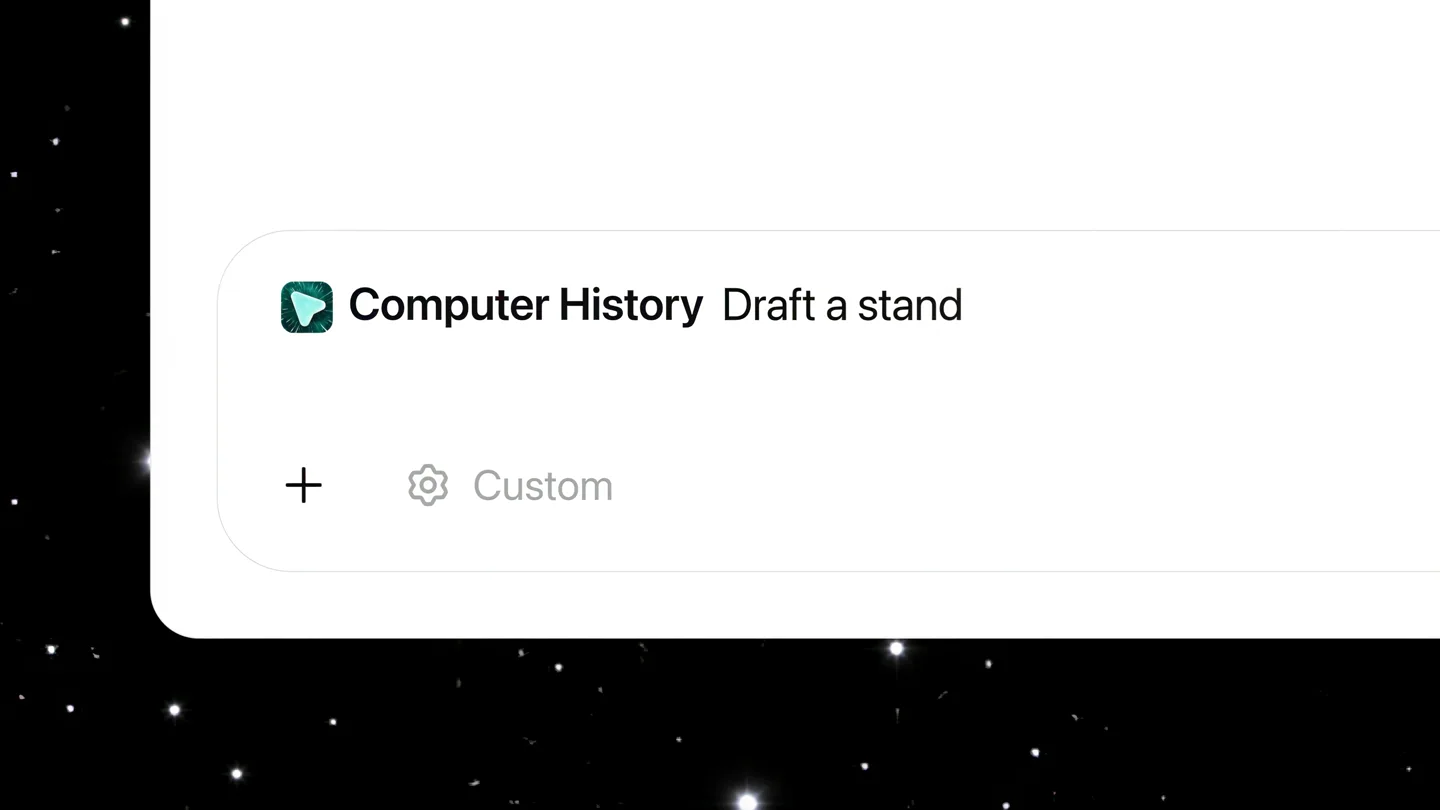
- Computer History Draft a standup update for me based on what I did yesterday
- Camera
- Desktop UI with a dynamic 'time-warp' effect, showing app icons and dates changing rapidly.
- Motion
- Starfield background with speed lines, app icons animating in and out, and date/time UI elements rapidly cycling.
Feature Teaser
Timeline Review & Automation
“(No spoken dialogue — High-energy audio riser, sweep, and sub-bass impact.)”
- On screen
- Permissions Choose which apps and websites to exclude from or include in computer history. History Clear history Ask Computer history Today 8:30 AM Cleared morning Slack and email triage You checked Slack and email for overnight questions, replied on store follow-up FAQ timing, and marked the launch checklist questions that still need product p updated packaging costs. Yesterday 6:00 PM Shared the seasonal bundle launch checklist You tightened the seasonal bundle launch checklist, moved owner notes into a sequence, and sent the version for sales, design, and fulfillment review. The op were final product photos, packaging cost updates, and the remaining website 9:20 AM Reviewed sales tracker exceptions You checked the weekly sales tracker for stores with unusually low bundle orders, then marked which rows were likely data cleanup versus real follow-up needs. 8:40 AM Mapped the day's bundle launch priorities You checked the calendar, skimmed the launch notes, and marked the day's main priorities: sales tracker cleanup, FAQ questions, vendor pricing, campaign recap, and final launch-owner handoff. Suggested automation Each morning, list the store, website, vendor, and launch-owner workstreams that changed since the prior day. Create Morning ops scan automation Friday, July 31 Thursday, July 30 Wednesday, July 29
- Camera
- Scrolling and zooming within a detailed 'Computer History' timeline UI, highlighting specific entries and suggested automations.
- Motion
- Smooth vertical scrolling, subtle zoom-ins on text, and highlight animations for interactive elements.
Product Reveal
Contextual AI Generation
“(No spoken dialogue — High-energy audio riser, sweep, and sub-bass impact.)”
- On screen
- Computer History Draft a standup update for me based on what I did yesterday Working for 2s I'm using the Computer History skill to ground this in yesterday's activity, while following the workspace's required standup format. Thinking Worked for 8s Done: Cleaned up the weekly sales tracker and flagged the stores that need follow-up before Friday. Pulled customer questions from email and support notes into a short FAQ update for the website. Drafted the launch checklist for next month's seasonal bundle and shared it with sales, design, and fulfillment. Working on / next: Updating the product page copy and promo calendar for the new bundle. Turning vendor pricing updates into a cleaner monthly cost summary. Preparing a short recap of what worked and what didn't from last week's email campaign. Blockers: Waiting on final product photos and updated packaging costs before launch materials can be finished. B I S C Aa @ Send
- Camera
- Focus on the AI generating a standup update, then transitioning to a message composition window with the generated text.
- Motion
- Text generation animation, smooth transition between UI elements, and a final 'Send' button highlight.
Call to Action
Brand & Product Lockup
“(No spoken dialogue — High-energy audio riser, sweep, and sub-bass impact.)”
- On screen
- Computer History Computer History in ChatGPT
- Camera
- Full-screen text reveal, followed by the OpenAI logo.
- Motion
- Bold, clean text animation with a subtle fade, leading to a static brand logo reveal.
Motion design primitives
Synthesizable in Remotion · key components of the ai-desktop-agent-launch template.
DesktopUIZoomType
A rapid, smooth zoom into a specific UI element on a desktop screen, accompanied by a text typing animation within an input field.
+ Code construction recipe
Use `interpolate` for camera position and scale. Implement a `Sequence` component for typing animation, rendering characters one by one with a slight delay. Ensure `spring` animation for the zoom for a natural feel.
StarfieldTimeWarp
A dynamic background of stars streaking outwards from a central point, creating a sense of rapid movement through time, with UI elements animating in and out.
+ Code construction recipe
Render a particle system for stars, animating their `x` and `y` positions and `scale` using `interpolate` to create speed lines. Use `spring` for app icon entrance/exit animations and `Sequence` for rapid date/time text changes.
ContextualTextReveal
Text content dynamically appears and scrolls within a UI window, simulating AI generation or content loading, followed by a smooth transition to a message composition interface.
+ Code construction recipe
Utilize `Sequence` for character-by-character text reveal. Implement `interpolate` for smooth vertical scrolling of content. Use `spring` for the transition of the UI window and the 'Send' button highlight.
Style DNA & aesthetic system
Visual aesthetic
Typography
Motion
Special effects
Pacing & rhythm
Conceptual story rhythm
- 1
The Prompt
Purpose. Introduce the core interaction and the product's ability to understand context.
Execution. A user types a query into ChatGPT, demonstrating the initial input mechanism.
- 2
The Journey Through Time
Purpose. Visually represent the product's ability to access and process historical data across applications.
Execution. A 'time-warp' animation with app icons and dates rapidly changing, symbolizing the retrieval of past activity.
- 3
The Insight & Action
Purpose. Showcase the product's intelligence in synthesizing information and generating actionable output.
Execution. Scrolling through a detailed history timeline, followed by the AI generating a coherent summary or draft.
- 4
The Resolution
Purpose. Conclude with the product's value proposition and brand identity.
Execution. The generated content is ready to be sent, followed by a clear product title and brand logo.
Remix in Animatiq Studio
Master remix prompt · agent-ready
Sample remix
Objective
Launch an AI-powered project management tool that automatically summarizes daily progress and suggests next actions based on team activity.How the recipe adapts
The 'Desktop UI Zoom Type' primitive would show a user typing a query like 'Summarize yesterday's progress'. The 'Starfield Time-Warp' would transition to a 'Project History Warp', showing project cards and task statuses rapidly updating. The 'Contextual Text Reveal' would then display an AI-generated daily summary and suggested actions within the project dashboard, culminating in a 'Share Update' button highlight.Remix blueprint · ai-desktop-agent-launch
Scene durations (5 scenes, 28s)
Key Remotion components
Related AI Agents Product Launches
Explore all AI Agents launches →
To ensure that artificial general intelligence benefits all of humanity

Gopuff introduces Go, an AI shopping assistant built with SpaceXAI: say what you need and the order is placed.

Iliad (Troy) trailer made by Grok Imagine 1.5, which was just released