
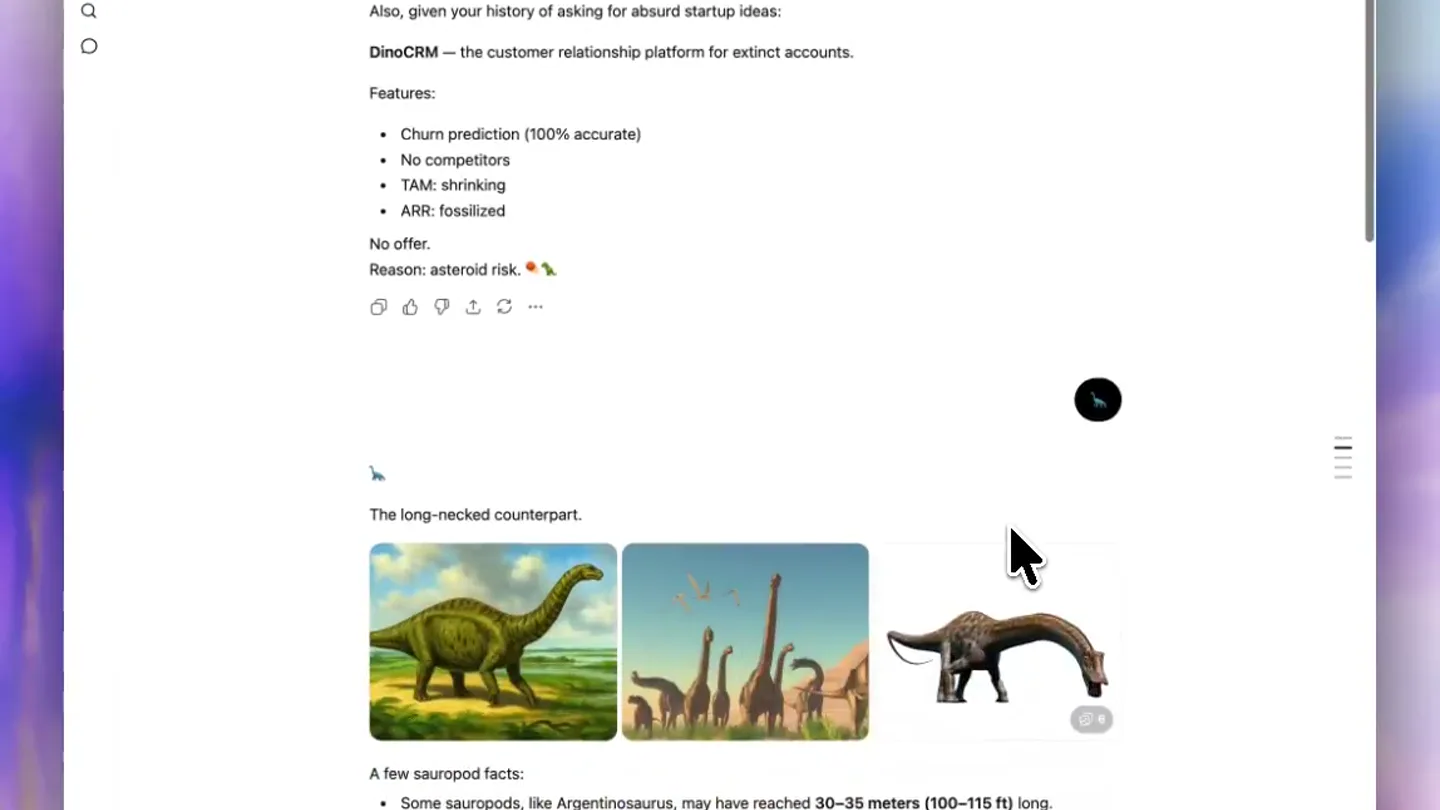
ChatGPT · Launch Video Breakdown: Hook, Pacing & Motion Design
For every ChatGPT conversation that started as “one quick thing” and became a full on saga: table of contents is here. Available now for chats with 5+ responses.
Scene-by-scene timeline & spoken transcript
The Hook
Scrolling Through a Long ChatGPT Conversation
“(No spoken dialogue — ambient visual of a user scrolling through a ChatGPT conversation)”
- On screen
- Dinosaur Facts and DinoCRM chatgpt.com/c/8a19e3ed-a178-83ea-9f2c-f8a6019478a2 A few scientifically important facts about your emoji: • Dinosaurs dominated Earth for roughly 165 million years. • Birds are technically living dinosaurs, so pigeons in NYC are closer to a T. rex than a T. rex was to a Stegosaurus. • The time between Stegosaurus and Tyrannosaurus rex was about 80 million years—longer than the time between T. rex and humans. • Many dinosaurs probably had feathers. • If you could somehow hear a T. rex, it may have sounded more like a giant bird than the movie version’s lion-reptile roar. Also, given your history of asking for absurd startup ideas: DinoCRM — the customer relationship platform for extinct accounts. Features: • Churn prediction (100% accurate) • No competitors • TAM: shrinking • ARR: fossilized No offer. Reason: asteroid risk. The long-necked counterpart. Ask anything Instant ChatGPT is AI and can make mistakes. Check important info.
- Camera
- Static overhead shot of a laptop screen, with the cursor moving and scrolling down the page.
- Motion
- Simulated user interaction, rapid scrolling, content reveal on scroll.
Problem Agitation
The Endless Scroll Problem
“(No spoken dialogue — ambient visual of a user scrolling through a ChatGPT conversation)”
- On screen
- 3 feet (5.5 m). vertebra is just comically large. -colored, possibly helping us blood pressure to get
- Camera
- Close-up on the right side of the screen, emphasizing the scrollbar and the continuous flow of content.
- Motion
- Fast-paced scrolling, highlighting the length and density of the conversation.
Product Reveal
Introducing Table of Contents
“(No spoken dialogue — ambient visual of a user interacting with a new UI element)”
- On screen
- (No on-screen text)
- Camera
- Zoomed-in view of the new table of contents sidebar appearing and being interacted with.
- Motion
- UI element reveal, hover states, click interaction, smooth sidebar animation.
Feature Teaser
Effortless Navigation
“(No spoken dialogue — ambient visual of a user interacting with a new UI element)”
- On screen
- A few scientifically important facts about your emoji: • Dinosaurs dominated Earth for roughly 165 million years. • Birds are technically living dinosaurs, so pigeons in NYC are closer to a T. rex than a T. rex was to a Stegosaurus. • The time between Stegosaurus and Tyrannosaurus rex was about 80 million years—longer than the time between T. rex and humans. • Many dinosaurs probably had feathers. • If you could somehow hear a T. rex, it may have sounded more like a giant bird than the movie version’s lion-reptile roar. Also, given your history of asking for absurd startup ideas: DinoCRM — the customer relationship platform for extinct accounts. Features: • Churn prediction (100% accurate) • No competitors • TAM: shrinking • ARR: fossilized No offer. Reason: asteroid risk. The long-necked counterpart. Ask anything Instant ChatGPT is AI and can make mistakes. Check important info.
- Camera
- Wider shot showing the table of contents sidebar in context, demonstrating quick jumps within the conversation.
- Motion
- Instantaneous scroll to section, highlighting the efficiency of the new feature.
Motion design primitives
Synthesizable in Remotion · key components of the smart-search-ui-reveal template.
DynamicScrollReveal
Content appears and disappears as the user scrolls rapidly through a long document or conversation, simulating real-time interaction.
+ Code construction recipe
Utilize `useCurrentFrame` and `interpolate` to control the `opacity` and `transformY` of content blocks based on scroll position. Implement a `scroll-snap` like effect for smooth transitions between sections.
SidebarSlideIn
A new UI element, a sidebar, smoothly slides into view from the right edge of the screen, revealing navigation options.
+ Code construction recipe
Employ `spring` animation for the `translateX` property of the sidebar component. Combine with `opacity` interpolation for a subtle fade-in effect upon appearance.
InstantSectionJump
Upon clicking a navigation item in the sidebar, the main content area instantly scrolls to the corresponding section.
+ Code construction recipe
Implement a `scrollTo` function with a `duration` of 0 or a very short `duration` (e.g., 50ms) to simulate an immediate jump. Highlight the target section briefly with a `background-color` change or `border` animation.
Style DNA & aesthetic system
Visual aesthetic
Typography
Motion
Special effects
Pacing & rhythm
Conceptual story rhythm
- 1
The Endless Scroll
Purpose. Establish the problem: long, unmanageable conversations.
Execution. Rapid, continuous scrolling through a dense ChatGPT conversation.
- 2
The Frustration Point
Purpose. Agitate the problem, showing the difficulty of finding specific information.
Execution. Close-up on the scrollbar, emphasizing the sheer volume of content.
- 3
The Solution Appears
Purpose. Introduce the new feature as the elegant solution.
Execution. Sidebar slides in, revealing the table of contents with clear, organized sections.
- 4
Effortless Navigation
Purpose. Demonstrate the ease and efficiency of the new feature.
Execution. Quick clicks on sidebar items instantly jump to relevant conversation sections.
Remix in Animatiq Studio
Master remix prompt · agent-ready
Sample remix
Objective
A user needs to quickly find a specific design task within a large project management board.How the recipe adapts
The video opens with a user endlessly scrolling through a Trello-like board, highlighting the difficulty of manual searching. The 'Smart Search' bar then animates into view, the user types a query, and the board instantly filters or jumps to the relevant task, demonstrating the feature's efficiency. The visual style maintains the clean, white background and sans-serif typography, with smooth, quick UI transitions.Remix blueprint · smart-search-ui-reveal
Scene durations (4 scenes, 14s)
Key Remotion components
Related Tech & SaaS Product Launches
Explore all Tech & SaaS launches →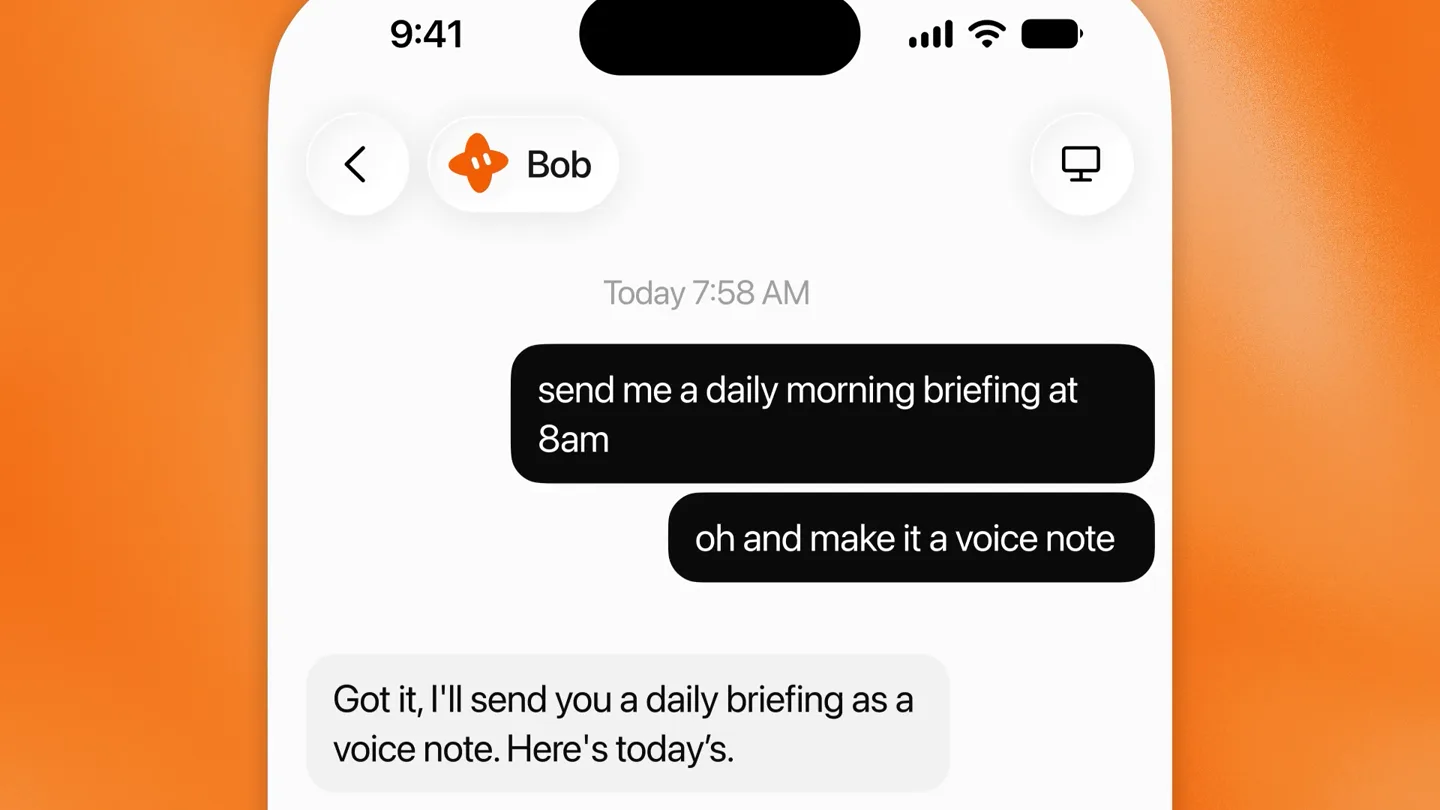
Grok Bot can now send you voice notes.
Unreal Engine 6 has been announced with Rocket League.
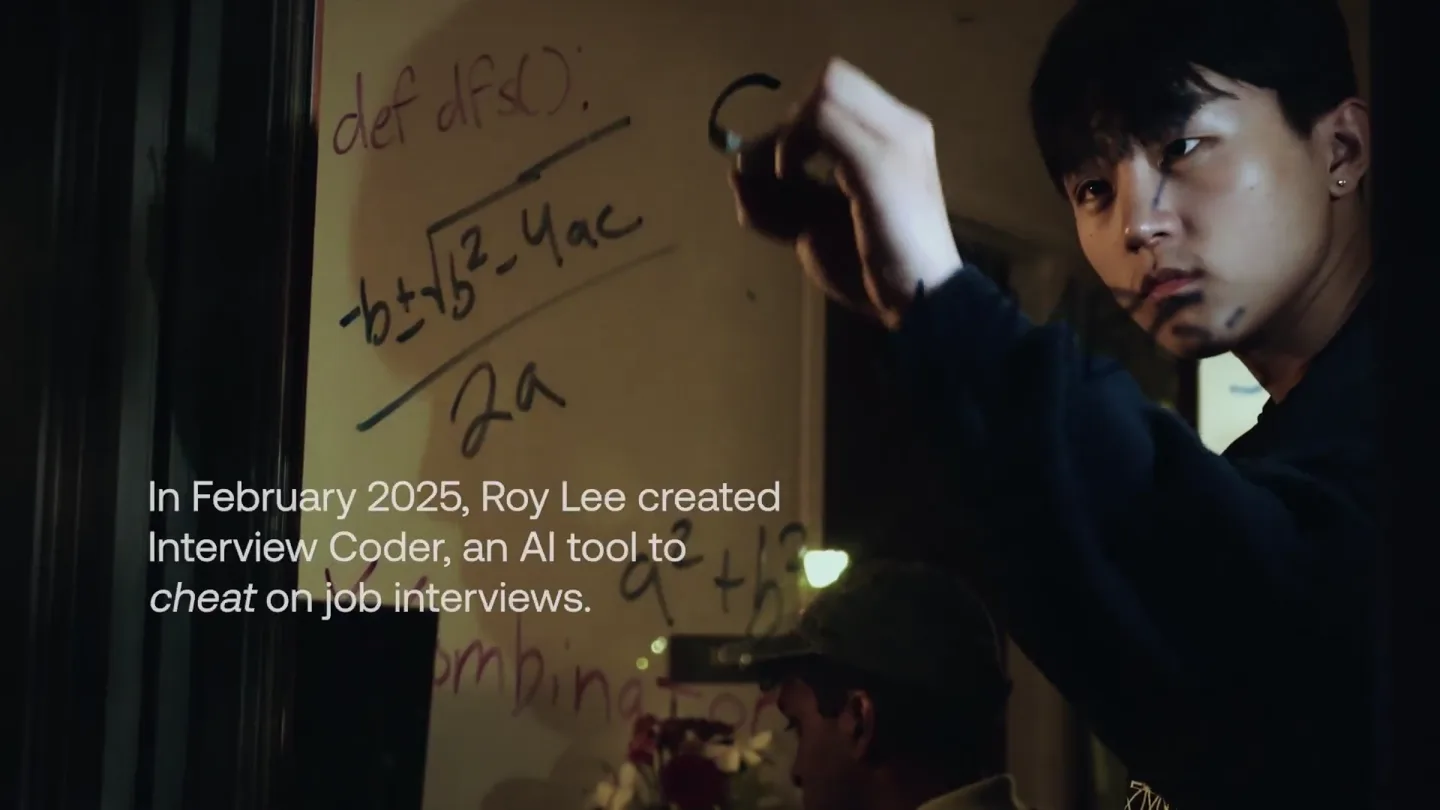
announcing @cluely's $15M fundraise, led by @a16z. cheat on everything.