

Claude · Launch Video Breakdown: Hook, Pacing & Motion Design
Claude can now operate your Mac, opening apps, browsing and filling spreadsheets, as a research preview in Cowork and Claude Code.
Scene-by-scene timeline & spoken transcript
The Hook
Desktop Access from Anywhere
“(No spoken dialogue — The audio track begins with a strong sub-bass line and rhythmic electronic percussion, establishing an energetic and modern tone.)”
- On screen
- RESEARCH PREVIEW Reach your desktop from your pocket Like when the deck is on your laptop, but you aren't
- Camera
- Static text on a solid background, followed by a subtle zoom-in on a mobile phone UI, then a dynamic pan-right to reveal a desktop application.
- Motion
- Text fade-in, UI element reveals, simulated cursor interaction, and a smooth camera pan to transition between mobile and desktop views.
Product Reveal
Automated Presentation Export & Scheduling
“(No spoken dialogue — The electronic beat continues with added atmospheric textures and a subtle riser leading into a sub-bass drop at key interaction points.)”
- On screen
- Dispatch Online where did the contract end up saving yesterday? Downloads folder — signed-contract-v3.pdf. Want me to move it somewhere? 12:04 PM I'm running late to an appointment. Can you export my pitch deck as a PDF and attach it to my 2 PM invite? Ask Claude anything PowerPoint File Edit View Go Tools Window Help Northgate Digital Strategy Driving Traffic, Growth & Maximizing Revenue Conversion Export As: Northgate_Pitch_v3 Tags: Where: Desktop File Format: PDF Cancel Export Calendar File Edit View Go Tools Window Help Mon 18 Tue 19 Wed 20 Thu 21 ALL-DAY 9 AM Managing Director Sync Deal Team Standup Revenue Forecast Review School drop-off 10 AM LP Refresh Presentation 11 AM Noon Doctor appt. Northgate presentation 1 PM 5 guests yes Elliot Chelsea Oak Roy Jared 10 min before Attachments Click or drag to add attachment Comp analysis deep work Focus Block Board Deck Working Ses... Focus Block Sure thing — pulling up the deck now. Attached the PDF to your 2 PM with the client. Grabbed the version you edited at 9:47 this morning, exported at full quality.
- Camera
- The camera maintains a split view, showing the mobile chat on the left and a dynamic desktop screen on the right. It zooms into specific UI elements on the desktop as Claude interacts with them.
- Motion
- Simulated cursor movements, rapid UI element interactions (typing, clicking, dragging), and seamless transitions between different desktop applications (PowerPoint, Calendar).
Feature Teaser
Remote Dev Server & Screenshot Capture
“(No spoken dialogue — The rhythmic electronic score intensifies with more intricate percussion and subtle synth melodies, maintaining a high-energy feel.)”
- On screen
- Or when it's time to check the build, but you're on the train Dispatch Online 2:09 PM Start the dev server, screenshot the library page, and send it to me before the demo at 3PM. Please! On it — starting a code task to run the dev server and grab that screenshot. Ask Claude anything Claude File Edit View Go Tools Window Help Cuaform x http://127.0.0.1:62626/library Cuaform Library 12 collections - 247 total tracks Search by title, composer, or rating (e.g. 'ambient') Thriller X2 - Underscore Selects NEW Brand Launch - Uplifting Anthems NEW Docu Series - Ambient B NEW Electronic Underscore 120-124 BPM Fractured Horizon - Full Mix Descent Into Chaos - Full Mix Silent Observatory - Underscore Vapor Lock - All Mix (No Perc) Iron Cathedral - Items Available App's running — found the library page. 22 preset cards in a 4-column grid under "Cueform/Library". Now getting the screenshot! the screenshot! Rendering looks clean with new brand. Header in a 4-column grid. Each one has a thumbnail, title, description, primitive name, and duration.
- Camera
- Similar split-screen composition. The desktop view dynamically shifts between a terminal window showing code execution and a browser displaying a web application, with a simulated screenshot capture.
- Motion
- Fast-paced UI interactions, terminal text animation (typing effect), browser navigation, and a visual 'screenshot' effect that captures and embeds the image into the chat.
Call to Action
Batch Image Processing & Watermarking
“(No spoken dialogue — The audio track builds to a climax with a powerful sub-bass drop and a final, resonant synth chord, concluding with the brand logo reveal.)”
- On screen
- Can you batch process all the shop photos on my desktop? Size them as 1200px PNGs and add the white logo bottom-right. Ran out of time to do it myself 😬 Dispatch Online 6:22 PM Found them — starting the batch now. I'll ping you when it's done. Ask Claude anything PixelForge File Edit Image Filters View Select Tools Window Help DIMENSIONS 1800 px 380 DPI 72 Mode RGB 8 bit Layers #1 #2 #3 #4 #5 #6 #7 #8 #9 Batch Export Export with Watermark Format PNG JPEG WebP Quality Apply watermark to export Text: 'DP Ceramics' - 40% opacity - 'Arial' - 30° Output Folder: ~/Desktop/exports Name: [original]_watermarked Preserve EXIF data BATCH PROCESS Cancel Export Done! 133 photos added to a new folder on your desktop sized at 1200x1200 and Dragon watermark added! Claude
- Camera
- The camera follows the mobile chat and desktop interaction, showcasing a batch image processing workflow. It zooms into the image editor's export settings and then to the final desktop folder with processed images. Ends with a full-screen brand logo reveal.
- Motion
- Simulated drag-and-drop, rapid form filling, progress bar animation, and a clean, impactful logo reveal with a subtle glow effect.
Motion design primitives
Synthesizable in Remotion · key components of the claude-desktop-ai-automation template.
SplitScreenDesktopMobile
A dynamic split-screen layout where a mobile phone UI occupies the left third, and a desktop application UI fills the right two-thirds. Interactions on the mobile UI trigger corresponding actions and animations on the desktop UI.
+ Code construction recipe
Use Remotion's <AbsoluteFill> with two child components: one for the mobile frame (e.g., <MobileFrame />) and one for the desktop frame (e.g., <DesktopFrame />). Position them using CSS grid or flexbox. Animate desktop UI elements using <Sequence> and <spring()> for realistic interaction delays and bounces, triggered by state changes from the mobile chat component.
SimulatedCursorInteraction
A small, animated cursor icon (often a hand or pointer) moves across the desktop UI, clicking buttons, typing into fields, and dragging elements, mimicking human interaction.
+ Code construction recipe
Implement a <Cursor /> component that takes `x`, `y` coordinates, and `action` props (e.g., 'click', 'type', 'drag'). Use <interpolate()> for smooth path animation between coordinates. For typing, animate text character by character using <Sequence> and <spring()> for a typewriter effect. For dragging, use <spring()> to animate the position of the dragged element.
DynamicChatBubbleReveal
Chat bubbles appear and expand from the bottom of the mobile screen, with text content animating in. User input bubbles are distinct in color and shape from AI responses.
+ Code construction recipe
Create a <ChatBubble /> component that accepts `text`, `sender`, and `delay` props. Animate the bubble's scale and opacity using <spring()> or <interpolate()> with an 'easeOutBack' curve. Text inside can be revealed using a character-by-character fade-in or a simple opacity transition after the bubble has fully appeared.
Style DNA & aesthetic system
Visual aesthetic
Typography
Motion
Special effects
Pacing & rhythm
Conceptual story rhythm
- 1
The Problem Setup
Purpose. Establish common pain points of remote work and desktop access.
Execution. Opening text frames highlighting scenarios where desktop access is needed but unavailable, setting up the problem Claude solves.
- 2
Claude's Solution in Action
Purpose. Demonstrate Claude's ability to perform complex desktop tasks via chat.
Execution. Split-screen showing mobile chat interacting with desktop applications (PowerPoint, Calendar, Terminal, Browser, Image Editor) with simulated cursor and UI automation.
- 3
Versatility & Power
Purpose. Showcase Claude's diverse capabilities across different professional contexts.
Execution. Rapid-fire examples of Claude handling various tasks: presentations, dev ops, image processing, each with distinct application UIs and interactions.
- 4
Brand Reinforcement
Purpose. Conclude with a strong brand identity and a sense of empowerment.
Execution. Final full-screen logo reveal with a subtle animation, leaving a lasting impression of Claude's capability.
Remix in Animatiq Studio
Master remix prompt · agent-ready
Sample remix
Objective
A user needs to quickly generate a social media ad campaign with multiple variations and export them for different platforms.How the recipe adapts
The 'SplitScreenDesktopMobile' primitive would show a mobile chat interface on the left where the user types prompts like 'Generate 5 ad variations for a coffee shop, focus on cozy vibes'. The right desktop screen would display the 'CanvasFlow' application, showing AI-generated mockups appearing in real-time. The 'SimulatedCursorInteraction' primitive would then highlight the export options, demonstrating how CanvasFlow automatically resizes and formats the ads for Instagram, Facebook, and Twitter, all triggered by chat commands. The 'DynamicChatBubbleReveal' would show CanvasFlow's responses confirming task completion and providing links to the exported assets.Remix blueprint · claude-desktop-ai-automation
Scene durations (4 scenes, 73s)
Key Remotion components
Related Developer Tools Product Launches
Explore all Developer Tools launches →
xAI opens voice cloning on its API: build a custom voice in about two minutes or pick from 80+ voices in 28 languages.

Agentic CLI for coding, building apps, and automating workflows.
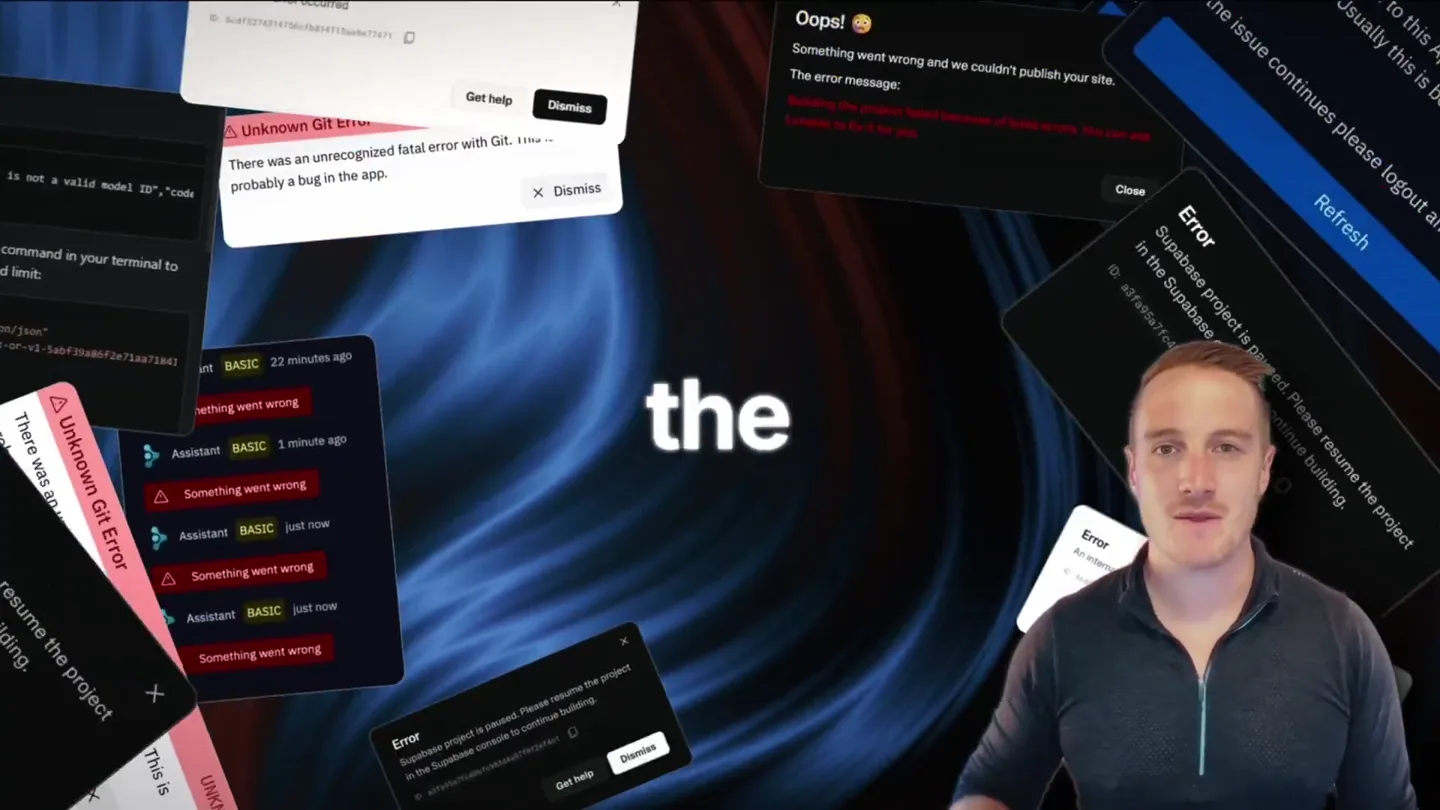
Bolt v2 pairs Claude Code and Codex agents with built-in hosting, database and storage so apps ship without setup.