
Anthropic · Launch Video Breakdown: Hook, Pacing & Motion Design
We’re expanding Claude for Financial Services, with an Excel add-in, new connectors to real-time data and market analytics, and pre-built Agent Skills, including cash flow models and initiating coverage reports.
Scene-by-scene timeline & spoken transcript
The Hook
AI Agent Automates Deal Teaser Creation
“(No spoken dialogue — Driving electronic beat with pizzicato synths and high-energy transitions.)”
- On screen
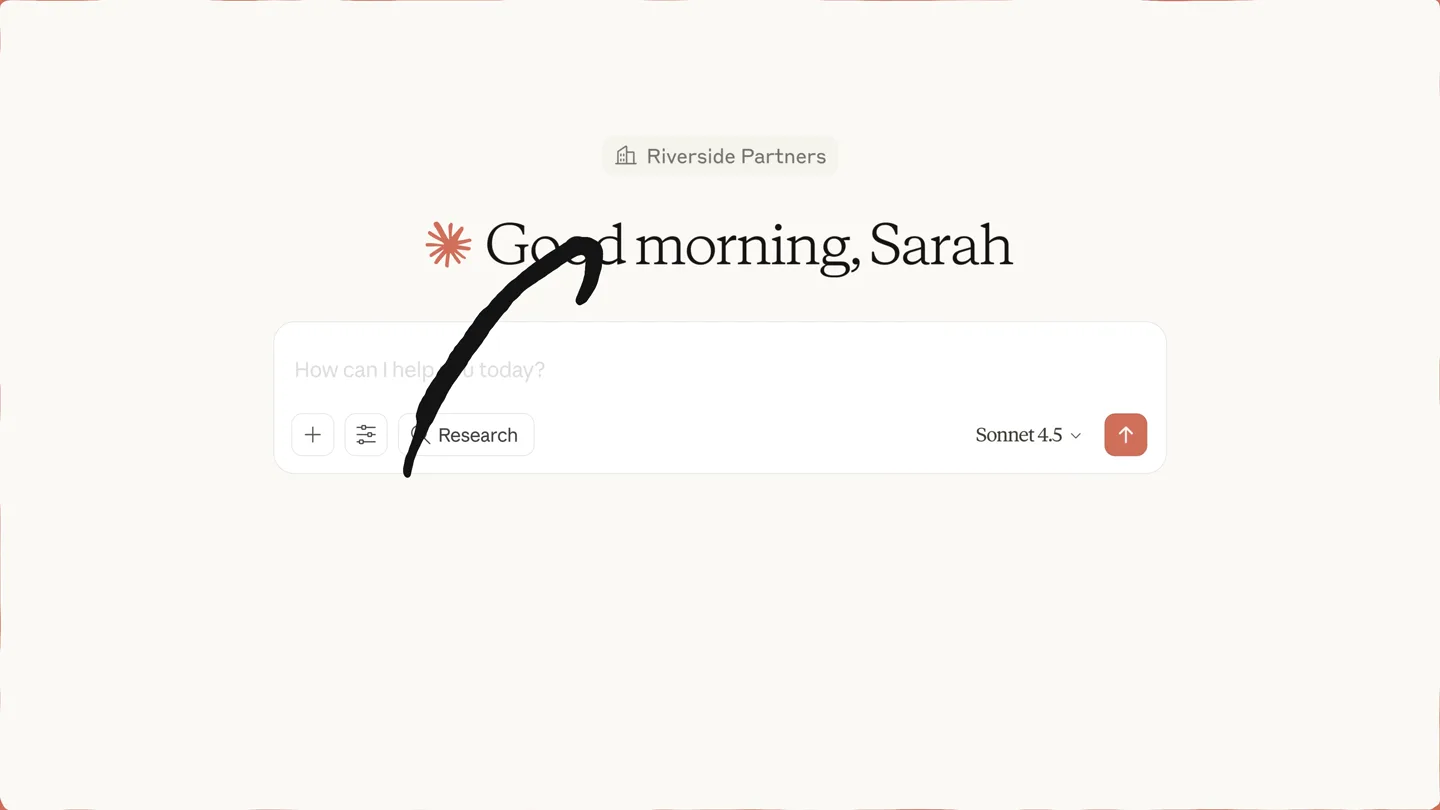
- Riverside Partners Good morning, Sarah Create Research Sonnet 4.5 Riverside_teaser_template.pptx PPTX Create a deal teaser for Horizon Health Group using the attached Riverside template and the Deal Teaser Skill. Extract key metrics from the data room in Egnyte - look for financials, customer retention data, and operational metrics. I'll help you create a deal teaser for Horizon Health Group. Search Located and retrieved financial documentation for analysis. 3 steps Orchestrated data retrieval and template structure analysis. Fetch Now I'll create a comprehensive JSON data file with the actual Horizon Health Group metrics from Egnyte, then run the automation script. Creating comprehensive JSON data file with actual Horizon Health Group da... horizon_deal_data.json Orchestrated automation script to populate deal teaser presentation. Now let me run the automation script to populate the deal teaser: 12 steps Running the deal teaser automation to populate the presentation with Horizon... Verified script execution and synthesized extracted metrics. Perfect! The deal teaser has been created. Let me verify the output and create a summary of the key data extracted from Egnyte: Horizon Health Group deal teaser RIVERSIDE PARTNERS Horizon Health Group CONFIDENTIAL | October 2025 Financial Overview REVENUE BY GEOGRAPHY (FY2024) Revenue by Geography Other States Tennessee North Carolina Florida Georgia Revenue in ($M) PRODUCT MIX & BRAND ARCHITECTURE Product Mix Home Health Services Rehabilitation Services Specialty Nursing Georgia: Largest market at 28% of revenue with Atlanta regional hub as flagship Florida: Strong presence at 25% with Jacksonville regional hub serving three branch offices. North Carolina: Growing market at 18% anchored by Charlotte regional hub Tennessee: 15% of revenue with headquarters and operational center in Nashville Multi-state operations: Alabama, South Carolina, Mississippi, Louisiana collectively 14% Home Health Services (55%): Skilled nursing, PT/OT/ST therapy, disease management, wound care, IV therapy Rehabilitation Services (30%): Post-acute rehab, orthopedic/neuro rehab, fall prevention programs Specialty Nursing (15%): Cardiac care, respiratory care, hospice/palliative care, medication management BRAND PORTFOLIO: Horizon Health Group: Unified brand across all service lines and geographies ($85M total revenue) Three regional hub model: Atlanta (GA), Jacksonville (FL), Charlotte (NC) providing administrative and clinical oversight Quality certifications: Joint Commission accreditation (all facilities), CMS 4.5 star rating, CHAP and ACHC, specialty certifications
- Camera
- Static overhead shot of a desktop UI, then a subtle zoom into the generated PowerPoint presentation.
- Motion
- Rapid UI element animation, text typing simulation, content generation, and a quick transition to a fully populated presentation.
Product Reveal
AI Agent Screens and Models Investment
“(No spoken dialogue — Energetic electronic beat continues with sound design elements emphasizing UI interactions.)”
- On screen
- Wealth Capital Good afternoon, Jen 1. Screen this Horizon Health Group teaser against our Wealth Capital investment criteria from SharePoint. Flag any risks in customer contracts (which can be found in the Egnyte data room). Make a quick write-up of this. 2. Then build a quick LBO model assuming 5.0x leverage, 5-year hold, and 15% revenue growth in year 1 tapering to 11% by year 5. Make a base and upside case. Use the attached Excel template and the LBO skill. PPTX XLSX I'll help you screen this deal and build the LBO model. Let me start by reading the LBO skill to ensure I follow best practices, then analyze the teaser and gather the investment criteria. Horizon Health Group Investment Screening Required Before LOI: 1. Blue Cross renewal commitment letter 2. Full top 10 contract review 3. Management diversification plan Recommendation: Proceed to full diligence with contract risk mitigation as gating item for LOI execution. Horizon Health Group Investment Screening Document - MD Download Horizon Health Group LBO Model Spreadsheet - XLSX Download Executive Summary Document - MD Download Reply to Claude Research Sonnet 4.5 Horizon Health Group LBO Model - XLSX Download Save formatting is not supported by the preview and may not be displayed. Download the file to view all formatting. LBO Model - Scenario Analysis (in millions) CASE SELECTION Select Case: Base Operating Assumptions 2023 2024 2025 2026 2027 2028 2029 BASE CASE Revenue Growth 15% 14% 13% 12% EBITDA Margin % 25.5% 26.0% 26.5% 27.0% CapEx % of Revenue 3.0% 3.0% 3.0% 3.0% NWC % of Revenue 12.0% 12.0% 12.0% 12.0% UPSIDE CASE Revenue Growth 0% 16% 15% 14% EBITDA Margin % 25.5% 26.0% 26.5% 27.0% CapEx % of Revenue 0.0% 5.0% 5.0% 5.0% NWC % of Revenue 2.5% 2.5% 2.5% 2.5% Step 2. Model Assumptions Transaction Assumptions LTM EBITDA $20 Entry Multiple 10.0x Purchase Enterprise Value $200 Financing Fees $7 Refinancing Fees, Amort. Period (yrs) 7 Debt Issuance Discount 2.0% Tax Rate 25.0% Debt Structure % Amount Rate Flow % Asset Revolver 4.0% 9.0% 0.0% Term Loan B $100 9.0% 0.0% 0.0% Mezzanine $50 9.0% 0.0% 0.0% Total Debt $150 Sponsor Equity $50
- Camera
- Static overhead shot of a desktop UI, then a split-screen view showing the AI agent's output alongside an Excel spreadsheet.
- Motion
- Split-screen reveal, dynamic data population within the Excel interface, and highlighting of key data points.
Feature Teaser
AI Agent Generates Investment Memo
“(No spoken dialogue — Electronic beat maintains energy, with sound effects for UI interactions and data processing.)”
- On screen
- Generate an Investment Committee update memo for Monday's meeting. Make a rich HTML artifact. Include the screening results, contract risks, LBO model outputs, and your recommended LOI ra Research Sonnet 4.5 I'll create a comprehensive Investment Committee update memo for you. Let me examine the LBO model to extract the key outputs. Horizon Health IC Update Memo - HTML Download EXIT EQUITY VALUE $321.4M After debt paydown MOIC 3.1x On $103.0M equity IRR 25.6% Exceeds 20% target Sensitivity Analysis - IRR by Exit Multiple EXIT MULTIPLE 8.0x 8.5x 9.0x 9.5x 10.0x 10.5x 11.0x IRR 18.6% 20.5% 22.3% 24.0% 25.6% 27.1% 28.6% MOIC 2.3x 2.5x 2.7x 2.9x 3.1x 3.2x 3.3x Indicative Offer Recommendation Recommended LOI Range 10.0x - 11.0x EBITDA LOW END (10.0x) $203.7M Enterprise Value PROJECTED IRR RANGE: 22.3% - 25.6% HIGH END (11.0x) $224.1M Enterprise Value PROJECTED MOIC RANGE: 2.7x - 3.1x Claude
- Camera
- Static overhead shot of a desktop UI, then a reveal of a generated HTML memo, followed by a full-screen brand logo.
- Motion
- Content generation, highlighting of key data, and a clean, impactful brand reveal with a subtle glow effect.
Motion design primitives
Synthesizable in Remotion · key components of the ai-agent-workflow-showcase template.
DynamicUIGeneration
Simulates real-time user interface interaction, including typing, button clicks, and the progressive display of AI-generated text and data. Elements appear and animate as if being actively created.
+ Code construction recipe
Utilize `Sequence` and `AbsoluteFill` for scene staging. Implement `spring` for button presses and UI element pop-ins. Use `interpolate` for text opacity and position changes, combined with a custom `typewriter` effect for text input fields.
SplitScreenDataReveal
Divides the screen to simultaneously display the AI agent's conversational interface and a dynamically updated external application (e.g., Excel, PowerPoint), highlighting the seamless integration.
+ Code construction recipe
Employ `AbsoluteFill` with `ClipPath` or `transform: translateX` for the split-screen effect. Synchronize `spring` animations for the panels sliding into view. Use `MeasureText` to precisely position and animate data highlights within the external application frames.
ContentHighlightPulse
Draws attention to specific data points or sections within generated documents (e.g., Excel cells, memo sections) using subtle glow, underline, or background color changes.
+ Code construction recipe
Apply `BoxShadow` with `interpolate` for a pulsing glow effect. Use `SVG` overlays for animated underlines or highlight boxes. Coordinate `delay` and `duration` with the audio track's rhythmic elements for impactful reveals.
Style DNA & aesthetic system
Visual aesthetic
Typography
Motion
Special effects
Pacing & rhythm
Conceptual story rhythm
- 1
Initial Prompt & Automation
Purpose. Introduce the AI agent's ability to understand complex requests and initiate multi-step automation.
Execution. Typing animation of a user prompt, followed by rapid display of AI processing steps and file generation.
- 2
Output Generation & Review
Purpose. Demonstrate the agent's capability to produce high-quality, structured outputs in common business applications.
Execution. Seamless transition to a fully populated PowerPoint presentation, showcasing data integration and professional formatting.
- 3
Complex Task Execution
Purpose. Highlight the agent's advanced analytical skills, such as financial modeling and scenario analysis.
Execution. Split-screen view of the AI conversation alongside a dynamically updated Excel spreadsheet, with key calculations highlighted.
- 4
Synthesized Reporting & Brand Reveal
Purpose. Showcase the agent's ability to synthesize complex data into actionable reports and conclude with brand reinforcement.
Execution. Display of a generated HTML memo summarizing findings, followed by a clean, impactful brand logo reveal.
Remix in Animatiq Studio
Master remix prompt · agent-ready
Sample remix
Objective
A new AI-powered legal research platform that automates brief drafting and case analysis.How the recipe adapts
The DynamicUIGeneration primitive will animate the AI drafting a legal brief in a text editor. The SplitScreenDataReveal will show the AI's conversational interface alongside a legal database, highlighting relevant case law. ContentHighlightPulse will draw attention to critical legal precedents and arguments within the generated brief and analysis. The overall pacing will remain fast and precise, with a similar electronic soundtrack to convey efficiency and innovation in the legal tech space.Remix blueprint · ai-agent-workflow-showcase
Scene durations (4 scenes, 103s)
Key Remotion components
Related AI Agents Product Launches
Explore all AI Agents launches →
To ensure that artificial general intelligence benefits all of humanity

Gopuff introduces Go, an AI shopping assistant built with SpaceXAI: say what you need and the order is placed.

Iliad (Troy) trailer made by Grok Imagine 1.5, which was just released