
Claude Life Sciences (by Anthropic) · Launch Video Breakdown: Hook, Pacing & Motion Design
Connectors to scientific tools, Skills, and partnerships that make Claude more useful from early discovery through commercialization in life sciences.
Scene-by-scene timeline & spoken transcript
The Hook
AI Agent for Scientific Discovery
“(No spoken dialogue — Ambient electronic score with pizzicato synths and sub-bass introduces a clean, modern sound.)”
- On screen
- (No on-screen text)
- Camera
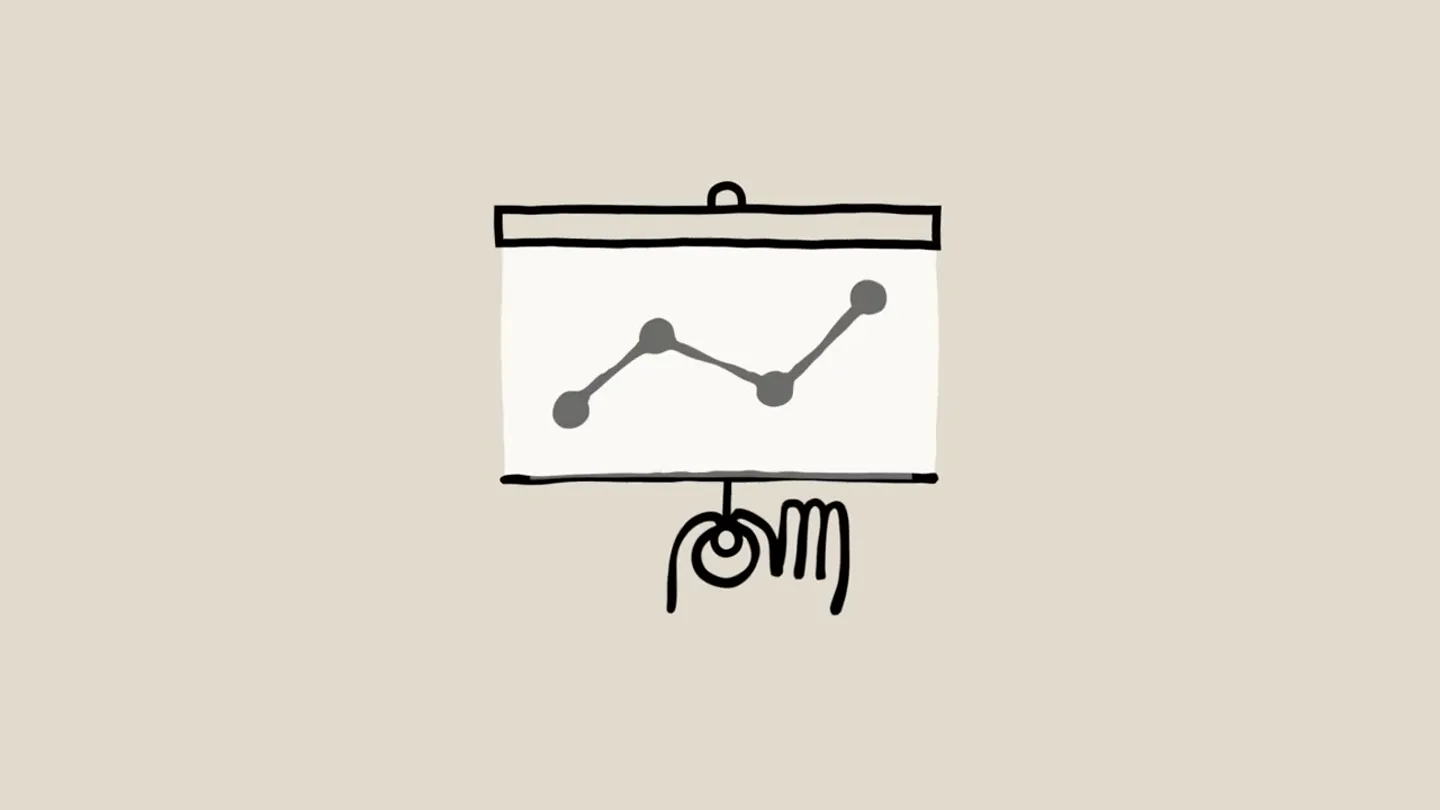
- Static shot of a hand-drawn graph on a projector screen, then a close-up on a desktop UI.
- Motion
- Subtle zoom-in, UI element reveal via typing animation.
Problem Agitation
Complex Data Analysis & Literature Review
“(No spoken dialogue — The electronic score maintains a consistent, driving rhythm, building energy with subtle risers as new information appears.)”
- On screen
- Acme Co. Evening, Anne My colleagues recently published the attached single-cell dataset that describes gene expression differences between adult and pediatric liver samples with a focus on the immune system. I would like to explore these samples but focus on the parenchymal cells and differences between adult and pediatric liver. Can you help me first go through the differentially expressed genes and create a heatmap and then also identify pathways or sets of genes that are enriched in each sample? de_genes_adult.csv de_genes_ped.csv I'd be happy to help you analyze these differentially expressed genes between adult and pediatric liver parenchymal cells! Let me start by examining the datasets you've uploaded. View the pediatric-enriched genes dataset to understand its structure View the adult-enriched genes dataset to understand its structure View pathway summary table - summary statistics This analysis clearly shows that pediatric liver parenchymal cells retain strong developmental programs while adult liver shifts to specialized metabolic functions! De genes heatmap Image PNG Open in preview Pathway comparison Image PNG Open in preview De summary TXT Open in TextEdit Pathway analysis TXT Open in TextEdit Pathway summary Table CSV Open in Numbers Download all Claude can make mistakes. Please double-check responses. This is helpful! I'd like to focus on the extracellular matrix and its remodeling or function in the pediatric liver. I want to understand what is expected in these findings vs. what is new. Can you look at the ECM and remodeling proteins and explore the literature in PubMed to clarify citations of well understood matrix proteins in the pediatric liver v. ECM components that do not currently have known functions in developmental or pediatric liver? I'll help you explore the ECM and remodeling proteins in the pediatric liver, distinguishing well-characterized components from potentially novel findings. Let me start by extracting all ECM-related genes from your pediatric dataset and then systematically search the literature. Extract and categorize all ECM and matrix remodeling genes from pediatric dataset Excellent! Now let me systematically search PubMed for each of these top ECM genes in the context of pediatric/developmental liver biology. I'll start with the highest fold-change genes: pubmed_search pubmed_summary pubmed_search pubm
- Camera
- Scrolling and panning across a desktop UI, focusing on text input and output fields. Occasional zooms to highlight specific data points or actions.
- Motion
- Typing animation, content reveal via scrolling, dynamic UI element expansion, data visualization pop-ins.
Product Reveal
Claude's Advanced Capabilities
“(No spoken dialogue — The electronic score maintains its driving rhythm, with a subtle increase in intensity and more prominent synth melodies as complex tasks are demonstrated.)”
- On screen
- Copy visualization files to outputs View the ECM novel findings visualization Perfect! Now let me create a final comprehensive summary document: Create comprehensive executive summary of ECM findings Perfect! Let me create one final summary listing all the files generated: Complete ECM & Matrix Remodeling Analysis Summary I’ve conducted a comprehensive literature-based analysis of ECM genes • Elastic fiber components: ELN, FBN1, FBLN2, FBLN5 Key Biological Insight: The prominence of brain/neural markers (HAPLN2, CSPG4, OLFML2A) suggests: • Shared developmental ECM programs across organs • A conserved “immature tissue” ECM signature • Possible parallels between neural and hepatic development Claude can make mistakes. Please double-check responses. Reply to Claude... Sonnet 4.5 Let’s focus on the top 5 genes. Let’s go back to PubMed and please give me a prioritized reading list that clarifies the citation. Review those papers carefully and provide a quote or experimental detail that explains why you think that paper is important for my work. 8 steps pubmed_search pubmed_fetch pubmed_search pubmed_fetch Create comprehensive prioritized reading list with experimental details MXRA8 (published 2024); completely open field for liver discovery 5. COL19A1 (log2FC = 3.75) - Rare collagen, unexpected in liver • Important: Sumiyoshi et al. 1997 (PMID: 9202028) (Link) • Experimental detail: Expression in all embryonic tissues EXCEPT LIVER... proposed role: assembly of embryonic matrices • Why important: Your finding is UNEXPECTED - mouse fetal liver explicitly excluded COL19A1; suggests unique human or postnatal program Claude can make mistakes. Please double-check responses. Reply to Claude... Sonnet 4.5 Let’s synthesize the initial analysis, gene set findings, known vs. new genes, and the literature deep dive into a 5 slide presentation that highlights the work thus far and clarifies some next steps. I want this to be for a technical crowd of scientists, so please list citations, and support claims with figures or data. I’ll create a comprehensive 5-slide presentation for a technical scientific audience. Let me start by reading the PowerPoint skill file to ensure I follow best practices. Read the PowerPoint skill file for best practices Now let me read
- Camera
- Continued scrolling and panning, with rapid transitions between different sections of the UI. Zoom-outs reveal the broader context of the AI's output.
- Motion
- Fast-paced content generation, dynamic list population, smooth scrolling, and quick UI element transitions.
Call to Action
Seamless Integration & Impact
“(No spoken dialogue — The electronic score reaches its peak energy with impactful sub-bass drops and a final, clean resolution, emphasizing the product's capability.)”
- On screen
- Included: ✓ 6 unique PMIDs cited with full attribution (author, year, journal) ✓ Direct experimental quotes from literature ✓ 2 data visualizations (stacked bar, pie chart) ✓ Quantitative throughout (fold changes, percentages, gene counts) ✓ Color-coded priorities (coral = highest, gold = high) ✓ Testable hypotheses with specific next steps View presentation guide The presentation is designed for a 12-15 minute technical seminar and emphasizes your most surprising finding: that 60% of top pediatric ECM genes are poorly characterized or completely novel in liver, with several being brain/neural markers suggesting conserved developmental programs across organs! Pediatric liver ecm analysis Presentation PPTX Download Presentation summary TXT Download Download all bio search-templates Parenchymal Cell Focus • Evidence-Based Classification • Literature Review Page 1/6 Dataset Overview & Pathway Enrichment Liver Hepatic (liver) lobule Portal vein Hepatocyte (liver cell) Sinusoid Central vein Hepatic artery Bile canaliculus Bile duct Key Insight Pediatric liver exhibits strong developmental programs and remodeling, including immune recruitment, stress response while adult liver shifts to specialized metabolic functions (drug metabolism, lipid/glucose homeostasis). Top Pediatric Pathways Coagulation/Blood: 70 genes (70%) Cell-Cell Adhesion: 50 genes (50%) Muscle/Contractile: 10 genes (10%) Chemotaxis: 10 genes (10%) Pathway Enrichment: Gene Count Comparison Adult vs Pediatric Liver Parenchymal Cells Pathway Distribution: Pediatric vs Adult Bias Page 2/6 ECM Gene Classification: Known vs Novel Initial genomics datasets courtesy of CZI, the Ajmera Transplant Centre UHN, the University of Toronto, and Sick Kids Hospital Claude
- Camera
- Rapid, fluid transitions between different UI views, showcasing generated presentations and search functionalities. A final zoom-out reveals the product logo.
- Motion
- Smooth horizontal and vertical scrolling, quick UI element reveals, and a final brand logo animation with a subtle glow effect.
Motion design primitives
Synthesizable in Remotion · key components of the ai-agent-ui-flow template.
TypingCursorReveal
Text appears character by character, simulating real-time typing, often accompanied by a blinking cursor. This creates a sense of live interaction and content generation.
+ Code construction recipe
Utilize Remotion's `Sequence` and `spring` for character-by-character opacity and position animation. Implement a blinking cursor with `interpolate` and `loop` for visibility toggling.
DynamicUIScroll
The user interface scrolls smoothly, either vertically or horizontally, to reveal new content or navigate through generated reports and data visualizations. This mimics natural user interaction.
+ Code construction recipe
Employ `interpolate` for smooth `transform: translateY` or `translateX` values based on `AbsoluteFill` or `ScrollArea` components. Use `spring` for natural scroll physics on start/stop.
ContentCardPopIn
New UI elements, such as data visualizations, file previews, or action buttons, animate into view with a subtle scale and fade effect, often from the bottom or side.
+ Code construction recipe
Combine `spring` for `scale` and `opacity` properties. Use `Sequence` to stagger the appearance of multiple cards, creating a layered reveal effect.
Style DNA & aesthetic system
Visual aesthetic
Typography
Motion
Special effects
Pacing & rhythm
Conceptual story rhythm
- 1
User Initiates Complex Query
Purpose. Establishes the user's need for advanced scientific assistance and the complexity of the problem.
Execution. Typing animation of a detailed scientific question into the AI chat interface, followed by file uploads.
- 2
AI Processes & Generates Insights
Purpose. Showcases the AI's ability to rapidly analyze data, perform literature reviews, and synthesize information.
Execution. Fast-paced scrolling through AI-generated analyses, data visualizations, and summaries, with dynamic UI updates.
- 3
Iterative Refinement & Deep Dive
Purpose. Highlights the AI's capacity for follow-up questions, detailed exploration, and iterative problem-solving.
Execution. Further typing interactions, revealing PubMed searches, prioritized reading lists, and detailed scientific findings.
- 4
Final Output & Impact
Purpose. Demonstrates the tangible, high-value output of the AI, such as a comprehensive presentation.
Execution. Display of a generated multi-slide presentation, showcasing its content and the AI's ability to create polished, actionable deliverables.





