
Scene-by-scene timeline & spoken transcript
The Hook
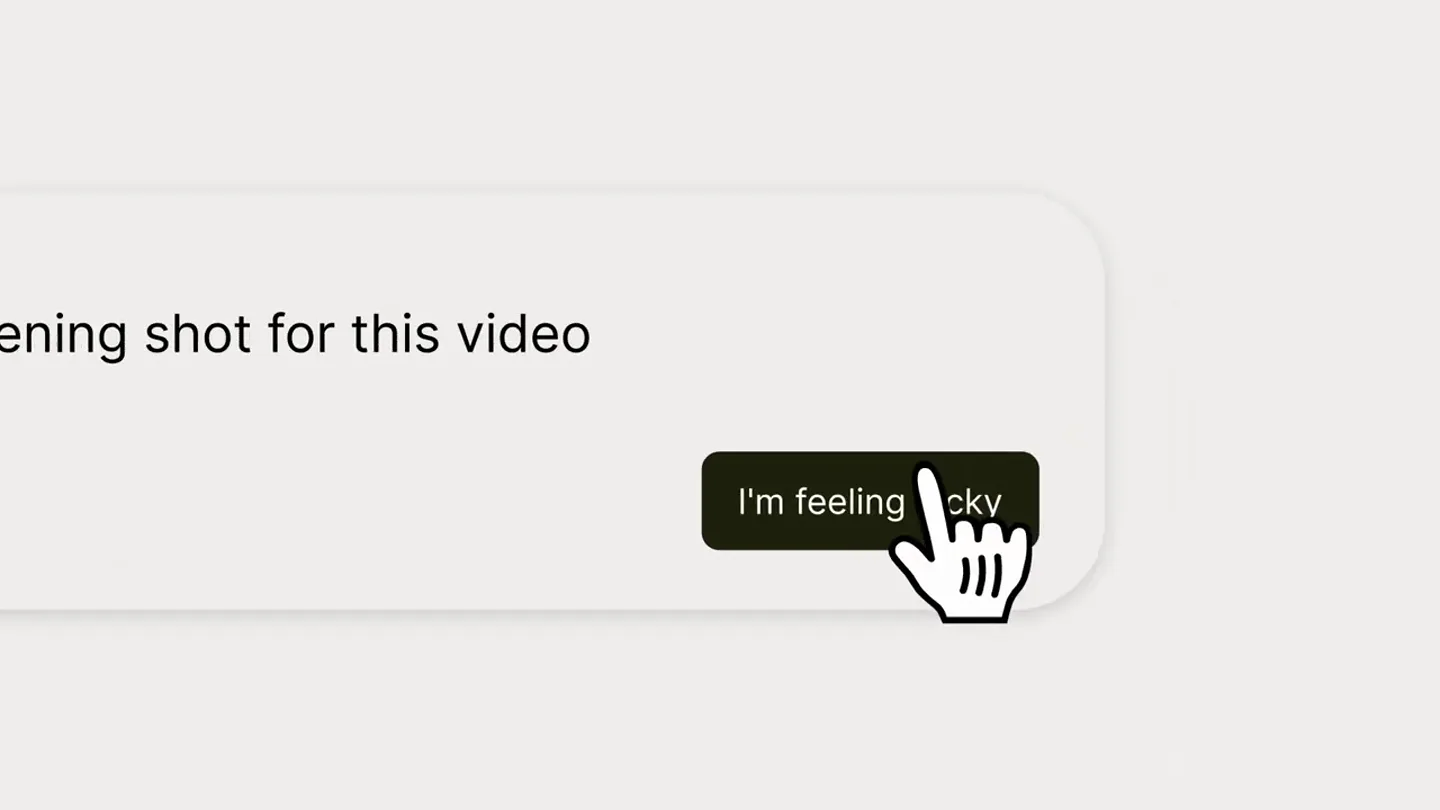
Interactive Prompt & Reveal
“(No spoken dialogue — Driving electronic beat with sub-bass, pizzicato synth, and a significant riser leading to a sub-bass drop/impact at 0:03.)”
- On screen
- Create an opening I'm feeling lucky CAN
- Camera
- Static shot of a UI element, then a quick cut to a full-screen text reveal.
- Motion
- UI element interaction (typing, button click) followed by a hard cut to a bold text reveal with a subtle zoom.
Product Reveal
Comfy MCP Introduction
“(No spoken dialogue — Electronic beat continues, evolving synth pads, percussive elements.)”
- On screen
- Comfy MCP @comfy use my title-card workflow to open this video
- Camera
- Close-up on a UI toggle, then a wider shot of a chat interface.
- Motion
- UI element interaction (toggle switch) followed by a text input animation, simulating a user typing a command.
Feature Teaser
Production-Ready Creative Workflows
“(No spoken dialogue — Electronic beat maintains energy, riser at 0:14 leading to sub-bass drop/impact at 0:15.)”
- On screen
- MEET THE FIRST MCP BUILT FOR PRODUCTION-READY CREATIVE WORK Comfy MCP @comfy read our Figma brand guide, build a product-ad workflow, and batch-generate on-brand pack shots for multiple flavors Reading Figma file... Building workflow on ComfyUI... Your batch-generation is now completed.
- Camera
- Abstract close-up of a green liquid, then static text screens, followed by a UI interaction and a reveal of generated product shots.
- Motion
- Abstract liquid animation, text reveals with subtle scaling, UI typing animation, and a dynamic reveal of generated images with a stacking effect.
Feature Teaser
Storyboarding & Cinematic Generation
“(No spoken dialogue — Electronic beat continues, final riser from 0:29 to 0:30 culminating in sub-bass drop/impact at 0:30.)”
- On screen
- Comfy MCP @comfy grab the script from Notion, turn it into a storyboard and then a cinematic clip Reading script in Notion... Generating storyboard in ComfyUI... Generating video from storyboard in ComfyUI...
- Camera
- UI interaction with a chat interface, revealing a generated storyboard grid, then a full-screen animated clip.
- Motion
- UI typing animation, grid layout reveal for storyboard, and a seamless transition to a full-screen animated video clip.
Call to Action
Availability & Branding
“(No spoken dialogue — Electronic beat resolves with a final impact.)”
- On screen
- NOW AVAILABLE COMFY.ORG / MCP Comfy
- Camera
- Static text reveal, followed by a full-screen animated logo.
- Motion
- Text fade-in and scale, followed by a dynamic, pixelated logo animation with a subtle glow.
Motion design primitives
Synthesizable in Remotion · key components of the ai-creative-workflow-launch template.
UITypingReveal
Simulates text being typed into a chat input field, often with a blinking cursor, followed by the appearance of a response or generated content.
+ Code construction recipe
Use `Sequence` and `spring` for character-by-character text reveal. Implement a blinking cursor with `interpolate` and `loop` for opacity. Trigger subsequent content reveals based on typing completion.
ContentStackReveal
Generated content (e.g., product images, storyboard panels) appears in a layered or grid fashion, often with a slight offset and scale-up animation.
+ Code construction recipe
Utilize `spring` for scale and position animations on individual items. Stagger `Sequence` delays for each item to create a cascading reveal effect. Apply `z-index` for layering.
PixelatedLogoMorph
A logo or text animates in with a distinct pixelated or blocky aesthetic, often accompanied by a subtle glow or distortion effect.
+ Code construction recipe
Render text/logo as SVG paths. Apply custom `Shader` or `Canvas` effects to simulate pixelation and blocky transitions. Use `interpolate` for color shifts and glow intensity.
Style DNA & aesthetic system
Visual aesthetic
Typography
Motion
Special effects
Pacing & rhythm
Conceptual story rhythm
- 1
The Interactive Hook
Purpose. Immediately engages the viewer by simulating an interactive prompt, setting the stage for an AI-driven product.
Execution. Typing animation into a search bar, clicking 'I'm feeling lucky', and a bold, impactful text reveal ('CAN').
- 2
Problem/Solution Showcase
Purpose. Demonstrates the product's ability to automate complex creative tasks, highlighting its efficiency and versatility.
Execution. UI interactions showing commands for brand guide integration, batch generation of product shots, and a visual reveal of the generated assets.
- 3
Advanced Creative Capabilities
Purpose. Expands on the product's power by showcasing its ability to handle more complex creative processes like storyboarding and video generation.
Execution. UI interactions for script-to-storyboard-to-cinematic clip generation, culminating in a charming animated video.
- 4
Call to Action & Brand Reinforcement
Purpose. Directs viewers to learn more and reinforces the brand identity with a memorable visual.
Execution. Clear call to action with URL, followed by a stylized, animated brand logo reveal.
Remix in Animatiq Studio
Master remix prompt · agent-ready
Sample remix
Objective
Launch video for 'PixelFlow', an AI tool that generates custom icon sets from text prompts.How the recipe adapts
The opening would feature a typing animation into a 'Generate Icon' prompt. Instead of product shots, the ContentStackReveal primitive would display a grid of newly generated, diverse icon sets. The Storyboarding & Cinematic Generation section would be replaced by a demonstration of 'PixelFlow' generating an entire UI kit from a single prompt, showing various icons populating a mock interface. The final logo reveal would use a similar pixelated morph effect, but with 'PixelFlow' branding and a distinct color palette.Remix blueprint · ai-creative-workflow-launch
Scene durations (5 scenes, 33.9s)
Key Remotion components
Related AI Agents Product Launches
Explore all AI Agents launches →
To ensure that artificial general intelligence benefits all of humanity

Gopuff introduces Go, an AI shopping assistant built with SpaceXAI: say what you need and the order is placed.

Iliad (Troy) trailer made by Grok Imagine 1.5, which was just released