
ben · Launch Video Breakdown: Hook, Pacing & Motion Design
ever wonder what AI models and tools you can actually use for your work ? introducing the Creative Arena powered by @FAL and @contra Creative Arena is where creative professionals judge AI models a…
Scene-by-scene timeline & spoken transcript
The Hook
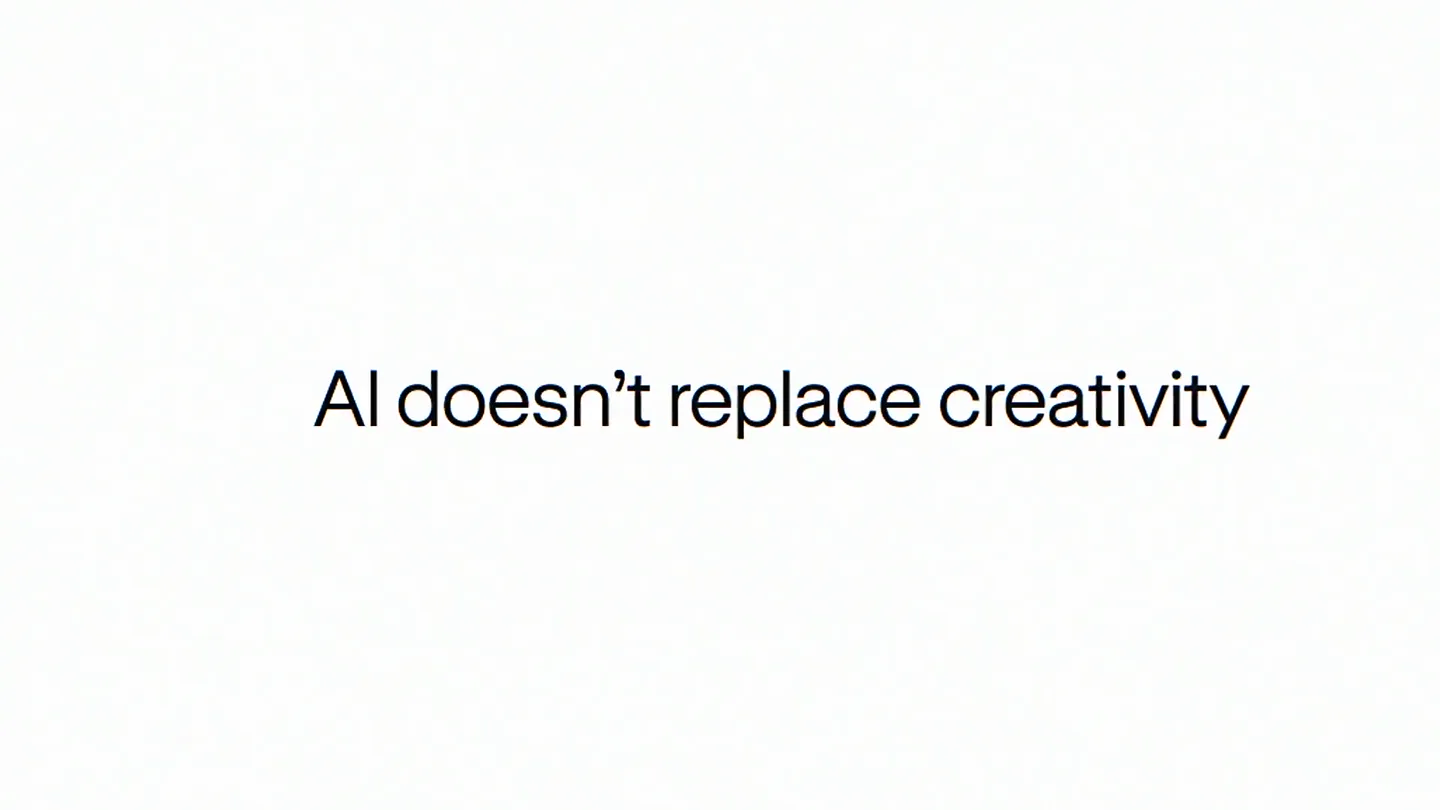
AI as a Creative Superpower
“(No spoken dialogue — Driving electronic rhythm and ambient sound design.)”
- On screen
- AI AI doesn't replace creativity It gives you superpowers INTRODUCING THE Creative Arena creativearena.ai
- Camera
- Static wide shot, then subtle zoom out revealing UI elements.
- Motion
- Text reveal with glitch effect, UI elements animating in from off-screen, subtle background gradient shift.
Product Reveal
Curating Tomorrow's AI Tools
“(No spoken dialogue — Driving electronic rhythm and ambient sound design.)”
- On screen
- Tastemakers pick the tools of tomorrow Creative Arena POWERED BY contra Methodology Compare. Vote. Advance Creative AI. Your feedback fuels the future. Stay current, speak your mind, and shape smarter tools. Ask anything Image OR Surprise me with a prompt Random Image Video Animation 3D Design Website Ad UI Component Data Visualization Youtube Thumbnail Moodboard Logo Dreamy abstract flol ow hues blending into Dreamy abstract flower with soft pink and yellow hues blending into an ethereal background I prefer left I prefer right
- Camera
- Static wide shot, then close-up on UI elements, followed by a pan and zoom to highlight interaction.
- Motion
- Grid of app icons animating in, UI elements appearing with a soft fade and scale, cursor interaction simulation with typing and clicking animations.
Feature Teaser
Shape the Future with Expert Opinions
“(No spoken dialogue — Driving electronic rhythm and ambient sound design.)”
- On screen
- Vote. Win. Shape the future. 1st Expert opinions Daniel UX/UI 10x expert Shape smarter tools.
- Camera
- Static wide shot, then close-up on a trophy icon, followed by a dynamic reveal of expert profiles.
- Motion
- Text reveal, icon animation with a subtle bounce, circular profile images animating in with a slight rotation and scale, glitch effect on text.
Call to Action
Join The Creative Arena
“(No spoken dialogue — Driving electronic rhythm and ambient sound design.)”
- On screen
- Human Creativity Benchmark v1.0 2025 The Creative Arena Powered by contra x Powered by contra x fal
- Camera
- Static wide shot, subtle background gradient animation.
- Motion
- Text reveal with a subtle glitch, logo animation with a fade and scale, background gradient shift.
Motion design primitives
Synthesizable in Remotion · key components of the creative-arena-tech-launch template.
GlitchTextReveal
Text appears with a subtle, digital glitch effect, often accompanied by a slight color separation (chromatic aberration) and a quick fade-in.
+ Code construction recipe
Use Remotion's <Text> component. Apply a custom shader or SVG filter for chromatic aberration and scanline effects. Animate opacity and position with `interpolate` and a `spring` for a quick, snappy reveal, adding a random `noise` function for glitch timing.
UISlideInFade
UI elements (like app icons or cards) slide in from off-screen or fade in from a scaled-down state, often with a slight bounce or overshoot.
+ Code construction recipe
Utilize `spring` for position and scale animations. Combine with `interpolate` for opacity. Stagger the animation start times for multiple elements to create a cascading effect. Use `translateX` or `translateY` for directional slides.
InteractiveCursorHighlight
A mouse cursor animates across the screen, hovering over and clicking on specific UI elements, simulating user interaction.
+ Code construction recipe
Animate the `position` of an SVG cursor element using `interpolate` with `easeOutCubic` for smooth movement. Simulate clicks by briefly scaling down and then back up the target UI element, or by changing its background color.
Style DNA & aesthetic system
Visual aesthetic
Typography
Motion
Special effects
Pacing & rhythm
Conceptual story rhythm
- 1
The AI Promise
Purpose. Establish AI as an empowering tool for creativity, not a replacement.
Execution. Bold 'AI' text with glitch, followed by a clear statement and a montage of creative UI elements.
- 2
Introducing the Arena
Purpose. Unveil the product and its core function: a platform for judging AI models.
Execution. Product name reveal with vibrant gradients, followed by a demonstration of the UI for comparing and voting on AI outputs.
- 3
Community & Impact
Purpose. Highlight the community aspect and the impact of user feedback on shaping future tools.
Execution. Showcasing app icons, expert profiles, and the 'Vote. Win. Shape the future.' message.
- 4
Call to Action & Partnership
Purpose. Encourage engagement and reinforce credibility through partnerships.
Execution. Final product title card with partner logos, inviting users to join the platform.
Remix in Animatiq Studio
Master remix prompt · agent-ready
Sample remix
Objective
Launch a new collaborative coding platform called 'CodeFlow AI'.How the recipe adapts
The 'GlitchTextReveal' primitive would introduce 'CodeFlow AI' with a digital shimmer. 'UISlideInFade' would animate in code snippets, collaborative cursors, and AI-generated suggestions. 'InteractiveCursorHighlight' would demonstrate a user selecting an AI-suggested code block or initiating a peer review. The background gradients would shift to cool blues and greens, reflecting a coding environment, while maintaining the fast cuts and modern sans-serif typography.Remix blueprint · creative-arena-tech-launch
Scene durations (4 scenes, 32s)
Key Remotion components
Related AI Agents Product Launches
Explore all AI Agents launches →
To ensure that artificial general intelligence benefits all of humanity

Gopuff introduces Go, an AI shopping assistant built with SpaceXAI: say what you need and the order is placed.

Iliad (Troy) trailer made by Grok Imagine 1.5, which was just released