
池田 泰延 · Launch Video Breakdown: Hook, Pacing & Motion Design
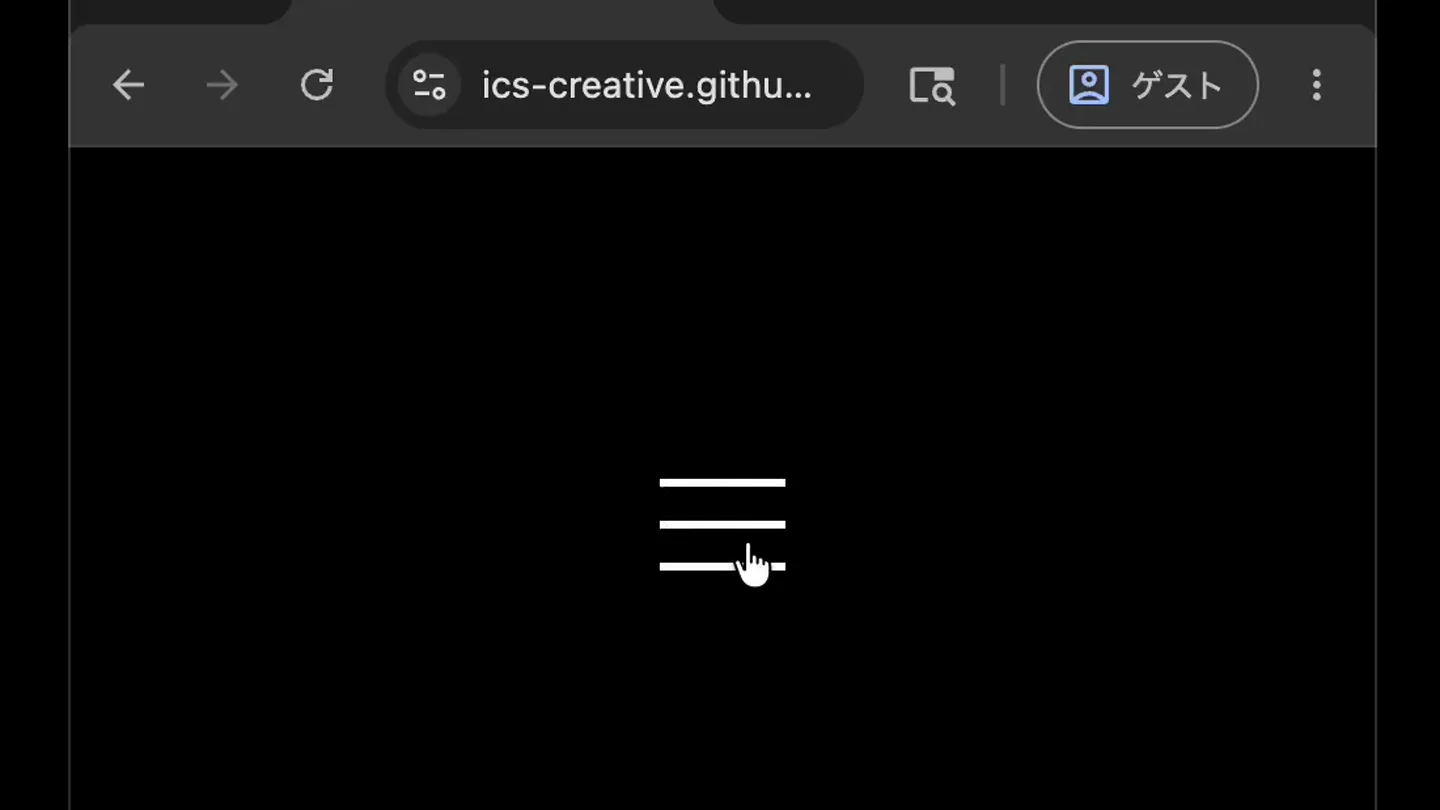
A common mistake often seen in hamburger menus. CSS center specification error makes the shape look unnatural. (First half is a failure example, second half is a correct implementation example)
Scene-by-scene timeline & spoken transcript
The Hook
Problematic Hamburger Menu Animation
“(No spoken dialogue — Silent video demonstrating a UI interaction failure.)”
- On screen
- (No on-screen text)
- Camera
- Static, centered view of a web browser window, focusing on the hamburger menu icon.
- Motion
- Direct manipulation simulation, showing a cursor interacting with a UI element. Linear interpolation for icon transformation.
Problem Agitation
CSS Inspection of the Flawed Animation
“(No spoken dialogue — Silent video with UI inspection overlays.)”
- On screen
- button.hm-button.active 48x48, span.hm-line-middle 3x48, span.hm-line-bottom 36.06x36.06
- Camera
- Static, centered view. UI inspection overlays appear and disappear, highlighting specific CSS elements.
- Motion
- Overlay animations for CSS element highlighting. Subtle scaling and fading for text boxes.
Product Reveal
Corrected Hamburger Menu Animation
“(No spoken dialogue — Silent video demonstrating a successful UI interaction.)”
- On screen
- (No on-screen text)
- Camera
- Static, centered view of a web browser window with a gradient background, focusing on the hamburger menu icon.
- Motion
- Direct manipulation simulation, showing a cursor interacting with a UI element. Smooth, natural interpolation for icon transformation.
Feature Teaser
CSS Inspection of the Corrected Animation
“(No spoken dialogue — Silent video with UI inspection overlays.)”
- On screen
- span.hm-line-top 36.06x36.06, button.hm-button.active 48x48, span.hm-line-bottom 36.06x36.06
- Camera
- Static, centered view. UI inspection overlays appear and disappear, highlighting specific CSS elements.
- Motion
- Overlay animations for CSS element highlighting. Subtle scaling and fading for text boxes.
Call to Action
Seamless Hamburger Menu Interaction
“(No spoken dialogue — Silent video concluding with a smooth UI interaction.)”
- On screen
- (No on-screen text)
- Camera
- Static, centered view of a web browser window with a gradient background, focusing on the hamburger menu icon.
- Motion
- Direct manipulation simulation, showing a cursor interacting with a UI element. Smooth, natural interpolation for icon transformation.
Motion design primitives
Synthesizable in Remotion · key components of the ui-interaction-before-after-reveal template.
HamburgerToXTransition
A three-line hamburger icon smoothly transforms into an 'X' shape, and vice-versa, simulating a menu open/close action. The lines rotate and translate to form the new shape.
+ Code construction recipe
Utilize Remotion's `interpolate` and `spring` functions for `rotate`, `translateX`, and `translateY` properties of three SVG `<line>` elements. Animate `opacity` for the middle line to fade out during the 'X' transformation. Use `cubic-bezier` for precise timing control.
CSSInspectorOverlay
Semi-transparent rectangular overlays appear over UI elements, accompanied by a text label displaying CSS class names and dimensions. These overlays fade in/out and scale slightly.
+ Code construction recipe
Implement a `Sequence` of `AbsoluteFill` components with `background-color` and `opacity` animations. Use `spring` for `scale` and `opacity` transitions. Text labels can be rendered with `Text` components, also animated with `spring` for `opacity` and `translateY`.
CursorClickFeedback
A white cursor icon moves and performs a click action, indicated by a subtle circular ripple effect around the click point. The ripple expands and fades quickly.
+ Code construction recipe
Animate the `translateX` and `translateY` of an SVG cursor icon. For the click feedback, render a `Circle` component with `scale` and `opacity` animated using `interpolate` with an `easeOut` curve, triggered on click events.
Style DNA & aesthetic system
Visual aesthetic
Typography
Motion
Special effects
Pacing & rhythm
Conceptual story rhythm
- 1
The Flawed Interaction
Purpose. Establish the problem by demonstrating a common UI animation mistake.
Execution. A dark-themed browser window shows a hamburger menu transforming into an 'X' with an unnatural, jerky motion.
- 2
Technical Diagnosis
Purpose. Agitate the problem by revealing the underlying CSS error causing the flaw.
Execution. CSS inspection overlays highlight the misaligned or incorrectly animated elements within the 'X' transformation.
- 3
The Elegant Solution
Purpose. Present the corrected, aesthetically pleasing UI animation.
Execution. A vibrant gradient background appears, and the hamburger menu now transforms smoothly and naturally into an 'X'.
- 4
Solution Validation
Purpose. Reinforce the solution by showing the correct CSS implementation.
Execution. CSS inspection overlays highlight the properly aligned and animated elements in the corrected 'X' transformation.
Remix in Animatiq Studio
Master remix prompt · agent-ready
Sample remix
Objective
Demonstrate a new drag-and-drop file upload component that fixes common alignment issues.How the recipe adapts
The 'problem' segment will show a file being dragged into a dark-themed upload zone, but the drop indicator is misaligned and the file icon snaps awkwardly. The 'solution' segment, with a bright, energetic gradient background, will show the same drag-and-drop, but with a perfectly aligned, smooth drop indicator and a fluid file icon animation upon successful upload. CSS inspection overlays will highlight the problematic `transform` properties in the 'before' and the corrected `grid` or `flexbox` properties in the 'after'.Remix blueprint · ui-interaction-before-after-reveal
Scene durations (4 scenes, 22s)
Key Remotion components
Related Tech & SaaS Product Launches
Explore all Tech & SaaS launches →
Unreal Engine 6 has been announced with Rocket League.
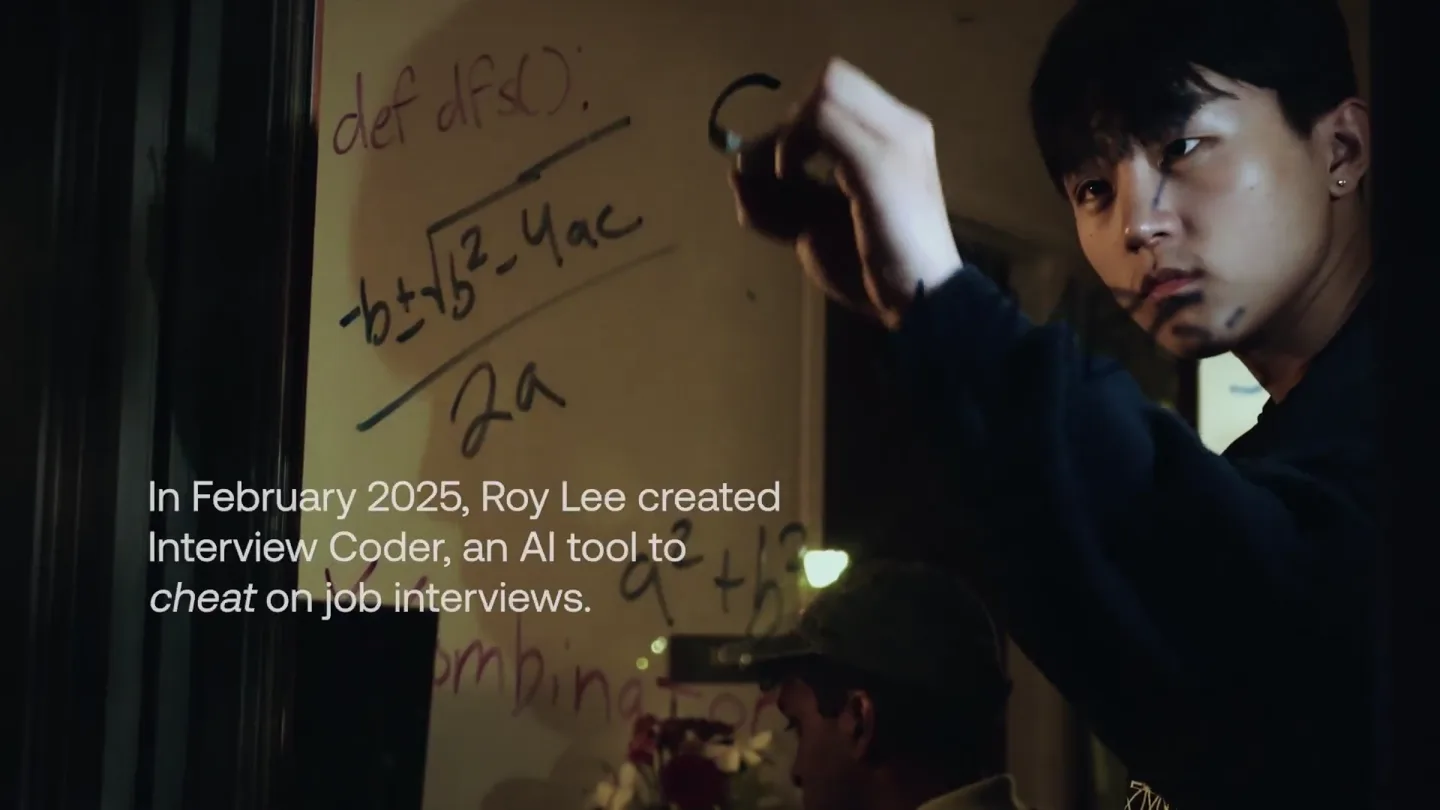
announcing @cluely's $15M fundraise, led by @a16z. cheat on everything.
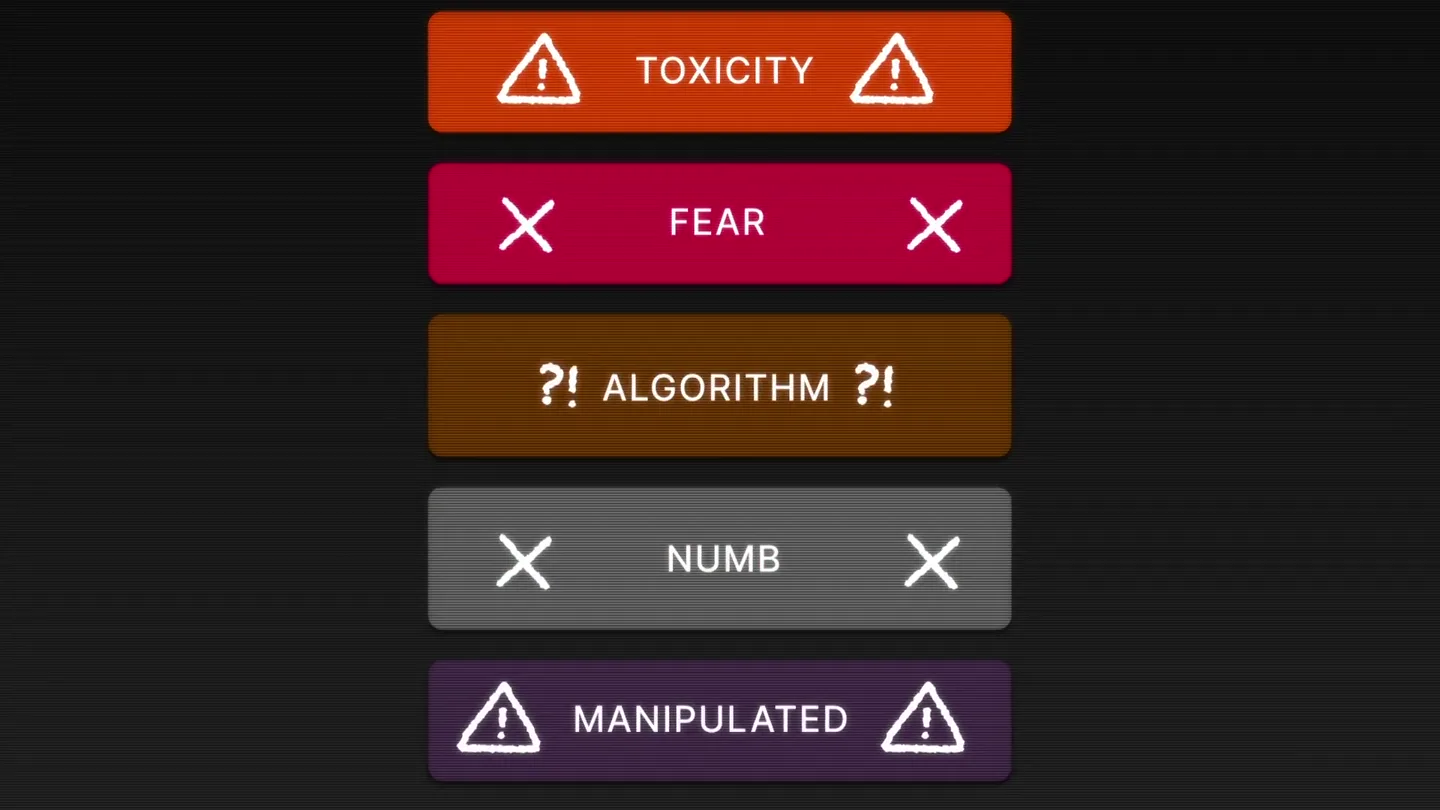
Yesterday we launched Bouncer to put users in control of their Twitter feed. Today, we open sourced the Chrome extension. We believe software should align with your interests, not the company that…