
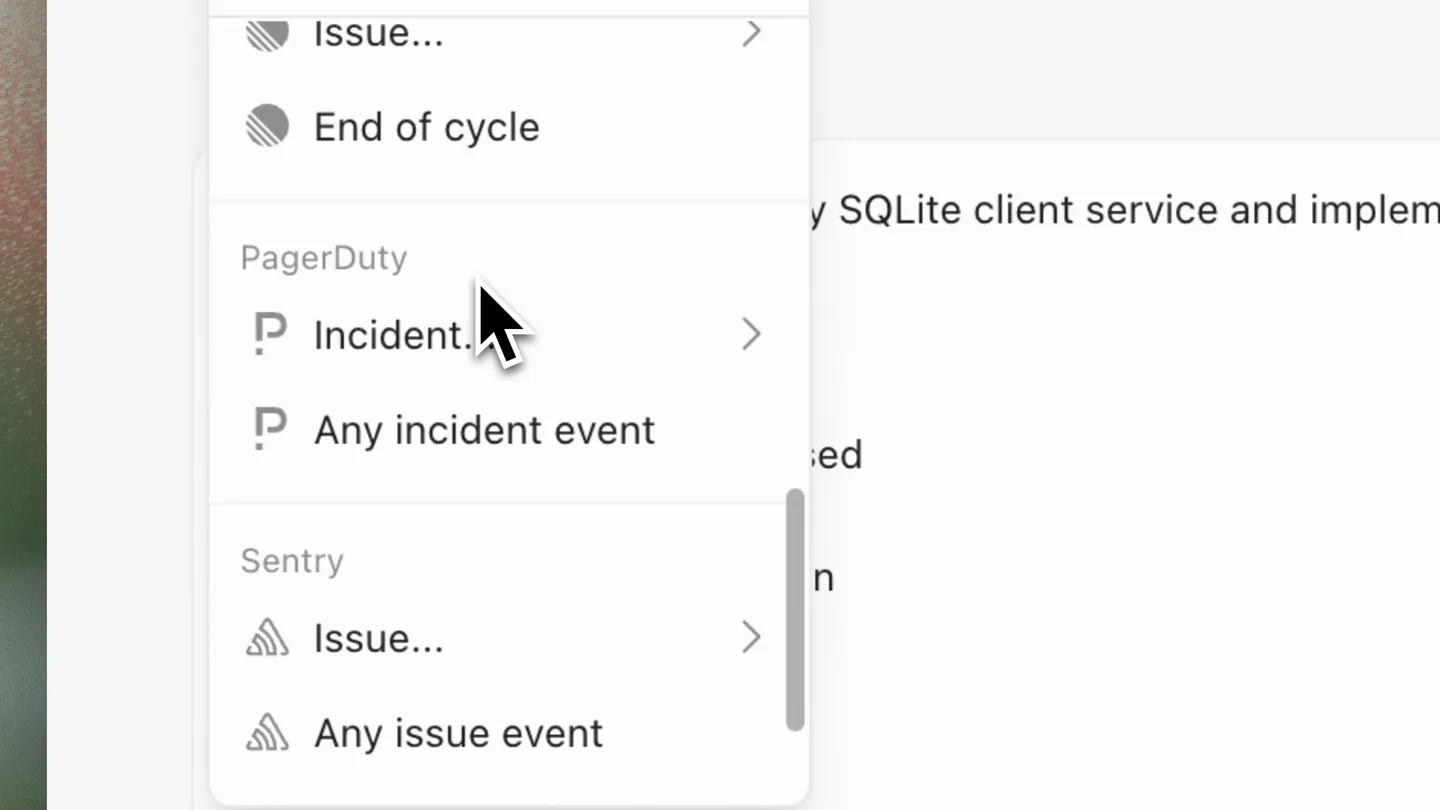
Cursor · Launch Video Breakdown: Hook, Pacing & Motion Design
Cursor Automations now support event-based triggers for Sentry. Set up agents that automatically respond to new issues, investigate root causes, open PRs with fixes, and post summaries to Slack.
Scene-by-scene timeline & spoken transcript
The Hook
Setting Up Event-Based Triggers
“(No spoken dialogue — The track begins with a sustained, evolving synth pad and a subtle sub-bass drone. At [00:03], a rhythmic, arpeggiated synth pattern emerges, accompanied by a soft, percussive synth pluck.)”
- On screen
- New Automation | Cursor cursor.com/automations/new Work Automations > Investigate and fix Sentry errors Team editable Create Investigate and fix Sentry errors Triggers + Add Trigger Search triggers... Scheduled Every... Custom GitHub / GitLab Draft opened Pull request... Comment added Label change Issue... End of cycle PagerDuty Incident... Any incident event Sentry Issue... Any issue event Created Resolved Assigned Archived Unresolved Issue created in All projects in sqlite on main Instructions Investigate Sentry errors for my SQLite client service and implement high-confidence fixes. Then, Error signature(s) addressed Root cause Fix summary and validation Any remaining risk Link to the Sentry issue Composer 2 Tools Memories Manage
- Camera
- Static, slightly zoomed-in screen capture of a web application interface. The camera remains fixed, focusing on UI interactions.
- Motion
- Precise cursor movements and UI element highlighting (hover states, clicks) to demonstrate workflow. Smooth, rapid transitions between dropdown menus.
Product Reveal
Defining Automated Actions
“(No spoken dialogue — A high-energy riser builds from [00:07] to [00:08], culminating in a significant sub-bass drop/impact at [00:08]. This is followed by a more pronounced, driving synth melody and a consistent, pulsing sub-bass.)”
- On screen
- Instructions Investigate Sentry errors for my SQLite client service and implement high-confidence fixes. Then, @open Actions Open Pull Request Error signature(s) addressed Root cause Fix summary and validation Any remaining risk Link to the Sentry issue Composer 2 Then, @Open Pull Request and Then, @Open Pull Request and @send Actions Send to Slack Then, @Open Pull Request and @Send to Slack New Automation | Cursor cursor.com/automations/new Work Automations > Investigate and fix Sentry errors Team editable Create Composer 2 Tools Memories Manage Send to Slack to Select channels Open Pull Request + Add Tool or MCP Environment Choose where Automation runs Select the runtime environment where this automation will execute. Cursor Cloud Use Configured Cursor Cloud Environment Applies environment setup and secrets for Cursor Cloud runs. Disable to start the Send to Slack to Any channel Q sql Refresh channels Channels # sqlite-client-service Send to Slack to #sqlite-client-service Q sql Refresh channels Channels # sqlite-client-service
- Camera
- Static screen capture, with a slight vertical pan to reveal more UI elements. Focus remains on the interactive elements of the automation builder.
- Motion
- Text input simulation, autocomplete dropdowns, and selection animations. Smooth scrolling and expansion of UI sections to reveal new configuration options.
Feature Teaser
Automation Activation & Confirmation
“(No spoken dialogue — Another riser begins at [00:15] and peaks with a powerful sub-bass impact at [00:16]. The track then transitions into a more open, atmospheric section with sustained pads and a lingering sub-bass.)”
- On screen
- New Automation | Cursor cursor.com/automations/new Work Automations > Investigate and fix Sentry errors Team editable Create Investigate and fix Sentry errors Investigate and fix Sentry errors Test Run Save Active Edwin Arbus Settings Run History Triggers Issue created in All projects in sqlite on main + Add Trigger Instructions Investigate Sentry errors for my SQLite client service and implement high-confidence fixes. Agent created successfully Error signature(s) addressed Root cause Cursor Sentry critical alert investigated. PR opened with a fix.
- Camera
- Static screen capture, focusing on the 'Create' button click and subsequent success notifications. A subtle zoom out occurs to show the full context of the activated automation.
- Motion
- Button click animation, toast notification pop-up, and a simulated system notification. Quick, impactful visual feedback for user actions.
Call to Action
Automated Resolution in Slack
“(No spoken dialogue — The track fades out with a final sub-bass impact at [00:21].)”
- On screen
- # sqlite-client-service Messages Add canvas Sent by Cursor Automation: Sentry Issue Investigation Cursor APP 10:54 AM Investigated SQLITE-CLIENT-SERVICE-7. Error signature: AttributeError: 'Author' object has no attribute 'full_name' in get_stats on GET /api/stats. Root cause: the /api/stats endpoint introduced in Add stats endpoint referenced oldest_book.author.full_name, but the Author model only defines name, so production requests crash when building the response. Fix summary: changed /api/stats to return oldest_book.author.name updated create_app() to accept an optional database URI and optional Sentry init so the endpoint can be tested in isolation added a focused regression test in test_api.py covering the /api/stats response Validation: python3 -m unittest test_api.py -v passes on commit 4aec91. Remaining risk: this is a narrow fix for the reported AttributeError; /api/stats still assumes the database has at least one author and one book, which matches the preexisting behavior. Sentry issue: https://cursor-ai.sentry.io/issues/SQLITE-CLIENT-SERVICE-7 View PR Open in Web View Automation Sent by Cursor Automation: Sentry Issue Investigation Message #sqlite-client-service Aa + 2 Friday, April 10th
- Camera
- Full-screen transition to a Slack interface, showcasing the detailed automated message. The camera is static, presenting the final output.
- Motion
- Instantaneous scene cut to a new application interface. Text rendering and formatting within the Slack message are static, emphasizing content.
Motion design primitives
Synthesizable in Remotion · key components of the dataflow-ai-automation-launch template.
UIDropdownSelection
Simulates a user interacting with nested dropdown menus, where selections trigger the appearance of subsequent options. The cursor highlights and clicks elements, and menus expand/collapse smoothly.
+ Code construction recipe
Use `interpolate` for opacity and scale transitions on dropdown elements. Implement `spring` for cursor movement and click feedback. Utilize conditional rendering for nested menu visibility based on selected state.
TextAutocompleteAndTag
Demonstrates real-time text input with an autocomplete suggestion box appearing below the cursor. Upon selection, the text transforms into an interactive 'tag' or 'pill' element.
+ Code construction recipe
Animate text typing using `sequence` and `character-by-character` reveal. Use `interpolate` for the autocomplete box fade-in/out. Transform text to a `Pill` component with `scale` and `opacity` on selection.
SystemNotificationPop
A small, rectangular notification box slides in from the top-right corner of the screen, displaying a success message and product-specific icons. It remains briefly before fading out.
+ Code construction recipe
Employ `spring` for the notification's entry animation (translateY and opacity). Use `delay` and `duration` to control its display time before a `fade-out` animation.
Style DNA & aesthetic system
Visual aesthetic
Typography
Motion
Special effects
Pacing & rhythm
Conceptual story rhythm
- 1
Trigger Configuration
Purpose. Introduce the core functionality of setting up an automation based on an event.
Execution. Demonstrate selecting 'Sentry Issue' and 'Created' as the event trigger through precise UI clicks and dropdown interactions.
- 2
Action Definition
Purpose. Showcase the ability to define multiple automated actions in response to the trigger.
Execution. Illustrate typing '@open' and '@send' to select 'Open Pull Request' and 'Send to Slack' actions, followed by configuring the Slack channel.
- 3
Automation Deployment
Purpose. Confirm the successful creation and activation of the automation.
Execution. Highlight clicking the 'Create' button, followed by a success toast notification and a system-level alert confirming the automation is active.
- 4
Result Verification
Purpose. Prove the automation's effectiveness by showing its output in an integrated platform.
Execution. Transition to a Slack interface displaying a detailed message generated by the Cursor automation, including investigation summary and fix details.
Remix in Animatiq Studio
Master remix prompt · agent-ready
Sample remix
Objective
A user wants to set up an automation in DataFlow AI to monitor a specific database for anomalies and report them to a team channel.How the recipe adapts
Remix blueprint · dataflow-ai-automation-launch
Scene durations (4 scenes, 22s)
Key Remotion components
Related Tech & SaaS Product Launches
Explore all Tech & SaaS launches →
Unreal Engine 6 has been announced with Rocket League.
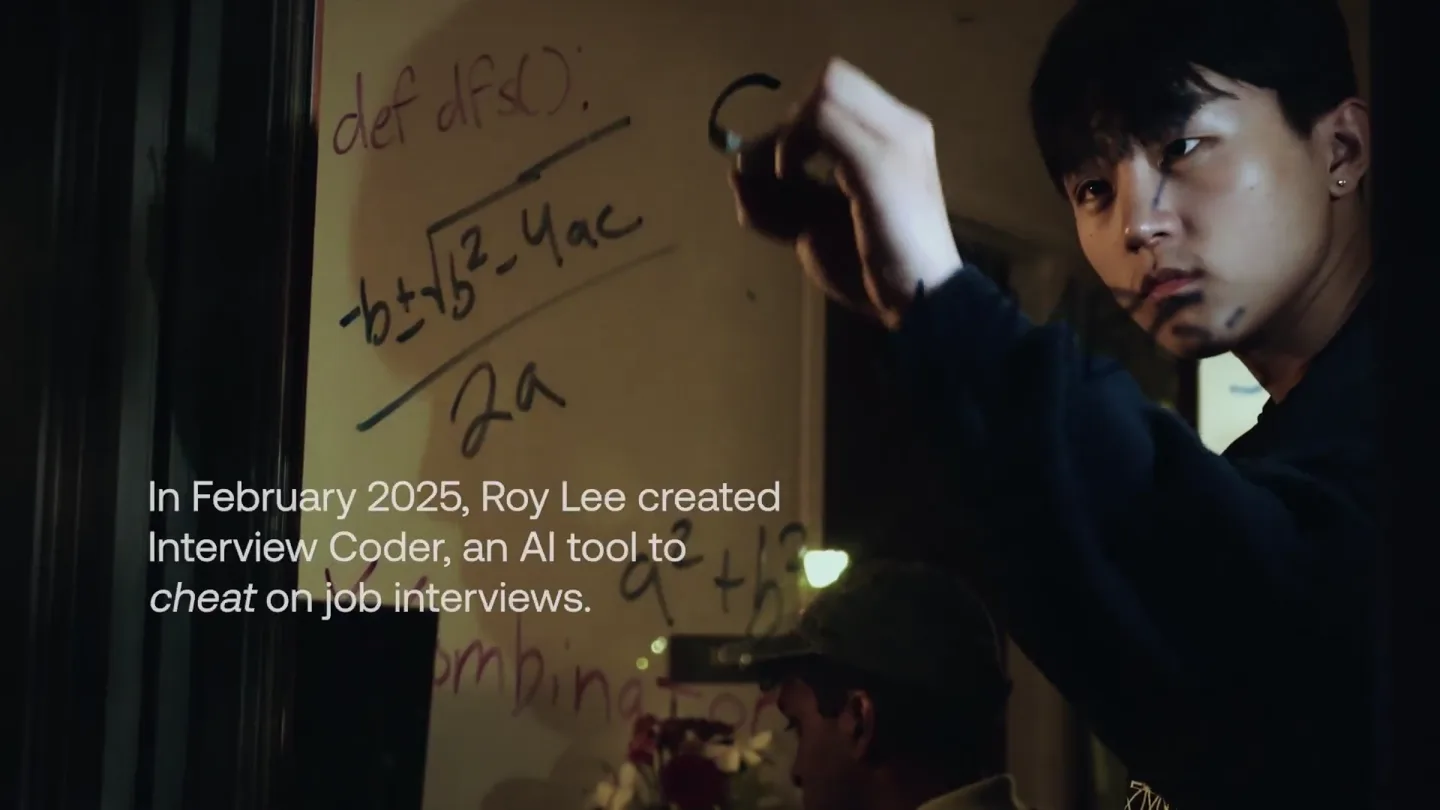
announcing @cluely's $15M fundraise, led by @a16z. cheat on everything.
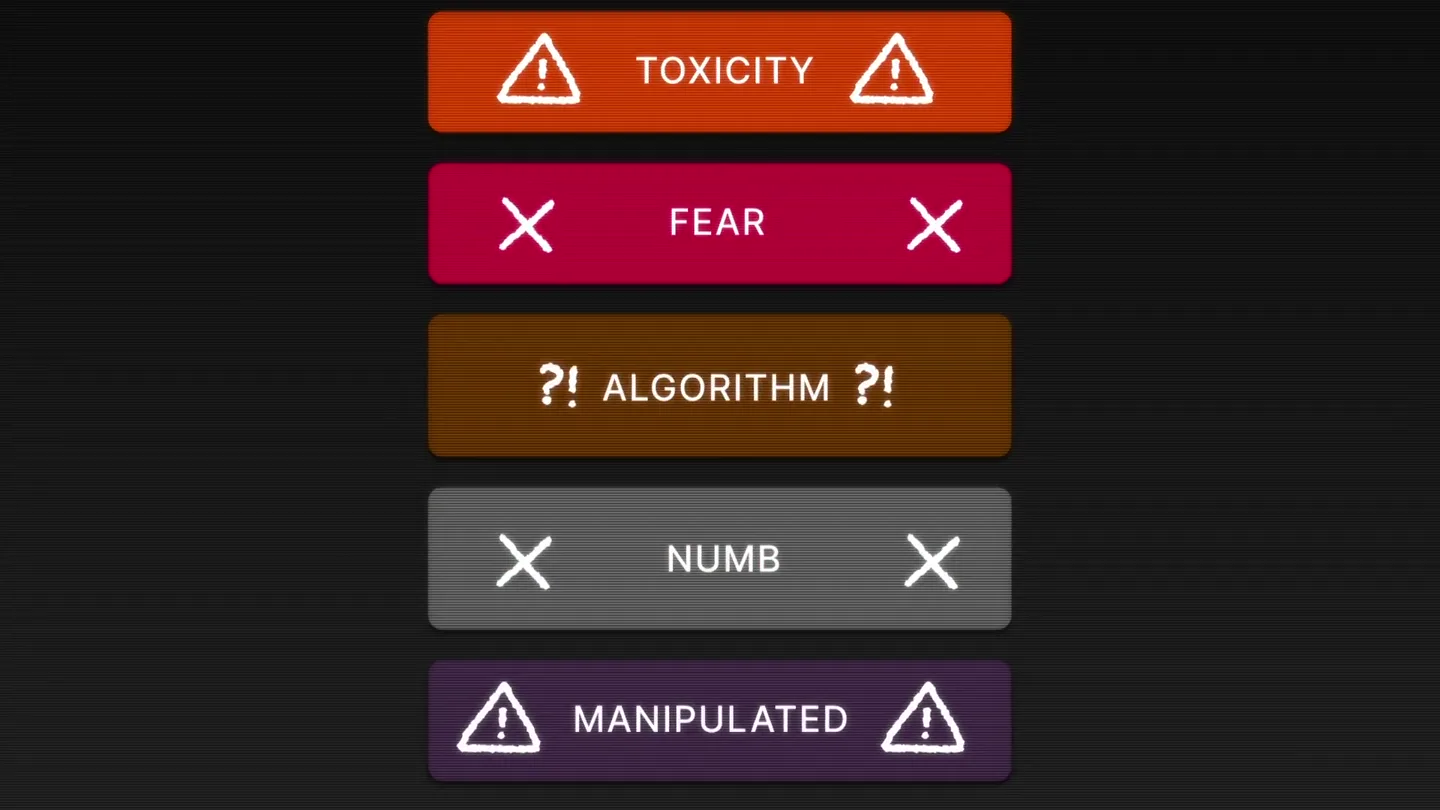
Yesterday we launched Bouncer to put users in control of their Twitter feed. Today, we open sourced the Chrome extension. We believe software should align with your interests, not the company that…