
Ben Cunningham · Launch Video Breakdown: Hook, Pacing & Motion Design
Live in Dia today. Pull requests have new previews with: • Realtime CI status • Sharper metadata • Conflict resolution • Comment triage (great for bot slop) Enjoy!
Scene-by-scene timeline & spoken transcript
The Hook
Realtime CI Status & Sharper Metadata
“(No spoken dialogue — ambient visual with mouse clicks and UI interactions.)”
- On screen
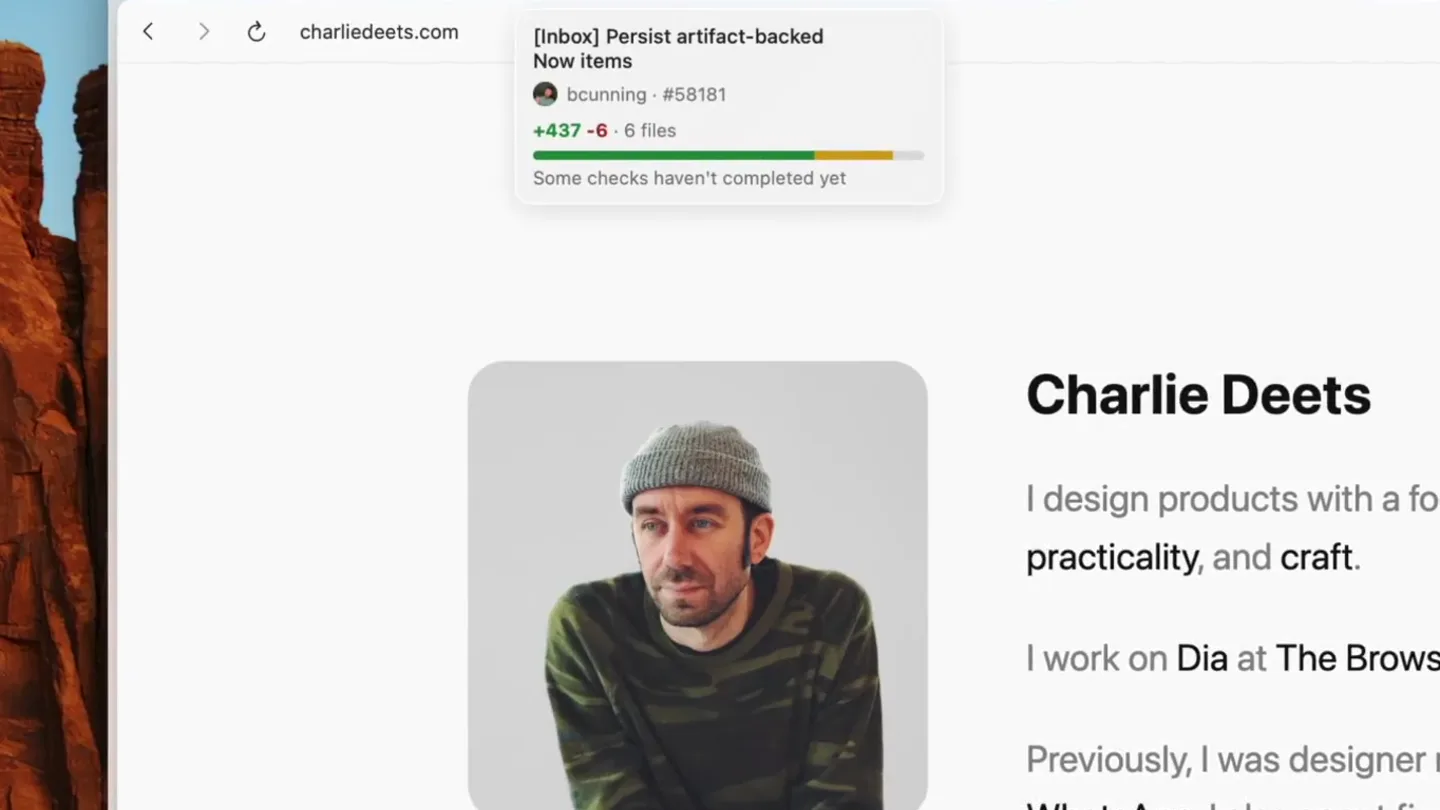
- [Inbox] Persist artifact-backed Now items bcunning • #58181 +437 -6 files Some checks haven't completed yet
- Camera
- Static screen capture, focused on a browser tab bar and a dropdown notification.
- Motion
- UI element reveal (dropdown), mouse cursor interaction, progress bar animation.
Product Reveal
Conflict Resolution & Comment Triage
“(No spoken dialogue — ambient visual with mouse clicks and UI interactions.)”
- On screen
- [Inbox] Add proactive suggestion skeleton bcunning • #57787 +881 -1 1 files All checks have passed Resolve Conflicts Show comments
- Camera
- Static screen capture, shifting focus to a different browser tab's dropdown notification.
- Motion
- UI element reveal (dropdown), mouse cursor interaction, button hover states.
Feature Teaser
Detailed Pull Request Previews
“(No spoken dialogue — ambient visual with mouse clicks and UI interactions.)”
- On screen
- Open [Inbox] Add proactive suggestion skeleton #57787 bcunning wants to merge 3 commits into main from ben/inbox-proactive-suggestions-review bcunning changed the title Add proactive inbox suggestion skeleton [Inbox] Add proactive suggestion skeleton last week This comment has been minimized. Show comment bcny-ai-agent Bot commented last week A quick analytics check flagged a few new UI elements that may be missing AnalyticsClient logging: • Source selection button (InboxSourcePuckButton at InboxViewController.swift:148 ) - The button's action calls viewModel.selectSource(), which doesn't appear to log an event to Amplitude. • Item open action (InboxItemRowView.onClic at InboxViewController.swift:202 ) - Clicking an item calls viewModel.openItem(), which doesn't appear to log an event. • Search field (InboxSearchField at InboxViewController.swift:45 ) - Search input changes call viewModel.updateSearchQuery(), which doesn't appear to log an event. The close button action (InboxItemRowView.onClose ) is already instrumented with InboxNowItemClosedEvent, so that's good. Could you confirm whether logging was intentionally skipped for these interactions, and add events if needed? Review Conversation Q Filter comments _/ProactiveReportController.swift Line 118 118 + return cursor[bot] 2 days ago Missing CancellationError handling unlike sibling controllers Medium Severity Both catch blocks in run(definition:context:) are missing catch is CancellationError handling. Every other controller in this module (MeetingPrepReportController, MorningBriefController, PrototypeAutoReportController) catches CancellationError and maps it to .failed(.cancelled). Here, CancellationError falls through to the generic catch and is misreported as .failed(.unknownErrorType: "CancellationError")). Since cancelAll() cancels in-flight tasks, this will fire whenever tearDown() races with an active scout or report executor. Additional Locations (1) Fix in Cursor Fix in Web Reviewed by Cursor Bugbot for commit 7a56d3a. Configure here. No replies >
- Camera
- Zoom-in and pan across a detailed GitHub pull request interface, highlighting specific comments and code changes.
- Motion
- Smooth camera pan, zoom, and cursor interaction to guide attention, highlighting specific UI elements and text.
Call to Action
Enjoy Dia Today
“(No spoken dialogue — ambient visual with mouse clicks and UI interactions.)”
- On screen
- Review Conversation Q Filter comments _/ProactiveReportController.swift Line 118 118 + return cursor[bot] 2 days ago Missing CancellationError handling unlike sibling controllers Medium Severity Both catch blocks in run(definition:context) are missing catch is CancellationError handling. Every other controller in this module (MeetingPrepController, MorningBriefController, PrototypeAutoReportController) catches CancellationError and maps it to .failed(.cancelled). Here, CancellationError falls through to the generic catch and is misreported as .failed(.unknownErrorType: "CancellationError")). Since cancelAll() cancels in-flight tasks, this will fire whenever tearDown() races with an active scout or report executor. Additional Locations (1) Fix in Cursor Fix in Web Reviewed by Cursor Bugbot for commit 7a56d3a. Configure here. No replies > _/ProactiveSuggestionProducer.swift Line 2 2 + Import Foundation bcny-ai-agent[bot] last week Minor organizational question: the existing concrete producers (MorningBriefInboxNowProducer, DocumentsInboxNowProducer) all live in Sources/Inbox/Sources/_. while this new file is at Sources/Inbox/Sources/_. Was this intentional (e.g., keeping the models + producer co-located), or should it follow the same subdirectory convention? No replies > _/ProactiveSuggestionProducer.swift Line 54 54 + @MainActor bcny-ai-agent[bot] last week Naming convention mismatch - All existing InboxNowItem conformers follow the {Feature}InboxNowProducer pattern: MorningBriefInboxNowProducer, PullRequestsInboxNowProducer, DocumentsInboxNowProducer. This type uses a different word order (Inbox as prefix), drops "Now" from the name, and uses singular "Suggestion" (the ownerID is .proactiveSuggestions.plural). Consider renaming to established convention.
- Camera
- Continued pan and zoom across the GitHub interface, focusing on multiple bot comments and code snippets.
- Motion
- Smooth camera pan and zoom, highlighting the depth of the product's integration and utility.
Motion design primitives
Synthesizable in Remotion · key components of the developer-tool-ui-showcase template.
UIDropdownReveal
A browser tab is clicked, triggering a smooth, expanding dropdown notification that displays detailed status and action items. The dropdown appears with a slight bounce or ease-out effect.
+ Code construction recipe
Use `spring()` for the Y-axis translation and opacity of the dropdown container. Animate `height` and `opacity` from 0 to full, with a slight overshoot. Implement `AbsoluteFill` for the background blur effect behind the dropdown.
CursorGuidedZoomPan
A mouse cursor moves deliberately, clicking on UI elements, while the camera smoothly zooms in and pans across the screen to follow the cursor's focus and highlight relevant information.
+ Code construction recipe
Utilize `interpolate()` for camera `scale` and `translateX`/`translateY` values, synchronized with `AbsoluteFill` and `Img` components. The cursor's position should drive the interpolation, creating a 'follow' effect with `ease-in-out` curves.
CodeHighlightScroll
Specific lines of code or text within a larger document are highlighted with a subtle background color change, while the view scrolls vertically or horizontally to reveal more context.
+ Code construction recipe
Employ `Sequence` to orchestrate text highlighting (e.g., `BackgroundColor` change with `spring()`) and `Scroll` component for smooth vertical/horizontal scrolling. Use `Text` components with conditional styling based on current highlight state.
Style DNA & aesthetic system
Visual aesthetic
Typography
Motion
Special effects
Pacing & rhythm
Conceptual story rhythm
- 1
Initial Problem Context
Purpose. Introduce the common pain points in developer workflows related to pull requests and CI status.
Execution. A quick glimpse of a browser tab, then a dropdown showing 'Some checks haven't completed yet', hinting at delays.
- 2
Solution Introduction
Purpose. Showcase how the product provides immediate, actionable insights and resolutions.
Execution. Another dropdown appears, showing 'All checks have passed' with 'Resolve Conflicts' and 'Show comments' buttons, indicating proactive solutions.
- 3
Deep Dive into Features
Purpose. Demonstrate the granular capabilities of the product, such as detailed bot comments and code review.
Execution. A zoom into a GitHub PR page, highlighting bot comments, code diffs, and interactive elements like emoji reactions.
- 4
Empowerment & Efficiency
Purpose. Conclude by reinforcing the product's ability to streamline complex development tasks.
Execution. Continued exploration of the PR interface, showing multiple bot comments and code suggestions, emphasizing comprehensive review capabilities.
Remix in Animatiq Studio
Master remix prompt · agent-ready
Sample remix
Objective
Launch a new AI-powered code refactoring assistant that integrates directly into GitHub pull requests.How the recipe adapts
The UIDropdownReveal primitive would show AI suggestions appearing from a GitHub tab. CursorGuidedZoomPan would highlight specific code blocks and the AI's proposed changes. CodeHighlightScroll would demonstrate the AI automatically refactoring code lines, with before-and-after views.Remix blueprint · developer-tool-ui-showcase
Scene durations (4 scenes, 18.6s)
Key Remotion components
Related Tech & SaaS Product Launches
Explore all Tech & SaaS launches →
Unreal Engine 6 has been announced with Rocket League.
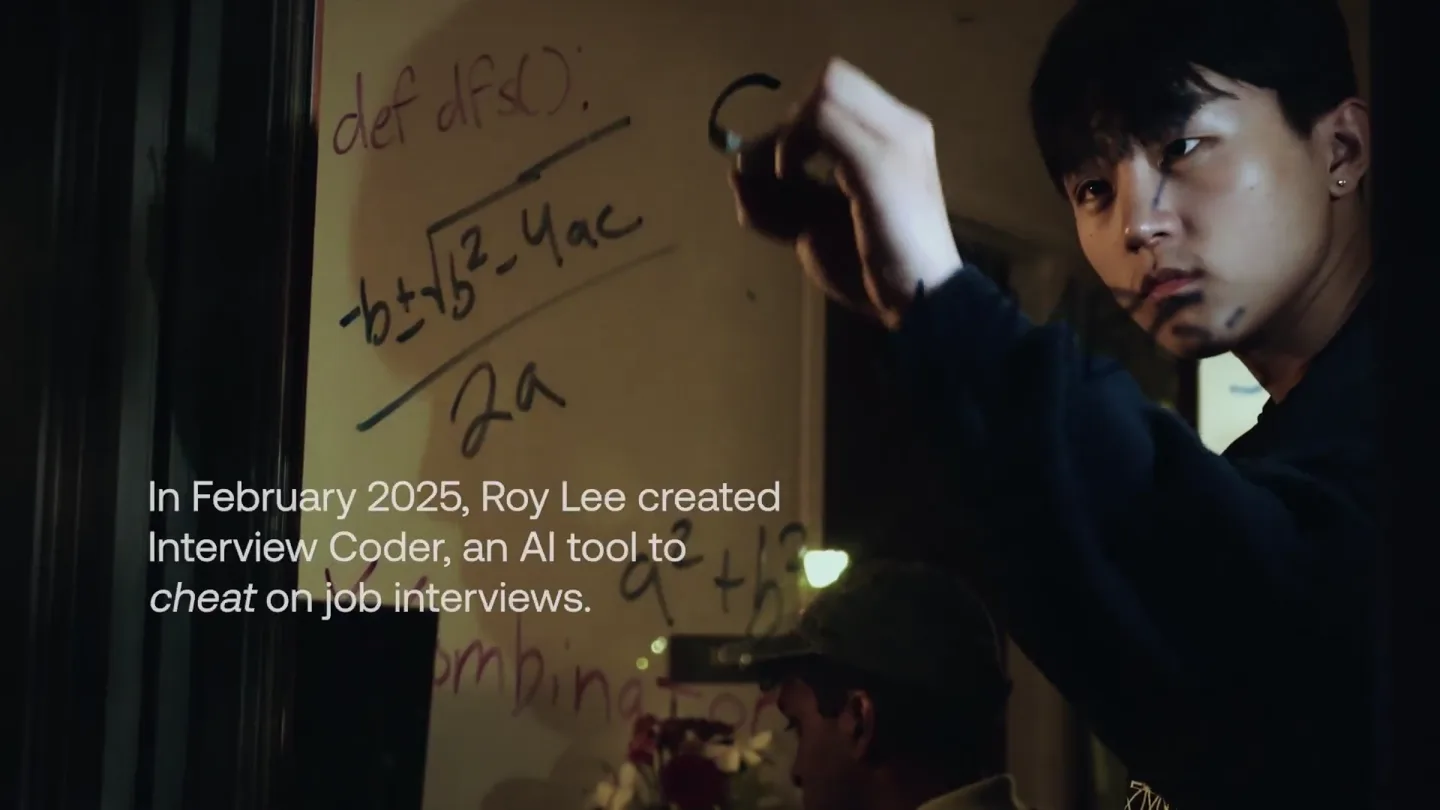
announcing @cluely's $15M fundraise, led by @a16z. cheat on everything.
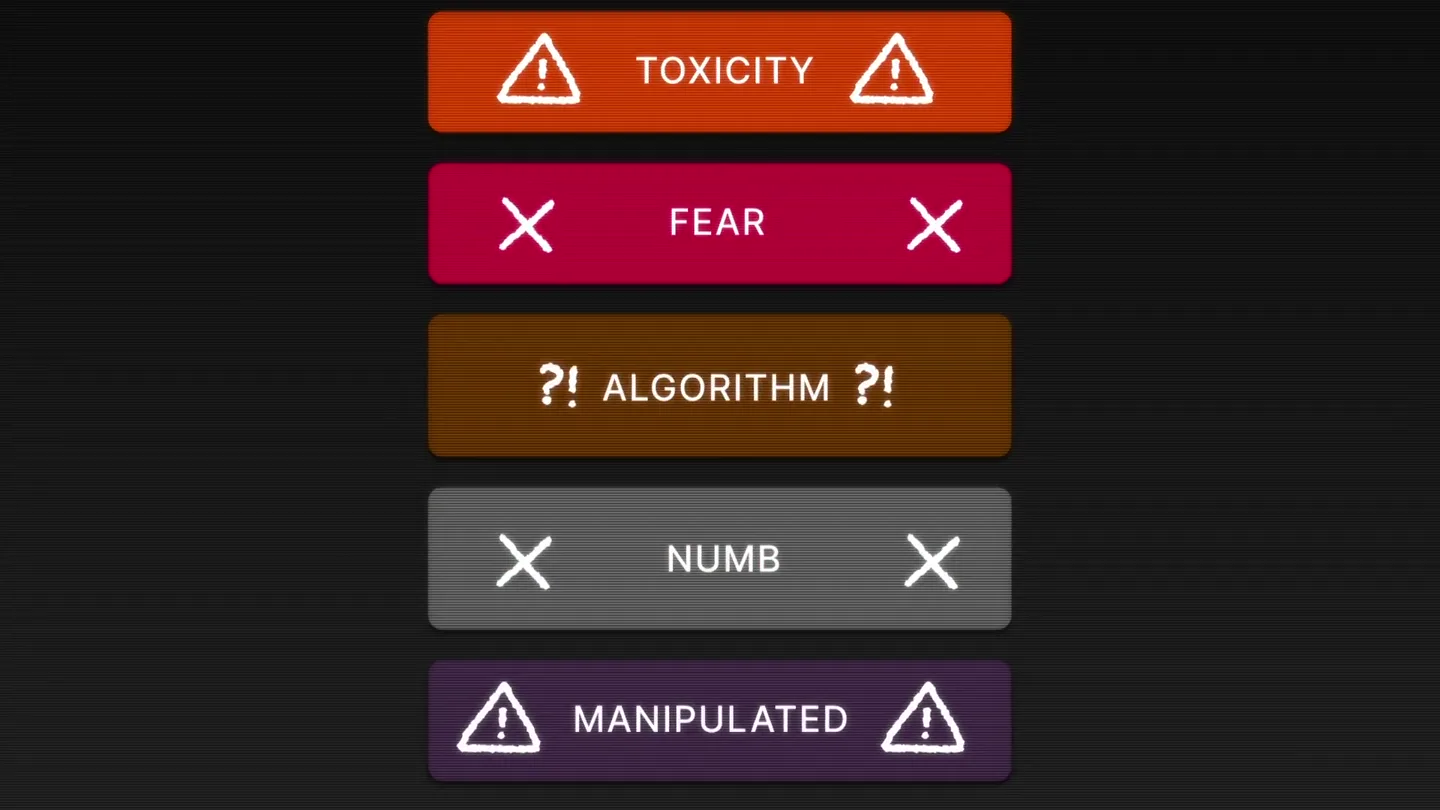
Yesterday we launched Bouncer to put users in control of their Twitter feed. Today, we open sourced the Chrome extension. We believe software should align with your interests, not the company that…