
The Browser Company · Launch Video Breakdown: Hook, Pacing & Motion Design
Swipe between profiles and AI context windows in Dia: Arc Spaces refined, each with a dedicated AI harness, model, agent, and memory.
Scene-by-scene timeline & spoken transcript
The Hook
Effortless Context Switching with Profiles
“(No spoken dialogue — The track begins with a sustained, ethereal synth pad, gradually introducing pizzicato-like synth melodies and a subtle sub-bass drone. A significant high-energy transition occurs at [00:05], marked by a prominent riser and a powerful sub-bass drop/impact, shifting the piece into a more rhythmic and driving section.)”
- On screen
- Dia Profiles make context switching easy. All it takes is a swipe.
- Camera
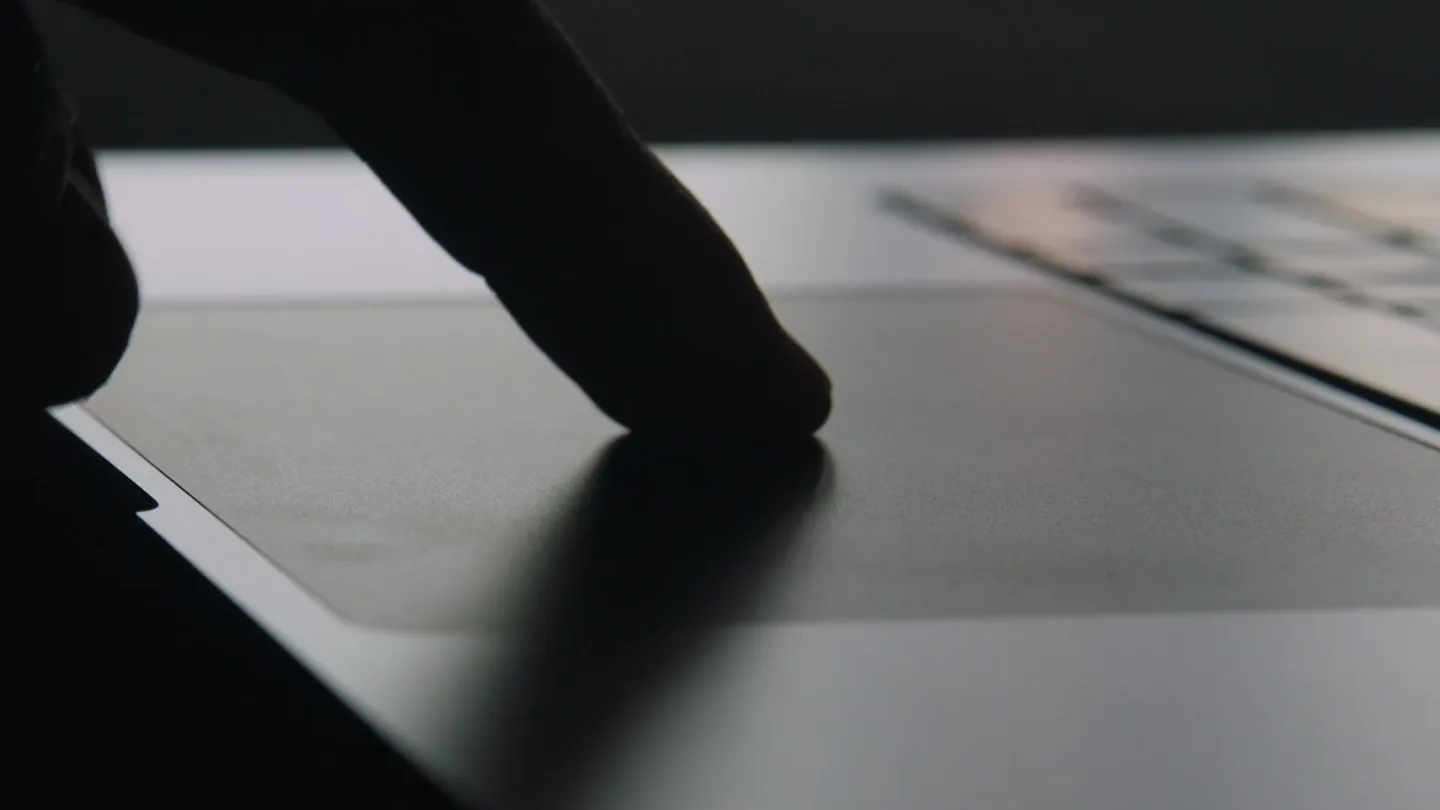
- Close-up on a laptop trackpad and screen, then a wide shot of the screen, followed by a close-up on the trackpad with a glowing effect.
- Motion
- Rapid cuts between physical interaction and digital UI, glowing light effect on trackpad, text overlay with subtle fade-in.
Product Reveal
AI-Powered Work Context Management
“(No spoken dialogue — This section features a blend of orchestral strings (pizzicato and bowed), synth arpeggios, and a driving percussion line.)”
- On screen
- Catch me up on the homepage redesign Add tabs or files Chat Recent activity in the homepage-redesign channel > I'll research the homepage redesign across your work tools. Freelance Pretzel Logic Foods Pretzel Logic Engagement Brand Exploration - Figma The Archive — by kyler27 Heavy Metal Pies Company What are the invoicing instructions for Pretzel Logic Foods? Make a report on the homepage redesign Now I'll craft the Report based on my findings from the user's connected tools. Opened file Homepage Redesign Report index.html The report is up. It's built around the hero descope — Marcus cut personalization, Priya approved it in-thread, and Dana's question about it has it been sitting unanswered since Tuesday. The 2.9% CVR target was set against the personalized hero and nobody revised it, so the stripped version is being measured against a number it can't hit. Create Jira tickets for the requested UI changes Pretzel Logic Invoicing A few practical notes: Send one invoice per billing period rather than per deliverable — it's easier for Dave and Amy to approve in one pass. If the work spans multiple Pretzel Logic brands, break it out by brand on separate line items so it gets coded correctly. Keep the subject line scannable: Invoice #### – [Your Name] – Heavy Metal Pies – [Month] . Want me to draft the invoice email itself? Ask another question Draft the invoice, include links to the scope and fin
- Camera
- Static shots of the UI, close-ups on specific elements like search bars and chat bubbles, then a close-up on the trackpad with a glowing effect.
- Motion
- Typing animation, chat bubble pop-ins, content loading animations, seamless transitions between different UI states, glowing light effect on trackpad.
Feature Teaser
Personal AI Context for Life
“(No spoken dialogue — Another notable high-energy transition with a riser and impact is heard at [00:27], leading into a more intense and complex arrangement with layered synths and a faster rhythmic pulse.)”
- On screen
- Personal The Truth Is Still Out There - T NorCal Camping Cooking New Tab Gmail Mail Inbox Chat Meet Drafts Where can we eat before the game that won't upset To Chat
- Camera
- Static shots of the UI, close-ups on search bars and chat bubbles, then a close-up on the trackpad with a glowing effect.
- Motion
- Typing animation, chat bubble pop-ins, content loading animations, glowing light effect on trackpad, quick cuts.
Call to Action
Swipe Away to a New Experience
“(No spoken dialogue — The piece concludes with a final flourish and a sustained chord, followed by applause at [00:36].)”
- On screen
- Swipe away. diabrowser.com
- Camera
- Close-up on the trackpad with a glowing effect, hands forming a heart shape over the light, then a static shot of a black screen.
- Motion
- Sustained glowing light effect, hands interacting with the light, text fade-in, simple fade to black.
Motion design primitives
Synthesizable in Remotion · key components of the aura-smart-home-launch template.
TrackpadGlowSwipe
A bright, circular light emanates from the laptop trackpad, expanding and contracting, often accompanied by a hand gesture mimicking a swipe. This effect visually represents the 'swipe' action as a magical, transformative input.
+ Code construction recipe
Implement a radial gradient or a blurred circular shape component. Animate its scale and opacity using `interpolate` with an `ease-in-out` curve. Overlay with a semi-transparent hand video or image sequence. Use `spring` for a subtle bounce on the light's expansion.
ContextualChatBubble
Chat bubbles appear and expand from a central point, revealing AI-generated responses or prompts. The bubbles often have a soft, translucent appearance and subtle bounce.
+ Code construction recipe
Use `AbsoluteFill` for positioning. Animate `scale` and `opacity` of a `div` with `borderRadius` and `background-color` using `spring` for a natural, bouncy pop-in. Text content can be animated with a `typewriter` effect or `fade-in`.
DynamicUITransition
Seamless and rapid transitions between different application profiles or UI states, often involving elements sliding, fading, or quickly replacing each other to maintain a fluid user experience.
+ Code construction recipe
Utilize `Sequence` and `AbsoluteFill` for scene management. Animate `translateX` or `opacity` of UI elements using `interpolate` with `cubic-bezier` curves for smooth, fast transitions. Consider `clipPath` animations for more complex reveals or wipes between screens.
Style DNA & aesthetic system
Visual aesthetic
Typography
Motion
Special effects
Pacing & rhythm
Conceptual story rhythm
- 1
The Enchanting Introduction
Purpose. Hook the viewer with a visually striking representation of the core interaction, hinting at magic and simplicity.
Execution. Close-up on a finger swiping a trackpad, which then glows with an ethereal light, followed by a quick reveal of the product UI and a concise value proposition.
- 2
Seamless Workflows
Purpose. Demonstrate the product's utility in a professional context, showcasing its AI capabilities for productivity.
Execution. Rapid sequence of UI interactions showing AI summarizing reports, managing tasks, and handling invoicing across different 'Work' profiles.
- 3
Personalized Life Management
Purpose. Extend the product's value beyond work, illustrating its application in personal life for convenience and organization.
Execution. Quick cuts showing AI assisting with personal tasks like finding restaurants or managing personal emails within a 'Personal' profile.
- 4
The Emotional Connection & CTA
Purpose. Reinforce the emotional benefit of the product and provide a clear call to action.
Execution. Return to the glowing trackpad, with hands forming a heart shape, symbolizing love for the product's simplicity, followed by a clear website URL.
Remix in Animatiq Studio
Master remix prompt · agent-ready
Sample remix
Objective
Launch a new AI-powered smart home hub called 'Aura'.How the recipe adapts
The 'TrackpadGlowSwipe' primitive adapts to a 'DeviceGlowTap' where a finger taps the Aura hub, causing a soft, expanding light to emanate. 'ContextualChatBubble' becomes 'VoiceCommandBubble', showing AI responses to spoken commands. 'DynamicUITransition' adapts to 'SmartHomeSceneTransition', smoothly transitioning between different smart home control interfaces like lighting, temperature, and security, each representing a 'profile' like 'Work Focus' or 'Relax Mode'.Remix blueprint · aura-smart-home-launch
Scene durations (4 scenes, 39s)
Key Remotion components
Related Consumer & Apps Product Launches
Explore all Consumer & Apps launches →
Grand Theft Auto VI: An Extended Look premieres on Netflix Thursday, August 27.
Polymarket Perps is live with up to 20x leverage on crypto, stocks, commodities, and more. Long BTC, predict the Fed, or short the S&P reaction.
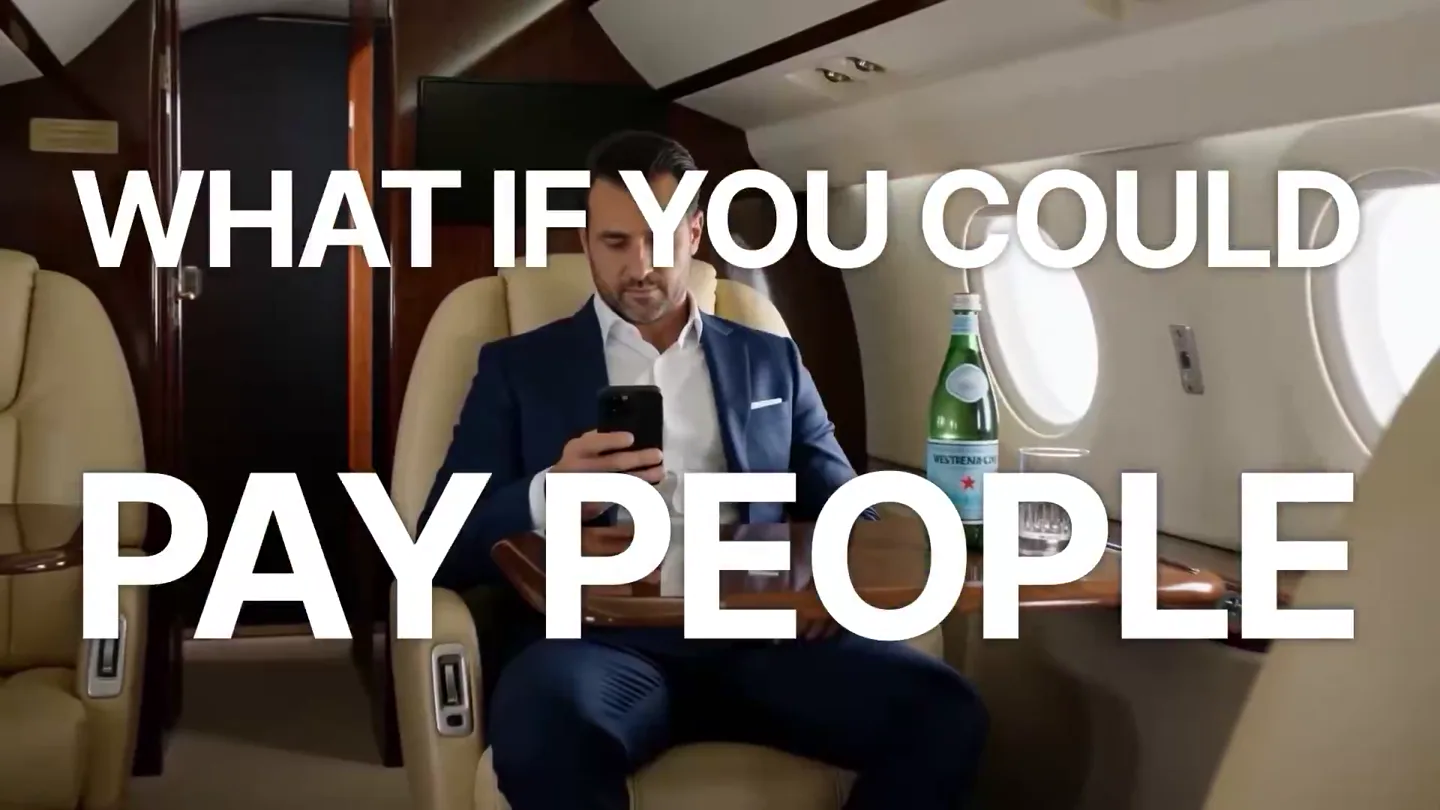
Pump.fun launches GO, a marketplace for posting and completing paid bounties for any task.