
Enzo Manuel Mangano · Launch Video Breakdown: Hook, Pacing & Motion Design
I've been recently experimenting with a new way to run e2e flows in React Native. Same maestro e2e test, same yaml, but 2-3x faster. learn about Ennio
Scene-by-scene timeline & spoken transcript
The Hook
Side-by-Side Performance Comparison Intro
“(No spoken dialogue — The audio begins with a sustained, evolving pad sound, creating an atmospheric and slightly tense mood. A subtle, high-frequency riser builds tension, culminating in a significant sub-bass drop/impact.)”
- On screen
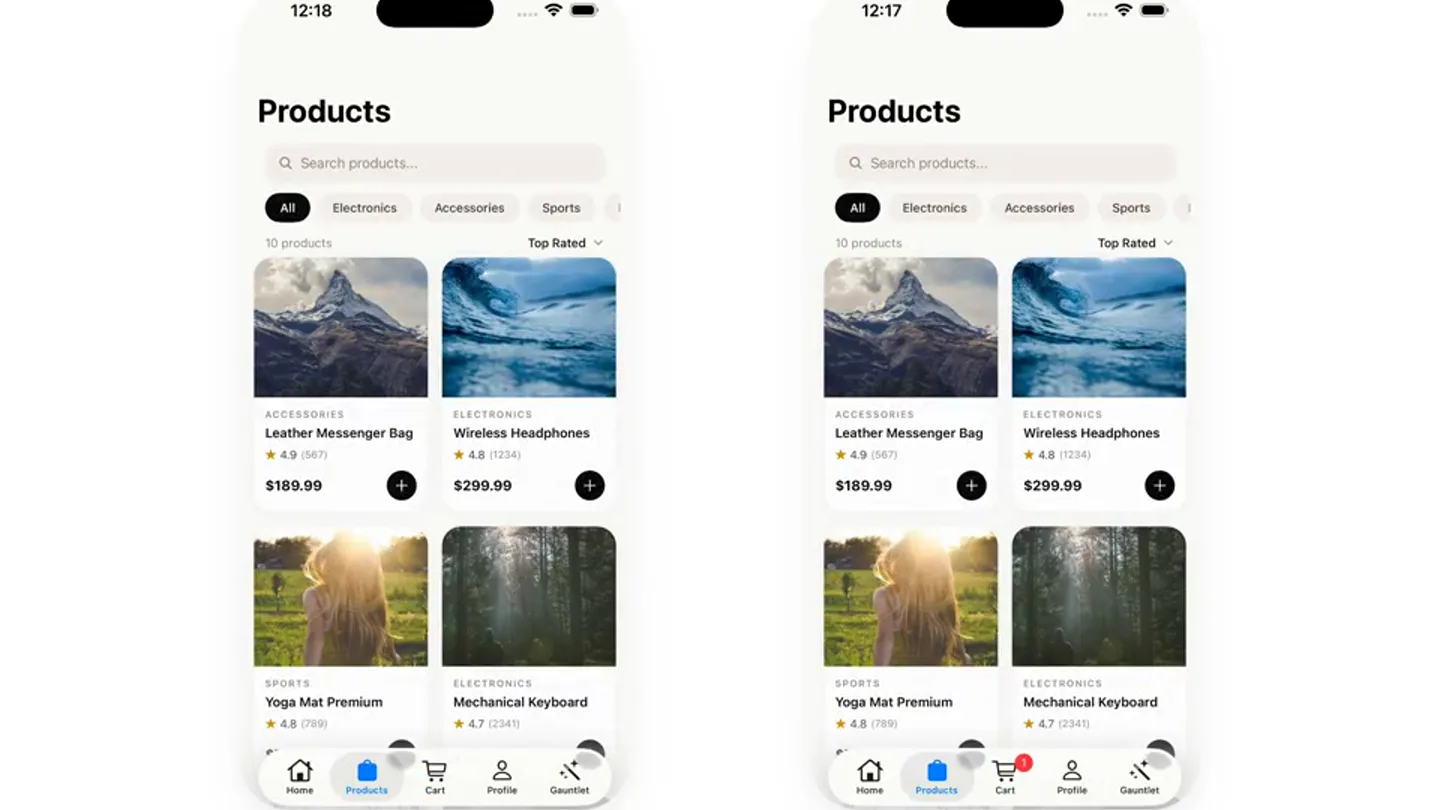
- MAESTRO ENNIO 12:18 12:17 Products Products Q Search products... Q Search products... All Electronics Accessories Sports All Electronics Accessories Sports 10 products Top Rated 10 products Top Rated ACCESSORIES ELECTRONICS ACCESSORIES ELECTRONICS Leather Messenger Bag Wireless Headphones Leather Messenger Bag Wireless Headphones 4.9 (567) 4.8 (1234) 4.9 (567) 4.8 (1234) $189.99 + $299.99 + $189.99 + $299.99 + SPORTS ELECTRONICS SPORTS ELECTRONICS Yoga Mat Premium Mechanical Keyboard Yoga Mat Premium Mechanical Keyboard 4.8 (739) 4.7 (234) 4.8 (739) 4.7 (234) $79.99 + $159.99 + $79.99 + $159.99 + Home Products Cart Profile Gearset Home Products Cart Profile Gearset 1.90s 1.90s
- Camera
- Static, wide shot displaying two mobile phone screens side-by-side, one labeled 'MAESTRO' and the other 'ENNIO'.
- Motion
- Split-screen comparison, subtle UI element highlighting, and numerical time display updates.
Problem Agitation
Workflow Speed Discrepancy Revealed
“(No spoken dialogue — A rhythmic, pulsing synth bass and a driving, high-energy electronic drum beat enter. A bright, arpeggiated synth melody adds urgency and forward momentum.)”
- On screen
- MAESTRO ENNIO 12:18 12:17 Cart Cart 1 ITEM Clear All 1 ITEM Clear All ELECTRONICS ELECTRONICS Wireless Headphones Wireless Headphones $299.99 $299.99 1 1 Subtotal $299.99 Subtotal $299.99 Tax (10%) $30.00 Tax (10%) $30.00 Shipping FREE Shipping FREE Total $329.99 Total $329.99 Proceed to Checkout → Proceed to Checkout → Home Products Cart Profile Gearset Home Products Cart Profile Gearset 5.77s 5.77s
- Camera
- Static, split-screen view. The 'MAESTRO' screen progresses through a longer sequence of UI interactions while 'ENNIO' remains static or completes tasks much faster.
- Motion
- Asynchronous UI progression, highlighting the time difference with a persistent, faster 'ENNIO' timer and a slower 'MAESTRO' timer. UI elements animate to simulate user interaction.
Product Reveal
Ennio's Efficiency Demonstrated
“(No spoken dialogue — A more intense and layered section with additional synth textures and percussion begins. A prominent sweep effect transitions the scene, followed by a powerful sub-bass impact.)”
- On screen
- MAESTRO ENNIO 12:18 12:17 Smart Watch Pro Cart ELECTRONICS 1 ITEM Clear All Smart Watch Pro ELECTRONICS $449.99 Mechanical Keyboard 892 reviews $159.99 Quantity: 2 + 1 + Description Specs Reviews Subtotal $159.99 Advanced fitness tracking smartwatch with heart Tax (10%) $16.00 rate monitoring, GPS, and 7-day battery life. Shipping FREE Total $899.98 Total $175.99 Add to Cart Proceed to Checkout → Home Products Cart Profile Gearset Home Products Cart Profile Gearset 24.97s 23.13s
- Camera
- Static split-screen. The 'ENNIO' side remains consistently faster, often showing a completed state while 'MAESTRO' is still navigating or loading.
- Motion
- Persistent time counter for both apps, with 'ENNIO's' counter stopping much earlier, visually emphasizing its speed. UI elements like 'Add to Cart' and 'Proceed to Checkout' are animated to simulate user flow.
Feature Teaser
Sustained Performance Advantage
“(No spoken dialogue — The track continues with evolving synth pads, rhythmic elements, and occasional high-frequency sweeps and risers, maintaining a dynamic and engaging soundscape. A final, impactful sub-bass drop is heard, followed by a sustained, resonant synth pad that slowly fades out.)”
- On screen
- MAESTRO ENNIO 12:18 12:17 Cart Cart 1 ITEM Clear All 1 ITEM Clear All ELECTRONICS ELECTRONICS Wireless Headphones Mechanical Keyboard $299.99 $159.99 1 1 Subtotal $299.99 Subtotal $159.99 Tax (10%) $30.00 Tax (10%) $16.00 Shipping FREE Shipping FREE Total $329.99 Total $175.99 Proceed to Checkout → Proceed to Checkout → Home Products Cart Profile Gearset Home Products Cart Profile Gearset 36.53s 23.13s
- Camera
- Static split-screen. The 'MAESTRO' side continues to show various UI interactions and loading states, while 'ENNIO' consistently displays a completed, faster state.
- Motion
- The core motion technique of side-by-side, asynchronous UI progression with time counters remains consistent, reinforcing the speed advantage of 'ENNIO' across different user flows.
Motion design primitives
Synthesizable in Remotion · key components of the dual-screen-speed-showcase template.
DualScreenRace
Two identical mobile UI screens are displayed side-by-side. One screen (Maestro) progresses through a user flow at a standard pace, while the other (Ennio) completes the same flow significantly faster, often showing a static 'completed' state while the first is still animating.
+ Code construction recipe
Use two `<Sequence>` components for each screen. Animate UI elements within the 'Maestro' sequence with `spring()` or `interpolate()` for realistic delays. For 'Ennio', use `AbsoluteFill` with a `delay` prop to show the final state much earlier, or animate its elements with significantly shorter durations and faster easing curves. Overlay `AbsoluteFill` text elements for the time counters, updating them with `useCurrentFrame()` and `fps()`.
UITransitionHighlight
Specific UI elements (e.g., buttons, product cards, navigation tabs) are highlighted or animated upon interaction, such as a button press or a screen transition.
+ Code construction recipe
Implement `spring()` animations for button presses (scale down slightly, then back up). Use `interpolate()` for opacity and `translateX`/`translateY` for screen transitions, simulating navigation. Apply `delay` props to individual UI elements to create a staggered, natural-looking interaction flow.
PersistentTimeCounter
A numerical timer is displayed prominently below each mobile screen, continuously updating to show the elapsed time for the respective user flow.
+ Code construction recipe
Create a `<Text>` component for each timer. Use `useCurrentFrame()` and `fps()` to calculate elapsed time in seconds. Format the output to 'XX.XXs'. For 'Ennio', once its flow is complete, freeze its timer at the final, faster duration using a conditional `interpolate()` or `spring()` with a very high damping ratio.
Style DNA & aesthetic system
Visual aesthetic
Typography
Motion
Special effects
Pacing & rhythm
Conceptual story rhythm
- 1
The Setup
Purpose. Introduce the two competing systems and establish the premise of a performance comparison.
Execution. Static split-screen showing two identical app interfaces, one labeled 'MAESTRO' and the other 'ENNIO', with initial time counters.
- 2
The Challenge
Purpose. Demonstrate a common user flow where 'MAESTRO' exhibits noticeable delays.
Execution. The 'MAESTRO' app navigates through product listings, adds items to a cart, and proceeds to checkout, with its timer steadily increasing.
- 3
The Solution
Purpose. Showcase 'ENNIO' completing the exact same user flow significantly faster.
Execution. The 'ENNIO' app's UI quickly reaches the final state of the user flow, with its timer stopping at a much lower value, while 'MAESTRO' is still in progress.
- 4
The Proof
Purpose. Reinforce 'ENNIO's' superior performance across multiple scenarios.
Execution. Continued side-by-side comparison, with 'MAESTRO' performing various actions (e.g., removing items, browsing) and 'ENNIO' consistently showing a completed, faster state.
Remix in Animatiq Studio
Master remix prompt · agent-ready
Sample remix
Objective
Demonstrate a new cloud IDE's faster code compilation and deployment compared to a legacy system.How the recipe adapts
The split-screen would show two terminal windows or IDE interfaces. The 'MAESTRO' side would display a longer compilation log and deployment progress bar, while the 'ENNIO' side would show a much shorter log and a rapidly completing progress bar, with its timer stopping significantly earlier. UI elements like 'Compile' and 'Deploy' buttons would animate on click, and the output logs would scroll quickly on the 'ENNIO' side.Remix blueprint · dual-screen-speed-showcase
Scene durations (4 scenes, 77s)
Key Remotion components
Related Tech & SaaS Product Launches
Explore all Tech & SaaS launches →
Unreal Engine 6 has been announced with Rocket League.
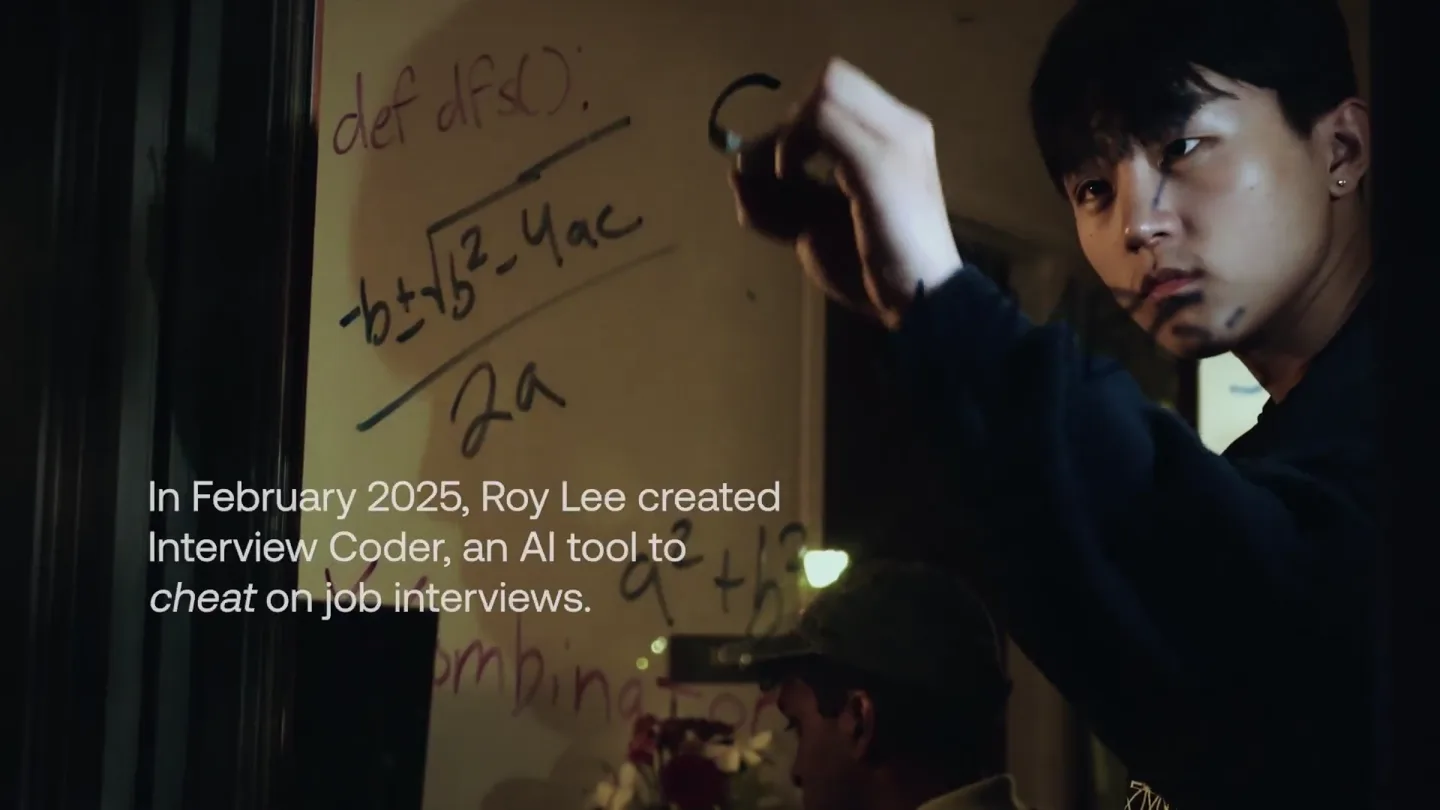
announcing @cluely's $15M fundraise, led by @a16z. cheat on everything.
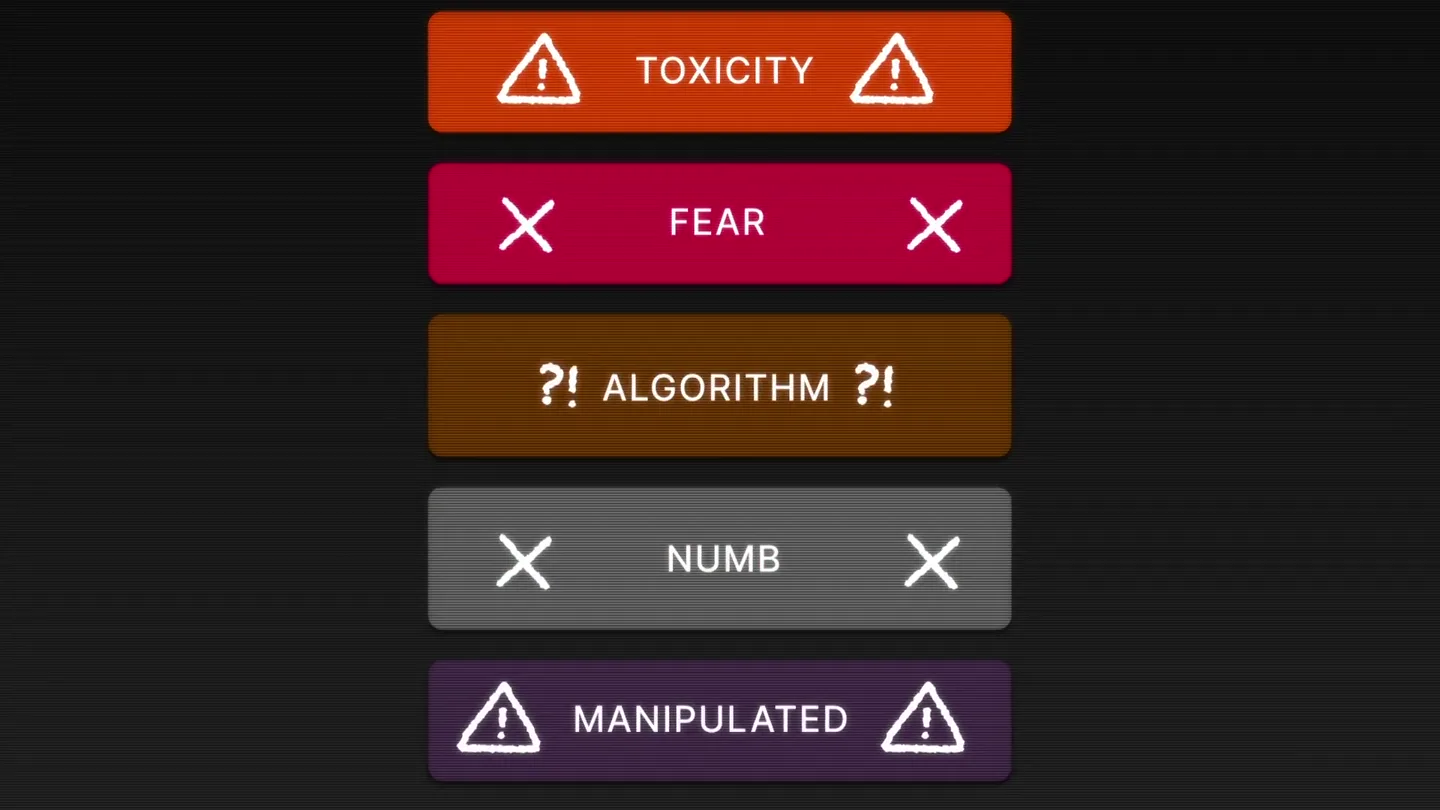
Yesterday we launched Bouncer to put users in control of their Twitter feed. Today, we open sourced the Chrome extension. We believe software should align with your interests, not the company that…