
Anthony Riera · Launch Video Breakdown: Hook, Pacing & Motion Design
Introducing Facehash. A dead simple React component that generates cute unique minimalistic avatars based on a string. We all need to add avatars at some point in our SaaS, but we also all know not…
Scene-by-scene timeline & spoken transcript
The Hook
Dynamic Avatar Generation
“(No spoken dialogue — ambient visual with text input and avatar changes)”
- On screen
- FACEHASH facehash [square] [squircle] [round] F F F F 32 48 64 80 F F [3d] [flat] [no letter] 0kb css a11y ts no external pure css 3d accessible fully typed assets effects by default alice bob henry kate paul
- Camera
- Static, wide shot of the UI, with subtle background elements moving.
- Motion
- Text input animation, real-time avatar regeneration, and subtle background parallax.
Product Reveal
Customization & Real-time Feedback
“(No spoken dialogue — ambient visual with text input and avatar changes)”
- On screen
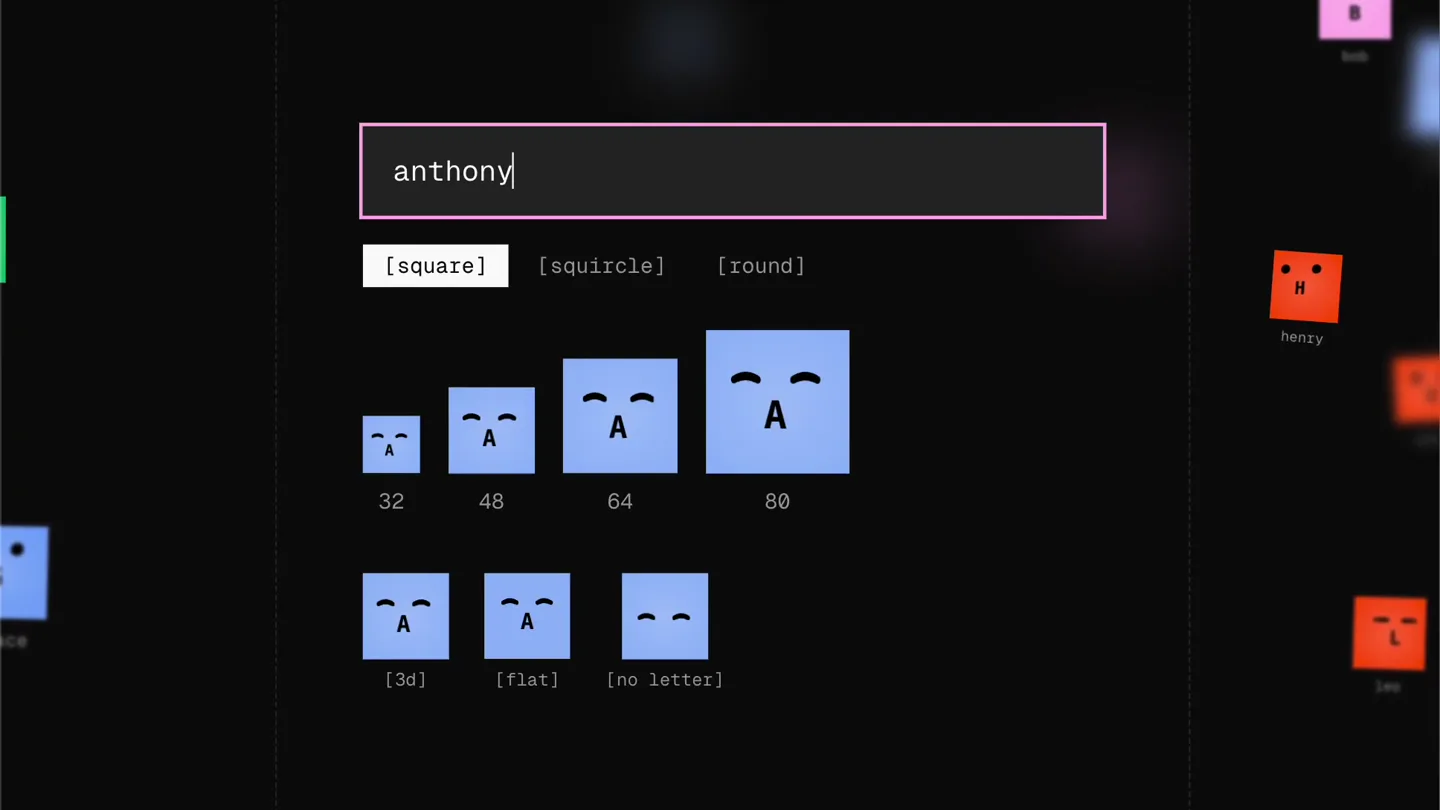
- FACEHASH anthony [square] [squircle] [round] A A A A 32 48 64 80 A A [3d] [flat] [no letter] 0kb css a11y ts no external pure css 3d accessible fully typed assets effects by default alice bob henry kate paul pierre jack
- Camera
- Static, maintaining the same UI perspective.
- Motion
- Text input and deletion, instant avatar updates, and color shifts based on input.
Feature Teaser
Shape and Letter Options
“(No spoken dialogue — ambient visual with text input and avatar changes)”
- On screen
- FACEHASH jack [square] [squircle] [round] J J J J 32 48 64 80 J J [3d] [flat] [no letter] 0kb css a11y ts no external pure css 3d accessible fully typed assets effects by default alice bob henry kate paul
- Camera
- Static, focused on the interactive UI elements.
- Motion
- Click interaction animation on UI buttons, shape morphing (square to round), and letter toggling.
Call to Action
Installation Prompt & Final Avatars
“(No spoken dialogue — ambient visual with text input and avatar changes)”
- On screen
- FACEHASH install now! [square] [squircle] [round] I I I I 32 48 64 80 I I [3d] [flat] [no letter] 0kb css a11y ts no external pure css 3d accessible fully typed assets effects by default alice bob henry kate paul
- Camera
- Static, maintaining the overall UI view.
- Motion
- Text input animation, avatar regeneration, and a final visual flourish with the 'install now!' text.
Motion design primitives
Synthesizable in Remotion · key components of the dynamic-icon-generator-showcase template.
TextInputAvatarMorph
As text is typed into an input field, a corresponding avatar dynamically changes its color, shape, and initial letter in real-time. The avatar scales up and down slightly with each change.
+ Code construction recipe
Use Remotion's `Sequence` and `AbsoluteFill` for layout. Implement `useCurrentFrame` and `interpolate` for text typing animation. Avatar properties (color, shape, letter) should be derived from the input string using a custom utility function. Animate `scale` and `borderRadius` with `spring` for a bouncy, organic feel on avatar changes.
InteractiveButtonHighlight
When a button is 'clicked', it briefly highlights with a distinct border or background color, then returns to its default state. A mouse cursor animates to simulate interaction.
+ Code construction recipe
Create a `Button` component with `useState` to manage its active/hover state. Use `spring` for the border color and width transitions. The mouse cursor can be an SVG or image animated along a path using `interpolatePath` or `interpolate` for `transform` properties.
BackgroundGridParallax
A subtle grid pattern in the background shifts and blurs slightly, creating a sense of depth and ambient movement without distracting from the foreground UI.
+ Code construction recipe
Render a grid using SVG or CSS `background-image` with `linear-gradient`. Animate `background-position` or `transform` properties (e.g., `translateY`, `scale`) with `interpolate` over the video duration. Apply a subtle `filter: blur()` or `opacity` animation to create depth.
Style DNA & aesthetic system
Visual aesthetic
Typography
Motion
Special effects
Pacing & rhythm
Conceptual story rhythm
- 1
Initial Input & Default Avatar
Purpose. Introduce the core functionality: typing a string generates an avatar.
Execution. User types 'facehash', a pink square 'F' avatar appears and scales.
- 2
Personalized Avatars
Purpose. Demonstrate unique avatar generation for different inputs.
Execution. User types 'anthony' and 'pierre', showing distinct blue 'A' and green 'P' avatars.
- 3
Customization Options
Purpose. Highlight the flexibility of shape and letter display.
Execution. User clicks 'round' and 'no letter' options, morphing the avatar and removing the initial.
- 4
Call to Action & Final Showcase
Purpose. Encourage installation and provide a final visual summary of avatar variety.
Execution. User types 'install now!', generating a final set of diverse avatars, reinforcing the product's utility.
Remix in Animatiq Studio
Master remix prompt · agent-ready
Sample remix
Objective
A new API called 'Iconify' that generates SVG icons based on keywords and style preferences.How the recipe adapts
The TextInputAvatarMorph primitive adapts to TextInputIconGenerate, where typing 'cloud' generates a cloud icon, 'settings' generates a gear. InteractiveButtonHighlight becomes InteractiveStyleToggle, allowing users to click 'flat' or 'gradient' buttons to change the icon's visual style. The BackgroundGridParallax remains, providing a consistent tech aesthetic. The overall dark UI and vibrant icon colors are preserved, demonstrating Iconify's dynamic output.Remix blueprint · dynamic-icon-generator-showcase
Scene durations (4 scenes, 18s)
Key Remotion components
Related Tech & SaaS Product Launches
Explore all Tech & SaaS launches →
Unreal Engine 6 has been announced with Rocket League.
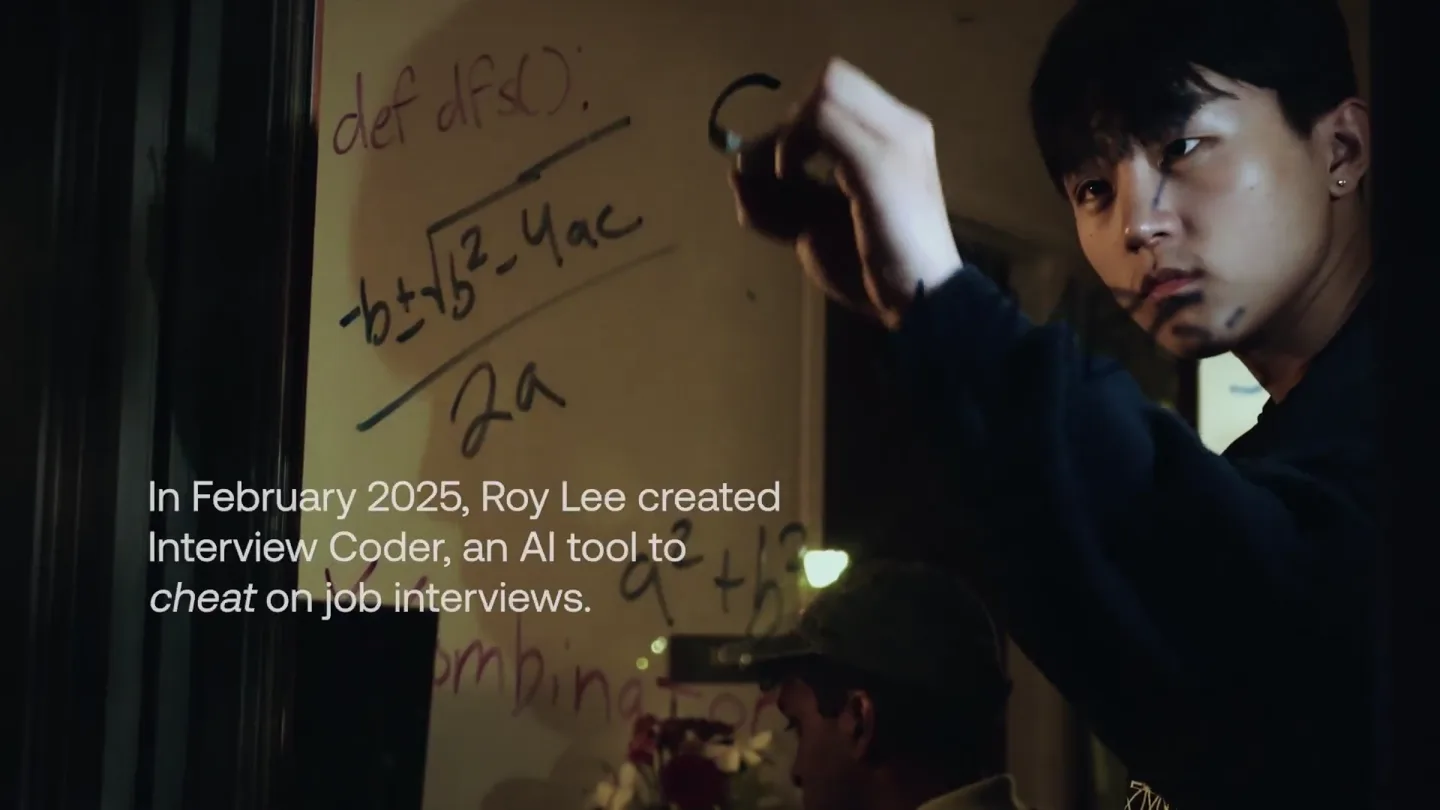
announcing @cluely's $15M fundraise, led by @a16z. cheat on everything.
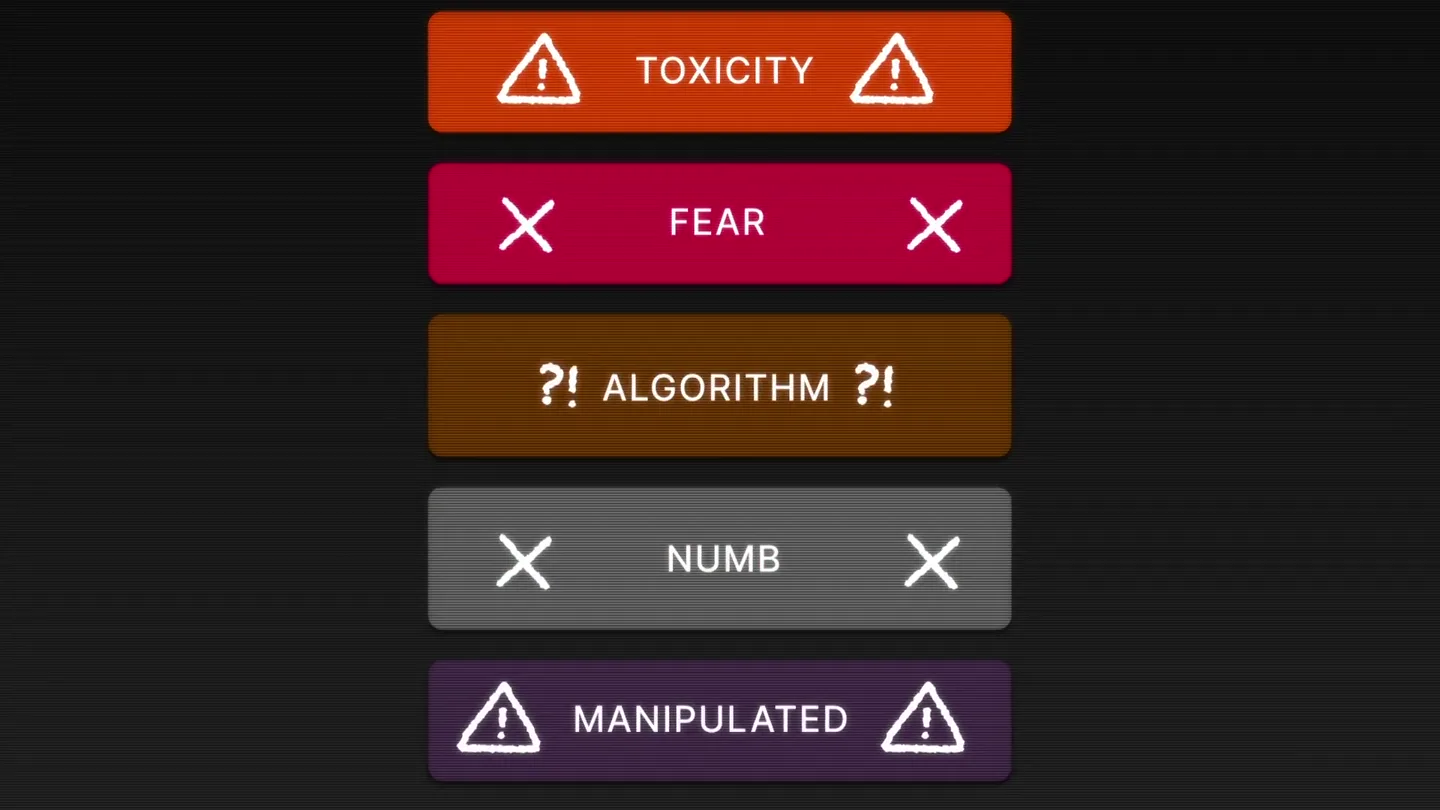
Yesterday we launched Bouncer to put users in control of their Twitter feed. Today, we open sourced the Chrome extension. We believe software should align with your interests, not the company that…