
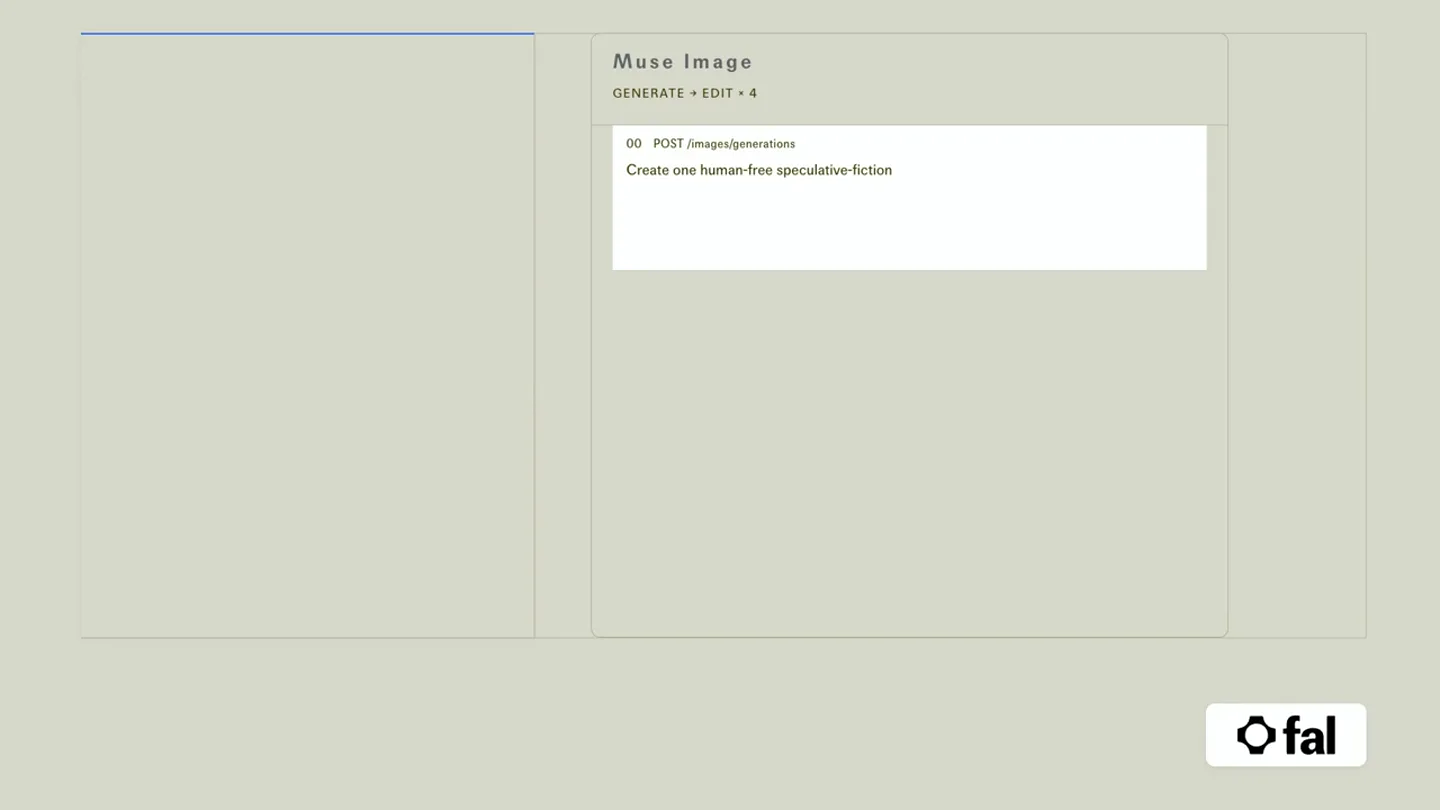
Scene-by-scene timeline & spoken transcript
The Hook
Prompting the Initial Image Generation
“(No spoken dialogue — Silent video with ambient visual cues.)”
- On screen
- Muse Image GENERATE + EDIT + 4 00 POST /images/generations Create one human-free speculative-fiction book cover const result = await fal.subscribe("meta/muse-image/txt-to-image", { input: { prompt: "Monumental clothbound book", aspect_ratio: "3:4" } });
- Camera
- Static screen capture of a web UI, with text appearing as if typed.
- Motion
- Text typing animation, image generation reveal.
Product Reveal
First Image Generation and Prompting Edits
“(No spoken dialogue — Silent video with ambient visual cues.)”
- On screen
- Muse Image GENERATE + EDIT + 4 00 POST /images/generations const result = await fal.subscribe("meta/muse-image/txt-to-image", { input: { prompt: "Monumental clothbound book", aspect_ratio: "3:4" } }); 01 POST /images/edits Reveal an impossible archive inside the book const result = await fal.subscribe("meta/muse-image/edit", { input: { prompt: "Reveal an impossible archive", image_url: previousUrl() } }); • 200 / ARCHIVE REVEALED
- Camera
- Static screen capture, image on left side is revealed and then edited in place.
- Motion
- Image reveal, in-place image transformation, text typing animation.
Feature Teaser
Iterative Image Editing with Agentic Prompts
“(No spoken dialogue — Silent video with ambient visual cues.)”
- On screen
- Muse Image GENERATE + EDIT + 4 01 POST /images/edits const result = await fal.subscribe("meta/muse-image/edit", { input: { prompt: "Reveal an impossible archive", image_url: previousUrl() } }); • 200 / ARCHIVE REVEALED 02 POST /images/edits Add vellum ribbons and brass index tabs const result = await fal.subscribe("meta/muse-image/edit", { input: { prompt: "Add translucent vellum ribbons", image_url: previousUrl() } }); • 200 / VELLUM ADDED 03 POST /images/edits Embed one celestial index disk in the floor const result = await fal.subscribe("meta/muse-image/edit", { input: { prompt: "Add a brass celestial disk", image_url: previousUrl() } });
- Camera
- Static screen capture, image on left side is iteratively edited and updated.
- Motion
- Sequential image transformations, text typing animation, status updates.
Call to Action
Final Image Composition and Summary
“(No spoken dialogue — Silent video with ambient visual cues.)”
- On screen
- Muse Image GENERATE + EDIT + 4 03 POST /images/edits const result = await fal.subscribe("meta/muse-image/edit", { input: { prompt: "Add a brass celestial disk", image_url: previousUrl() } }); • 200 / ARTIFACT EMBEDDED 04 POST /images/edits Add THE LAST INDEX as the cover title and typography const result = await fal.subscribe("meta/muse-image/edit", { input: { prompt: "Add THE LAST INDEX typography", image_url: previousUrl() } }); THE LAST INDEX AN ATLAS OF LOST ROOMS MARA YENS ARCHIVIST MOTIF 4 EDITS SAME COVER
- Camera
- Static screen capture, final image edit, then UI elements fade out to highlight the final image and a summary.
- Motion
- Final image transformation, UI element fade-out, numerical counter animation.
Motion design primitives
Synthesizable in Remotion · key components of the ai-agent-iterative-creation template.
CodeTypewriterReveal
Text appears character by character, simulating real-time typing of code or prompts within a terminal-like interface. This is often accompanied by a blinking cursor.
+ Code construction recipe
Use `interpolate` for `opacity` and `text-overflow: hidden` with `width` animation on a `<span>` or `<pre>` element. A `spring` animation can be used for the blinking cursor's opacity.
ImageInPlaceTransform
An image on screen undergoes a visible transformation or addition of elements directly within its frame, without a hard cut or transition to a new image.
+ Code construction recipe
Implement this with `Image` components where `src` is updated. For smooth transitions between image states, consider `crossFade` or `dissolve` effects, or layering elements with `opacity` and `scale` animations.
StatusDotFade
Small, colored dots (e.g., green for success) appear next to status messages, often fading in or pulsing briefly to indicate an action's completion.
+ Code construction recipe
Utilize `spring` or `interpolate` for `opacity` and `scale` on a small `div` element with `border-radius: 50%` to create the dot. A slight `pulse` effect can be achieved by animating `scale` between 1 and 1.1.
Style DNA & aesthetic system
Visual aesthetic
Typography
Motion
Special effects
Pacing & rhythm
Conceptual story rhythm
- 1
The Prompt
Purpose. Introduce the user's input and the AI's initial task.
Execution. Typing of a creative prompt in a code editor-like interface.
- 2
The Generation
Purpose. Showcase the AI's ability to generate a base image from the prompt.
Execution. A blank canvas on the left side of the UI is filled with the first generated image.
- 3
The Iteration
Purpose. Demonstrate the agentic editing capabilities through sequential refinements.
Execution. Subsequent prompts are typed, and the image on the left updates in real-time with new elements and details.
- 4
The Masterpiece
Purpose. Present the final, complex image as a result of the iterative process.
Execution. The UI elements recede, leaving the fully refined image prominent, with a summary of edits.
Remix in Animatiq Studio
Master remix prompt · agent-ready
Sample remix
Objective
Generate a detailed 3D model of an ancient alien artifact from a text description.How the recipe adapts
The left pane would display a 3D viewport instead of an image. Initial text prompts like 'Generate a weathered obsidian monolith with glowing runes' would appear via CodeTypewriterReveal. The 3D model would then appear and iteratively refine its textures, geometry, and lighting in the 3DInPlaceTransform primitive as subsequent prompts like 'Add a pulsating energy core' are typed. The final scene would show the completed 3D model slowly rotating, with a summary of the generation steps.Remix blueprint · ai-agent-iterative-creation
Scene durations (4 scenes, 28s)
Key Remotion components
Related AI Agents Product Launches
Explore all AI Agents launches →
To ensure that artificial general intelligence benefits all of humanity

Gopuff introduces Go, an AI shopping assistant built with SpaceXAI: say what you need and the order is placed.

Iliad (Troy) trailer made by Grok Imagine 1.5, which was just released