
Google AI · Launch Video Breakdown: Hook, Pacing & Motion Design
Introducing Gemini 3.1 Pro 3.1 Pro represents a major step forward in core reasoning. It scored 77.1% (more than doubling 3 Pro’s score) on ARC-AGI-2, the benchmark that evaluates a model's ability…
Scene-by-scene timeline & spoken transcript
The Hook
Dynamic Murmuration Simulation
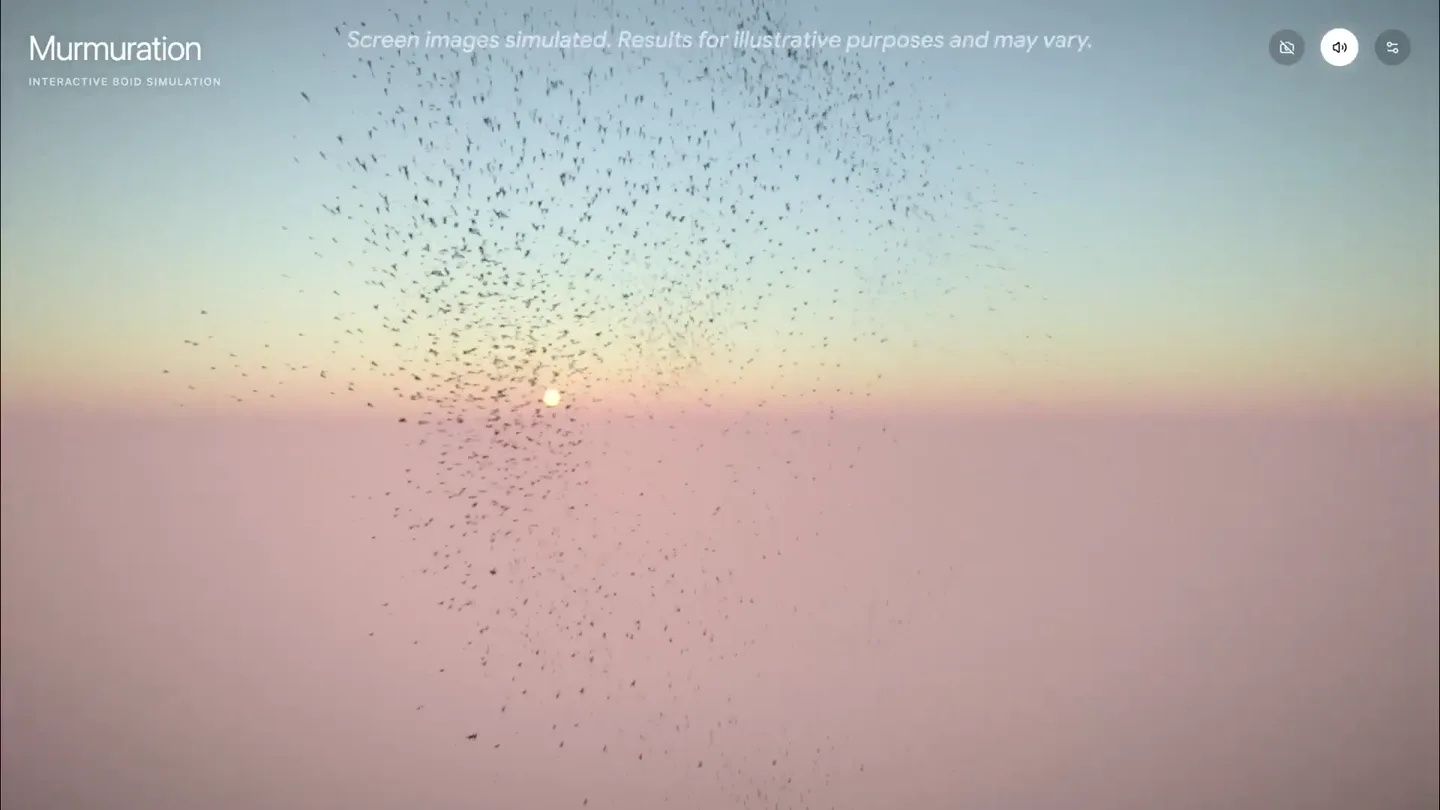
“So I used Gemini 3.1 Pro to code a simulation of a starling murmuration.”
- On screen
- Murmuration INTERACTIVE BOID SIMULATION Screen images simulated. Results for illustrative purposes and may vary.
- Camera
- Wide shot, static camera, observing the murmuration against a sunset sky.
- Motion
- Generative particle system animation, real-time physics simulation.
Product Reveal
Interactive Control via Hand Tracking
“And then I made it interactive, so I can move the birds around with my hands.”
- On screen
- Murmuration INTERACTIVE BOID SIMULATION Screen images simulated. Results for illustrative purposes and may vary. HAND TRACKING
- Camera
- Wide shot, static camera, with a small picture-in-picture of the presenter's hand.
- Motion
- Real-time input-driven animation, picture-in-picture overlay.
Feature Teaser
Parameter Control & Environmental Adjustments
“And I can change the parameters of the simulation, like the bird count, or the flight speed, or even the environment.”
- On screen
- Murmuration INTERACTIVE BOID SIMULATION Screen images simulated. Results for illustrative purposes and may vary. BOIDS ENVIRONMENT EFFECTS BIRD COUNT 10000 FLIGHT SPEED 15 COHESION 0.5 ALIGNMENT 2.0 SEPARATION 0.8 PERCEPTION RADIUS 5.0 SUN ELEVATION 2 SUN AZIMUTH 180 SKY TURBIDITY 5.2 SKY RAYLEIGH 2.2 MIE COEFFICIENT 0.001 MIE DIRECTIONAL G 0.63 AMBIENT LIGHT 2.8 DIRECTIONAL LIGHT 1.4
- Camera
- Wide shot, static camera, with a UI panel sliding in from the right.
- Motion
- UI element slide-in animation, real-time parameter manipulation, data visualization via sliders.
Call to Action
Music Generation & Aesthetic Appreciation
“And then I made it so that the music changes with the murmuration's movement. And the final result is just beautiful.”
- On screen
- Murmuration INTERACTIVE BOID SIMULATION Screen images simulated. Results for illustrative purposes and may vary.
- Camera
- Wide shot, static camera, observing the murmuration's dynamic movement.
- Motion
- Generative particle system animation, abstract visual representation of sound, fluid motion.
Motion design primitives
Synthesizable in Remotion · key components of the generative-simulation-showcase template.
GenerativeBoidSimulation
A large swarm of small particles (boids) moves cohesively, forming organic, fluid shapes against a gradient sky. The swarm reacts dynamically to external inputs and internal parameters.
+ Code construction recipe
Implement a 3D particle system using Three.js or a custom WebGL canvas. Utilize a Boids algorithm (e.g., Craig Reynolds' rules for separation, alignment, cohesion) to govern particle movement. Parameters like 'bird count', 'flight speed', 'cohesion' should be exposed as Remotion props for dynamic control. Render particles as simple sprites or small geometric shapes.
InteractiveUIOverlay
A semi-transparent, rounded rectangular panel slides in from the right, containing sliders and tabs for adjusting simulation parameters. Values update in real-time as sliders are manipulated.
+ Code construction recipe
Create a React component for the UI panel. Use Remotion's `spring()` or `interpolate()` for the slide-in animation of the panel. Implement range input sliders (`<input type='range'>`) for parameter control. Use `useState` and `useCallback` to manage slider values and update the underlying simulation props. Apply a `backdrop-filter: blur()` for the frosted glass effect.
HandTrackingPIP
A small, rounded rectangular video feed of a hand appears in the bottom-left corner, demonstrating real-time interaction with the main simulation.
+ Code construction recipe
Use Remotion's `Video` component to display the presenter's webcam feed. Apply CSS `border-radius` for the rounded corners and `position: absolute` for placement. Implement a simple fade-in or scale-up animation using `interpolate()` for its appearance. Ensure the video feed is composited cleanly over the main simulation.
Style DNA & aesthetic system
Visual aesthetic
Typography
Motion
Special effects
Pacing & rhythm
Conceptual story rhythm
- 1
The Genesis
Purpose. Introduce the core capability of Gemini 3.1 Pro: coding complex simulations.
Execution. Opening with the full-screen murmuration, establishing the visual spectacle and the product's creative power.
- 2
The Interaction
Purpose. Demonstrate the model's ability to create interactive experiences.
Execution. Introducing the presenter's hand tracking, showing direct manipulation of the simulation.
- 3
The Control
Purpose. Highlight the granular control and customization possible with the AI-generated code.
Execution. Displaying the UI panel with sliders, showcasing parameter adjustments and their immediate visual impact.
- 4
The Artistry
Purpose. Conclude by emphasizing the aesthetic and creative potential, including multi-modal outputs like music.
Execution. Returning to the full-screen murmuration, now with implied musical interaction, focusing on the beauty of the final result.
Remix in Animatiq Studio
Master remix prompt · agent-ready
Sample remix
Objective
Launch a new AI-powered architectural design tool that generates dynamic building facades based on environmental data.How the recipe adapts
The GenerativeBoidSimulation primitive would be adapted to a 'GenerativeFacadeSystem', where individual particles represent modular building components. Their movement and arrangement would be governed by AI-driven rules responding to simulated environmental inputs like sunlight and wind. The InteractiveUIOverlay would control parameters such as 'material reflectivity', 'component density', and 'wind resistance'. The HandTrackingPIP would show a designer manipulating a virtual environment to influence the facade's evolution. The gradient background would represent different times of day or weather conditions, and the overall aesthetic would maintain the ethereal, minimalist feel, showcasing the AI's ability to create beautiful, responsive architecture.Remix blueprint · generative-simulation-showcase
Scene durations (4 scenes, 47s)
Key Remotion components
Related Creative Tools Product Launches
Explore all Creative Tools launches →
Anthropic Labs launches Claude Design, which turns conversation into prototypes, slides and one-pagers, powered by Claude Opus 4.7.
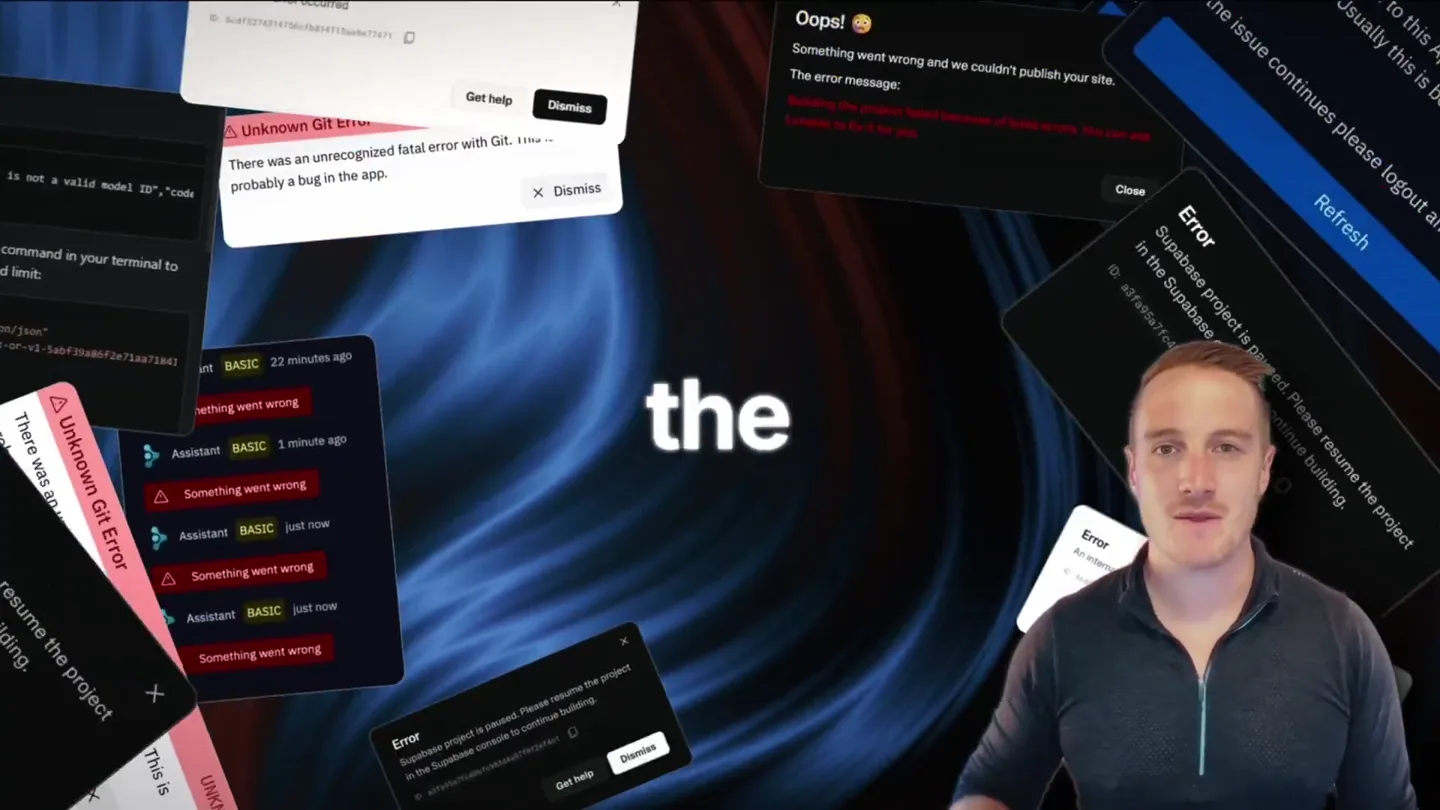
Bolt v2 pairs Claude Code and Codex agents with built-in hosting, database and storage so apps ship without setup.

Making life multiplanetary