
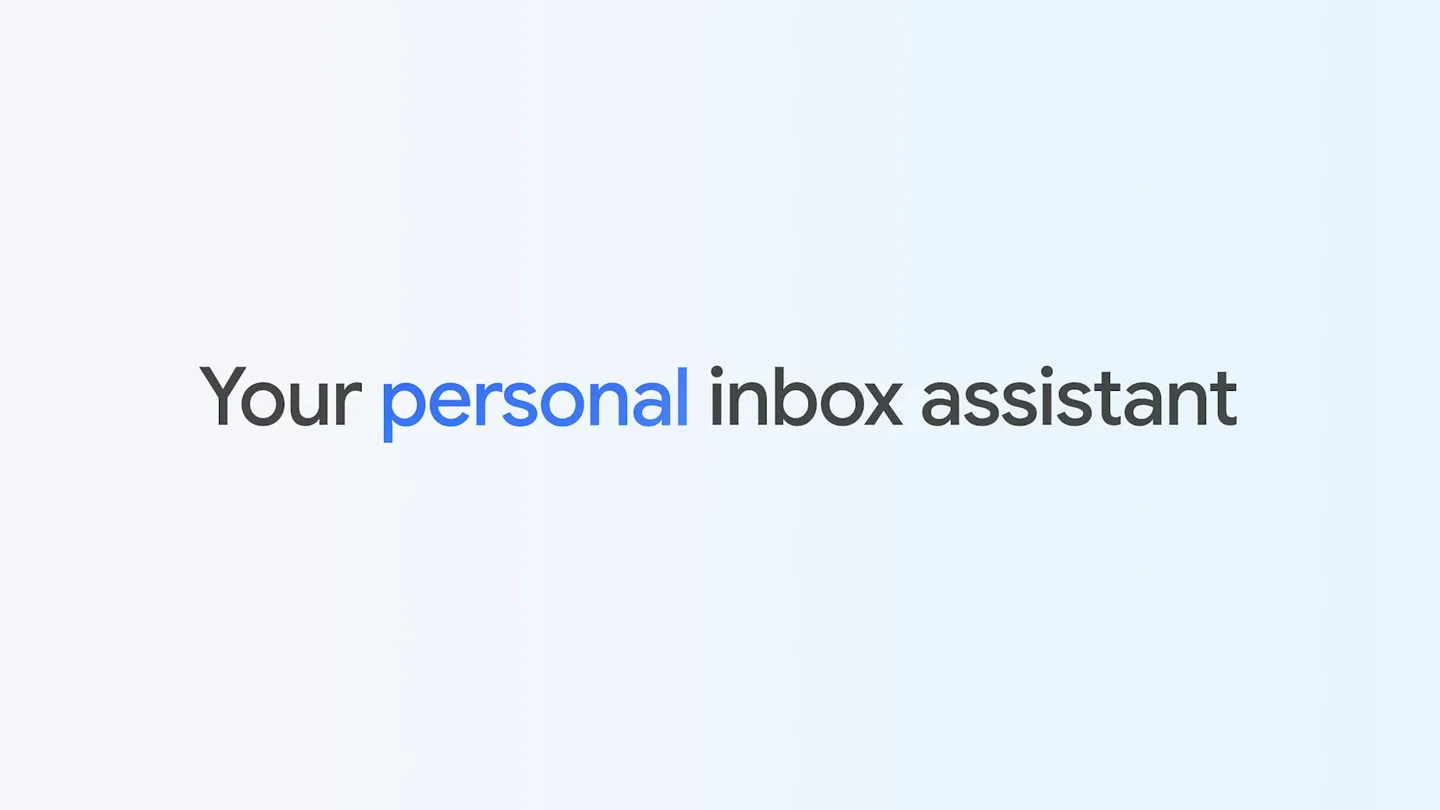
Scene-by-scene timeline & spoken transcript
The Hook
Personal, Proactive Inbox Assistant
“(No spoken dialogue — Subtle sweep at 0:00, driving four-on-the-floor kick drum, 808-style claps and snares, consistent sub-bass line, synthesized melodic elements with a 'pizzicato' quality. Vocal sample 'Yeah!' at 0:10.)”
- On screen
- Your personal
- Camera
- Static shot of text, then a slow zoom out revealing a blurred Gmail interface, followed by a dynamic camera pan and tilt across the interface, showcasing various features.
- Motion
- Text reveal with color change, subtle parallax scrolling of UI elements, dynamic camera movements with depth of field shifts.
Product Reveal
AI-Powered Email Management
“(No spoken dialogue — Driving beat continues, pizzicato melodies. High-energy audio transition with a noticeable riser at 0:22 followed by a sub-bass drop/impact and vocal sample 'Yeah!')”
- On screen
- Hi, Maya 👋 Let's tackle your next big thing Heads up: I've found 5 priorities that need your attention Thank you recruiter for the good news on your last interview Schedule repairs for slow-draining shower Review Car Insurance renewal documents Send Ernie's vaccination records to Sierra Paws Doggy Daycare Confirm Saturday's reservation at The Musket Bistro and notify of dietary requirements Catch up: I've summarized your other updates into 4 topics Skyline Trail Hike Cakes by Maya Thrillers Book Club Everything else Select features are in development, vary by region, and are subject to change - check in-app for availability. Results are for illustrative purposes. Sequences shortened.
- Camera
- Continuous camera pan and zoom across the Gmail interface, highlighting different sections and interactions. Close-up on a mouse cursor interacting with UI elements.
- Motion
- Seamless UI transitions, animated text reveals, cursor interaction highlighting, subtle glow effects on interactive elements.
Feature Teaser
Smart Compose & Calendar Integration
“(No spoken dialogue — Beat intensifies after the riser and sub-bass drop. Pizzicato melodies continue, building energy towards the next section.)”
- On screen
- Get things done faster Send Looking up order details.. Return Request: Damaged Terrazzo Planter support@glazeco.com cc bcc Return Request: Damaged Terrazzo Planter Hi Glaze & Co Team, I'd like to request a refund and return this Terrazzo Planter (Order #99420) because it arrived cracked. According to your return policy, I am 9 days within the 30 day window. Can you please advise me on next steps? Thanks, Maya Describe your change Rewriting According to your return policy, I am 9 days within the 30 day window. Please let me know how to proceed with the return. I'm a huge fan of Glaze Co, but this is the second time I've received an item that was damaged this year (See Return #367832). Shower repair AI Overview Chris Hinton 9:13 PM to me, Logan Hi Maya, I can swing by to fix your shower this Saturday after 9 AM. Let me know a time. I'll need you to be at the apartment. Should take around 1 hour. Cheers, Chris H. RapidFix Plumbing Adding to Calendar Event added Undo Suggested reply Hi Chris, 1PM on Saturday works for me. I'll meet you at the apartment. Thanks, Maya Refine draft with Gemini
- Camera
- Dynamic camera movements, including zooms into specific UI elements and pans across email drafts. The perspective shifts to highlight different features within the email client.
- Motion
- Animated typing, progress bar animations, UI element pop-ins and fades, subtle screen shake on interaction, smooth transitions between different email views.
Call to Action
Gemini Era Integration
“What was the Italian restaurant we went to last year in New York? / You dined at Trattoria Altostrat with Jeanne for your birthday dinner during your first trip to New York in January, based on a reservation in your email. Address: 111 8th Avenue, New York.”
- On screen
- What What was the Italian restaurant we went to last year in New York? AI Overview You dined at Trattoria Altostrat with Jeanne for your birthday dinner during your first trip to New York in January, based on a reservation in your email. ✉️1 Address: 111 8th Avenue, New York. ✉️1 Trattoria Altostrat 4.5 ★ (123) • Italian Open • Closes 10 PM
- Camera
- Focus shifts to a mobile device interface, with a close-up on a search bar and subsequent results. The camera then pulls back to reveal the Google/Gmail logo.
- Motion
- Animated typing, loading spinner, dynamic content populating, smooth transition from mobile UI to brand logo reveal. Music fades out at the end.
Motion design primitives
Synthesizable in Remotion · key components of the ai-product-ui-showcase template.
DynamicUIPan
A fluid camera pan across a user interface, often accompanied by subtle depth of field changes and highlighting of interactive elements. This creates a sense of exploration and engagement with the product.
+ Code construction recipe
Utilize Remotion's <AbsoluteFill> and <Sequence> components. Implement `interpolate` for camera X/Y position and Z-depth (for DOF blur). Use `spring` for smooth easing on pan and zoom transitions. Apply SVG filters for blur and glow effects on highlighted UI elements.
AnimatedTextReveal
Text appears dynamically, often with a subtle fade-in, scale, or color change, mimicking typing or a 'thought process' of an AI. Key words might change color to emphasize AI interaction.
+ Code construction recipe
Employ `spring` for character-by-character or word-by-word opacity and scale animations. Use `interpolate` for color changes on specific keywords. Text can be rendered using Remotion's <Text> component with custom styling and animation props.
InteractiveElementHighlight
User interface elements, such as buttons or input fields, are highlighted through glows, subtle scaling, or color shifts upon interaction (e.g., a mouse click or AI processing).
+ Code construction recipe
Wrap interactive UI elements in a component that uses `spring` for scale and opacity changes. Apply CSS `box-shadow` or SVG `feGaussianBlur` filters for glow effects, animated via `interpolate` based on interaction state. Use `useCurrentFrame` to synchronize with audio cues.
Style DNA & aesthetic system
Visual aesthetic
Typography
Motion
Special effects
Pacing & rhythm
Conceptual story rhythm
- 1
The AI Introduction
Purpose. Introduce the core concept of an AI-powered assistant and its personal benefits.
Execution. Opening with a simple, impactful text reveal ('Your personal') followed by a gradual zoom out to reveal the AI's integration into the familiar Gmail interface.
- 2
Problem & Solution Showcase
Purpose. Demonstrate how the AI solves common email management pain points.
Execution. Dynamic camera pans across the Gmail inbox, highlighting features like priority summaries and categorized updates, showing the AI proactively organizing information.
- 3
Interactive Feature Deep Dive
Purpose. Illustrate specific AI capabilities through user interaction.
Execution. Close-ups on features like smart compose, email rewriting, and calendar integration, with animated typing and UI feedback, emphasizing ease of use and efficiency.
- 4
Cross-Platform Intelligence & Brand Reinforcement
Purpose. Showcase the AI's ability to retrieve information across platforms and reinforce brand identity.
Execution. Transition to a mobile interface demonstrating a complex query, followed by a clear, concise answer, culminating in the iconic Gmail logo reveal.
Remix in Animatiq Studio
Master remix prompt · agent-ready
Sample remix
Objective
Launch a new smart thermostat with AI-driven energy optimization.How the recipe adapts
The video would open with 'Your smart home, optimized.' The camera would then dynamically pan across a simulated smart thermostat app interface, highlighting features like 'AI-driven scheduling' and 'real-time energy savings.' An interactive element highlight would show a user adjusting the temperature, with the AI suggesting an optimal setting. Animated text reveals would explain the energy-saving benefits. The video would conclude with the thermostat's brand logo, emphasizing seamless integration and efficiency.Remix blueprint · ai-product-ui-showcase
Scene durations (4 scenes, 71s)
Key Remotion components
Related AI Agents Product Launches
Explore all AI Agents launches →
To ensure that artificial general intelligence benefits all of humanity

Gopuff introduces Go, an AI shopping assistant built with SpaceXAI: say what you need and the order is placed.

Iliad (Troy) trailer made by Grok Imagine 1.5, which was just released