
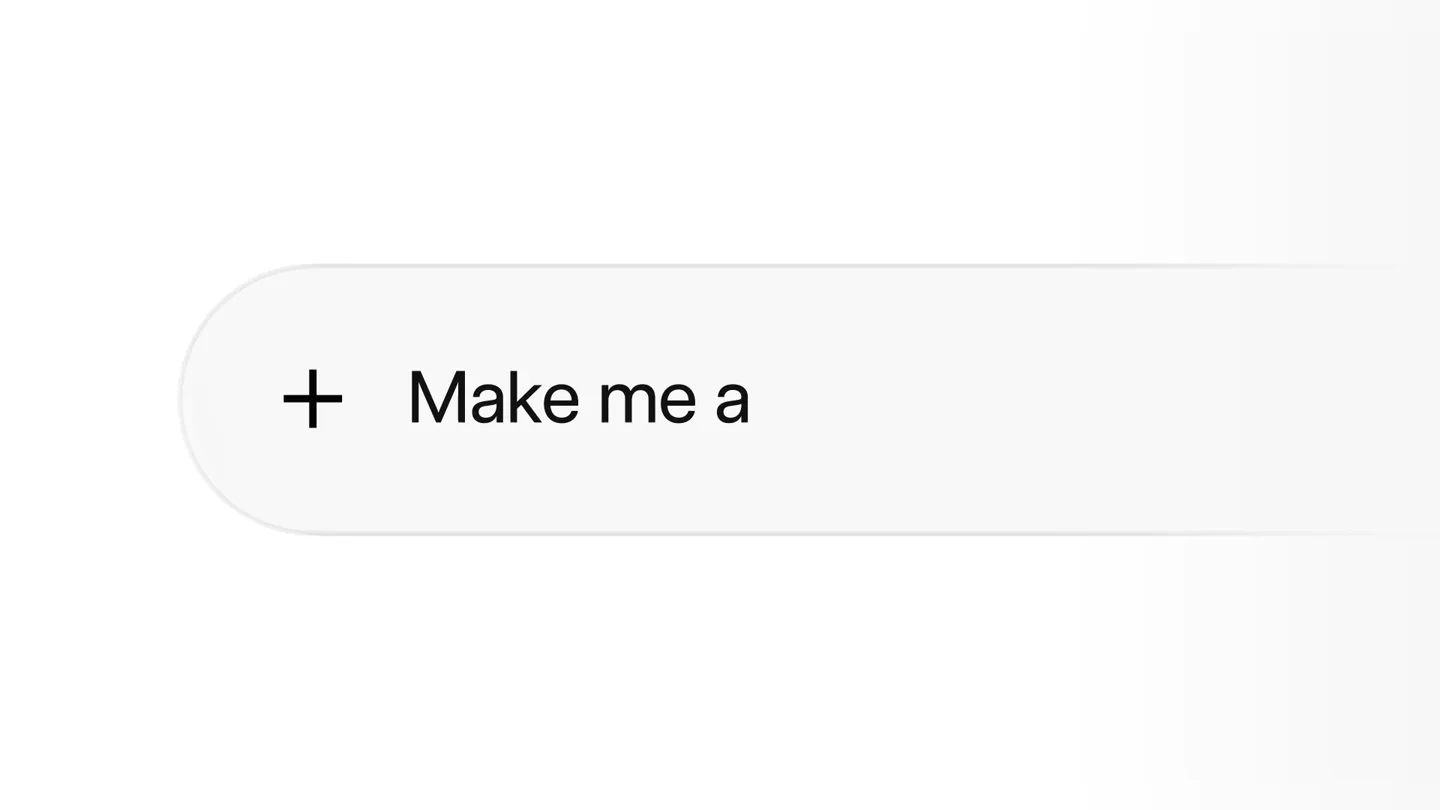
Scene-by-scene timeline & spoken transcript
The Hook
Introducing Build Mode: Idea to App
“(No spoken dialogue — A driving, rhythmic electronic beat with a sub-bass line and arpeggiated synth melodies. A riser at 0:01 leads into a beat drop at 0:02.)”
- On screen
- Introducing Build Mode
- Camera
- Static, centered text on a white background, then a subtle zoom into a UI element.
- Motion
- Text reveal with a typing cursor animation, followed by a quick UI element transition.
Product Reveal
AI-Powered App Generation & Customization
“(No spoken dialogue — The electronic beat continues with pizzicato synths and 808-style drums, maintaining a high-energy rhythm.)”
- On screen
- Grok 4.5, Kanban Board, More ideas, Endless Runner, Hyper Racer, Built in 12m 4s, Open, Edit, RED RACING, Edit your app, Build, Share apps
- Camera
- Dynamic UI navigation, panning and zooming across different app interfaces (mobile and desktop).
- Motion
- Seamless UI transitions, element reveals, and interactive demonstrations of app building and customization. Elements slide in and out with smooth easing.
Feature Teaser
Effortless Publishing & Collaboration
“(No spoken dialogue — A noticeable riser at 0:18 leads into another beat drop at 0:19, intensifying the electronic track with atmospheric pads.)”
- On screen
- Build, Publish, Build me a CV builder app, CV builder app, Built in 3m 19s, Details, Open, A simple CV builder to create, edit, and download professional resumes in minutes., Nora Vance, Brand Marketing Manager, Los Angeles, California, Updated July 2028, Work, Marketing Manager, Northstar, Content Strategist, Field & Foundry, Marketing Coordinator, Sandal, Campaigns, Spring brand relaunch: 2.4M impressions, Holiday campaign: +88% direct traffic, Podcast series launch: 12 apps, 30k listens, Retail partnership rollout: 140 deals, Referral program redesign: 37k signups, Elsewhere, linkedin.com/in/noravance, Instagram, @noravance
- Camera
- Focus shifts between different app types (CV builder, project manager) and their publishing workflows, with subtle camera pushes and pulls.
- Motion
- Content pop-ins, text reveals, and smooth transitions between different application views, emphasizing the speed and ease of creation and deployment.
Feature Teaser
Integrated Workflows & Multi-Platform Access
“(No spoken dialogue — The electronic beat continues with a driving rhythm, maintaining energy and anticipation.)”
- On screen
- Build me an app to manage our projects, Project Manager app, Built in 1m 22s, Details, Open, A simple project management app to organize tasks, track progress, and collaborate with your team., Can you connect it to Gmail, Slack, and Figma?, Sure! I've connected Gmail, Slack, and Figma., Operator Research Summary, Ground Station Runbook, Deploy, Publish, Share, From anywhere
- Camera
- Fluid movement across desktop and mobile interfaces, showcasing app integration and cross-device functionality.
- Motion
- Responsive UI adaptations, element scaling, and dynamic text animations that highlight key features and integrations. Text slides in and out.
Call to Action
xAI & SpaceX Branding
“(No spoken dialogue — A final impactful sub-bass drop at 0:49 concludes the piece, leaving a strong, resonant impression.)”
- On screen
- xAI, SPACEX
- Camera
- Static, centered logos on a white background, with a subtle zoom out.
- Motion
- Logo reveal with a subtle glow or fade effect, followed by a clean, impactful display of the brand names.
Motion design primitives
Synthesizable in Remotion · key components of the ai-build-mode-launch template.
TypingCursorReveal
Text appears character by character as if being typed, accompanied by a blinking cursor that follows the text.
+ Code construction recipe
Use `interpolate` to animate the `width` of a text container or `substring` to reveal characters. A `spring` animation can be used for the blinking cursor's opacity.
SeamlessUIDrilldown
UI elements smoothly transition into new views, often with a slight zoom or slide, maintaining context of the previous screen.
+ Code construction recipe
Implement `spring` animations for `x`, `y`, `scale`, and `opacity` properties. Utilize `AbsoluteFill` and `Sequence` to orchestrate overlapping transitions between different UI components.
ContentPopIn
New content blocks or images appear with a quick, subtle scale-up and fade-in effect, drawing attention to new information.
+ Code construction recipe
Combine `interpolate` for `opacity` from 0 to 1 and `scale` from 0.95 to 1.05, with an `easeOutCubic` or `easeOutQuint` easing function for a snappy, yet smooth appearance.
Style DNA & aesthetic system
Visual aesthetic
Typography
Motion
Special effects
Pacing & rhythm
Conceptual story rhythm
- 1
The Prompt
Purpose. Introduce the core concept of building apps from a simple prompt.
Execution. Typing animation of 'Introducing Build Mode' followed by a UI showing a prompt input field.
- 2
The Build
Purpose. Demonstrate the rapid generation and customization of diverse applications.
Execution. Fast-paced UI walkthroughs showing app creation, editing, and deployment across different app types (game, CV builder, project manager).
- 3
The Ecosystem
Purpose. Highlight the seamless integration and multi-platform accessibility of the generated apps.
Execution. Transitions between mobile and desktop interfaces, showcasing app connectivity with other services and 'From anywhere' text.
- 4
The Brand
Purpose. Reinforce the company's identity and its connection to a broader technological vision.
Execution. Clean, impactful reveal of the xAI and SpaceX logos.
Remix in Animatiq Studio
Master remix prompt · agent-ready
Sample remix
Objective
Launch an AI-powered design tool that generates website mockups from text prompts and allows real-time collaboration.How the recipe adapts
The video would open with 'Introducing DesignFlow' using TypingCursorReveal. SeamlessUIDrilldown would demonstrate navigating from a text prompt to a generated website mockup, then into a detailed editing interface. ContentPopIn would highlight features like 'AI-Generated Layouts' or 'Real-time Collaboration'. The overall pacing would remain high-energy, driven by a similar electronic soundtrack, showcasing the rapid iteration and sharing capabilities of the design tool across desktop and tablet interfaces.Remix blueprint · ai-build-mode-launch
Scene durations (5 scenes, 55s)
Key Remotion components
Related AI Agents Product Launches
Explore all AI Agents launches →
To ensure that artificial general intelligence benefits all of humanity

Gopuff introduces Go, an AI shopping assistant built with SpaceXAI: say what you need and the order is placed.

Iliad (Troy) trailer made by Grok Imagine 1.5, which was just released