
Gumloop · Launch Video Breakdown: Hook, Pacing & Motion Design
Introducing our second product, Gumstack - a single pane of glass for AI agent data visibility and access control Track every tool call Manage every MCP server Full audit logs, RBAC, SSO Works standalone or with Gumloop https://t.co/voe5r1fsGg
Scene-by-scene timeline & spoken transcript
The Hook
Introducing Gumstack: AI Agent Data Visibility
“Hey everyone, Max here. Today I'm excited to introduce our second product, Gumstack. Gumstack is a single pane of glass for security and IT teams to understand how MCP is being used across their company.”
- On screen
- Gumstack your ai clients AI Custom Models Gumstack Observability Routing Governance mcp servers Custom Servers
- Camera
- Medium shot of presenter, then a quick zoom out to reveal product name, followed by a static shot with UI overlay.
- Motion
- Text reveal with scale and fade, followed by a diagrammatic overlay with connecting lines and icon animations. The diagram elements animate in with a subtle bounce.
Product Reveal
Trace & Log Every Tool Call
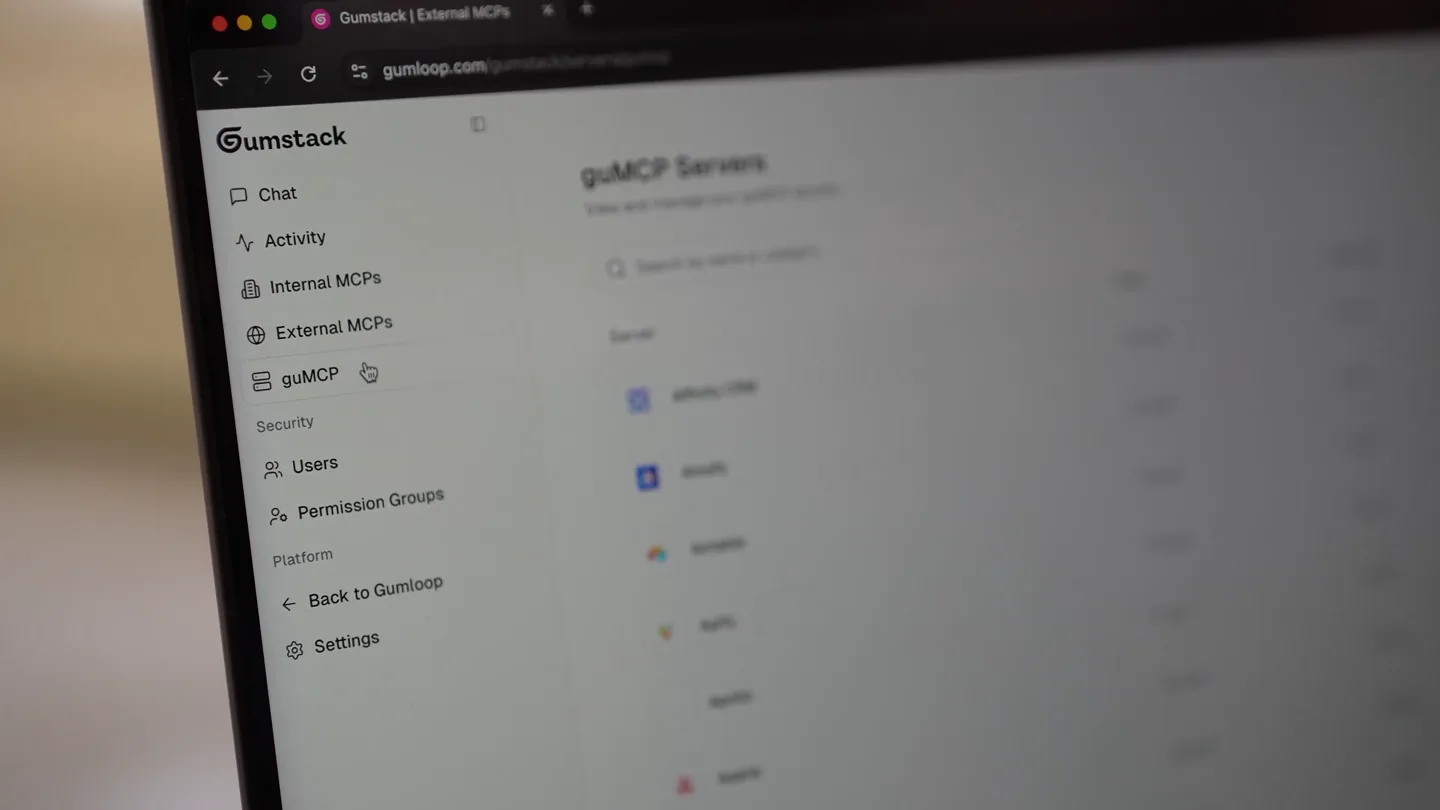
“Gumstack allows you to trace every tool call, log every MCP server, and get full audit logs, RBAC, and SSO. You can see here, we're looking at the activity feed for all MCP servers across the company. You can see who's calling what tool, when, and what the latency and status of that call was. You can also see here, we have a chat interface where you can ask questions about your MCP servers, tool calls, and users. For example, who are my top three most active users this week? Gumstack will then query the data and generate a response.”
- On screen
- Gumstack Activity All activity across all MCP servers Export Refresh Filters Server Client Time Tool User Latency Status Loops Mar 8, 2026 • 2:54 PM find_contact Aron Korenblit 734s Success Google BigQuery Mar 8, 2026 • 2:54 PM execute_sql Wassay Ahmed 1.86s Success Gmail Mar 8, 2026 • 2:54 PM create_draft Luis Manrique 848s Success Google BigQuery Mar 8, 2026 • 2:54 PM execute_sql Wassay Ahmed 2.01s Success Google BigQuery Mar 8, 2026 • 2:54 PM execute_sql Wassay Ahmed 707ms Success Google BigQuery Mar 8, 2026 • 2:54 PM execute_sql Wassay Ahmed 1.03s Success Google Docs Mar 8, 2026 • 2:54 PM read_doc Roy Mathew Timeout Google Drive Mar 8, 2026 • 2:54 PM search Roy Mathew 1.76s Success Docs Back to Gumloop Settings Max Brodeur-Urbas max@gumloop.com Rows per page 30 Page 4 of 7267 Gumstack Chat Activity Internal MCPs External MCPs GuMCP Security Users Permission Groups Platform Back to Gumloop Settings Liza Khlopkova liza@gumloop.com Hey Max, Understand the 1 1 4 0 3 tool calls made this month Ask about your MCP servers, tool calls, and users. (Chats not saved) Who are my top 3 most active users this week? What are the most used tools this week? What are the most used servers this week? Gumstack Assistant Hey, I'm your Gumstack analytics assistant! How can I help you explore your Gumstack data today? Who are my top 3 most active users this week? Gumstack Assistant Reasoning The user wants to know the top 3 most active users this week. I'll query the analytics data for this week's tool calls grouped by user_id, then look up the user profiles to get their names. Querying data for 2026-03-02 to 2026-03-09 Gumstack Assistant Hey, I'm your Gumstack analytics assistant! How can I help you explore your Gumstack data today? Whos the most active salesforce user this week? generate me a graphic Gumstack Assistant Mar 3, 2026 - 12:00 PM 2 Tool Calls, 1 Message The user wants to know the most active Salesforce user this week. Let me query the analytics data to find tool calls related to Salesforce servers, grouped by user for this week. I'll need to first query the data, then get user profiles to map user_ids to names. I'll also need to define 'this week' as 2026-03-02 (Monday) to now, or perhaps from the start of the week (2026-03-02 Monday) to now, or perhaps from the start of the week. Let me use 2026-03-02 as the start of the week (Monday). Let me first query to find Salesforce-related activity. I'll need to look at server_id or tool_name for Salesforce. Let me also get user metadata to identify Salesforce users. I'll run parallel queries to get the analytics grouped by user and then map the user profiles to identify which users are Salesforce-related. Let me start by finding Salesforce servers and querying user activity this week at the same time! Finding Salesforce servers Querying this week's tool call activity I can see Salesforce usage. Let me filter the Salesforce users and look up their profiles. Fetching Salesforce user profiles Now let me generate the graphic! The user can see the graphic was generated. Let me summarize the findings for them. Here's the full breakdown of Salesforce activity this week (Mar 2-3, 2026) Most Active Salesforce User: Dima Khlopkova With 612 tool calls, Dima is far and away the top Salesforce user this week -- nearly 4x Responding... Dima Khlopkova 612 Luke lerullo 160 Anuj Sharma 83 Aron Korenblit 65 Rowan 59 Max Brodeur-Urbas 29 Roy Mathew 14 Luis Manrique 13 Kamran 8 Tatjana Spasojevic 5 Marcelo Chaman Maliqui 4 Rithen Reddy 1 Total Salesforce calls this week: 1,053 across 12 users. Want me to dig deeper into what Dima (or anyone else) was actually doing in Salesforce? Ask about y / Chats are not saved
- Camera
- Close-up on laptop screen, then a quick cut to presenter, followed by a series of screen recordings with dynamic UI interactions and text input.
- Motion
- UI elements animate in with subtle fades and slides. Text input is simulated with a typing animation. Data tables populate with a quick reveal. The chat interface shows dynamic responses appearing with a slight delay and fade-in.
Feature Teaser
Manage & Connect MCP Servers
“Gumstack works standalone or with Gumloop. You can connect your existing MCP servers, or you can deploy new ones directly from Gumstack. For example, here we're creating a new internal MCP server from a GitHub repository. You can see the deployment status and logs. You can also connect external MCP servers, like Linear, and get the same level of visibility and control.”
- On screen
- Gumstack Internal MCPs Build and deploy custom MCP servers from your GitHub repositories. Search by name or repository Filters Create New Server! Server Tools Last Updated Actions test123 0 tools Mar 1, 2026 org_test_oauth gumloop/orgtestoauth 1 tool Mar 1, 2026 testapikey 0 tools Mar 1, 2026 testauth 0 tools Mar 1, 2026 test_no_auth 0 tools Mar 1, 2026 Songstem MCP gumloop/songstem-mcp 4 tools Feb 28, 2026 MCP spotify gumloop/mcp-spotify 12 tools Feb 28, 2026 Rahul's Basic Test Server 1 tool Feb 27, 2026 Liza Khlopkova liza@gumloop.com Gumstack Create a new Gumstack MCP Server We'll set up a GitHub repository with boilerplate code for you to get started. Server Name Gumloop Internal MCP Description Optional Describe what this MCP server does... GitHub Repository Where should we create your GitHub repository? liza932 (personal) Repository Name github.com/liza932/gumloop-internal-mcp-1 Visibility Private Only you and collaborators can see this repository Cancel Next Gumstack | Gumloop Internal MCP Overview Tools Activity Deployments Logs Settings Repository Deploy Deployments Automatically deployed on commits to the main branch on liza932/gumloop-internal-mcp-1 Commit Status Author 9939e02 Initial commit from Gumstack Live liza932 • 1m ago Production MCP Server URL Always points to the latest production deployment. https://moxerv4tc2spcmjls5v7d.gumstack.com/mcp External MCPs linear Fetch New Tools Overview Tools Activity Settings Last 7 days Usage summary and recent activity for this server from Feb 24 to Mar 3 Total Calls 0 Unique Users 0 Error Rate 0% Avg Latency 0ms Activity All activity for this server by all users • P25 • P50 • P95+ Export Refresh Filters No activity yet Tool calls will appear here once users start interacting with this server.
- Camera
- Cuts between presenter and screen recordings. Screen recordings feature dynamic UI navigation and form filling.
- Motion
- UI elements animate in with quick transitions. Button clicks are highlighted with subtle hover states and quick presses. Text input is simulated with a typing effect. A full-screen graphic with a glowing border and subtle background pattern introduces 'External MCPs'.
Call to Action
Get Started with Gumstack
“Gumstack is available today. We're offering one month free for the first 50 companies. So if you're a security or IT team looking for a single pane of glass for AI agent data visibility and access control, check out Gumstack today.”
- On screen
- one month free for the first 50 companies
- Camera
- Medium shot of presenter, then a quick cut to a screen recording, followed by a return to the presenter with on-screen text overlay.
- Motion
- On-screen text appears with a subtle fade and scale. The overall pacing remains consistent, reinforcing the call to action.
Motion design primitives
Synthesizable in Remotion · key components of the founder-led-tech-launch template.
DiagrammaticFlowOverlay
A transparent overlay appears over live-action footage, displaying interconnected boxes representing system components (e.g., 'your ai clients', 'Gumstack', 'mcp servers'). Lines animate to connect these components, and icons within boxes subtly bounce into place.
+ Code construction recipe
Use `AbsoluteFill` for the overlay. Render SVG paths for connecting lines, animating `stroke-dashoffset` for a drawing effect. Use `spring()` for icon `scale` and `translateY` animations. Text elements can use `interpolate()` for `opacity` and `translateY`.
DynamicUITableReveal
A web application UI with a data table populates dynamically. Rows appear sequentially with a slight delay, and individual cells or status indicators (e.g., 'Success', 'Timeout') animate in with a quick fade or color change.
+ Code construction recipe
Utilize `Sequence` and `Series` components to stagger row animations. Each row can be a `spring()` animation for `opacity` and `translateY`. Status indicators can use `interpolate()` for `backgroundColor` and `opacity` based on data values.
InteractiveChatResponse
A chat interface simulates user input with a typing animation, followed by an AI assistant's response appearing. The response text and subsequent actions (e.g., 'Finding Salesforce servers', 'Querying this week's tool call activity') animate in with a natural, conversational flow.
+ Code construction recipe
Implement a custom `Typewriter` component for text input. AI responses can be rendered using `Sequence` with `interpolate()` for `opacity` and `translateY` on each line or paragraph, simulating a natural reading pace. Use `delay` props to control the conversational flow.
Style DNA & aesthetic system
Visual aesthetic
Typography
Motion
Special effects
Pacing & rhythm
Conceptual story rhythm
- 1
The Founder's Introduction
Purpose. Establish credibility and introduce the new product directly from the founder.
Execution. Medium shot of the founder, direct address to camera, followed by a quick reveal of the product name with a clean text animation.
- 2
Problem & Solution Showcase
Purpose. Agitate the problem of AI agent data visibility and immediately present Gumstack as the solution.
Execution. Transition from founder to a diagrammatic overlay illustrating the system architecture, then a deep dive into the product UI demonstrating core features like activity logging and chat-based querying.
- 3
Feature Deep Dive & Expansion
Purpose. Elaborate on key functionalities, showing how Gumstack integrates and manages various MCP servers.
Execution. Sequential screen recordings demonstrating server creation, deployment, and connecting external services, interspersed with founder commentary to maintain personal connection.
- 4
Call to Action & Offer
Purpose. Conclude with a clear call to action and a compelling incentive for early adoption.
Execution. Return to the founder, with a prominent on-screen text overlay detailing the promotional offer, reinforcing the urgency and value.
Remix in Animatiq Studio
Master remix prompt · agent-ready
Sample remix
Objective
Launch 'DataFlow Pro', a real-time data pipeline monitoring and management tool for enterprise data teams.How the recipe adapts
The DiagrammaticFlowOverlay will visualize data sources, transformations, and destinations. The DynamicUITableReveal will display real-time data throughput, error rates, and latency. The InteractiveChatResponse will demonstrate an AI assistant helping users debug data pipeline issues or optimize performance. The founder will introduce DataFlow Pro, explaining its value for data governance and operational efficiency, followed by UI walkthroughs and a call to action for early access.Remix blueprint · founder-led-tech-launch
Scene durations (4 scenes, 102s)
Key Remotion components
Related AI Agents Product Launches
Explore all AI Agents launches →
To ensure that artificial general intelligence benefits all of humanity

Gopuff introduces Go, an AI shopping assistant built with SpaceXAI: say what you need and the order is placed.

Iliad (Troy) trailer made by Grok Imagine 1.5, which was just released