
Nous Research · Launch Video Breakdown: Hook, Pacing & Motion Design
Agent profiles become named Bots, each with its own role, model, memory, skills, and avatar. Bots can talk to each other. Build a specialist once, reuse it.
Scene-by-scene timeline & spoken transcript
The Hook
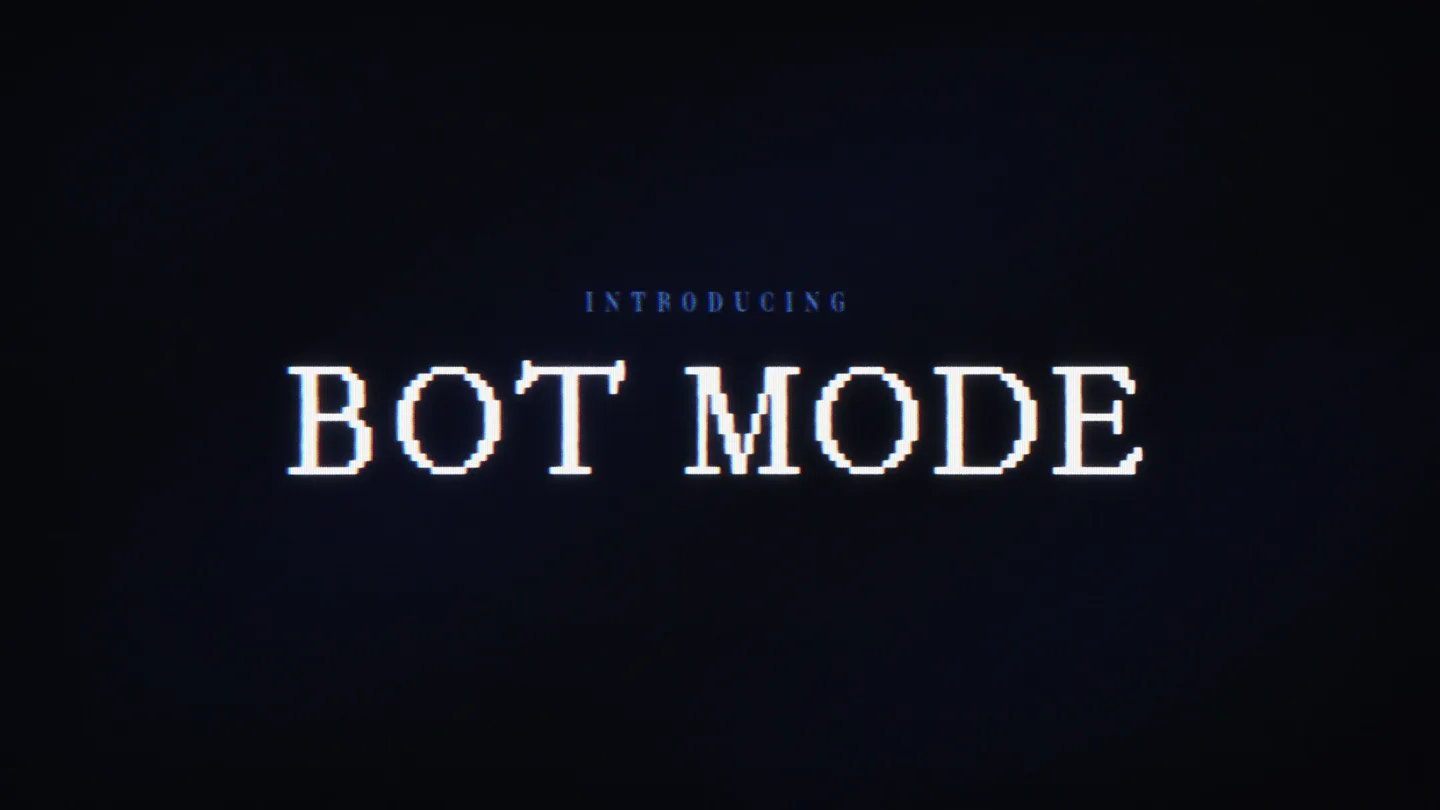
Introducing Bot Mode
“(No spoken dialogue — Ethereal synth pad and sub-bass drone create anticipation.)”
- On screen
- INTRODUCING BOT MODE
- Camera
- Static shot, centered text.
- Motion
- Pixelated text reveal with subtle glitch effect.
Product Reveal
Hermes Desktop App & Bot Profiles
“(No spoken dialogue — Arpeggiated synth melody enters, building anticipation.)”
- On screen
- NEW VERSION SESSIONS BOTS + New session Capabilities Messaging Artifacts Scheduled jobs Search sessions... PINNED Drift chat to join SESSIONS Weekly report draft Homepage copy review API docs network YESTERDAY Logo exploration Email sequence Last issue Competitor scan + New Agent Hermes desktop app with all your sessions. Bot mode gives every Hermes profile its own place, chat, avatar, memory. HERMES AGENT Describe the task in your own words. I'll pick the right tools, explain my plan, and check in before risky steps. Glm 5.2 - Med
- Camera
- Slight zoom out, then static wide shot of the desktop application.
- Motion
- UI elements animate in with a subtle CRT scanline effect. Text appears with a typewriter-like reveal.
Feature Teaser
Customizing Bots & Inter-Bot Communication
“(No spoken dialogue — Percussive elements, kick drum, and hi-hats establish a steady, driving beat.)”
- On screen
- NEW SESSION SESSIONS BOTS New Agent A named teammate with its own memory, skills, and chat. It can message your other agents. Bot Generate Upload Pet Name clippy Title PaperClip Manager Description You make paperclips for your factory. Advanced General Skills Tools MCP Create from profile Fresh profile (bundled skills) Provider (optional) nous-openrouter / anthropic... Model (optional) anthropic/claude-3-opus-20240229 Cancel Create Agent Making a new agent is quick. Give a name, a title, Then pick a shape and a color for its avatar and it's yours. if you want more control, open advanced. Toggle individual skills. choose exactly which tools it can use. wire up some MCP servers like Figma, Linear, and Unreal Engine Avatars can be a generated face, an uploaded image, or a pixel pet that bounces beside the bot while it works. New Cronjob A recurring task PaperClip Manager runs on a schedule. Runs land in its own chat history. Name Morning summary Instruction Summarize the factory inbox and When to run Every day 9:00 AM Stop after N runs (blank = forever) Runs every day at 9:00 AM - 09:00 Cancel Create Cronjob Bots can message each other directly too. @hermes send me the NOUS visual Handoff -- sent to agent 'hermes', waiting for reply... [Message from agent 'hermes'] Here it is -- the NOUS badge. Bot mode is now available for you to try out.
- Camera
- Dynamic camera movements, zooming into specific UI elements and panning across the application window.
- Motion
- Interactive UI elements highlight and animate. Text appears with a subtle glitch and scanline effect. Transitions between UI states are quick and direct.
Call to Action
Nous Research Logo Reveal
“(No spoken dialogue — High-energy riser builds, culminating in a powerful sub-bass drop and impact. Track concludes with sustained synth pad and fading percussive elements.)”
- On screen
- NOUS
- Camera
- Zoom in on the Nous logo, filling the screen.
- Motion
- Logo appears with a clean, impactful reveal, maintaining the retro-futuristic aesthetic.
Motion design primitives
Synthesizable in Remotion · key components of the retro-ai-agent-launch template.
PixelatedTextReveal
Text appears on screen with a pixelated, blocky reveal, often accompanied by a subtle glitch or CRT scanline effect, then resolves into clear text.
+ Code construction recipe
Use Remotion's <Text> component. Animate `fontSize` or `scale` with `spring()` for the blocky reveal. Apply a custom shader or SVG filter for pixelation and scanlines, interpolating its intensity from high to zero.
CRTDesktopOverlay
The entire desktop application UI is presented with a retro CRT monitor aesthetic, including subtle screen curvature, chromatic aberration, and horizontal scanlines.
+ Code construction recipe
Wrap the main UI components in a container. Apply CSS filters for `hue-rotate`, `saturate`, and `contrast`. Use a pseudo-element or SVG filter for a subtle `radial-gradient` to simulate screen curvature and a repeating linear gradient for scanlines. Animate `opacity` or `transform` for subtle screen flicker.
GlitchUIHighlight
Specific UI elements (buttons, text fields, avatars) briefly glitch or flicker with color shifts and displacement before settling, drawing attention to user interaction points.
+ Code construction recipe
For target UI elements, use `interpolate()` to rapidly cycle `transform: translateX`, `filter: hue-rotate`, and `opacity` values over a short duration, triggered by user interaction or a specific timeline event. Combine with a `spring()` animation for the final settled state.
Style DNA & aesthetic system
Visual aesthetic
Typography
Motion
Special effects
Pacing & rhythm
Conceptual story rhythm
- 1
The Digital Gateway
Purpose. Introduce the core concept of 'Bot Mode' with a striking, stylized visual hook.
Execution. Pixelated text 'INTRODUCING BOT MODE' appears on a dark screen with a subtle glitch effect, setting the retro-tech tone.
- 2
The Agent's Workspace
Purpose. Showcase the main application interface and the fundamental concept of named bots.
Execution. A wide shot of the Hermes desktop app, with 'HERMES AGENT' text appearing, demonstrating the initial bot profile and its capabilities.
- 3
Crafting Intelligence
Purpose. Detail the customization options for creating and configuring AI agents, highlighting their unique attributes.
Execution. Dynamic zooms and pans across the 'New Agent' creation form, showing avatar selection, skill toggles, tool integration, and cronjob scheduling, all with interactive UI animations.
- 4
Interconnected Minds
Purpose. Illustrate the advanced capability of bots communicating with each other and the product's immediate availability.
Execution. Demonstration of bots messaging each other within the chat interface, culminating in the 'Bot mode is now available' call to action and a full-screen logo reveal.
Remix in Animatiq Studio
Master remix prompt · agent-ready
Sample remix
Objective
Launch a new developer tool for real-time code collaboration with AI-powered suggestions.How the recipe adapts
The PixelatedTextReveal primitive would introduce the product name 'Synapse Code' with a glitch effect. The CRTDesktopOverlay would frame the collaborative IDE, showing multiple cursors and AI suggestions with scanlines and subtle screen curvature. GlitchUIHighlight would draw attention to new features like 'AI Refactor' buttons or real-time syntax error highlights, making the complex features feel tactile and engaging within the retro-tech aesthetic.Remix blueprint · retro-ai-agent-launch
Scene durations (4 scenes, 90s)
Key Remotion components
Related AI Agents Product Launches
Explore all AI Agents launches →
To ensure that artificial general intelligence benefits all of humanity

Gopuff introduces Go, an AI shopping assistant built with SpaceXAI: say what you need and the order is placed.

Iliad (Troy) trailer made by Grok Imagine 1.5, which was just released