
Higgsfield · Launch Video Breakdown: Hook, Pacing & Motion Design
Ad Multiplier takes a top-performing Meta creative and generates endless versions with new characters, locations, outfits, text, and dubbing.
Scene-by-scene timeline & spoken transcript
The Hook
Introducing Ad Multiplier
“(No spoken dialogue — Driving electronic beat with sub-bass drop and atmospheric pads.)”
- On screen
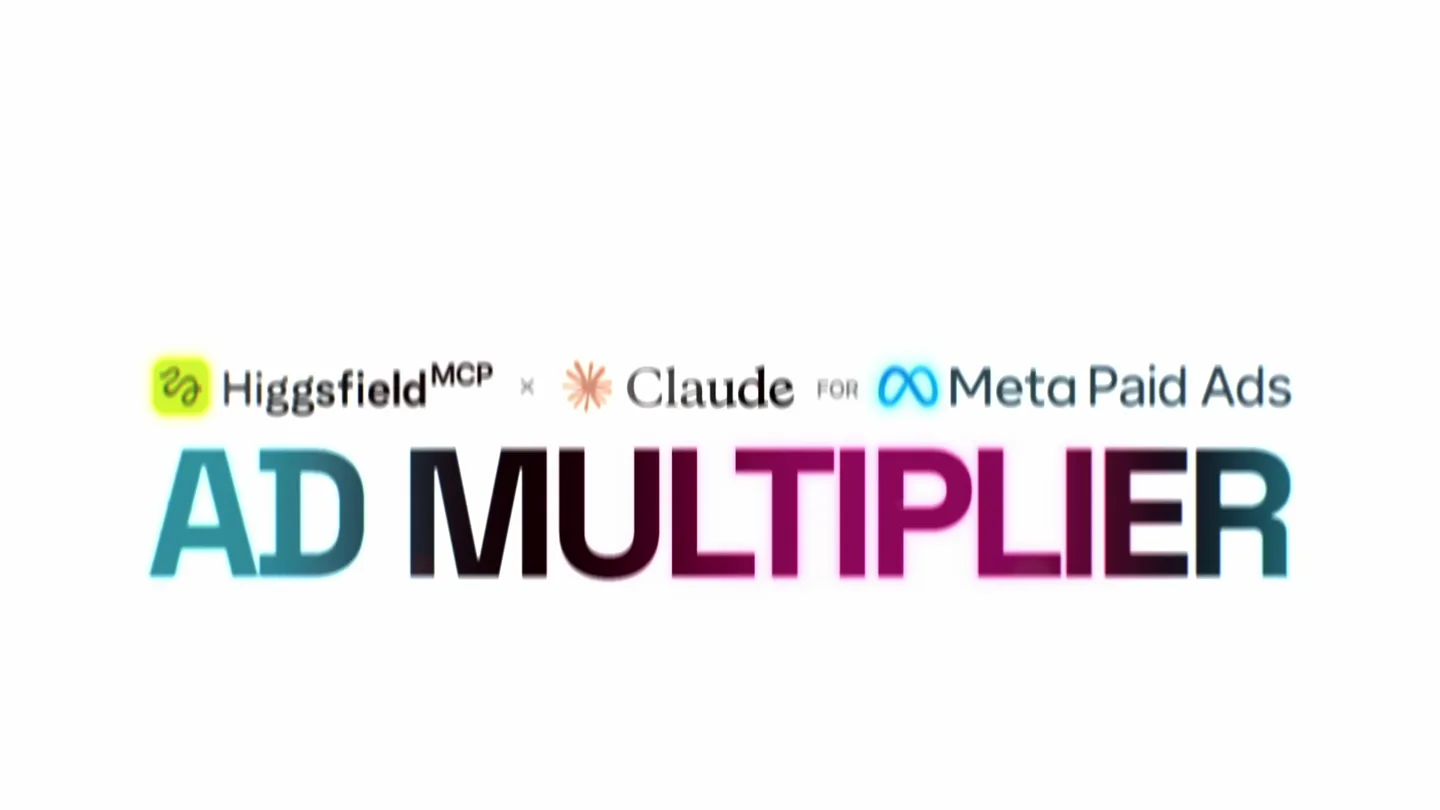
- Higgsfield MCP x Claude for Meta Paid Ads AD MULTIPLIER
- Camera
- Static wide shot on product logo and name.
- Motion
- Text reveal with gradient fill and subtle glow, followed by a UI element pop-in.
Problem Agitation
Leveraging Top Performers
“(No spoken dialogue — Energetic electronic beat continues with synthesized percussion.)”
- On screen
- I want to multiply my ads with different products, actors, and settings Fable 5 High YOUR TOP PERFORMER ROAS 237% CTR 8.67%
- Camera
- Zoom out from a single UI element to reveal multiple ad creatives, then a static shot on a central ad creative with surrounding customization options.
- Motion
- Grid reveal of ad creatives, UI element interaction with cursor, dynamic element arrangement (language, character, outfit, location).
Product Reveal
Endless Ad Variations
“(No spoken dialogue — High-energy audio transition with a riser and sub-bass drop.)”
- On screen
- LOCALIZE FOR EVERY MARKET
- Camera
- Dynamic split-screen and multi-panel reveal, showcasing different versions of the same scene.
- Motion
- Horizontal split-screen transitions, rapid-fire cuts between character/outfit variations, UI element interaction with cursor.
Call to Action
Global Market Expansion
“(No spoken dialogue — Driving electronic beat with impactful sub-bass drops and atmospheric pads.)”
- On screen
- +90% ROI GERMANY +137% ROI TURKIYE +160% ROI BRAZIL +76% ROI UAE +214% ROI JAPAN WINNING IN MARKETS YOU'VE NEVER TOUCHED Higgsfield MCP x Claude for Meta AD MULTIPLIER AD MULTIPLIER AVAILABLE ON HIGGSFIELD AI
- Camera
- Zoom out from a UI element to a global map with data points, then a static shot on the product logo and a final call to action.
- Motion
- Data visualization with animated ROI percentages, subtle globe rotation, text reveal with gradient fill.
Motion design primitives
Synthesizable in Remotion · key components of the ai-design-multiplier-launch template.
GradientTextReveal
Text appears with a dynamic gradient fill that animates across the letters, often accompanied by a subtle glow effect.
+ Code construction recipe
Use Remotion's <Text> component with a linear-gradient background property for the text color. Animate the background-position or a mask-image property using `interpolate` to create the moving gradient effect. Apply a `drop-shadow` filter for the glow.
MultiPanelSplitTransition
The screen dynamically splits into multiple vertical or horizontal panels, revealing different video clips or images simultaneously, often with a quick, impactful transition.
+ Code construction recipe
Implement using Remotion's <AbsoluteFill> and <Sequence> components. Use `transform` properties (e.g., `translateX`, `scale`) with `spring` or `interpolate` to animate the position and size of multiple video clips or images as they slide into their panel positions. Ensure precise timing with audio cues.
UIElementPopIn
User interface elements (like text input fields, buttons, or cursors) quickly scale up and fade in, often with a slight overshoot, simulating interactive clicks or data entry.
+ Code construction recipe
Utilize Remotion's `spring` function for `scale` and `opacity` properties to achieve a bouncy, natural pop-in effect. Combine with `translateX` or `translateY` for subtle positioning animations. SVG paths can be used for custom cursor animations.
Style DNA & aesthetic system
Visual aesthetic
Typography
Motion
Special effects
Pacing & rhythm
Conceptual story rhythm
- 1
The AI Promise
Purpose. Introduce the core product and its revolutionary capability to multiply ad creatives.
Execution. Product logo and name reveal with gradient text, followed by a UI element showing a user prompt for ad multiplication.
- 2
Creative Customization
Purpose. Demonstrate the granular control and variety of ad elements that can be generated.
Execution. A central ad creative surrounded by customizable options (language, character, outfit, location) that dynamically change.
- 3
Global Localization
Purpose. Showcase the product's ability to adapt ads for diverse markets and audiences.
Execution. Split-screen transitions rapidly displaying different localized versions of the same ad scenario, emphasizing 'LOCALIZE FOR EVERY MARKET'.
- 4
Impact & Call to Action
Purpose. Highlight the business impact (ROI) and guide users to the product.
Execution. Animated global map with ROI percentages for different regions, concluding with the product logo and a clear call to action.
Remix in Animatiq Studio
Master remix prompt · agent-ready
Sample remix
Objective
Launch an AI-powered logo generator that creates endless brand identity variations.How the recipe adapts
The GradientTextReveal primitive would introduce the 'BrandForge AI' logo. The UIElementPopIn primitive would show a user typing a brand brief, followed by a cursor clicking 'Generate'. The MultiPanelSplitTransition would then rapidly display various logo designs, color palettes, and typography options generated by the AI, instead of ad creatives. The final scene would show a world map with 'Brand Impact' metrics in different regions, leading to a call to action to try BrandForge AI.Remix blueprint · ai-design-multiplier-launch
Scene durations (4 scenes, 33s)
Key Remotion components
Related AI Agents Product Launches
Explore all AI Agents launches →
To ensure that artificial general intelligence benefits all of humanity

Gopuff introduces Go, an AI shopping assistant built with SpaceXAI: say what you need and the order is placed.

Iliad (Troy) trailer made by Grok Imagine 1.5, which was just released