
HeyGen · Launch Video Breakdown: Hook, Pacing & Motion Design
hey builders! showcasing your code & CLI w @HyperFrames_ got 10x easier We open sourced accurate, pre-built UI components A Mac terminal. A VS Code window. Free. One command to install $ npx hyperf…
Scene-by-scene timeline & spoken transcript
The Hook
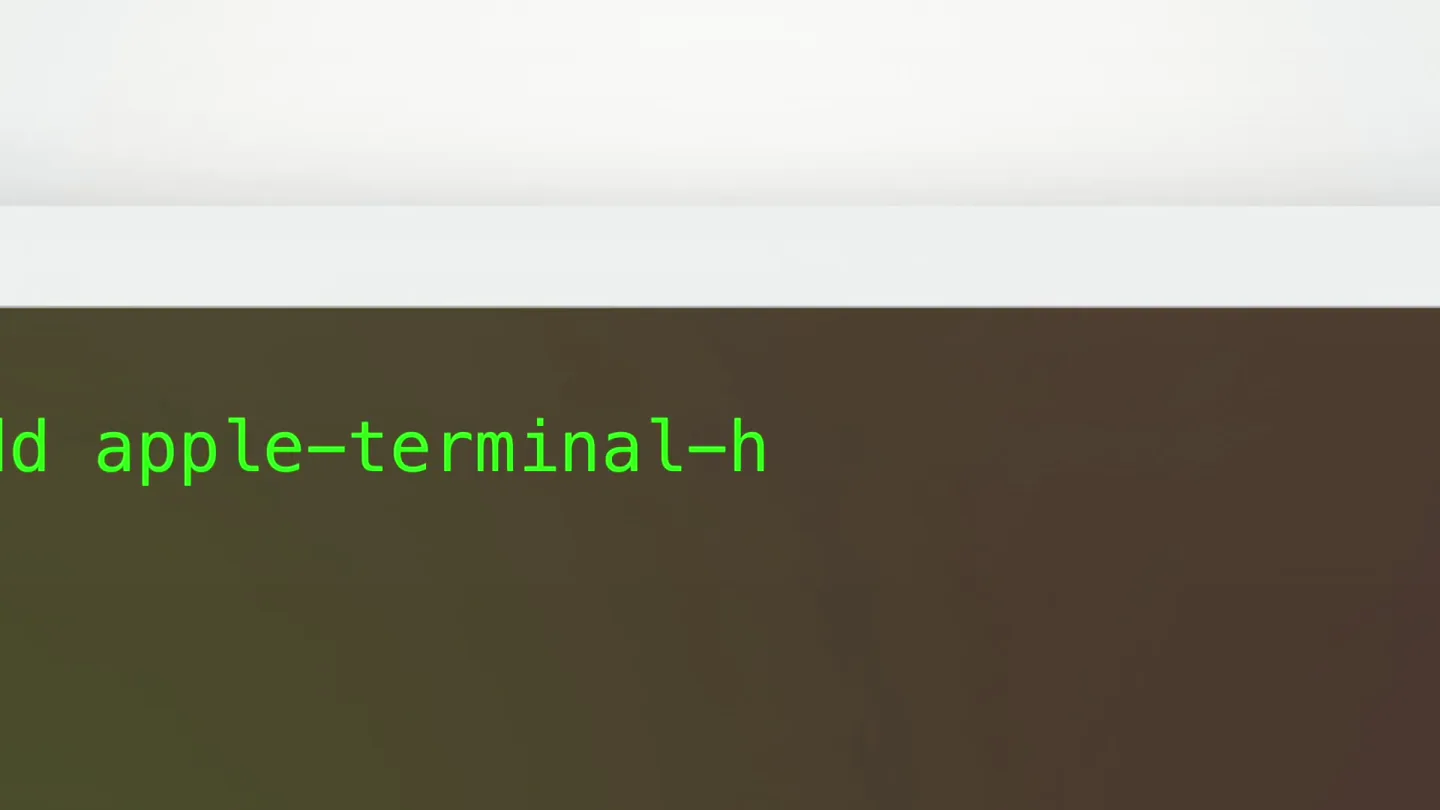
Terminal Command Line Installation
“(No spoken dialogue — Driving kick drum and sub-bass establish a rhythmic foundation.)”
- On screen
- macbook launch-demo % npx hyperframes add apple-terminal-homebrew Need to install the following packages: hyperframes@latest Adding component apple-terminal-homebrew user@macbook launch-demo % npm run render composition loaded frames rendered exported renders/launch-demo.mp4
- Camera
- Close-up on a terminal window, then a quick zoom out to reveal the full window.
- Motion
- Text typing animation, quick zoom, and a subtle glow effect on the terminal window.
Problem Agitation
Introducing Code Snippet Components
“(No spoken dialogue — The electronic music continues with a consistent beat.)”
- On screen
- Code snippet components Turn code into video-ready scenes
- Camera
- Static shot, centered text.
- Motion
- Text appears with a subtle fade-in and scale-up, highlighting key words in green.
Product Reveal
Interactive VS Code & AI Agent
“Lock the f***ing beat”
- On screen
- functional-toolkit - Visual Studio Code EXPLORER functional-toolkit src functional_toolkit.py test_toolkit.py pyproject.toml README.md TERMINAL PROBLEMS OUTPUT functional-toolkit % python -m pytest collected 3 items tests/test_toolkit.py ... passed # A small functional toolkit def pluck_deep(key): return lambda obj: reduce(lambda acc, k: acc[k], key.split('.'), obj) def compose(*fns): return lambda res: reduce(lambda acc, fn: fn(acc), fns, res) def unfold(f, seed): """Build a list by repeatedly applying f to a seed.""" acc = [] while True: result = f(seed) if result is None: return acc acc.append(result[0]) seed = result[1] # Deploy flow for launch video BRAND = { "blue": "#00C3FF", "pink": "#F3A6FF", "green": "#35C83B", } def deploy_flow(): steps = ["build", "deploy", "verify"] scene = create_scene("launch-demo") for step in steps: scene.add_render_step(step)) apply_brand(scene, BRAND) return render(scene, transparent=True) functional-toolkit % npm run render composition loaded brand accents applied exported renders/launch-demo.mp4 then ask your agent to change it replace the scene with my deploy flow and make it yours Change Change accents to my brand colors HeyGen Blue — #00C3FF Avatar Pink — #F3A6FF Studio Green — #35C83B then add it to your video bin-silent.mp4 Remove the background and apply it to my video
- Camera
- Static shot of a VS Code window, with a dynamic AI chat bubble appearing at the bottom.
- Motion
- AI chat bubble animates in from the bottom, text typing effect within the chat, and code changes dynamically within the VS Code editor. A high-energy audio transition with a vocal sample occurs at 0:16, coinciding with the founder's appearance.
Call to Action
Founder's Vision & Product Availability
“(No spoken dialogue — The electronic music intensifies with a more prominent synth melody and driving beat.)”
- On screen
- Now in the HyperFrames catalog https://hyperframes.heygen.com/catalog/components
- Camera
- Founder appears in front of the VS Code background, then a fade to a white background with a call to action.
- Motion
- Seamless transition from the VS Code screen to the founder, then a quick cut to a clean white background with text appearing. The founder's gestures are emphasized by the energetic music.
Motion design primitives
Synthesizable in Remotion · key components of the hyperframes-developer-launch template.
TerminalTypewriterEffect
Text appears character by character within a terminal window, simulating real-time typing, with a blinking cursor. Commands execute and output appears sequentially.
+ Code construction recipe
Use Remotion's `Sequence` and `AbsoluteFill` components. Implement `spring` for cursor blink and `interpolate` for character visibility. Text content can be an array of strings, rendered with a `map` function and `delay` for each character.
AIChatBubble
A rounded rectangular chat bubble animates in from the bottom of the screen, displaying text with a typing effect, and then dynamically updates its content.
+ Code construction recipe
Utilize `spring` for the bubble's entrance animation (y-translation). Text inside uses `interpolate` for character reveal. `AbsoluteFill` with `z-index` to overlay on top of other content. Use `measureText` to dynamically size the bubble.
CodeEditorDynamicUpdate
Code within a VS Code-like editor window dynamically changes, with lines appearing, disappearing, or being modified, often highlighting specific syntax.
+ Code construction recipe
Employ `Sequence` to manage different states of the code. Use `interpolate` for line opacity and `spring` for subtle line shifts. Syntax highlighting can be achieved with `styled-components` or `tailwind-css` classes applied to `Code` components.
Style DNA & aesthetic system
Visual aesthetic
Typography
Motion
Special effects
Pacing & rhythm
Conceptual story rhythm
- 1
The Developer's Workflow
Purpose. Immediately immerse the audience in a familiar developer environment, showcasing the product's integration into existing tools.
Execution. Opening with a close-up of a terminal, demonstrating a quick installation and render command.
- 2
Simplifying Video Creation
Purpose. Introduce the core problem HyperFrames solves: turning code into video-ready scenes effortlessly.
Execution. Minimalist text overlays highlighting the product's value proposition with key terms in green.
- 3
Interactive AI-Powered Customization
Purpose. Demonstrate the product's innovative features, particularly the AI agent for customization and branding.
Execution. Dynamic VS Code screen with an interactive chat bubble, showing real-time code modifications and brand color application.
- 4
The Human Touch & Call to Action
Purpose. Connect the technology with its creator and provide a clear path for engagement.
Execution. Founder appearing in front of the code, followed by a direct call to action with the product catalog link.
Remix in Animatiq Studio
Master remix prompt · agent-ready
Sample remix
Objective
Launch a new developer tool called 'CodeFlow' that automates CI/CD pipelines.How the recipe adapts
The TerminalTypewriterEffect primitive will be used to show 'npx codeflow init' and 'codeflow deploy' commands. The AIChatBubble will demonstrate an AI assistant suggesting optimal pipeline configurations. The CodeEditorDynamicUpdate will show a YAML file being modified to add new deployment stages and integrate with cloud providers. The founder will appear in front of a blurred CI/CD dashboard, emphasizing the ease of automation.Remix blueprint · hyperframes-developer-launch
Scene durations (4 scenes, 37.4s)
Key Remotion components
Related Creative Tools Product Launches
Explore all Creative Tools launches →
Anthropic Labs launches Claude Design, which turns conversation into prototypes, slides and one-pagers, powered by Claude Opus 4.7.
Bolt v2 pairs Claude Code and Codex agents with built-in hosting, database and storage so apps ship without setup.

Making life multiplanetary