
Scene-by-scene timeline & spoken transcript
The Hook
AI Agent Introduction & Prompting
“I gave it raw footage, a script, and some references, and it selected clips, edited, and delivered a cut.”
- On screen
- invideo Who am I? Give me a name and a color Create a new agent Create a polished 60 second cut from my uploaded raw video, following the uploaded script. Use the first two videos only as editing style references. Select the strongest moments, remove pauses and unnecessary footage, and keep the story clear, fast paced, and emotionally engaging. Maintain natural dialogue continuity, use clean cuts, and make the final video exactly 60 seconds. Do not generate or add any new AI footage. Use only my uploaded raw footage. invideo Processing files... S3B3-V106-INVIDEO-slate-report.mp4 THE_LAST_ELEVEN_MINUTES_CLEAN.txt Semantic Editor 1.1 Send a message to Mojo JoJo Ultra Attachments analyzed S3B3-V106-INVIDEO-slate-report.mp4 THE_LAST_ELEVEN_MINUTES_CLEAN.txt Hey BMX, Mojo JoJo it is. Midnight in Dhaka, and the timeline is still awake. On it. Reading through your raw footage against the script first, then I'll cut the 60 in timeline 1.1. One thing I only see one video in this upload - if the two style-reference videos are from earlier, point me to them and I'll fold their editing style in. Understanding uploads? September- RPMES3B3-V106-INVIDEO-slate-export.mp4 Watched Uploads? September-RPMES3B3- V106-INVIDEO-slate-export.mp4 A full 37-shot inventory was constructed and mapped to script beats, identifying a major AI actor continuity error in shot 14, key emotional climaxes, redundant dead air, and an optimal 60-second narrative cut plan. On it Footage logged. One clip is wrong-actress continuity error (0:43) breaks continuity and is out, plus a duplicate action shot. The cut keeps every essential line - the premise, "Everyone dies", the twist, "You kill him", and the loop-break - at exactly 60 seconds. Cutting in timeline 1.1 now. Importing 1 file into the notebook Starting Timeline for The Last Eleven Minutes 60s cut Import 2.1 source footage into library Analyzed audio for invideo/book/page-1/thread-2/2.1.mp4 (voice)
- Camera
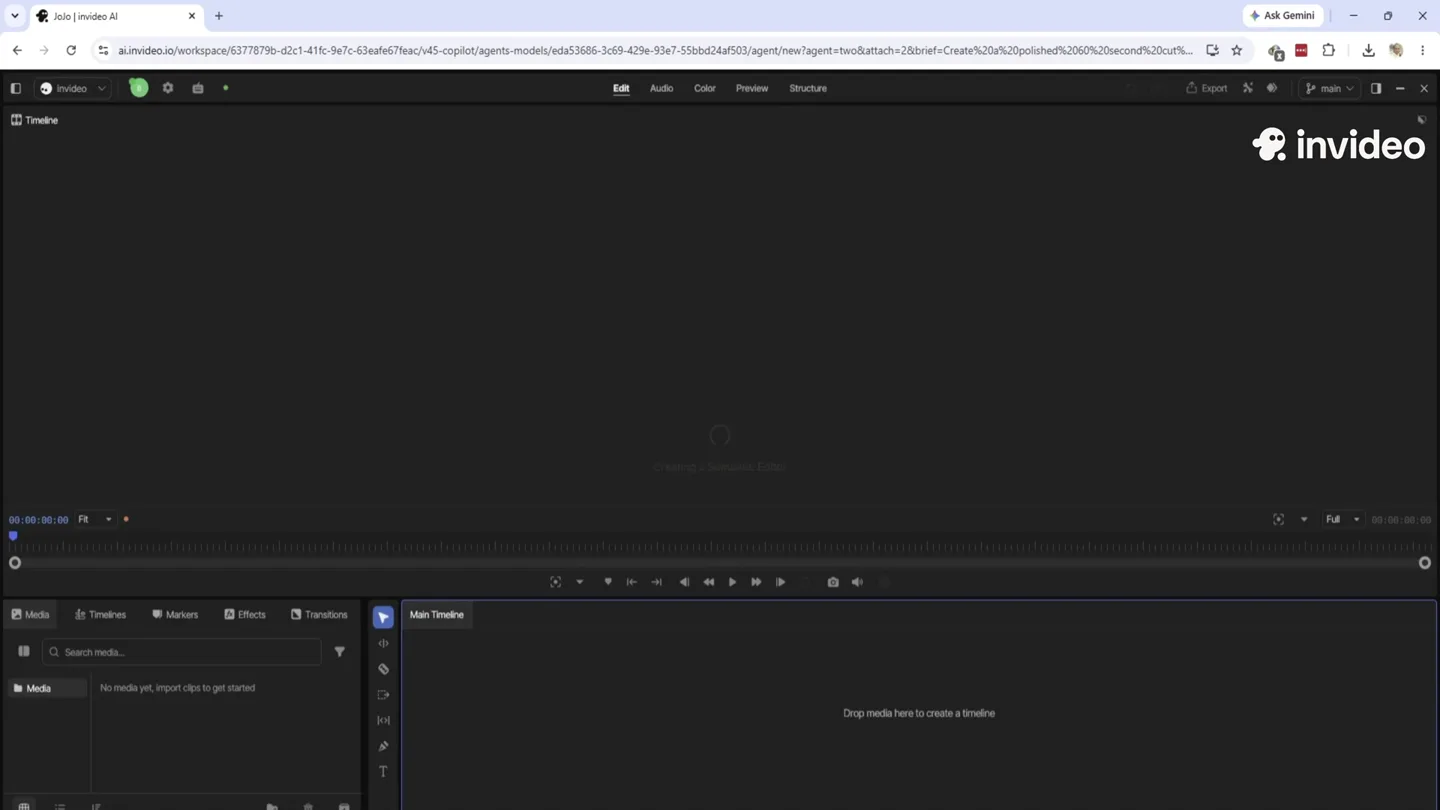
- Static screen capture of the invideo AI interface, focusing on the chat input and output, then the timeline view.
- Motion
- Rapid text generation animation within a chat interface, simulating real-time AI processing. UI elements animate in and out to reveal new information.
Product Reveal
AI-Generated Cinematic Sequence
“The finished video isn't on the timeline itself, it's rendered out as sequence 1.4, sitting right in the same thread. The timeline holds the cut. 1.4 is the playable MP4. Pulling it up for you now. Worked briefly. There - thread 1.1 is up on your screen. Scroll to 1.4 and hit play. If something on the timeline looks off from your edits, tell me and I'll straighten it out.”
- On screen
- invideo Agent Two Ultra where I can not see on the time line Timeline 2 03:17:00 invideo BMX main - 1080p Timeline Export - 1080p BMX - 1080p Timeline Export - 720p BMX - 720p Timeline Export - 1080p BMX - 1080p
- Camera
- The camera transitions from a static UI view to a full-screen cinematic sequence. Various shots include close-ups, medium shots, and wide establishing shots, with subtle camera movements like slow zooms and pans.
- Motion
- Seamless transition from UI to full-screen video playback. The cinematic footage itself employs traditional film editing techniques with cuts, close-ups, and establishing shots to build narrative tension.
Feature Teaser
Narrative & Visual Storytelling
“It's a story about two agents, a man and a woman, who are trying to save the world from a catastrophic event. The woman is the protagonist, and she's a brilliant scientist who's developed a device that can reverse the effects of the catastrophe. The man is her partner, and he's a skilled combatant who protects her as she works. They're in a race against time, and they face many challenges along the way. The video uses a combination of close-ups, medium shots, and wide shots to create a sense of urgency and tension. The editing is fast-paced, and the music is dramatic, which adds to the overall excitement of the story. The video also uses a lot of visual effects, such as explosions and laser beams, to create a sense of spectacle. The acting is strong, and the characters are believable, which makes the audience care about their fate. Overall, the video is a thrilling and engaging experience that leaves the audience wanting more.”
- On screen
- (No on-screen text)
- Camera
- Dynamic camera work within the cinematic footage, including tracking shots, handheld-style movements, and dramatic push-ins to emphasize character emotions and action.
- Motion
- Fast-paced cuts synchronized with the narrative. Use of depth of field and cinematic color grading to enhance mood. Subtle camera shakes and lens flares add to the action aesthetic.
Call to Action
Climax & Resolution
“(No spoken dialogue — The audio track shifts to a percussive, cinematic orchestral theme with pizzicato strings and deep brass, building to a powerful crescendo with a sub-bass drop/impact at 02:00, followed by a lingering, resonant tail.)”
- On screen
- invideo
- Camera
- Wide shots emphasizing the scale of the environment and the characters' journey. Slow, deliberate camera movements build anticipation, culminating in a static, powerful final shot.
- Motion
- Dramatic slow-motion effects for key action beats. Strategic use of visual effects like smoke and atmospheric lighting. The final shot holds, allowing the music to resolve.
Motion design primitives
Synthesizable in Remotion · key components of the ai-agent-cinematic-reveal template.
AIChatTypewriter
Text appears character by character within a chat bubble, simulating an AI agent typing in real-time. New chat bubbles and UI elements slide in from the bottom or side.
+ Code construction recipe
Use `Sequence` and `spring` for character-by-character text reveal. `interpolate` for opacity and Y-position transitions for new chat bubbles and UI elements.
CinematicUIOverlay
A full-screen cinematic video plays, with subtle UI elements (like a logo) overlaid, maintaining brand presence without distracting from the content. Transitions between UI and video are smooth.
+ Code construction recipe
Employ `AbsoluteFill` for the video component. Overlay a `Fixed` positioned `Img` for the logo. Use `interpolate` for opacity and scale changes during UI-to-video transitions.
DramaticSceneCut
Rapid, impactful cuts between different camera angles and scenes within the cinematic footage, often synchronized with audio beats or narrative shifts.
+ Code construction recipe
Utilize `Sequence` to manage multiple video clips. Implement `spring` or `interpolate` with `ease-in-out` for quick, sharp transitions between clips, potentially with a brief flash or blur effect.
Style DNA & aesthetic system
Visual aesthetic
Typography
Motion
Special effects
Pacing & rhythm
Conceptual story rhythm
- 1
The AI's Promise
Purpose. Introduce the AI's capability to transform raw footage into a polished video with minimal human input.
Execution. Screen capture of the AI chat interface, showing a detailed prompt being entered and the AI's rapid, intelligent response.
- 2
The AI's Creation
Purpose. Showcase the AI's output by transitioning directly into the high-quality, agentic video it produced.
Execution. Seamless transition from the UI to a full-screen, professionally edited cinematic sequence, highlighting the AI's creative power.
- 3
Narrative Immersion
Purpose. Engage the audience with the story created by the AI, demonstrating its ability to craft compelling narratives.
Execution. Extended cinematic footage with dynamic camera work, character interactions, and visual effects, all driven by the AI's editing choices.
- 4
Impact & Resolution
Purpose. Conclude the cinematic narrative with a powerful climax, reinforcing the AI's ability to deliver dramatic and impactful results.
Execution. Dramatic orchestral music accompanying wide shots and slow-motion action, building to a powerful visual and auditory crescendo.
Remix in Animatiq Studio
Master remix prompt · agent-ready
Sample remix
Objective
A user wants to create a 90-second promotional video for their new AI music composition agent, SynthFlow, showcasing its ability to generate a 'lo-fi hip-hop beat with a melancholic piano melody and a driving bassline'.How the recipe adapts
The AIChatTypewriter primitive would display the user's prompt for the lo-fi beat. The CinematicUIOverlay would then transition to a full-screen generative art visualizer, dynamically reacting to the AI-composed music. The visualizer would start with subtle, wavy patterns for the melancholic piano, then introduce more rhythmic, blocky animations for the driving bassline, using the DramaticSceneCut primitive to transition between visual styles as the music evolves. The color palette would shift to cool blues and purples, reflecting the lo-fi aesthetic.Remix blueprint · ai-agent-cinematic-reveal
Scene durations (4 scenes, 126s)
Key Remotion components
Related AI Agents Product Launches
Explore all AI Agents launches →
To ensure that artificial general intelligence benefits all of humanity

Gopuff introduces Go, an AI shopping assistant built with SpaceXAI: say what you need and the order is placed.

Iliad (Troy) trailer made by Grok Imagine 1.5, which was just released