
Mark Vassilevskiy · Launch Video Breakdown: Hook, Pacing & Motion Design
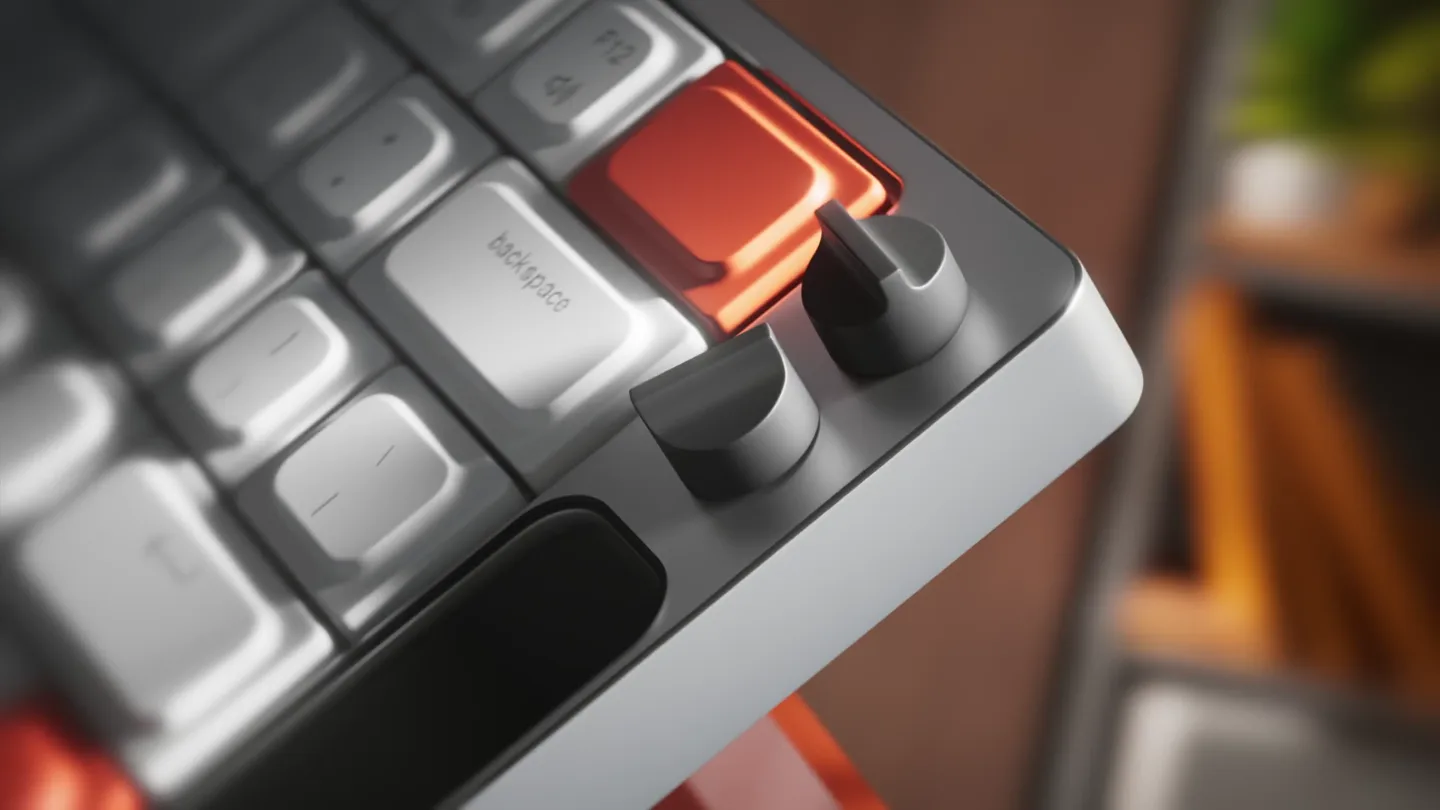
A hyper-real 3D keyboard render from Mark Vassilevskiy — the kind of craft, he says, Kimi 3 could never do.
Scene-by-scene timeline & spoken transcript
The Hook
Hyper-Real Keyboard Reveal
“(No spoken dialogue — ambient visual with a 110 BPM rhythm implied by cuts.)”
- On screen
- work louder
- Camera
- Dynamic close-ups and wide shots, orbiting the keyboard, showcasing its design and environment.
- Motion
- Rapid cuts, smooth camera orbits, depth of field shifts, and subtle product rotation.
Product Reveal
Interactive Display & Keycap Detail
“(No spoken dialogue — ambient visual with a 110 BPM rhythm implied by cuts.)”
- On screen
- 12:49 Thu, Apr 4
- Camera
- Tight close-ups on the keyboard's display and individual keycaps, with slight panning and tilting.
- Motion
- Macro photography simulation, focus pulls, and subtle light shifts highlighting textures.
Feature Teaser
Customization & Multi-Keyboard Showcase
“(No spoken dialogue — ambient visual with a 110 BPM rhythm implied by cuts.)”
- On screen
- Screen Change wallpaper with INPUT~
- Camera
- Close-up on the screen interface, then a wider shot revealing multiple keyboards in a staggered arrangement.
- Motion
- UI animation, sequential product reveal, and layered composition with depth.
Call to Action
Brand Identity & Product Packaging
“(No spoken dialogue — ambient visual with a 110 BPM rhythm implied by cuts.)”
- On screen
- KNOB work louder Year 2025 ISAEV WORKSHOP
- Camera
- Product and packaging floating in an abstract space, followed by a clean logo reveal.
- Motion
- Floating elements, subtle camera rotation, and a clean fade to brand logos.
Motion design primitives
Synthesizable in Remotion · key components of the hyper-real-product-showcase template.
OrbitalProductReveal
A 3D product is introduced with a smooth, orbiting camera movement, often accompanied by a subtle zoom or pan to highlight details.
+ Code construction recipe
Utilize Remotion's `interpolate` for camera position and rotation, combined with `spring` for a natural ease-in/out. Implement a 3D scene using `@remotion/three` or custom Canvas API for object rendering and camera control.
MacroFocusPull
Transitions between extreme close-ups on product details, with a shallow depth of field that shifts focus smoothly between elements.
+ Code construction recipe
Achieve with `interpolate` on camera focal distance and aperture settings within a 3D environment. Apply a `blur` effect with `spring` for realistic depth of field transitions.
FloatingElementMontage
Multiple product instances or related elements (like packaging) are presented in a dynamic, floating arrangement against an abstract background, often with subtle rotation.
+ Code construction recipe
Use `spring` for individual element positions and rotations. Employ `interpolate` for a subtle, continuous background gradient animation. Combine with `Sequence` and `AbsoluteFill` for layered composition.
Style DNA & aesthetic system
Visual aesthetic
Typography
Motion
Special effects
Pacing & rhythm
Conceptual story rhythm
- 1
The Grand Introduction
Purpose. Immediately captivate the viewer with the product's aesthetic appeal and premium feel.
Execution. Dynamic orbiting shots of the keyboard in a stylized environment, highlighting its overall design.
- 2
Detail & Functionality Spotlight
Purpose. Showcase the intricate features and interactive elements of the product.
Execution. Close-ups on keycaps, knobs, and the integrated display, demonstrating UI elements and textures.
- 3
Versatility & Ecosystem
Purpose. Illustrate the product's adaptability or its place within a broader product line.
Execution. Multiple keyboards arranged in a visually appealing sequence, suggesting customization or different models.
- 4
Brand & Legacy
Purpose. Conclude with a strong brand statement, reinforcing quality and origin.
Execution. Product and packaging floating in an abstract space, leading to a clean logo reveal and company name.
Remix in Animatiq Studio
Master remix prompt · agent-ready
Sample remix
Objective
Launch a new smart thermostat with an integrated touch display and haptic feedback.How the recipe adapts
The OrbitalProductReveal primitive would showcase the thermostat's sleek design from multiple angles. MacroFocusPull would highlight the touch display's UI and the haptic feedback mechanism. FloatingElementMontage could present the thermostat alongside its companion app interface or other smart home devices in the ecosystem. The color palette would adapt to the thermostat's branding, maintaining warmth and modernity. The fast-cut rhythm would keep the audience engaged, emphasizing the device's advanced features and ease of use.Remix blueprint · hyper-real-product-showcase
Scene durations (4 scenes, 19s)
Key Remotion components
Related Creative AI & Video Product Launches
Explore all Creative AI & Video launches →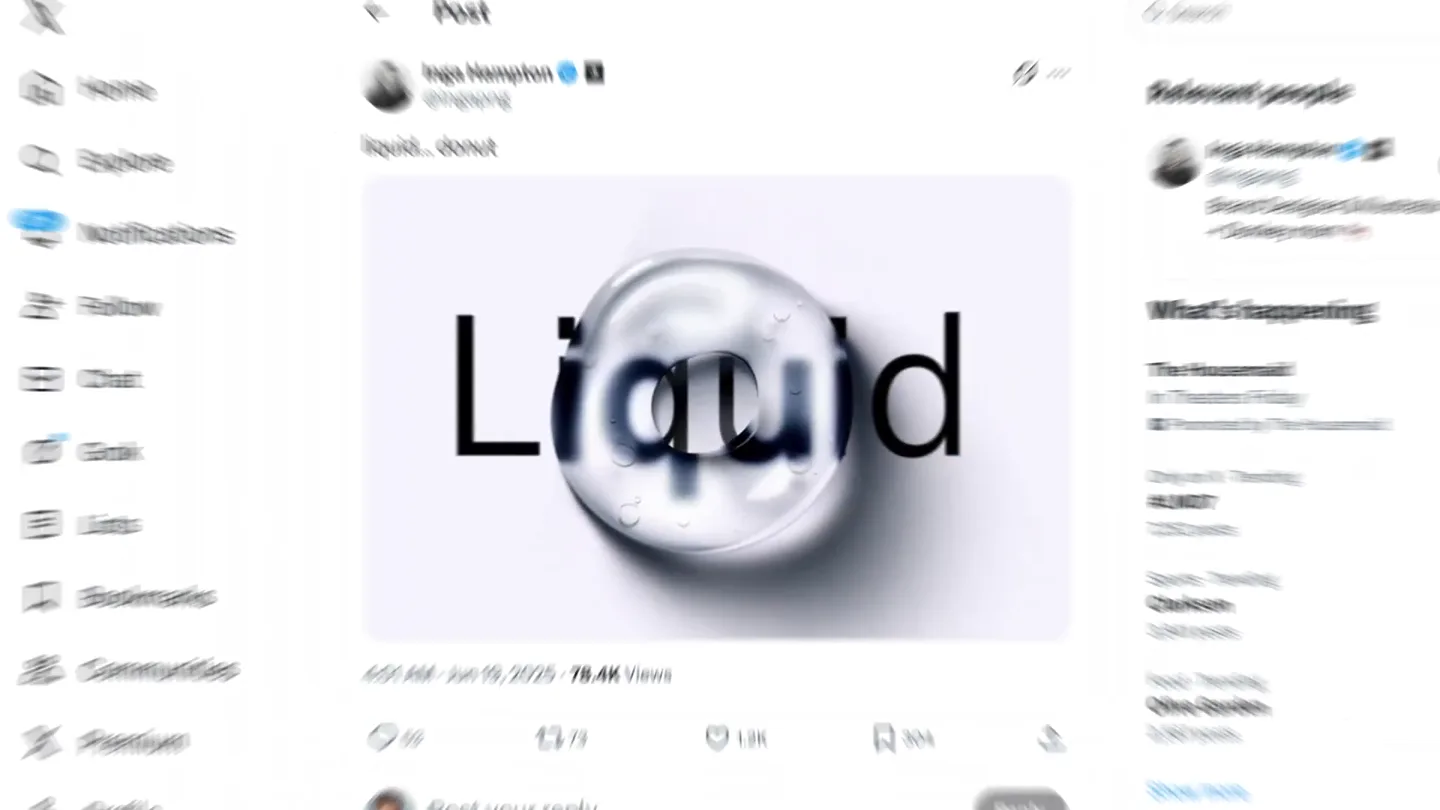
Figma's Made in Figma 2025 reel, a showcase film of work designed in the tool.
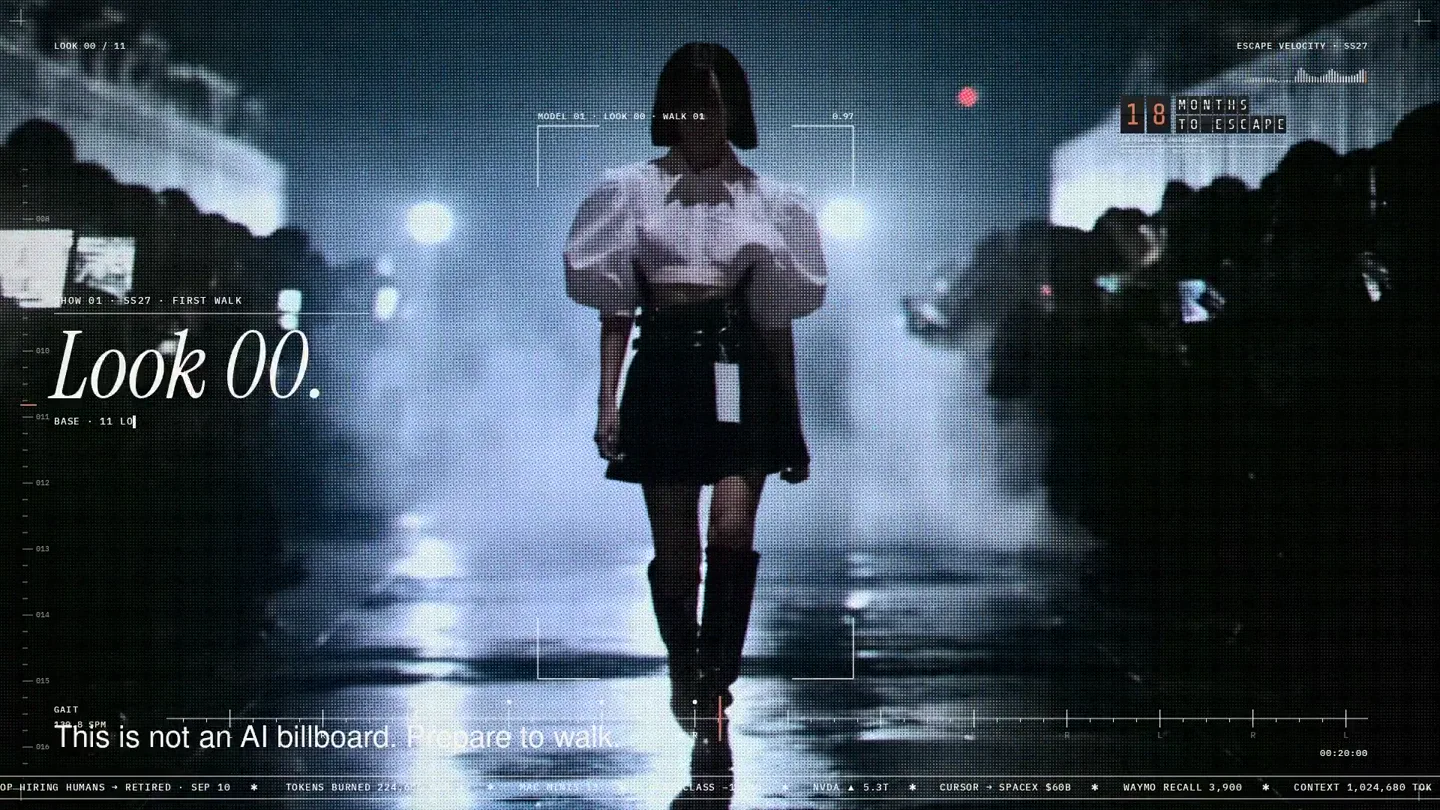
An overnight film made by giving Opus 5.5 Donald's prompt, Midjourney, and a moodboard. The piece is titled Look 00.
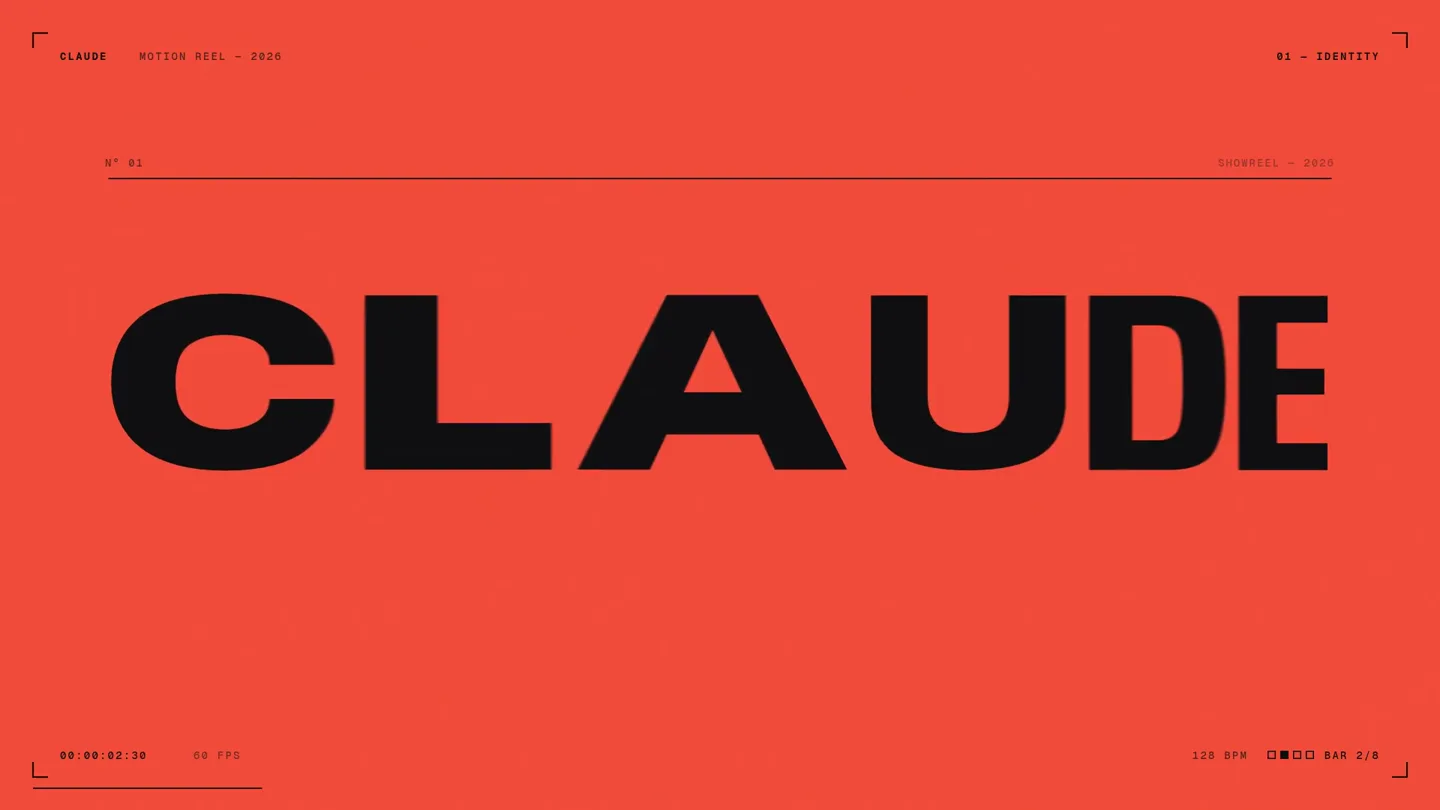
A 15-second motion reel made by asking Opus 5.5, on max effort, for a résumé showreel.