
Scene-by-scene timeline & spoken transcript
The Hook
Introducing Krea 2: Foundation Model for Aesthetic Diversity
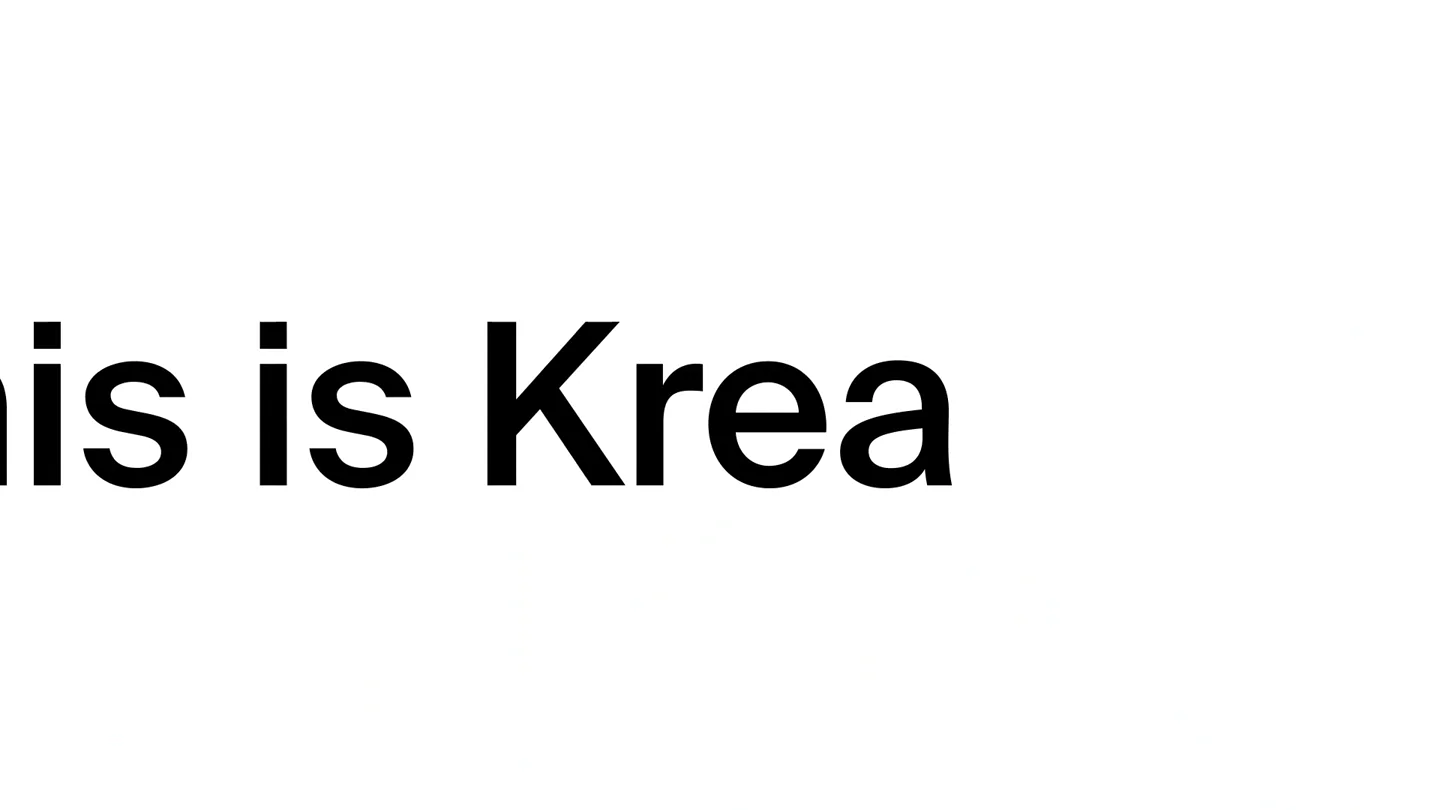
“This is Krea 2, our first foundation model built completely from scratch for aesthetic diversity and stylistic control.”
- On screen
- This
- Camera
- Static, centered text with subtle image reveals at corners.
- Motion
- Rapid text reveals, corner image pop-ins, and a central image reveal with a dot-matrix style transition.
Product Reveal
Understanding Your Vision: Krea 2's Intuitive AI
“It gets it. The more you use it, the more it adapts to your visual preferences.”
- On screen
- It gets it
- Camera
- Static, centered text, followed by a dynamic circular arrangement of diverse images.
- Motion
- Text highlight animation, circular image array formation, and subtle image rotation.
Feature Teaser
Unleashing Creativity: Stylistic Control with Krea 2
“With unique controls that let you adapt your style to anything you can imagine.”
- On screen
- With unique controls
- Camera
- Static, centered text, followed by a split-screen interface showcasing control sliders and image transformations.
- Motion
- Text highlight, horizontal split-screen reveal, and dynamic image transformation based on slider values.
Call to Action
Explore the Possibilities: Get Early Access to Krea 2
“(No spoken dialogue — High-energy audio riser and sub-bass drop, followed by a modern, clean soundtrack with pizzicato synths and atmospheric pads.)”
- On screen
- krea.ai/k2
- Camera
- Zoom out from a central point, revealing a vast, dynamic grid of diverse images, then a final static URL display.
- Motion
- Explosive grid expansion, rapid image pop-ins and rotations, and a clean, direct call to action text reveal.
Motion design primitives
Synthesizable in Remotion · key components of the ai-creative-launch-template template.
TextHighlightReveal
Text appears word by word, with a subtle background highlight animating across each word as it's spoken or emphasized.
+ Code construction recipe
Use Remotion's 'Sequence' and 'interpolate' functions for word-by-word opacity and scale. Implement a 'spring' animation for the highlight background's width and x-position, triggered by audio cues or timed keyframes.
CircularImageArray
Multiple images dynamically arrange themselves in a circular or semi-circular pattern around a central element, often with subtle rotation or scaling.
+ Code construction recipe
Utilize Remotion's 'AbsoluteFill' for positioning. Calculate image positions using trigonometric functions (sin/cos) based on an animated radius and angle. Apply 'spring' animations for individual image scale and rotation on entry.
ExplosiveGridExpansion
A central image or point rapidly expands outwards into a dense, dynamic grid of many smaller, diverse images, which then subtly float and rotate.
+ Code construction recipe
Employ Remotion's 'Loop' or 'Sequence' to manage a large number of image components. Animate the 'transform' property (scale, translateX, translateY, rotate) of each image using 'interpolate' with varying delays and 'spring' curves to create the explosive, scattered effect. Consider a 'Canvas' component for advanced particle-like effects.
Style DNA & aesthetic system
Visual aesthetic
Typography
Motion
Special effects
Pacing & rhythm
Conceptual story rhythm
- 1
The Vision Unveiled
Purpose. Introduce the product and its core promise of aesthetic diversity and stylistic control.
Execution. Minimalist text reveals, followed by a striking visual transformation of a simple silhouette into a complex, dot-matrix styled image, hinting at the AI's capabilities.
- 2
Intelligent Adaptation
Purpose. Demonstrate the AI's ability to learn and adapt to user preferences.
Execution. A dynamic circular array of diverse images, with a central avatar, visually representing the AI's understanding and personalization.
- 3
Empowering Creativity
Purpose. Showcase the granular control users have over the AI's output.
Execution. A split-screen interface with control sliders (e.g., 'Creativity', 'Randomness', 'Style strength') dynamically altering a central image, illustrating precise stylistic manipulation.
- 4
Infinite Possibilities & Call to Action
Purpose. Inspire users with the vast potential of the product and guide them to the next step.
Execution. An explosive expansion of a central image into a sprawling, diverse grid of AI-generated art, culminating in a clear, centered URL for early access.
Remix in Animatiq Studio
Master remix prompt · agent-ready
Sample remix
Objective
Launch a new AI-powered music composition tool called 'MelodyMind'.How the recipe adapts
The TextHighlightReveal primitive would be used for 'This is MelodyMind'. The CircularImageArray would display various musical instrument icons or genre tags around a central waveform. The ExplosiveGridExpansion would scatter small audio spectrum visualizations or musical notation snippets across the screen, instead of images. The color palette would shift to cool blues and purples, maintaining the clean aesthetic. The narration would explain how MelodyMind learns user musical preferences and allows for stylistic control over compositions.Remix blueprint · ai-creative-launch-template
Scene durations (4 scenes, 67s)
Key Remotion components
Related AI Agents Product Launches
Explore all AI Agents launches →
To ensure that artificial general intelligence benefits all of humanity

Gopuff introduces Go, an AI shopping assistant built with SpaceXAI: say what you need and the order is placed.

Iliad (Troy) trailer made by Grok Imagine 1.5, which was just released