
Xavier · Launch Video Breakdown: Hook, Pacing & Motion Design
A 10-second take: your launch video should probably be 10 seconds or less.
Scene-by-scene timeline & spoken transcript
The Hook
Cursor Interaction & UI Reveal
“(No spoken dialogue — Silent video with subtle UI click sound design implied by cursor movement.)”
- On screen
- (No on-screen text)
- Camera
- Static, top-down perspective on a digital canvas, then a quick zoom-out to reveal a full UI dashboard.
- Motion
- Quick reveal via zoom-out and element fade-in, simulating a user opening an application.
Product Reveal
Introducing Tabs & Dynamic Content
“(No spoken dialogue — Silent video with subtle UI click sound design implied by cursor movement.)”
- On screen
- Introducing...
- Camera
- Static, focused on a central 'Introducing...' button, then a rapid zoom-out to reveal a grid of UI elements and the word 'Tabs'.
- Motion
- Rapid scale and position interpolation, creating a 'pop-out' effect for text and UI elements.
Feature Teaser
Multi-tasking Toggle & Dashboard
“(No spoken dialogue — Silent video with subtle UI click sound design implied by cursor movement.)”
- On screen
- multi-task
- Camera
- Static, centered on the word 'multi-task' and a toggle switch, then a quick pan down to reveal a dashboard with multiple tabs.
- Motion
- Text reveal with a subtle bounce, followed by a smooth pan and tab-switching animation.
Call to Action
Agent Integration & Brand Logo
“(No spoken dialogue — Silent video with subtle UI click sound design implied by cursor movement.)”
- On screen
- agen
- Camera
- Static, centered on the word 'agen' and a toggle switch, then a rapid zoom-in to the Xavier logo.
- Motion
- Text reveal, toggle switch animation, followed by a rapid zoom and fade to the final brand logo.
Motion design primitives
Synthesizable in Remotion · key components of the xavier-ui-launch-template template.
RapidUIReveal
A quick zoom-out or pan-down effect that reveals a complex UI dashboard or grid of elements, often accompanied by text fading in or scaling up.
+ Code construction recipe
Use `interpolate` for `scale` and `opacity` properties, combined with `spring` for a subtle bounce on text elements. Implement `AbsoluteFill` for background and `Sequence` for timed element reveals.
DynamicTextPop
Key text elements appear with a rapid scale-up and slight overshoot, drawing immediate attention to keywords or product features.
+ Code construction recipe
Apply `spring` to `scale` and `y` position for text components. Use `delay` and `duration` props within `Sequence` to orchestrate staggered text appearances.
InteractiveToggleSwitch
A UI toggle switch animates from off to on, often revealing or changing a related visual element or text.
+ Code construction recipe
Animate `x` position of the toggle thumb and `background-color` of the track using `interpolate` with an `ease-in-out` curve. Use `spring` for the final 'click' feel.
Style DNA & aesthetic system
Visual aesthetic
Typography
Motion
Special effects
Pacing & rhythm
Conceptual story rhythm
- 1
Initial Interaction
Purpose. Hook the viewer by simulating a familiar digital interaction, hinting at a new tool.
Execution. Cursor click on a simple shape, revealing a dashboard.
- 2
Feature Introduction
Purpose. Introduce a core concept or feature of the product.
Execution. Text 'Introducing...' followed by 'Tabs' and a grid of related UI elements.
- 3
Benefit Demonstration
Purpose. Showcase a key benefit or capability, like multitasking.
Execution. The word 'multi-task' with an animated toggle switch and a dynamic dashboard view.
- 4
Brand Resolution
Purpose. Conclude with the brand identity, leaving a lasting impression.
Execution. The word 'agen' (agent) leading to the final Xavier logo reveal.
Remix in Animatiq Studio
Master remix prompt · agent-ready
Sample remix
Objective
Launch a new AI-powered design tool called 'CanvasFlow' that automates layout generation and facilitates real-time collaboration.How the recipe adapts
The RapidUIReveal primitive would be used to show CanvasFlow's dashboard with AI-generated layout options. DynamicTextPop would highlight 'Smart Layouts' and 'Collaborate' as key features. An InteractiveToggleSwitch could demonstrate switching between AI-assisted and manual modes. The overall pacing would remain fast, emphasizing efficiency and speed.Remix blueprint · xavier-ui-launch-template
Scene durations (4 scenes, 8.3s)
Key Remotion components
Related Creative AI & Video Product Launches
Explore all Creative AI & Video launches →
Figma's Made in Figma 2025 reel, a showcase film of work designed in the tool.
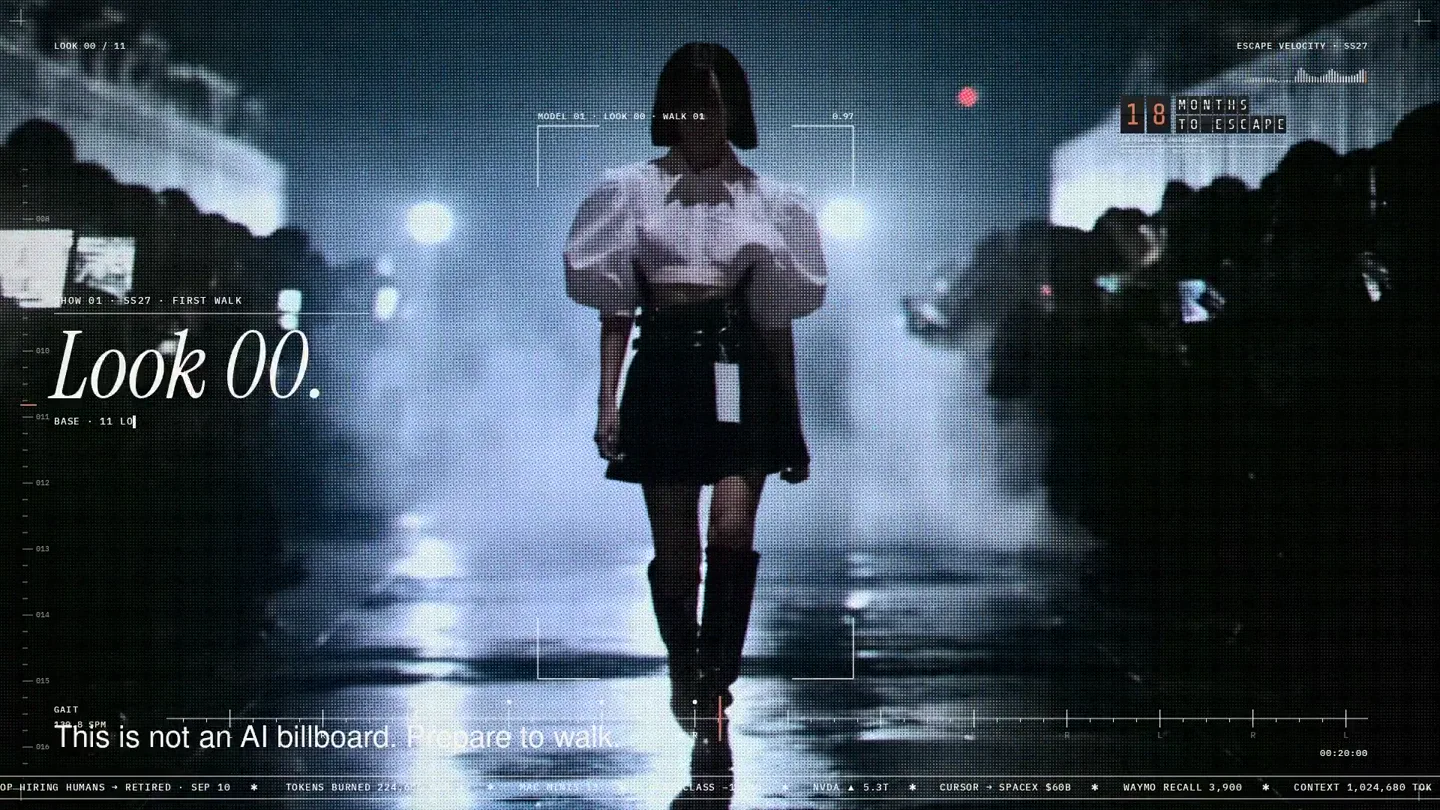
An overnight film made by giving Opus 5.5 Donald's prompt, Midjourney, and a moodboard. The piece is titled Look 00.

The new Grok Bot icon animated entirely in code — every state, shape and expression morphs smoothly into the next. Made with Grok Build.