
Nattu · Launch Video Breakdown: Hook, Pacing & Motion Design
We just connected Lottie Creator to AI via MCP. You describe the animation. Claude, Codex, Gemini reads your file, edits layers, generates variants, ships dotLottie; without leaving the editor. Thi…
Scene-by-scene timeline & spoken transcript
The Hook
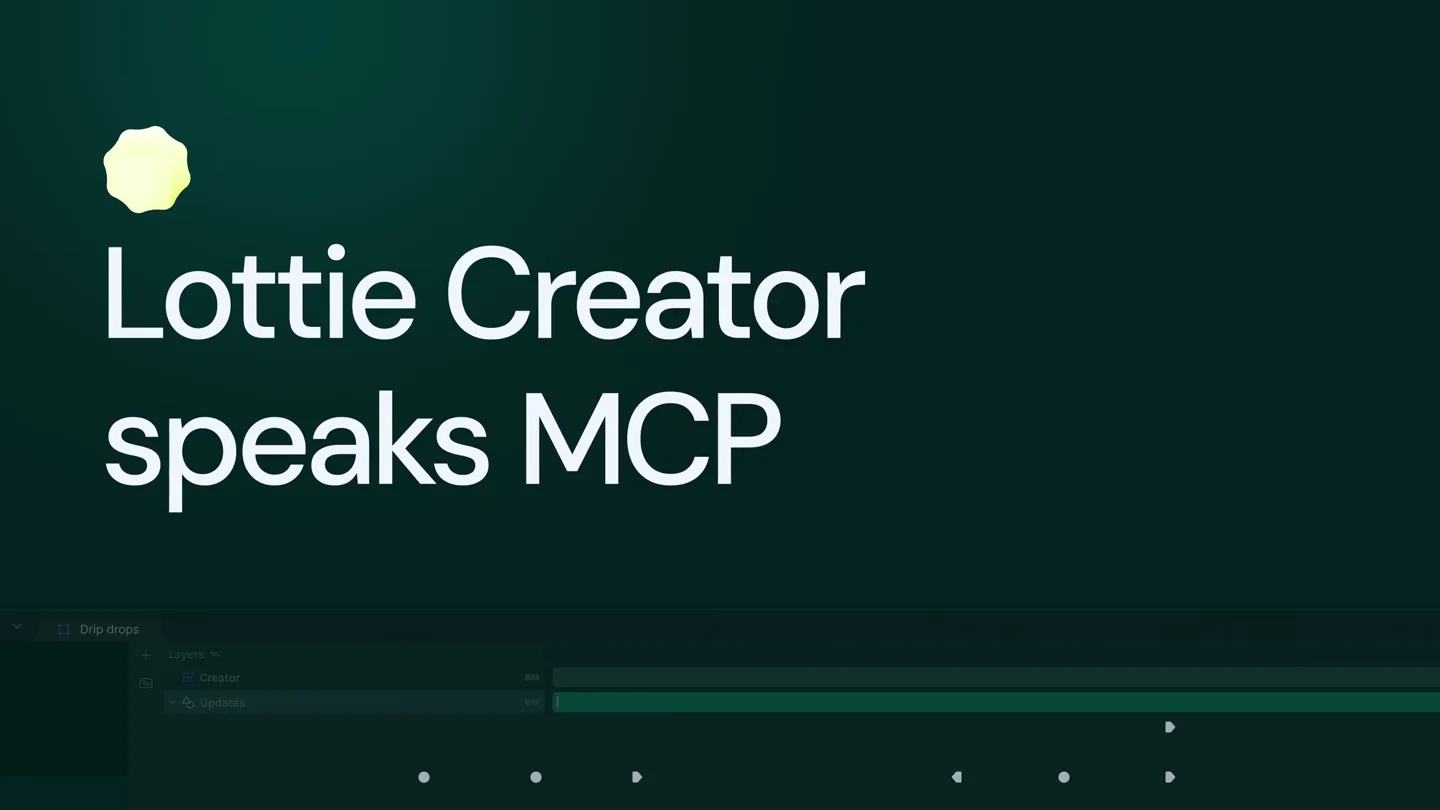
Lottie Creator Speaks MCP
“Lottie Creator speaks MCP.”
- On screen
- Lottie Creator speaks MCP
- Camera
- Static shot of a dark green gradient background with a glowing yellow icon and text. A timeline UI is visible at the bottom.
- Motion
- Subtle glow animation on the icon, text appears with a quick fade-in and slight scale.
Product Reveal
Enabling MCP in Lottie Creator
“We just connected Lottie Creator to AI via MCP. You describe the animation. Claude, Codex, Gemini reads your file, edits layers, generates variants, ships dotLottie; without leaving the editor. This is the Model Context Protocol.”
- On screen
- (No on-screen text)
- Camera
- Close-up on a cursor navigating a UI, then a wider shot of a desktop with a Lottie Creator window and a text input window.
- Motion
- Rapid UI navigation, menu dropdowns, cursor interaction, and a window slide-in effect.
Feature Teaser
AI-Powered Animation Generation and Refinement
“So when you ask your AI to build an animation, it's not just generating a file. It's pulling from your brand guidelines, your design system, your accessibility rules, your motion language. It's building a complete animation, checking for issues, creating variations, and shipping a dotLottie file, all from a single conversation. And it doesn't stop at one. You can ask it to create three separate animations in the same style and color palette. A journal icon with a subtle writing motion, a graph or chart with bars or lines growing upward, and an incoming mail or inbox icon with a new message appearing. Each should feel like part of the same app UI kit. Save each as a separate file. Your entire motion asset library.”
- On screen
- using lottie creator MCP, create a modern AI loading animation with 3 concentric rings in my brand colors, rotating at different speeds What makes it feel intelligent: - Counter-rotation on middle ring creates organized complexity - rings work against and with each other - reverse-rotation on inner contracts as middle expands, inner oscillates twice as fast - 20px glow halo at 20% opacity behind each 12px arc simulates soft light emission - Center orb - layered: expanding glow disk + fading ring pulse - stable breathing loop: all breathing together - Ambient background glow - purple-to-lime radial, pulsing 55% 100% in sync with center - All breaths are loop-safe: every end keyframe sequence starts and ends at the same value - Staggered spring entrance - inner pops in first (frame 0), middle next (frame 10), outer last (frame 20) Cogitated for 5m 13s Now, create 3 separate animations in the same style and color palette. 1. Journal icon with a pencil - subtle writing motion 2.Graph/chart - bars or line growing upward 3.Incoming mail/inbox icon - new message appearing Each should feel like part of the same app UI kit. Save each as a separate file. Cogitated for 5m 13s 1. Mail icon with lime body and purple door - 110 frames 3 scoreboards fly in sequentially (f18, f42, f66) from the left, each landing in the box with a bounce settle Notification badge pulses 114% 100% (f90 f104) with a lime glow ring radiating outward as it lands All elements come back to idle (full f140) - 30-frame breathing pause before seamless loop 2. UI Kit - Journal - 4s - 120 frames Notepad card with purple left-margin rule and lime purple pencil spiral binding accent. Pencil tip traces 4 lines left right sequentially (f12, f34, f56, f78) with a purple-to-lime gradient stroke Each completed line 3. UI Kit - Graph - 4s - 120 frames 6 bars (alternating purple/lime) grow from the bottom with spring easing, staggered 6 frames apart - glowing top caps pop on after each bar lands All 6 bars settle by f66 : trend line draws across bar tops with purple to lime gradient (f80 f94) + dots spring-pop into path intersection. Everything collapses together (f96 f110) - seamless loop To export: switch to each scene in LottieFiles Creator Export Lottie JSON Worked for 14m 47s Here's your full accessibility report: Accessibility Audit Results - WCAG 2.1 Color Contrast Ratio Grade Status Text High rgb(228,224,255) 15.57:1 AAA Pass Text Mid rgb(140,133,190) 15.575.84 AA Pass Text Low rgb(68,60,110) 2.01:1 FAIL Fix Needed Lime #A3B635 13.22:1 AAA Pass Purple #7C3AED AA-Large Only OK for large UI, not small text Surface rgb(14,13,30) 1.04:1 FAIL Decorative only Border rgb(32,28,58) 1.22:1 FAIL Decorative only Fix: Text Low is used for preview text & placeholders - lift it to at least rgb(100,100,150) to hit AA (4.5:1). Surface/Border are purely decorative so FAIL is acceptable as long as they carry no information. Motion & Flash - Per Scene UI Kit - Notes - 10 issues - Pen tip snaps between lines at 1,448px/s (4 frames between lines) - this is the biggest motion concern. The pen jumping instantly to the next line could be disorienting. Add a 4-frame eased arc between line ends. - Ink opacity fades at 750/s (4 frames) - stretch these fade-outs to 8-10 frames. UI Kit - Graph - 2 issues - Trend line dots exit at 424%/s - add 4 more frames to the scale-out. - Y-axis appears too quickly at f0 (6 frames, 500/s) - fade in over 12 frames instead. Inbox Animation - No motion/flash issues Global Issues (all scenes) 1. Auto-play with no pause mechanism (WCAG 2.2.2) All animations loop indefinitely. If embedded in a web page, add
- Camera
- Desktop view with a text editor window on the left and Lottie Creator on the right. The camera zooms and pans to highlight specific UI elements and generated animations.
- Motion
- Dynamic screen capture, text typing animation, UI element highlighting, and smooth transitions between different generated animations (concentric rings, mailbox, journal, graph).
Call to Action
MCP for Lottie Creator: Connected
“That's MCP for Lottie Creator. Your AI Lottie Creator. Connected. Available now.”
- On screen
- Hello Ellie, Here's your summary INBOX You have ma TODAY'S VIBE JOURNAL 23 June ASK AIMY Ask anything you want... Thats MCP for Lottie Creator Your AI. Lottie Creator. Connected. Available now LottieCreator
- Camera
- A 3D render of a smartphone rotates into view, displaying a UI with the generated animations. This transitions to full-screen text overlays.
- Motion
- 3D object rotation, UI elements animating within the phone screen, and clean text reveals with subtle scaling and fading.
Motion design primitives
Synthesizable in Remotion · key components of the nattu-ai-lottie-creator-launch template.
AITextToAnimation
User types natural language prompts into a text editor, and corresponding complex Lottie animations are instantly generated and displayed in a separate editor window, complete with detailed layer properties and a timeline.
+ Code construction recipe
Utilize Remotion's 'Sequence' and 'AbsoluteFill' for screen layout. Implement a 'Typewriter' component for text input. For the Lottie Creator UI, use 'Img' or 'Video' components for pre-rendered UI elements, and dynamically render Lottie animations using '@lottiefiles/react-lottie-player' based on parsed text prompts. Animate UI interactions with 'spring' or 'interpolate' for cursor movements and menu reveals.
DynamicAccessibilityReport
A terminal-like window displays a detailed accessibility audit report, highlighting color contrast issues, motion/flash concerns, and global issues with specific recommendations for fixes.
+ Code construction recipe
Create a 'TerminalWindow' component with a fixed-width font. Use 'map' to render an array of report items. Animate text appearance with 'Sequence' and 'spring' for a typing effect. Highlight 'FAIL' statuses with conditional styling (e.g., red text, green for 'Pass'). Use 'interpolate' for smooth scrolling of the report content.
ProductShowcase3DPhone
A realistic 3D smartphone model rotates into view, showcasing the generated Lottie animations playing within its screen, demonstrating real-world application.
+ Code construction recipe
Import a 3D model of a smartphone using a library like 'three.js' or a pre-rendered video. Overlay Lottie animations onto the phone screen using 'AbsoluteFill' and 'OffthreadVideo' or 'Lottie' components. Animate the phone's rotation and position using 'spring' or 'interpolate' for a smooth, dynamic reveal.
Style DNA & aesthetic system
Visual aesthetic
Typography
Motion
Special effects
Pacing & rhythm
Conceptual story rhythm
- 1
The AI Connection
Purpose. Immediately establish the core technological breakthrough: AI integration with Lottie Creator.
Execution. A bold title card 'Lottie Creator speaks MCP' with a glowing icon, followed by a rapid demonstration of enabling the MCP feature within the software UI.
- 2
Prompt to Pixel
Purpose. Showcase the AI's ability to translate natural language prompts into complex, brand-compliant animations.
Execution. A split-screen view where a user types detailed animation descriptions, and the Lottie Creator UI simultaneously generates and displays the corresponding animated assets, highlighting layer details.
- 3
Comprehensive Capabilities
Purpose. Demonstrate the breadth of the AI's features, including variant generation and accessibility auditing.
Execution. The AI generates multiple animation variants from a single prompt, followed by a detailed, scrolling accessibility report with highlighted issues and recommendations, all within the editor environment.
- 4
Real-World Impact & Call to Action
Purpose. Illustrate the practical application of the generated animations and prompt users to try the product.
Execution. A 3D smartphone rotating to display the AI-generated animations in a live app context, concluding with clear, concise text overlays for the product name and availability.
Remix in Animatiq Studio
Master remix prompt · agent-ready
Sample remix
Objective
Launch a new AI-powered code refactoring tool that automatically optimizes legacy codebases and generates performance reports.How the recipe adapts
The 'AITextToAnimation' primitive adapts to 'AITextToCodeRefactor', showing a user typing a refactoring prompt, and the code editor instantly displaying optimized code. The 'DynamicAccessibilityReport' becomes a 'DynamicPerformanceReport', detailing code efficiency gains and security vulnerabilities in a similar terminal style. The 'ProductShowcase3DPhone' transforms into a 'ProductShowcase3DLaptop', displaying the refactored code and performance metrics on its screen, rotating to emphasize the tool's impact on developer workflows.Remix blueprint · nattu-ai-lottie-creator-launch
Scene durations (4 scenes, 77s)
Key Remotion components
Related AI Agents Product Launches
Explore all AI Agents launches →
To ensure that artificial general intelligence benefits all of humanity

Gopuff introduces Go, an AI shopping assistant built with SpaceXAI: say what you need and the order is placed.

Iliad (Troy) trailer made by Grok Imagine 1.5, which was just released