
MakePlay · Launch Video Breakdown: Hook, Pacing & Motion Design
Type one sentence and an AI crew builds the whole game: code, art, music, sound effects, level design.
Scene-by-scene timeline & spoken transcript
The Hook
Introducing MakePlay: The AI Game Builder
“(No spoken dialogue — Upbeat electronic music with a driving beat and synth melodies begins, establishing an energetic tone.)”
- On screen
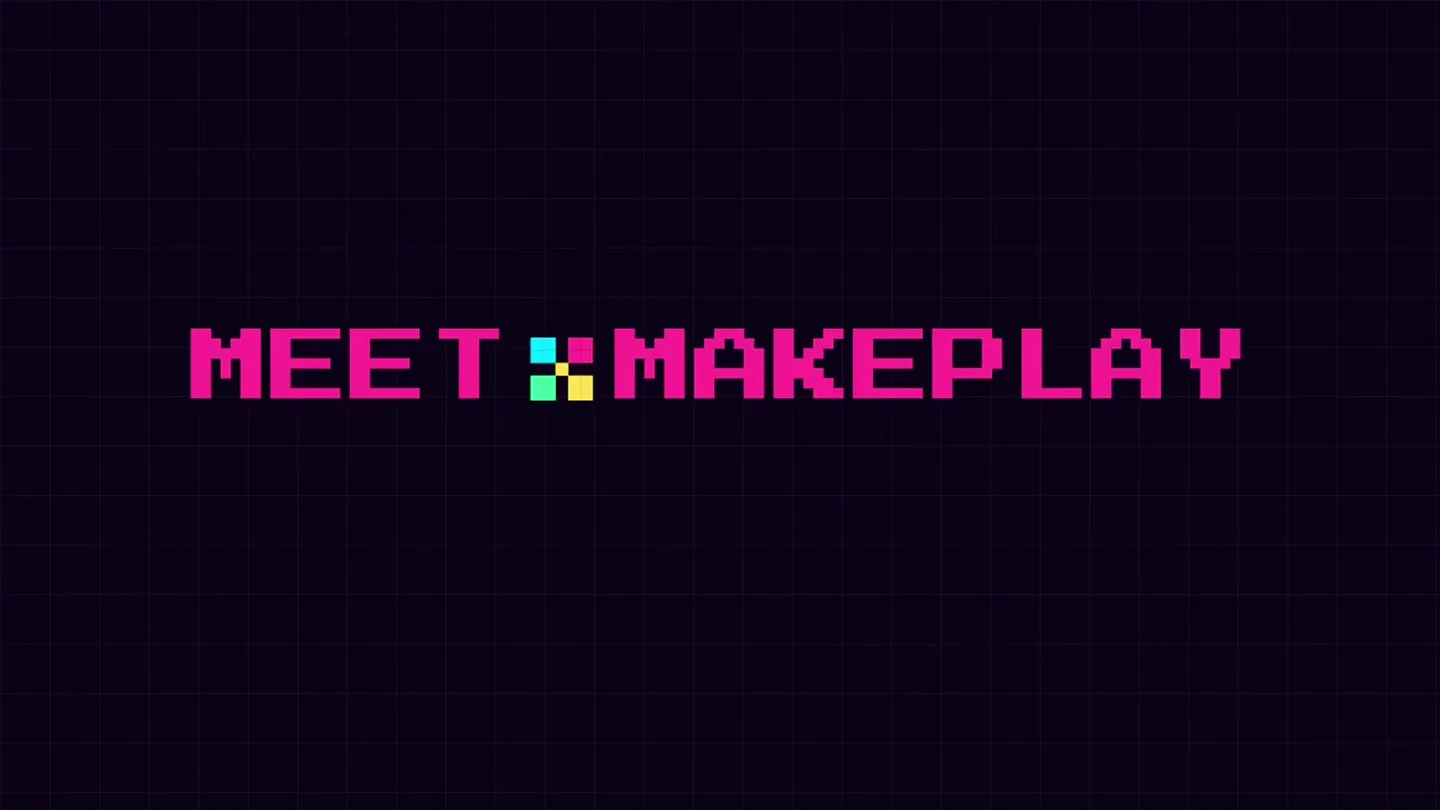
- YOU DIRECT. MEET :MAKEPLAY THE AI GAME BUILDER
- Camera
- Static, centered text presentation.
- Motion
- Pixelated text reveal with a subtle glow effect, followed by a quick cut to the product logo and tagline.
Product Reveal
AI-Powered Game Creation in Action
“Type one sentence and an AI crew builds the whole game: code, art, music, sound effects, level design.”
- On screen
- MAKEPLAY.AI DIRECT · PLAY · SHARE ... Describe your game a pixel runner with double jump SEND PLAN LOCKED Game promise A fast, one-button side-scrolling runner built around using the second jump at the last possible instant. Core loop Auto-run right; the player controls only jump timing. Tap once for a normal jump, tap again for the double jump. Land to restore both jumps and keep the streak going. Thinking... Building Second Wind from the plan. Checking the workspace and design docs first. FIND FILES PLAYBOOK pixel-art-generator PLAYBOOK Studying platformer craft Generated 7 audio clips jump1.wav shard.wav PLAYTEST Thinking... All ACs passed. Ticking the checklist and delivering. WRITE DOC GAME_DESIGN.md READY READ DOC GAME_DESIGN.md WRITE DOC GAME_DESIGN.md READY Thinking... Done — try holding
- Camera
- Static screen capture of the MakePlay UI, then a dynamic first-person perspective within a generated game.
- Motion
- UI elements animate in with typing effects and progress indicators. Seamless cuts transition from UI to in-game footage, showcasing diverse game genres and styles.
Feature Teaser
Customization and Publishing
“Assets and sound, auto-matched. Don't see what you like? Upload your own assets. Publish.”
- On screen
- MAKEPLAY.AI DIRECT · PLAY · SHARE Assets & sound, auto-matched Don't see what you like? UPLOAD YOUR OWN ASSETS Publish Let the world play what you made
- Camera
- Static, centered text and UI elements.
- Motion
- Pixelated asset icons appear with a subtle bounce. UI buttons animate with hover states and click feedback. Text reveals with a typewriter effect and color highlights.
Call to Action
Experience MakePlay: AI Game Studio
“(No spoken dialogue — Music builds to a climax with a final impactful transition, then fades out with a sustained synth pad.)”
- On screen
- MAKEPLAY.AI MAKEPLAY.AI AI GAME STUDIO YOU DIRECT, AI BUILDS.
- Camera
- Dynamic camera movement showcasing various generated game environments, then a zoom out to the MakePlay logo and tagline.
- Motion
- Fast-paced montage of diverse game footage, followed by a stylized logo animation with a pixelated reveal and a final tagline display.
Motion design primitives
Synthesizable in Remotion · key components of the ai-game-builder-launch template.
PixelatedTextReveal
Text appears character by character with a pixelated, retro-game aesthetic, often accompanied by a subtle glow or color shift. It evokes a sense of digital creation.
+ Code construction recipe
Utilize Remotion's <Text> component with a custom font (e.g., 'Press Start 2P'). Animate opacity and scale per character using `map` and `interpolate` over a `Sequence`. Apply a `drop-shadow` CSS filter for the glow effect.
UIGameplayCut
A rapid, impactful transition from a clean UI screen to immersive, first-person gameplay footage, often with a sound design cue like a sub-bass drop.
+ Code construction recipe
Implement a `Sequence` with a short `durationInFrames` for the UI scene, followed immediately by the gameplay `Video` component. Use `spring` for a quick, punchy scale-down/fade-out on the UI and a corresponding scale-up/fade-in on the video. Synchronize with an audio `Effect` component for the impact sound.
DynamicAssetGrid
A grid of pixelated icons or assets that appear sequentially or with a subtle bounce, highlighting customization options within the product.
+ Code construction recipe
Create an array of `Image` components for the assets. Use `stagger` from `remotion-animation-utils` to animate each asset's `scale` and `opacity` with a `spring` curve, creating a ripple or pop-in effect. Add a `cursor-pointer` and `hover` state for interactive elements.
Style DNA & aesthetic system
Visual aesthetic
Typography
Motion
Special effects
Pacing & rhythm
Conceptual story rhythm
- 1
The Vision Statement
Purpose. Immediately establishes the core value proposition and empowers the user.
Execution. Bold, pixelated text 'YOU DIRECT.' followed by the product name and tagline, setting a clear, concise tone.
- 2
Problem/Solution Showcase
Purpose. Demonstrates the product's core functionality and ease of use.
Execution. A seamless transition from a simple text prompt in the UI to a fully generated, playable game environment, highlighting the AI's power.
- 3
Empowerment & Customization
Purpose. Addresses user desire for control and personalization, then encourages sharing.
Execution. Visuals of auto-matched assets, followed by an 'Upload your own assets' button, and finally a 'Publish' button, all with clear, concise text.
- 4
The Grand Finale
Purpose. Reinforces the brand, summarizes the value, and provides a clear call to action.
Execution. A rapid montage of diverse game styles, culminating in the MakePlay logo and tagline 'YOU DIRECT, AI BUILDS.' with a strong musical finish.
Remix in Animatiq Studio
Master remix prompt · agent-ready
Sample remix
Objective
Launch an AI music composition platform called 'MelodyMind' that generates full tracks from text prompts.How the recipe adapts
The PixelatedTextReveal primitive will introduce 'YOU IMAGINE.' and 'MELODYMIND'. The UIGameplayCut primitive will transition from a text input field (e.g., 'a chill lo-fi beat with synthwave elements') to a visualizer of the generated music track. The DynamicAssetGrid primitive will showcase different instrument icons or genre tags that MelodyMind can generate. The overall pacing will remain fast, driven by an electronic soundtrack, and the color palette will be adapted to fit a musical theme while retaining the neon vibrancy.Remix blueprint · ai-game-builder-launch
Scene durations (4 scenes, 35.6s)
Key Remotion components
Related AI Agents Product Launches
Explore all AI Agents launches →
To ensure that artificial general intelligence benefits all of humanity

Gopuff introduces Go, an AI shopping assistant built with SpaceXAI: say what you need and the order is placed.

Iliad (Troy) trailer made by Grok Imagine 1.5, which was just released