
Marmarapp · Launch Video Breakdown: Hook, Pacing & Motion Design
A launch film for Marmarapp's new mobile app, made in After Effects, Blender, and Premiere Pro.
Scene-by-scene timeline & spoken transcript
The Hook
Problem Agitation & Brand Intro
“(No spoken dialogue — Ambient electronic score with pizzicato synths and a sub-bass drop/impact.)”
- On screen
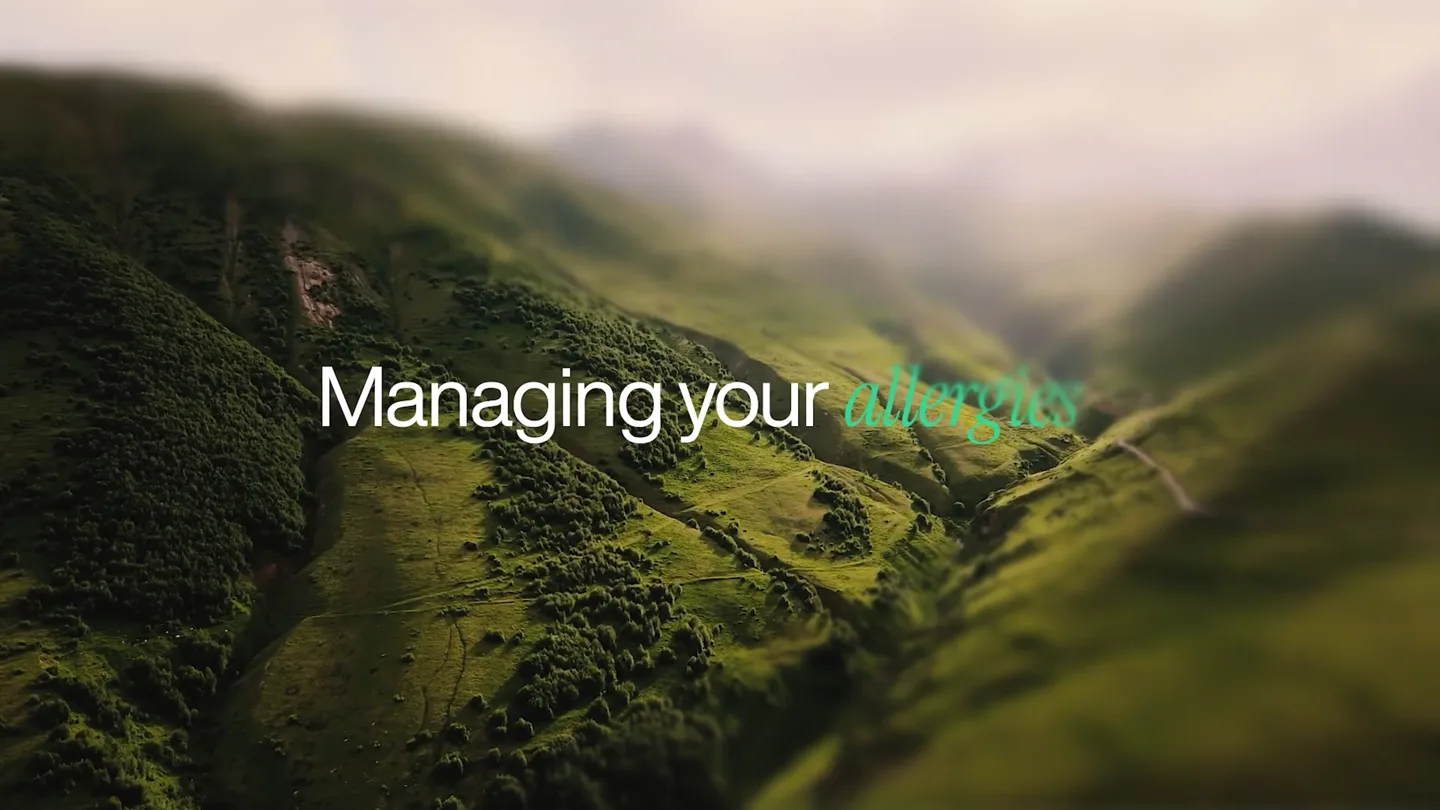
- Managing your health Chore Introducing
- Camera
- Static wide shot of a blurred mountain landscape, then a quick cut to a black screen, followed by a dark green gradient.
- Motion
- Text reveals with a subtle horizontal blur and color shift, followed by a hard cut to a clean, animated wordmark.
Product Reveal
Marmarapp Core Features Showcase
“(No spoken dialogue — Electronic score builds with high-energy audio transitions and sweeps, emphasizing feature reveals.)”
- On screen
- MAR MAR Your personal health assistant Hi, Tomi Medication analysis tailored to you Daily health reminders Smart Check-ins daily Log dose
- Camera
- Dynamic 3D camera moves around a stylized desk setup, then close-ups on a phone screen, followed by a hand holding a phone, and finally a medium shot of a person using a phone outdoors.
- Motion
- 3D product renders with floating elements, UI overlays with animated text reveals, screen recordings integrated into phone mockups, and kinetic typography highlighting key features.
Feature Teaser
AI Companion & Health Management
“(No spoken dialogue — Sub-bass drops and impacts punctuate scene changes, maintaining a modern, dynamic feel.)”
- On screen
- Talk to yasmar Your health companion Share health Share health reports with your doctor Smarter health management All in one app
- Camera
- Static shot of a character with text, then a medium shot of a person speaking into a phone, followed by a close-up on a phone screen on a textured background.
- Motion
- Character animation with text integration, live-action footage composited with subtle green overlays, and UI elements presented with smooth transitions and scale animations.
Call to Action
Brand Reinforcement & Download
“(No spoken dialogue — The electronic score resolves with a final impactful sound design element.)”
- On screen
- MAR MAR Download on the App Store GET IT ON Google Play
- Camera
- Zoom out from a phone screen to reveal the app logo, then a static shot of app store badges.
- Motion
- Logo reveal with subtle background animation, followed by a clean display of app download buttons with a soft fade-in.
Motion design primitives
Synthesizable in Remotion · key components of the marmarapp-ai-finance-launch template.
KineticWordShift
Words animate onto the screen with a horizontal blur and color shift, often highlighting a specific word in a different color, then transition to a new word or phrase.
+ Code construction recipe
Use Remotion's <Text> component with `interpolate` for `x` position and `blur` filter. Animate `color` property. Utilize `spring` for a subtle bounce on word completion.
FloatingProductShowcase
3D product models and related objects float and rotate in a stylized environment, often with a camera orbiting around them to reveal details.
+ Code construction recipe
Integrate 3D models (Blender exports) into Remotion using `ThreeCanvas` or pre-rendered sequences. Animate `transform` properties (rotate, translate) with `spring` or `interpolate` for smooth, organic movement.
UIOverlayReveal
App UI elements, text boxes, and data visualizations animate onto a phone screen or over live-action footage, often scaling up or sliding in with a slight delay.
+ Code construction recipe
Layer UI components over video or image assets. Animate `opacity`, `scale`, and `translateY` using `spring` for a natural feel. Use `Sequence` and `AbsoluteFill` for precise timing and positioning.
Style DNA & aesthetic system
Visual aesthetic
Typography
Motion
Special effects
Pacing & rhythm
Conceptual story rhythm
- 1
The Problem & The Promise
Purpose. Establish the pain point of health management and introduce Marmarapp as the solution.
Execution. Abstract landscape with problem text, hard cut to brand name, then a clean 'Introducing' reveal.
- 2
Feature Deep Dive
Purpose. Showcase key functionalities and benefits of the app through direct UI interaction.
Execution. 3D product shot, followed by animated UI walkthroughs and kinetic typography highlighting features like 'personal health assistant' and 'medication analysis'.
- 3
Integration into Life
Purpose. Demonstrate how the app fits seamlessly into a user's daily routine and provides comprehensive support.
Execution. Live-action shots of users interacting with the app in real-world settings, combined with animated text overlays like 'Daily health reminders' and 'Your health companion'.
- 4
The Call to Action
Purpose. Reinforce the brand and guide viewers to download the app.
Execution. Final brand logo reveal, followed by clear App Store and Google Play download buttons.
Remix in Animatiq Studio
Master remix prompt · agent-ready
Sample remix
Objective
Launch an AI-powered financial planning app called 'WealthFlow'.How the recipe adapts
The KineticWordShift primitive would animate phrases like 'Managing your finances' and 'Complex' before revealing 'WealthFlow'. The FloatingProductShowcase would feature a stylized smartphone orbiting amidst floating coins and stock charts. UIOverlayReveal would demonstrate interactive budgeting, investment tracking, and AI-driven financial advice within the app interface, all using WealthFlow's brand colors and a similar modern sans-serif typeface.Remix blueprint · marmarapp-ai-finance-launch
Scene durations (4 scenes, 38s)
Key Remotion components
Related Creative AI & Video Product Launches
Explore all Creative AI & Video launches →
Figma's Made in Figma 2025 reel, a showcase film of work designed in the tool.
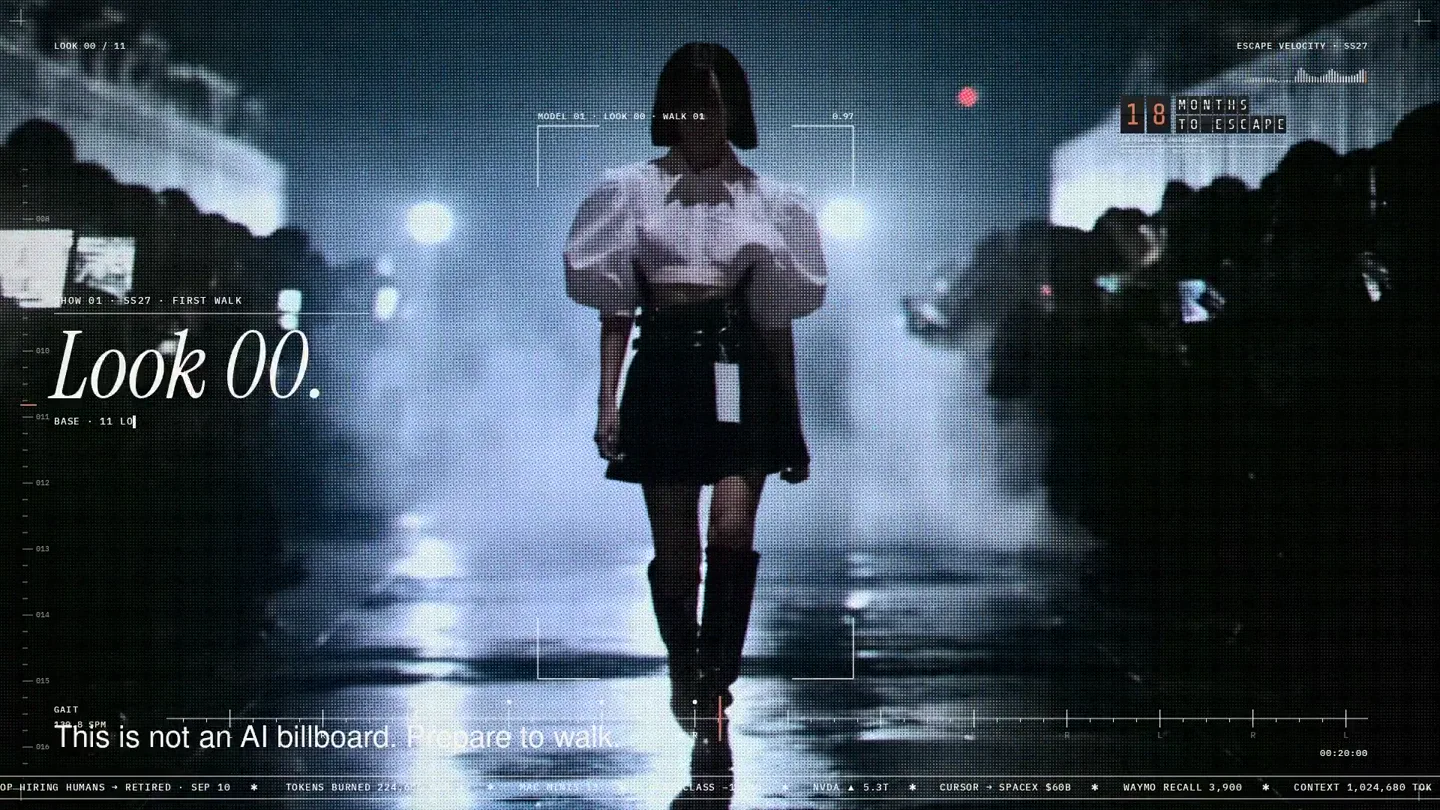
An overnight film made by giving Opus 5.5 Donald's prompt, Midjourney, and a moodboard. The piece is titled Look 00.
The new Grok Bot icon animated entirely in code — every state, shape and expression morphs smoothly into the next. Made with Grok Build.