
Anvisha · Launch Video Breakdown: Hook, Pacing & Motion Design
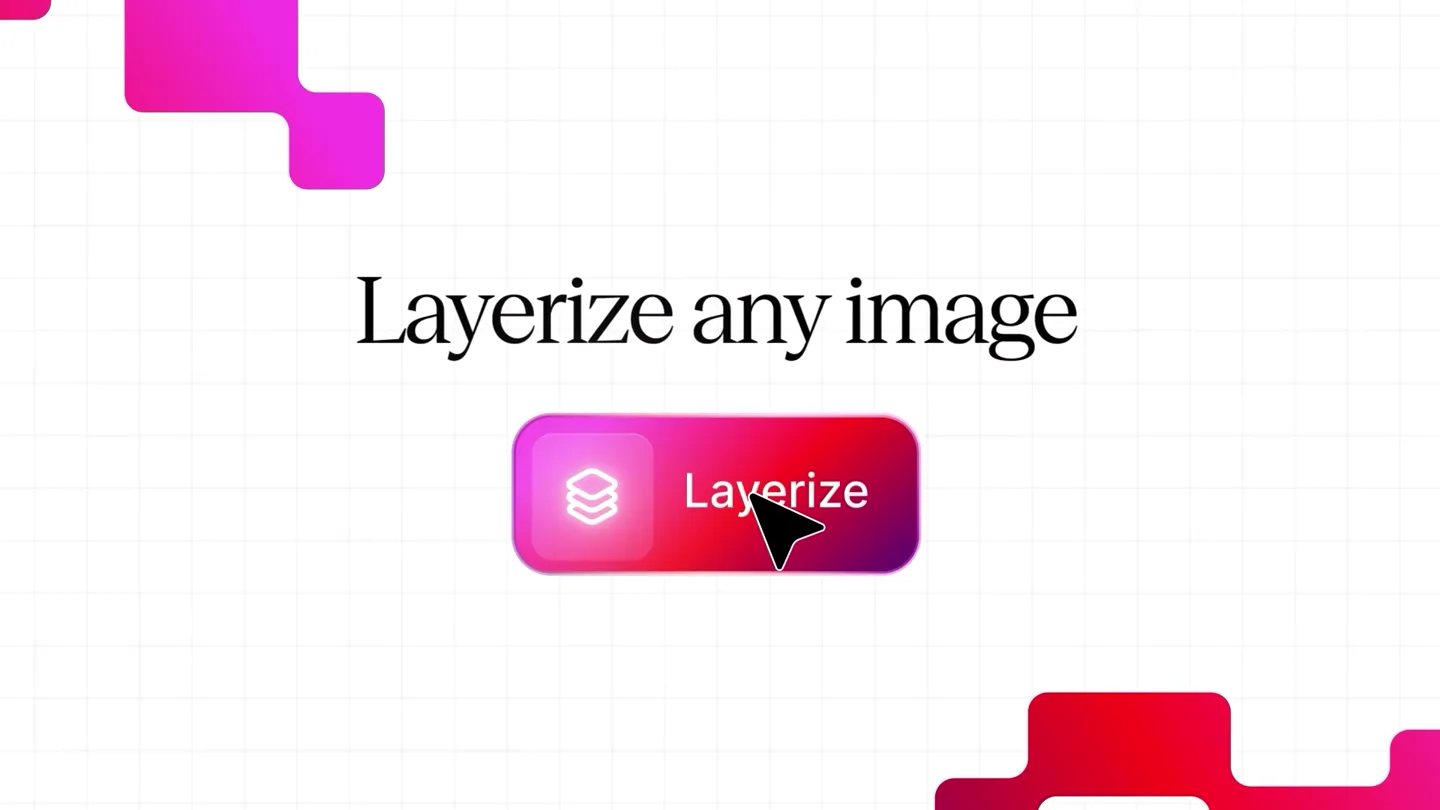
Launching today: Layerize any image Drag in an image and Moda will rebuild layers that you can edit directly. Early users have been saying text reproduction is way better than Canva or Photoshop. S…
Scene-by-scene timeline & spoken transcript
The Hook
Instant Layerization Intro
“(No spoken dialogue — high-energy riser leading into a sub-bass drop/impact)”
- On screen
- Layerize any image
- Camera
- Static, centered view on text and UI elements.
- Motion
- Text blur-in, UI element pop-in with subtle rotation, cursor interaction.
Product Reveal
AI-Powered Image Layering in Action
“(No spoken dialogue — riser followed by sub-bass drop/impact, then a sweep leading to another sub-bass drop/impact)”
- On screen
- Layered Design Concept Thumbnail Add page Pages Layers Luminance Chat Details Assets Animate More Ask Moda... Layerize this ima Layerize this image Done — the Luminance image is placed on the canvas and I've kicked off the layerization. What's happening: It's processing in the background now. The tool will decompose the flat image into separate, editable canvas layers — breaking apart elements like the "Luminance" script text, the perfume bottle, the butterflies, the mountain/sky background, and the rock formation. It then merges those layers back onto the page on its own. This takes a little while and completes automatically; no further action is needed from either of us right now. This runs as a background job and merges the finished layers back onto the page automatically — it usually takes a little while. Once it finishes, you'll be able to select, move, recolor, and re-edit each element independently. Compare Revert
- Camera
- Zoom into specific UI elements, then a wider shot of the canvas, followed by a pan to the chat interface.
- Motion
- Seamless UI transitions, text typing animation, bounding box reveals, layer separation animation.
Feature Teaser
Dynamic Content Replacement
“(No spoken dialogue — sweep followed by sub-bass drop/impact, then a riser with another sub-bass drop/impact)”
- On screen
- YAMMY YAMMY YAMMY DM Serif Dis... Regular 67.3 + Create color variable Common Colo Replace sandwich with burger All Sans Serif Serif Display Handwriting Monospace S...hand DM Serif Display CHEESE CHEESE CHEESE
- Camera
- Close-up on image manipulation, then a wider shot of the canvas.
- Motion
- Object replacement animation, text update, color picker interaction, font selection UI.
Feature Teaser
Effortless Element Editing
“(No spoken dialogue — no specific sound design elements mentioned, but the high-energy electronic score continues)”
- On screen
- PLAYFUL SOFTLAND Moul Regular 67.3 + Search fonts... All Sans Serif Serif Display Handwriting Monospace Moul BBH He Any image Fully editable
- Camera
- Zoom out to a clean canvas, then focus on text typing.
- Motion
- Object rearrangement, text typing animation, bounding box reveals.
Call to Action
Moda: Fully Editable Images
“(No spoken dialogue — final high-energy riser culminating in a sub-bass drop/impact)”
- On screen
- moda Moda.app
- Camera
- Centered logo reveal, then a full-screen background color change, and a CTA button reveal.
- Motion
- Logo reveal with pixelation effect, background color transition, button pop-in, cursor interaction.
Motion design primitives
Synthesizable in Remotion · key components of the moda-ai-video-editor-launch template.
TextTypewriterReveal
Text appears character by character, simulating a typing effect, often accompanied by a blinking cursor. This is used for headlines and chat responses.
+ Code construction recipe
Utilize Remotion's `Sequence` and `spring` for character-by-character opacity and position animation. Implement a blinking cursor with `interpolate` for opacity.
LayerBoundingBoxPop
When an image is 'layerized', bounding boxes with interactive handles quickly appear around detected elements, indicating their editability.
+ Code construction recipe
Use `spring` for the bounding box scale and opacity, with a slight overshoot. The handles can be separate SVG elements animated with `spring` for position and rotation.
SeamlessUIZoomTransition
Smooth, rapid transitions between different parts of the UI or canvas, often involving a quick zoom and pan to highlight specific interactions.
+ Code construction recipe
Employ `interpolate` for camera position (x, y) and scale, ensuring smooth easing functions like `easeOutCubic` for a fluid feel. Combine with `AbsoluteFill` for background elements.
Style DNA & aesthetic system
Visual aesthetic
Typography
Motion
Special effects
Pacing & rhythm
Conceptual story rhythm
- 1
The Instant Hook
Purpose. Immediately demonstrate the core value proposition: layerizing any image.
Execution. Text blur-in, followed by a 'Layerize' button pop-in and cursor click, setting up the main feature.
- 2
Feature Deep Dive
Purpose. Showcase the AI's capability to intelligently separate image elements into editable layers.
Execution. Detailed UI walkthrough, typing chat commands, and visual bounding box reveals around separated image components.
- 3
Creative Flexibility
Purpose. Highlight the ease of editing and replacing elements, demonstrating creative freedom.
Execution. Dynamic object replacement (sandwich to burger), color changes, and font selection within the UI.
- 4
Brand & Call to Action
Purpose. Reinforce the product's core benefit and guide users to the platform.
Execution. Clean text reveal 'Any image. Fully editable.', followed by a pixelated logo reveal and a clear Moda.app call to action.
Remix in Animatiq Studio
Master remix prompt · agent-ready
Sample remix
Objective
Launch an AI-powered video editing tool called 'FrameFlow' that automatically isolates and allows editing of individual elements within a video clip.How the recipe adapts
The 'TextTypewriterReveal' primitive would be used for 'Isolate any object' and 'Edit backgrounds instantly'. The 'LayerBoundingBoxPop' primitive would adapt to 'FrameBoundingBoxPop', showing bounding boxes around detected objects in a video frame. 'SeamlessUIZoomTransition' would highlight zooming into a specific video element for detailed editing, like changing a shirt color or removing a background. The overall pacing and vibrant aesthetic would remain, with the final CTA being 'FrameFlow.app'.Remix blueprint · moda-ai-video-editor-launch
Scene durations (5 scenes, 28s)
Key Remotion components
Related Tech & SaaS Product Launches
Explore all Tech & SaaS launches →
Unreal Engine 6 has been announced with Rocket League.
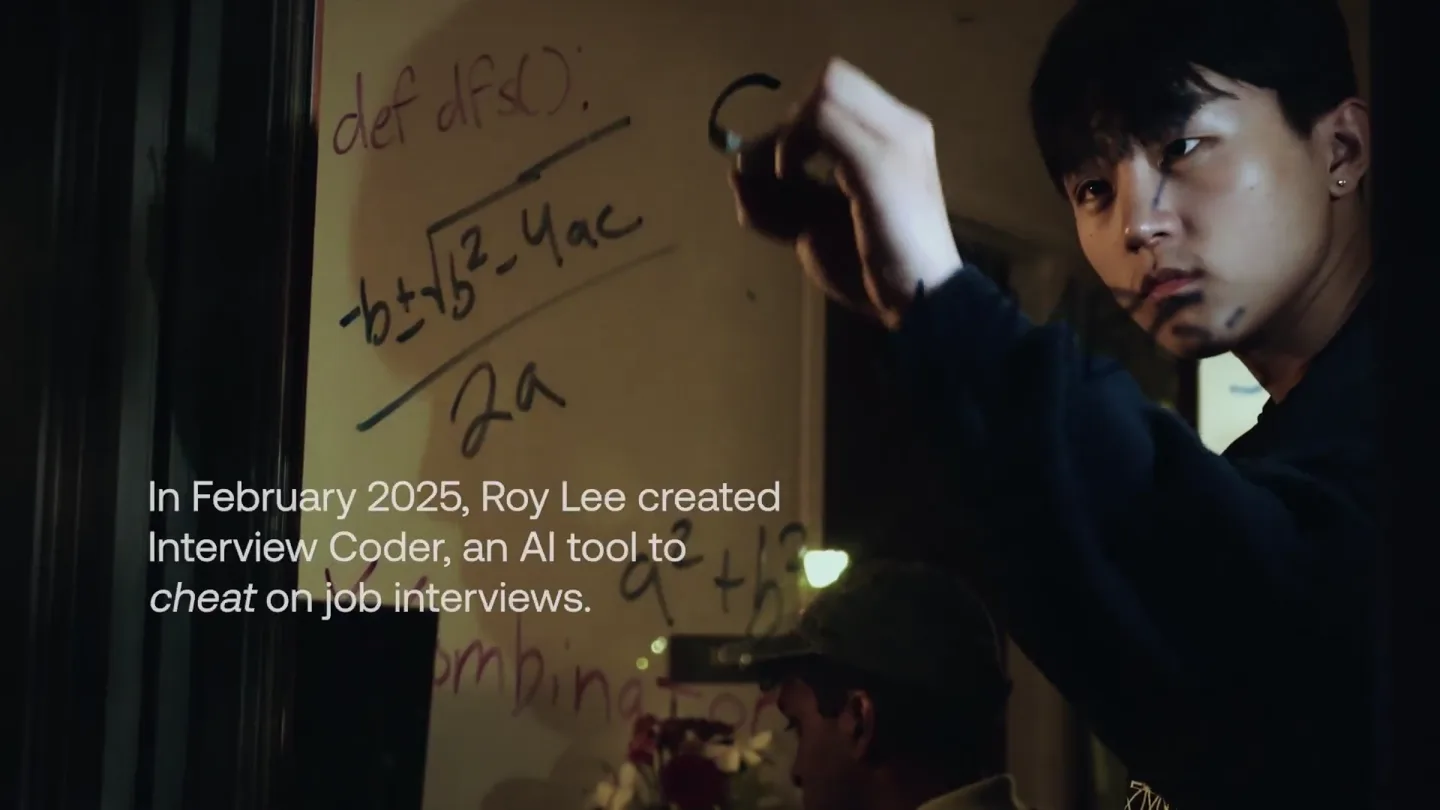
announcing @cluely's $15M fundraise, led by @a16z. cheat on everything.
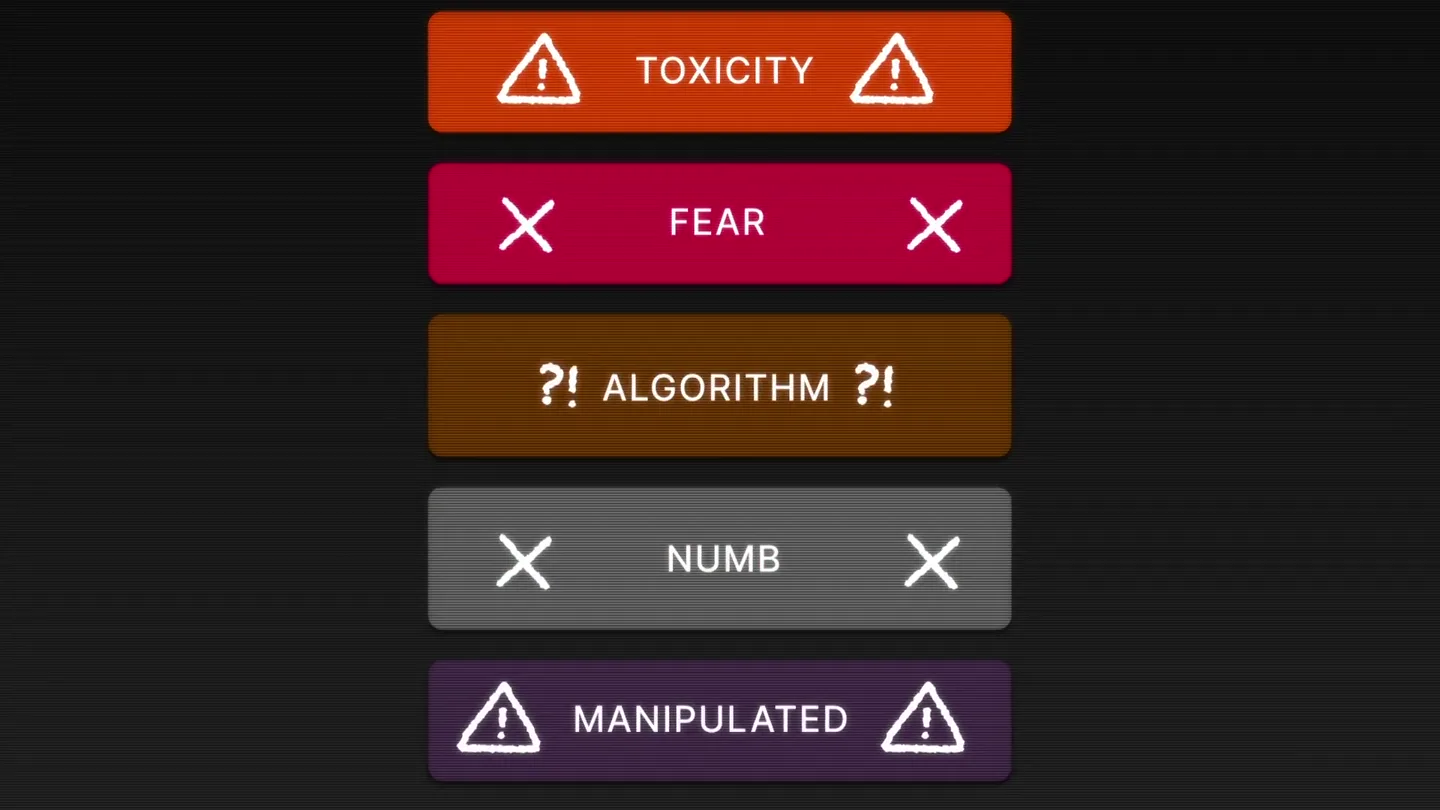
Yesterday we launched Bouncer to put users in control of their Twitter feed. Today, we open sourced the Chrome extension. We believe software should align with your interests, not the company that…