
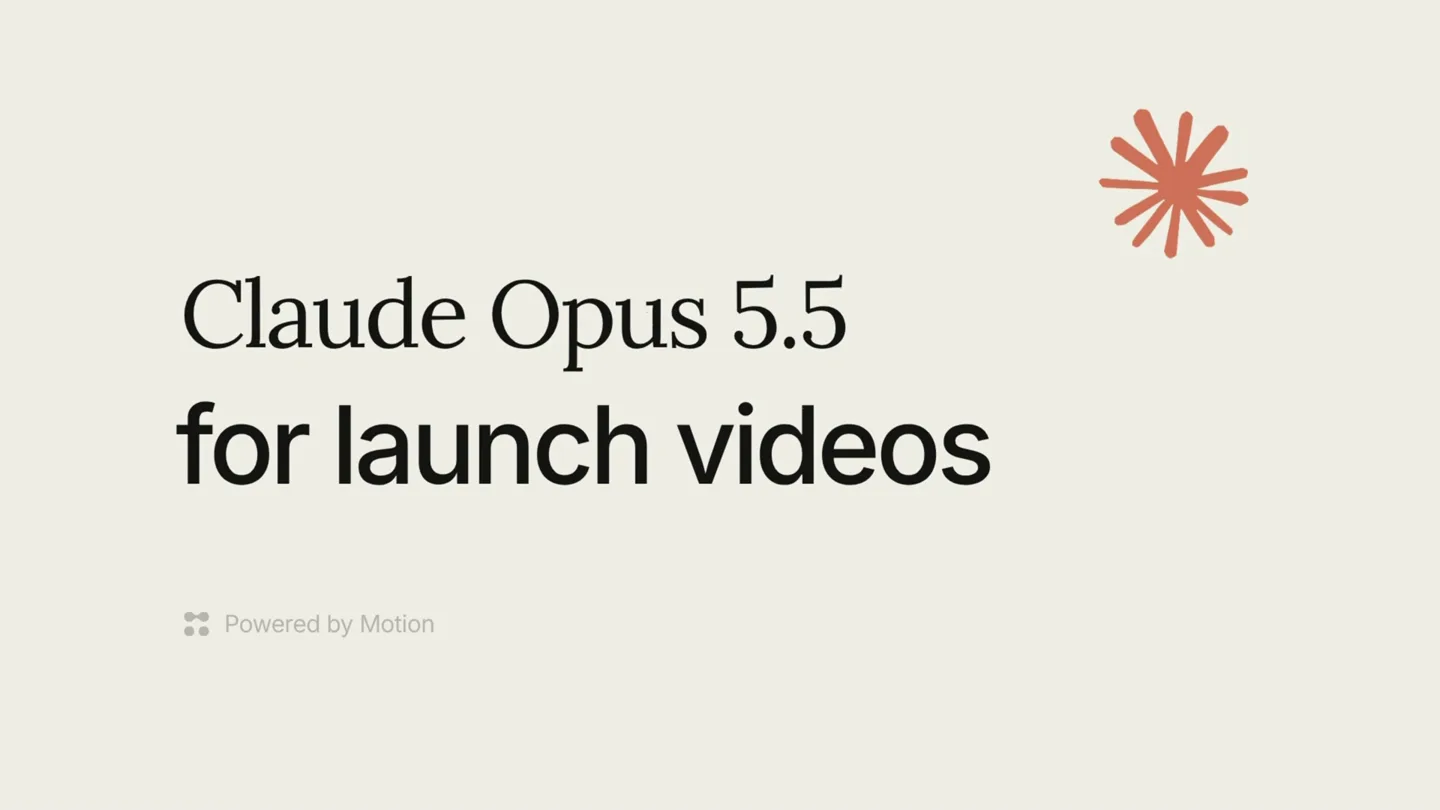
Motion · Launch Video Breakdown: Hook, Pacing & Motion Design
Give Claude Opus 5.5 an idea, your assets, and a visual reference. Through the Motion MCP it builds animated scenes, typography, and transitions you can keep editing.
Scene-by-scene timeline & spoken transcript
The Hook
Introducing Claude Opus 5.5 for Launch Videos
“(No spoken dialogue — Arpeggiated synth melody with sub-bass and 4/4 kick drum begins, setting an energetic tone.)”
- On screen
- Claude Opus 5.5 for launch videos Powered by Motion
- Camera
- Static wide shot of text on a light background, with a subtle graphic element in the top right.
- Motion
- Text appears with a subtle fade-in and scale-up animation. The 'Powered by Motion' text fades in below.
Product Reveal
AI-Powered Video Generation Workflow
“(No spoken dialogue — The electronic score continues with consistent energy.)”
- On screen
- Create a launch video for Replit. Using Motion Designing your launch video... Adding sound... Rendering your launch video...
- Camera
- Close-up on a UI element, simulating a user typing a prompt and the AI processing it. The camera remains static.
- Motion
- Text typing animation, progress bar filling, and sequential text updates ('Designing', 'Adding sound', 'Rendering') within a UI card. A mouse cursor clicks an 'upload' button.
Feature Teaser
Dynamic Content Generation & Integration
“(No spoken dialogue — The electronic score maintains its driving rhythm, building anticipation.)”
- On screen
- Your launch video v1 Preview We now connect now connect ∞ with over + 334 Tools Connect Add S B Ma Replit launch video Change that Connect to your content Dropbox
- Camera
- The camera pans slightly to reveal a generated video preview within the UI. It then shifts back to the prompt input area.
- Motion
- Fast-paced text and graphic animations within the generated video preview. Text highlights and reveals, followed by a radial burst of app icons. A 'Change that' prompt is typed, and the UI updates with new content, including a 'Dropbox' integration highlight.
Feature Teaser
Iterative AI Editing & Brand Integration
“(No spoken dialogue — High-energy audio transition with a riser effect at 0:15, leading into a sub-bass drop and faster synth melody.)”
- On screen
- Your launch video v2 Updated And many More going to build? Repl
- Camera
- The camera remains focused on the generated video preview, showcasing rapid content changes.
- Motion
- Rapid text reveals and graphic transitions. A large red square appears, then fades to reveal 'More' with a subtle background of app icons. The final text 'going to build?' animates in, followed by the 'Replit' logo forming with a glitch effect.
Call to Action
Discover Motion: AI for Launch Videos
“(No spoken dialogue — The intense electronic score continues, maintaining high energy until the end.)”
- On screen
- Claude Opus 5.5 for launch videos available at motion.so
- Camera
- Returns to a static wide shot, similar to the opening, but with the call to action.
- Motion
- Text fades in sequentially, revealing the product name, purpose, and website. The graphic element in the top right subtly animates, perhaps a gentle pulse or rotation.
Motion design primitives
Synthesizable in Remotion · key components of the ai-product-launch-ui template.
TypingReveal
Text appears character by character, simulating a user typing, often accompanied by a blinking cursor. This is used for user input prompts.
+ Code construction recipe
Utilize Remotion's `Sequence` and `spring` or `interpolate` for character opacity and position. A `Cursor` component can be animated with `blink` for realism. `measureText` can help with layout.
ProgressiveUIUpdate
UI elements, such as progress bars and status messages, update sequentially to indicate a process, often with a subtle fade or slide animation.
+ Code construction recipe
Employ `AbsoluteFill` for UI cards. Use `interpolate` for `width` on a progress bar and `opacity` for status text changes. `delay` and `duration` props in `Sequence` are key for timing.
DynamicContentHighlight
Key text or graphic elements within a generated video preview are highlighted, animated, or replaced rapidly to showcase dynamic content generation.
+ Code construction recipe
Combine `spring` for scale and `interpolate` for `opacity` and `backgroundColor` on text elements. For graphic bursts, use `map` to render multiple `Svg` icons with staggered `delay` and `scale` animations.
Style DNA & aesthetic system
Visual aesthetic
Typography
Motion
Special effects
Pacing & rhythm
Conceptual story rhythm
- 1
The AI Introduction
Purpose. Introduce the core product and its primary function: generating launch videos.
Execution. Clean title card with product name and tagline, establishing a sophisticated yet accessible tone.
- 2
The Prompt & Process
Purpose. Demonstrate the ease of use by showing a user inputting a prompt and the AI processing it.
Execution. Simulated UI interaction with typing animation, progress bars, and status updates, building anticipation for the output.
- 3
The Dynamic Output & Iteration
Purpose. Showcase the AI's ability to generate dynamic, customizable video content and respond to iterative feedback.
Execution. Fast-paced animations within a video preview, highlighting key features and integrations, followed by a 'change that' prompt and updated content.
- 4
The Call to Action
Purpose. Conclude with a clear call for users to try the product.
Execution. Return to a clean title card, revealing the product website with a confident and inviting tone.
Remix in Animatiq Studio
Master remix prompt · agent-ready
Sample remix
Objective
Create a launch video for 'SynthFlow', an AI-powered music composition tool.How the recipe adapts
The 'TypingReveal' primitive would show a user typing 'Compose an epic orchestral track for a fantasy game trailer.' The 'ProgressiveUIUpdate' would display 'Analyzing genre...', 'Generating melodies...', 'Orchestrating instruments...', and 'Rendering track...' The 'DynamicContentHighlight' would then showcase a waveform visualizer with dynamically generated musical notes and instrument icons appearing in sync with the music, highlighting key features like 'Adaptive Tempo' or 'Genre Blending'. The color palette would shift to cool blues and purples with electric green accents, maintaining the clean UI but adapting the mood. The final call to action would be 'synthflow.ai'.Remix blueprint · ai-product-launch-ui
Scene durations (5 scenes, 30s)
Key Remotion components
Related Creative AI & Video Product Launches
Explore all Creative AI & Video launches →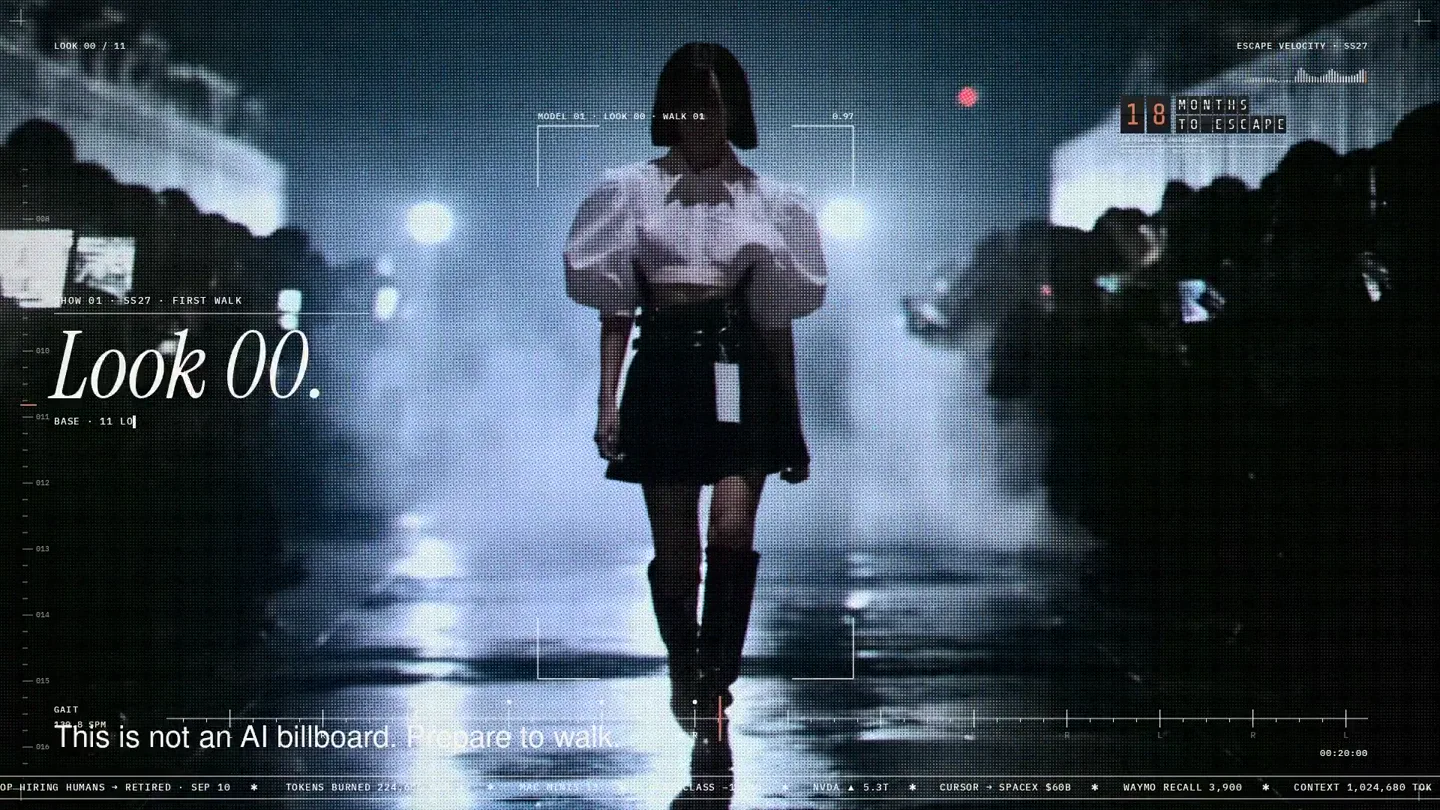
An overnight film made by giving Opus 5.5 Donald's prompt, Midjourney, and a moodboard. The piece is titled Look 00.

The new Grok Bot icon animated entirely in code — every state, shape and expression morphs smoothly into the next. Made with Grok Build.

The payment infrastructure for creators. Turn courses, ebooks, and apps into a live store in minutes.