
Founders Inc · Launch Video Breakdown: Hook, Pacing & Motion Design
A Founders Inc mix: music to build robots to.
Scene-by-scene timeline & spoken transcript
The Hook
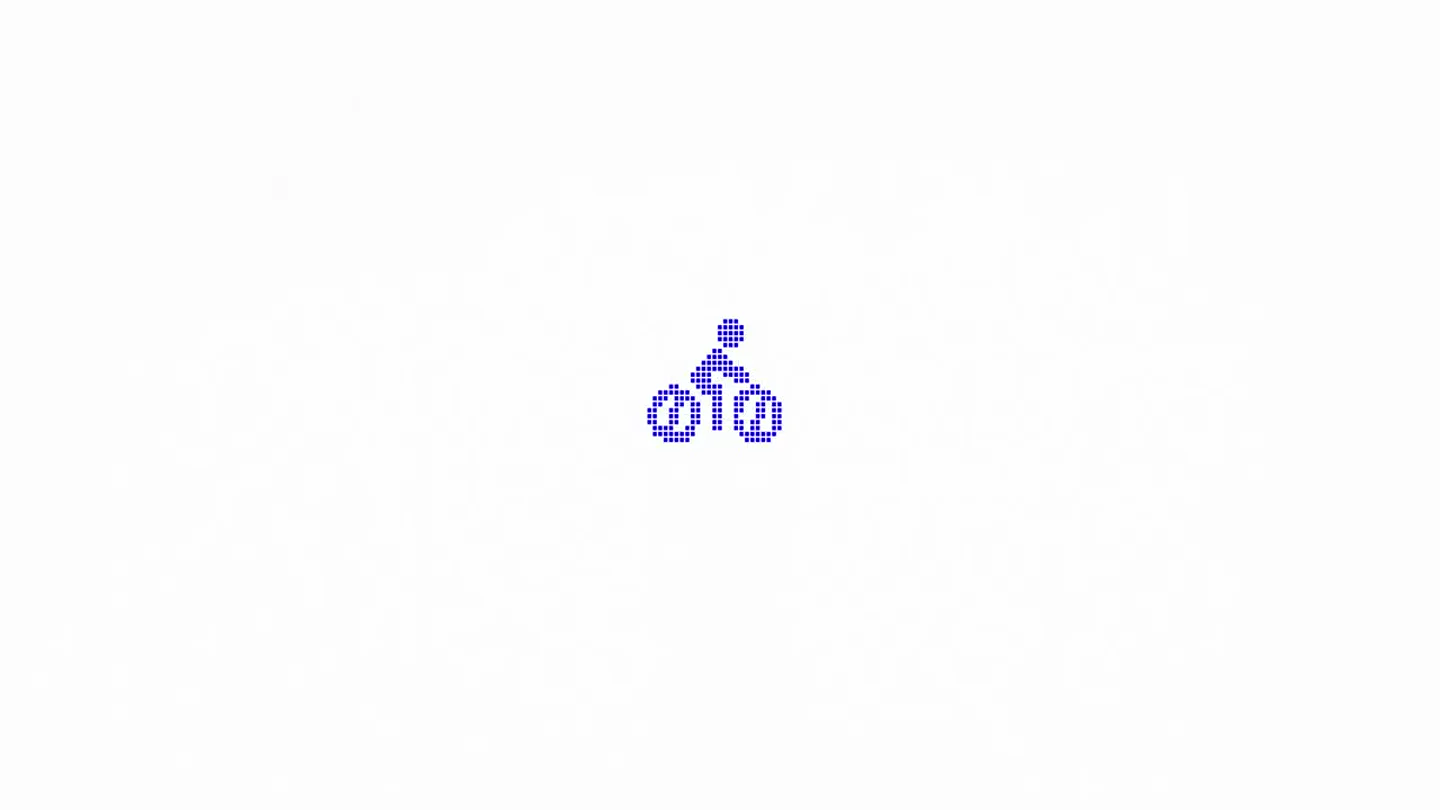
Pixelated Robot Iconography Intro
“(No spoken dialogue — High-energy electronic dance music with arpeggiated synths and a driving sub-bass. Crisp hi-hats and 808-style kick drums establish a fast rhythm.)”
- On screen
- (No on-screen text)
- Camera
- Static, centered framing on pixel art icons.
- Motion
- Rapid, rhythmic cuts between different pixelated robot icons (drone, bicycle, rover) on alternating solid blue and white backgrounds. The icons themselves are static but the cuts create motion.
Problem Agitation
Iconic Robot Sequence Expansion
“(No spoken dialogue — The EDM track continues with added synth pads, building intensity. Risers and sweeps are subtly introduced, hinting at upcoming transitions.)”
- On screen
- (No on-screen text)
- Camera
- Static, centered framing.
- Motion
- Continued rapid cuts between the pixelated robot icons, maintaining the blue/white background alternation. The sequence of icons might subtly vary or repeat, creating a sense of pattern and anticipation.
Product Reveal
Accelerated Iconography & Color Shift
“(No spoken dialogue — The electronic music intensifies with more prominent lead synths and a stronger sub-bass presence. Sound design elements like sweeps become more pronounced, leading to a potential drop.)”
- On screen
- (No on-screen text)
- Camera
- Static, centered framing.
- Motion
- The pace of cuts between the pixelated icons accelerates significantly. The blue and white background shifts become more frequent, creating a strobe-like effect that builds visual energy.
Feature Teaser
Rhythmic Iconography Loop
“(No spoken dialogue — The EDM track reaches a peak, with a driving rhythm and powerful synth melodies. Sub-bass drops/impacts punctuate key visual changes, enhancing the energetic feel.)”
- On screen
- (No on-screen text)
- Camera
- Static, centered framing.
- Motion
- The rapid cutting between the pixelated robot icons continues, possibly introducing slight variations in the icon sequence or timing to maintain engagement. The visual rhythm is tightly synchronized with the energetic music.
Call to Action
Sustained Energetic Visuals
“(No spoken dialogue — The high-energy electronic dance music maintains its driving rhythm and intensity, with dynamic synth work and impactful sound design elements continuing throughout the extended duration.)”
- On screen
- (No on-screen text)
- Camera
- Static, centered framing.
- Motion
- The video sustains the rapid, rhythmic cuts between pixelated robot icons and alternating blue/white backgrounds, creating a continuous, high-energy visual experience that mirrors the extended music track. This serves as a prolonged visual identity reinforcement.
Motion design primitives
Synthesizable in Remotion · key components of the pixel-icon-flash-montage template.
PixelIconFlashCut
A single, pixelated icon appears centered on screen, then rapidly cuts to a different icon or background color. This creates a staccato, rhythmic visual pulse.
+ Code construction recipe
Use a sequence of <Sequence> components. Each <Sequence.Item> renders a different SVG icon (or a React component that renders a pixel grid) and a solid background color. Control visibility and timing with <AbsoluteFill> and `interpolate` for opacity, or simply use rapid `durationInFrames` for each item.
AlternatingColorBackground
The entire screen background rapidly switches between two distinct solid colors (e.g., blue and white) in sync with visual cuts or audio beats.
+ Code construction recipe
Implement a parent <AbsoluteFill> component. Use `useCurrentFrame()` and `interpolate` to switch the `backgroundColor` property between two hex codes based on frame number, or use a <Sequence> of two <AbsoluteFill> components with different background colors and very short durations.
RhythmicIconSequence
A predefined sequence of pixelated icons (e.g., drone, bicycle, rover) is displayed in rapid succession, often looping, with each icon appearing for a very brief, consistent duration.
+ Code construction recipe
Create an array of icon components or SVG paths. Map over this array within a <Sequence> component, assigning a short, uniform `durationInFrames` to each item. Use `loop` property on the main <Composition> or manually repeat the sequence for extended durations.
Style DNA & aesthetic system
Visual aesthetic
Typography
Motion
Special effects
Pacing & rhythm
Conceptual story rhythm
- 1
Iconic Introduction
Purpose. Establish the core visual motif and energetic tone immediately.
Execution. Rapid, alternating display of pixelated robot icons on contrasting backgrounds.
- 2
Rhythmic Expansion
Purpose. Build familiarity with the visual language and increase anticipation.
Execution. Continued, slightly varied sequences of icons, maintaining the fast-cut rhythm.
- 3
Accelerated Engagement
Purpose. Intensify the visual and auditory experience, signaling a peak.
Execution. Increased speed of cuts and background color changes, creating a more frenetic pace.
- 4
Sustained Energy
Purpose. Reinforce the brand's dynamic identity over an extended period.
Execution. A prolonged loop of the rapid icon and background shifts, maintaining high visual and auditory energy.
Remix in Animatiq Studio
Master remix prompt · agent-ready
Sample remix
Objective
Launch a new AI-powered smart home device that automates daily routines.How the recipe adapts
The video would feature pixelated icons representing smart home functions like a lightbulb, a coffee cup, a door lock, and a thermostat. These icons would rapidly cut on and off a screen, alternating between a deep teal and a bright orange background. Each cut would be perfectly timed to a driving synth-wave track, creating a sense of seamless automation and modern efficiency without showing the physical product itself.Remix blueprint · pixel-icon-flash-montage
Scene durations (31 scenes, 3592s)
Key Remotion components
Related Creative AI & Video Product Launches
Explore all Creative AI & Video launches →
Figma's Made in Figma 2025 reel, a showcase film of work designed in the tool.
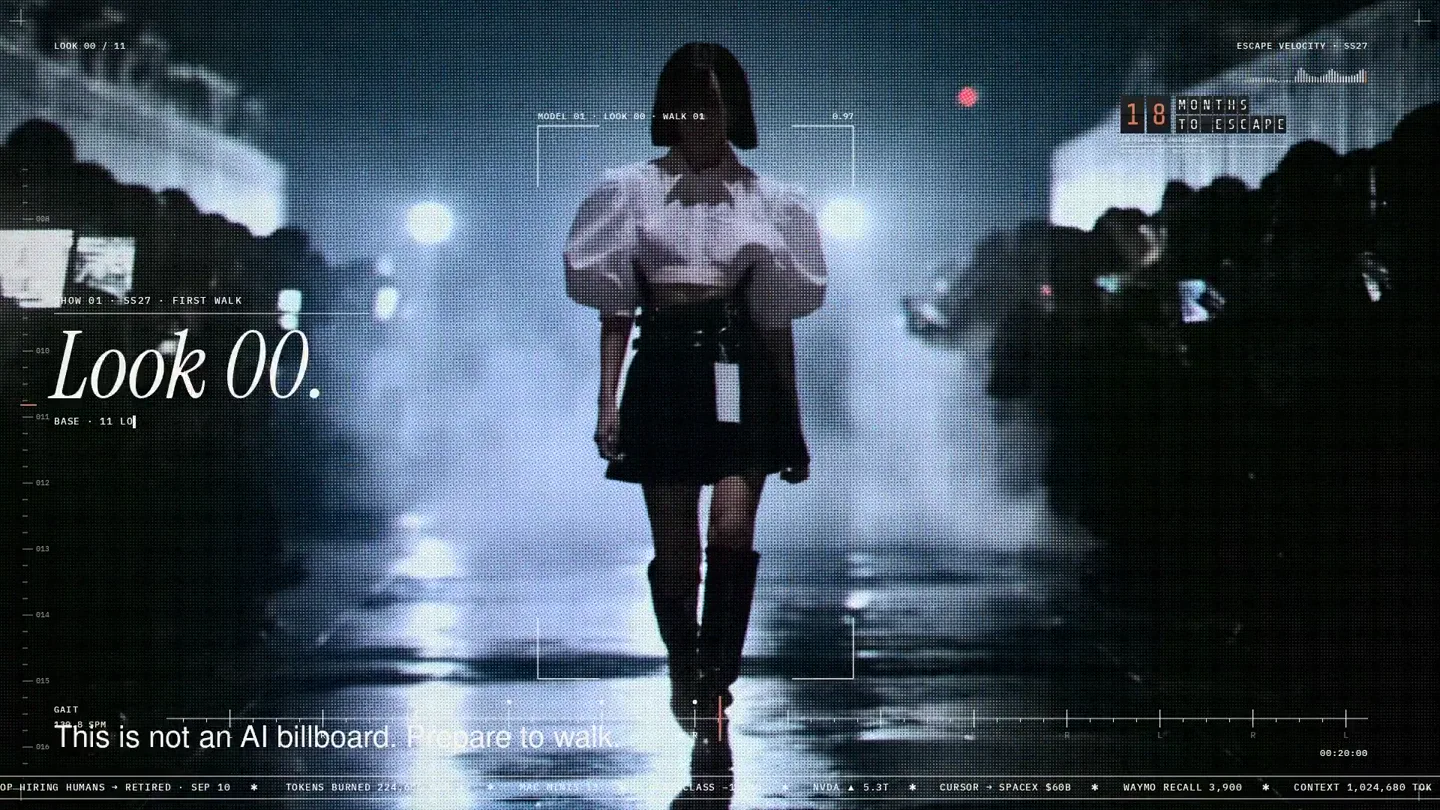
An overnight film made by giving Opus 5.5 Donald's prompt, Midjourney, and a moodboard. The piece is titled Look 00.
The new Grok Bot icon animated entirely in code — every state, shape and expression morphs smoothly into the next. Made with Grok Build.