
Muhammad Asad · Launch Video Breakdown: Hook, Pacing & Motion Design
I've killed more houseplants than I care to admit. So I built an #iOS app that names any plant in 3 seconds + diagnoses disease with AI — before it dies. Apple-approved. Shipping next week with my US partner. Building in public from here 🌱 #buildinpublic #iOSDev https://t.co/OpPlUft3Q3
Scene-by-scene timeline & spoken transcript
The Hook
Instant Plant Identification & Care
“(No spoken dialogue — Driving electronic beat with sub-bass, camera shutter sound at 0:06)”
- On screen
- My Plants Search plants... All (4) Favorites (1) Tree (4) 0 Healthy 1 Water soon 3 Overdue Common Fig Ficus carica Tree Last watered 6 days ago Water soon. Next Tomorrow Peach Prunus persica Tree Last watered 16 days ago Overdue Loquat Eriobotrya japonica Tree Last watered 16 days ago Overdue Mango Tree Mangifera indica Tree Last watered 7 days ago Overdue Point at any plant Identifying... Analysing leaf shape, colour & texture Crop & enhance Leaf shape analysis Species matching 99% match Bottle Gourd Lagenaria siceraria Overall confidence 3 sources 99% Care at a glance Light Full sun Water Every 4 days Temp 20-30°C Save to My Plants Search for another
- Camera
- Static phone screen capture, then a slight pan and zoom on the plant, followed by a static screen capture of the app's identification process and results.
- Motion
- Rapid UI transitions, progress bar animation, checkmark animations, and a quick reveal of identification results.
Product Reveal
Seamless Integration & Plant Management
“(No spoken dialogue — Consistent electronic beat continues)”
- On screen
- 99% match Bottle Gourd Lagenaria siceraria Overall confidence 3 sources 99% Care at a glance Light Full sun Water Every 4 days Temp 20-30°C Save to My Plants Search for another My Plants Search plants... All (5) Favorites (1) Tropical (1) Tree (4) 1 Healthy 1 Water soon 3 Overdue Bottle Gourd Lagenaria siceraria Tropical Last watered today Healthy. Next in 4 days Common Fig Ficus carica Tree Last watered 6 days ago Water soon. Next Tomorrow Peach Prunus persica Tree Last watered 16 days ago Overdue Loquat Eriobotrya japonica Tree Last watered 16 days ago Overdue Mango Tree Mangifera indica Tree Last watered 7 days ago Overdue
- Camera
- Static phone screen capture, showcasing the 'My Plants' list update.
- Motion
- Smooth UI update animation, new item insertion with subtle highlight.
Feature Teaser
Beyond Identification: Deep Dive with Google
“(No spoken dialogue — Electronic beat with a slight build-up)”
- On screen
- App Library Suggestions Recently Added Social Creativity Utilities Productivity & Finance Google Suggestions bottle bottle gourd Google AI Mode All Images Videos Short videos Forums News Calabash Plant GROW LOTS OF BOTTLE GOURD IN PO Overview Calabash, also known as bottle gourd, white-flowered gourd, long melon, birdhouse gourd, New Guinea bean, New Guinea butter bean, Tasmania bean, zucca melon and opo squash, is a vine which is grown for its fruit. It belongs to the family Cucurbitaceae, is native to tropical Africa, and cultivated across the tropics. Wikipedia People also ask Is bottle gourd called kaddu? What is the benefit of bottle gourd? What is bottle gourd called in Canada? Images Drawing Clipart Vegetable Plant Round Organic Bottle Gourd... KOTTAKKAL Ayurveda... Heirloom Loki Bottle Gou... Apnaugao. In stock Lauki Benefits: 5 reasons... The Times of India Related searches Bottle gourd shapes African gourd bottle Bottle gourd bottle Round bottle gourd Agriculture Extension Agriculture Extension Bottle Gourd: LONG LIFE... Known-you Seed America Bottle Gourd Round... ARY Sahulat Bazar... Search with your camera in the Google app Keep browsing images and search what you see Continue
- Camera
- Screen recording of navigating iOS, typing in Google search, and scrolling through Google search results.
- Motion
- Standard iOS UI animations, text input animation, rapid scrolling, and content loading.
Problem Agitation
The Struggle of Plant Care
“(No spoken dialogue — Electronic beat intensifies, riser at 0:33, sub-bass drop/impact at 0:34)”
- On screen
- (No on-screen text)
- Camera
- Dynamic, fast-paced cuts between various plant-related scenarios, including close-ups of leaves, watering, and general plant care.
- Motion
- Fast cuts, quick zooms, and pans to emphasize action and detail. The rapid editing creates a sense of urgency and problem-solving.
Call to Action
The Solution: Plant AI
“(No spoken dialogue — Electronic beat maintains high energy, leading to a conclusive tone)”
- On screen
- (No on-screen text)
- Camera
- A mix of app UI shots, real-world plant interactions, and abstract motion graphics, culminating in a clear product shot.
- Motion
- Seamless transitions between UI and real-world footage, data visualization, and a final product reveal with a clean, confident aesthetic.
Motion design primitives
Synthesizable in Remotion · key components of the fast-cut-app-showcase template.
RapidUISequence
A series of quick, sequential screen captures demonstrating app functionality, often with progress indicators or immediate result displays. Each step is shown briefly before transitioning to the next.
+ Code construction recipe
Use Remotion's Sequence component for precise timing of each screen capture. Implement `spring()` for subtle bounce on UI elements like checkmarks or new list items. Utilize `interpolate()` for progress bar animations and opacity changes during transitions.
DynamicCameraCut
Fast, energetic cuts between different camera angles or subjects, often with subtle zooms or pans to maintain visual interest and convey urgency or excitement.
+ Code construction recipe
Employ `AbsoluteFill` for full-screen video segments. Manage cuts using `Sequence` and `AbsoluteFill` with `offset` and `duration` props. Apply `spring()` or `interpolate()` to `scale` and `translate` properties for quick zoom/pan effects on video layers.
ProgressiveDataReveal
Information or data points are revealed incrementally, often with animated checkmarks, progress bars, or expanding text fields, building confidence in the app's capabilities.
+ Code construction recipe
Use `Sequence` to orchestrate the timing of each data point's appearance. Animate checkmarks with `spring()` for a satisfying 'pop'. Use `interpolate()` for width changes on progress bars and opacity/scale for text reveals.
Style DNA & aesthetic system
Visual aesthetic
Typography
Motion
Special effects
Pacing & rhythm
Conceptual story rhythm
- 1
The Immediate Solution
Purpose. Hook the viewer by demonstrating the core problem and its instant resolution within the app.
Execution. Quick sequence of identifying a plant, showing the 'Identifying...' screen, and immediately revealing the results.
- 2
Comprehensive Care & Management
Purpose. Showcase the app's ability to not just identify, but also manage and provide care instructions for plants.
Execution. Transition from identification to the 'My Plants' list, showing the newly added plant with its care details.
- 3
Empowering Deeper Knowledge
Purpose. Illustrate how the app extends beyond its core functionality, enabling users to explore further information.
Execution. Demonstrate searching for the identified plant on Google, highlighting the app's role as a gateway to more knowledge.
- 4
The Joy of Healthy Plants
Purpose. Conclude by reinforcing the positive outcome and emotional benefit of using the app.
Execution. A montage of healthy, thriving plants and satisfied user interactions, culminating in a clear product shot.
Remix in Animatiq Studio
Master remix prompt · agent-ready
Sample remix
Objective
Launch a new AI-powered recipe app that identifies ingredients and suggests recipes.How the recipe adapts
The 'RapidUISequence' primitive would demonstrate scanning ingredients and instantly generating recipe suggestions. 'DynamicCameraCut' would transition quickly between app screens showing recipe steps and close-ups of hands chopping vegetables or stirring a pot. 'ProgressiveDataReveal' would show ingredient identification confidence levels and step-by-step cooking instructions appearing on screen. The overall pacing would remain very fast, driven by an energetic electronic beat, to convey the app's efficiency and excitement in cooking.Remix blueprint · fast-cut-app-showcase
Scene durations (5 scenes, 50s)
Key Remotion components
Related Consumer & Apps Product Launches
Explore all Consumer & Apps launches →
Grand Theft Auto VI: An Extended Look premieres on Netflix Thursday, August 27.
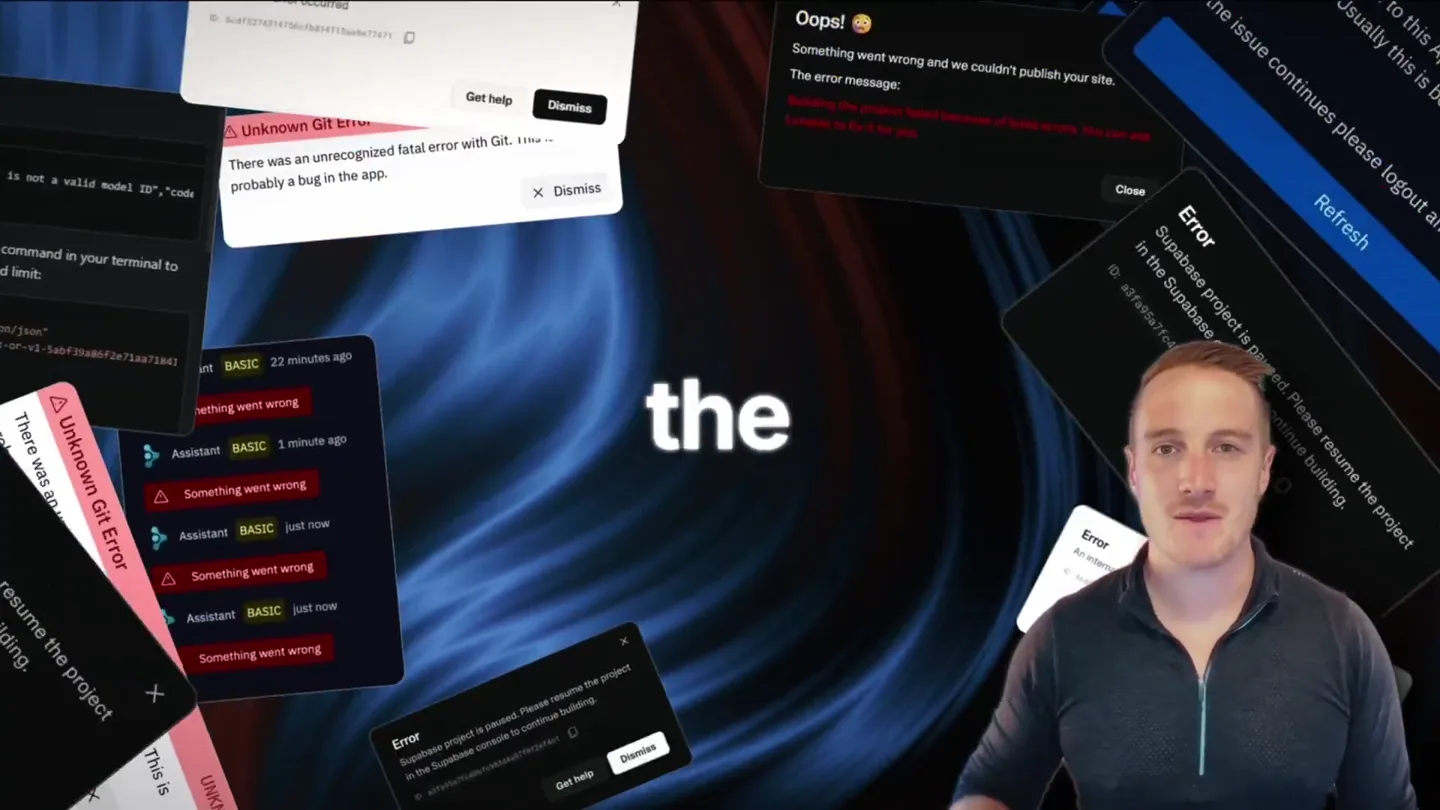
Bolt v2 pairs Claude Code and Codex agents with built-in hosting, database and storage so apps ship without setup.

Making life multiplanetary