
Notion · Launch Video Breakdown: Hook, Pacing & Motion Design
Keep skills in Notion as the source of truth, then download SKILL.md files into Claude Code, Codex, Cursor, Gemini, or Grok.
Scene-by-scene timeline & spoken transcript
The Hook
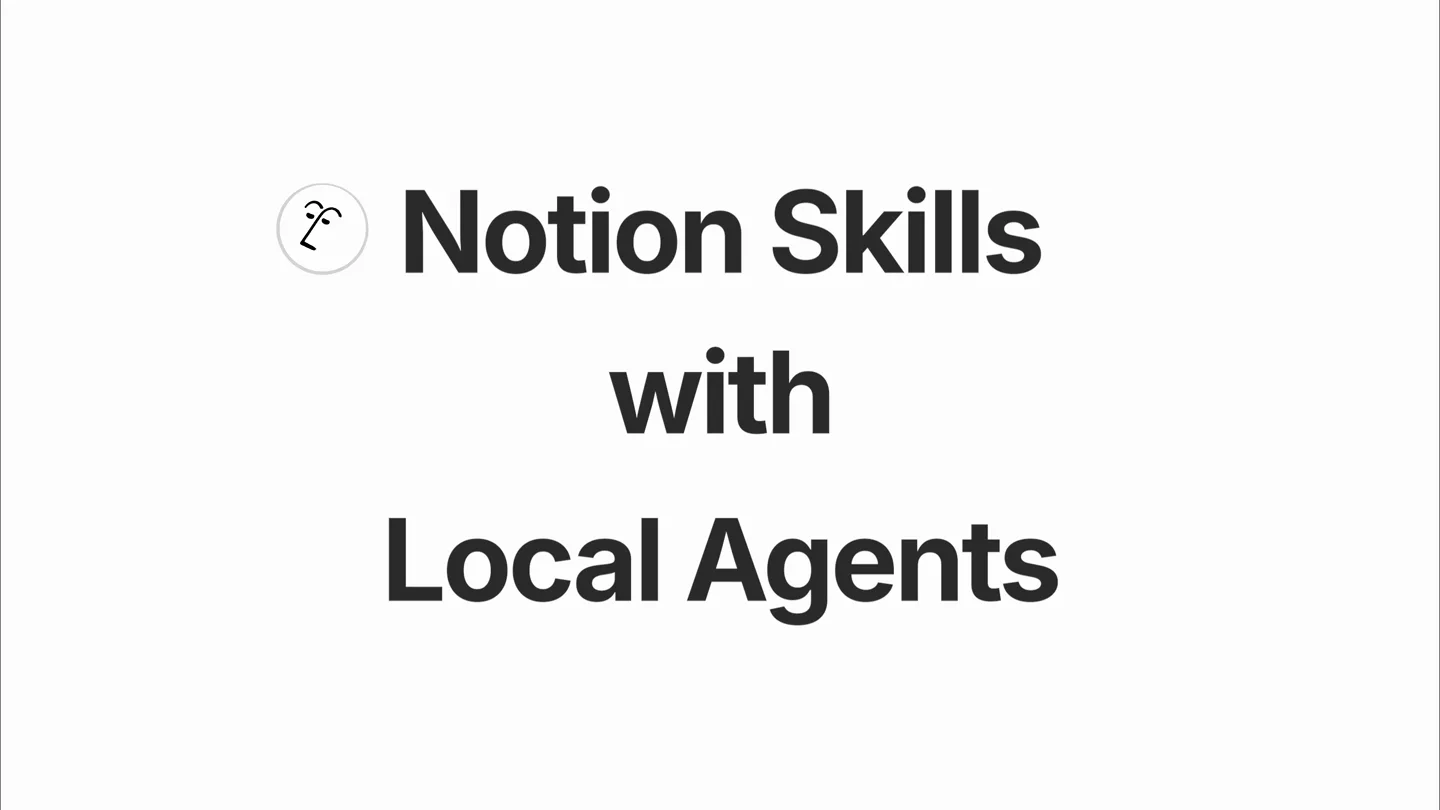
Introducing Notion Skills with Local Agents
“(No spoken dialogue — The track opens with a percussive, almost pizzicato-like synth melody, accompanied by a driving sub-bass and crisp 808s.)”
- On screen
- Notion Skills with Local Agents Codex Gemini Grok Build
- Camera
- Static, centered text and logo reveal. No camera movement.
- Motion
- Rapid text and logo replacement with a subtle fade-in/out, creating a quick succession of integrations.
Product Reveal
Creating and Installing a Code Review Assistant Skill
“(No spoken dialogue — A high-energy audio transition occurs at [0:07] with a rapid snare roll and cymbal crash, leading into a more complex jazz-fusion inspired section.)”
- On screen
- Write a code review skill Organizing Cole's Skills New skill This page is set as an AI skill. You can use skills by typing "/" wherever you chat with Notion AI. Learn More Install New skill Created by Cole Hartman Description Empty files Empty Add a property Comments Add a comment... Preparing Code Review Assistant Accept Enter Done -- I've updated the page. Chat Purpose Help the user perform high-quality code reviews by producing a structured, actionable review that balances correctness, security, performance, maintainability, and product intent. When to use Reviewing a pull request / diff / patch Reviewing a snippet before merge Asking for "what could go wrong?" on a change Also download for local agents? You can optionally download skills locally for your non-Notion agents. They will be saved to your computer for use by the selected apps. Notion Local agents Claude Code Codex Cursor Gemini Grok Build Remember this choice next time I install a skill Cancel Install Downloaded to Claude Code, Codex, Cursor, Grok Build
- Camera
- Simulated screen recording with subtle mouse cursor interaction. Zoom-in on specific UI elements.
- Motion
- Typing animation, UI element highlights, modal pop-up with toggle animations, and a subtle 'downloaded' notification.
Feature Teaser
Activating Skills in External AI Agents
“(No spoken dialogue — Another significant transition with a cymbal swell and snare fill happens at [0:15], introducing a new melodic phrase.)”
- On screen
- Implement {feature} gpt-5.5 xhigh ~ /code-review- /code-review-assistant please review m Composer 2.5 Fast /code-review-assistant please review my most recent changes workspace (/directory) sandbox no sandbox ~
- Camera
- Static, centered view of a terminal-like interface. No camera movement.
- Motion
- Typing animation with a blinking cursor, simulating real-time command input and auto-completion in a code editor/terminal.
Call to Action
Notion: The Source of Truth
“(No spoken dialogue — A final, dramatic riser and sub-bass drop/impact occurs at [0:29], concluding the piece with a powerful flourish.)”
- On screen
- N Notion
- Camera
- Static, centered logo reveal.
- Motion
- Logo animation with a subtle scale and color shift, emphasizing the brand.
Motion design primitives
Synthesizable in Remotion · key components of the notion-skills-launch-template template.
DynamicTextCarousel
A primary text element remains static while a secondary, related text element rapidly cycles through different values, often accompanied by a logo or icon change. This creates a sense of dynamic integration or multiple options.
+ Code construction recipe
Use Remotion's <Sequence> and <AbsoluteFill> for scene management. Implement a `spring()` animation for text opacity and scale for each cycling element. Utilize `interpolate()` for precise timing of text changes, ensuring each new text/logo pair appears and disappears smoothly. Manage state for the active text/logo using `useState` and `useEffect` to trigger changes based on `frame`.
TypingCursorReveal
Text appears character by character, simulating a user typing, often with a blinking cursor at the end. This is used for search bars, command line inputs, or content generation.
+ Code construction recipe
Employ `split()` on the text string and map over characters. Use `interpolate()` to control the opacity and display of each character based on the current frame, creating a staggered reveal. A `spring()` animation can be applied to a vertical bar for the blinking cursor effect, toggling its opacity or scale.
UIDialogueFlow
Simulated user interface interactions, including mouse clicks, modal pop-ups, toggle switches, and notification banners, to demonstrate product functionality.
+ Code construction recipe
Layer UI elements using `AbsoluteFill` and `spring()` for entrance/exit animations (e.g., modal slide-up, notification fade-in). Mouse cursor movement can be animated using `interpolate()` for X/Y coordinates. Toggle switches and button clicks can be represented by `interpolate()` on color or scale properties.
Style DNA & aesthetic system
Visual aesthetic
Typography
Motion
Special effects
Pacing & rhythm
Conceptual story rhythm
- 1
The Integration Hook
Purpose. Immediately establishes the product's core value proposition: seamless integration with multiple AI agents.
Execution. Rapid-fire text and logo carousel showcasing various AI platforms, synchronized with the energetic audio intro.
- 2
Skill Creation & Installation
Purpose. Demonstrates the ease of creating and deploying a custom 'skill' within Notion and making it available to local agents.
Execution. Detailed screen recording of UI interactions: typing, form filling, modal pop-ups, and toggle switches, all animated to simulate real-time usage.
- 3
Skill Activation in Agent
Purpose. Shows the practical application of the installed skill within an external AI agent's interface.
Execution. Typing animation in a terminal-like environment, demonstrating how the Notion skill is invoked and used via command-line prompts.
- 4
Brand Reinforcement
Purpose. Reiterates Notion's central role as the 'source of truth' for skills.
Execution. Final logo reveal with a subtle animation, accompanied by a powerful audio flourish.
Remix in Animatiq Studio
Master remix prompt · agent-ready
Sample remix
Objective
Launch video for 'Animatiq Templates', a platform for generating custom video templates for various social media platforms.How the recipe adapts
The DynamicTextCarousel primitive would showcase 'Animatiq Templates with YouTube, TikTok, Instagram, LinkedIn'. The TypingCursorReveal would demonstrate a user typing 'create a short-form ad template' into the Animatiq interface. The UIDialogueFlow would show selecting template parameters, previewing, and downloading the final video, with a notification 'Downloaded to Premiere Pro, DaVinci Resolve, CapCut'.Remix blueprint · notion-skills-launch-template
Scene durations (4 scenes, 32.4s)
Key Remotion components
Related Productivity Product Launches
Explore all Productivity launches →
Anthropic introduces Cowork, which brings the Claude Code way of delegating tasks to everyday, non-technical work.

Don't type, just speak. Flawless voice-to-text across every app at 240 WPM.

One workspace for knowledge scattered across Slack, email, Docs, and Notion. Connect your tools and build apps and agents that stay live with your data.