
alex · Launch Video Breakdown: Hook, Pacing & Motion Design
Play with these animations live — a set of interactive animation sketches with links in the thread.
Scene-by-scene timeline & spoken transcript
The Hook
Abstract Glitch Intro & Value Proposition
“(No spoken dialogue — The audio features a driving electronic beat with pizzicato synths and 808-style percussion, building anticipation with a riser at 0:03.)”
- On screen
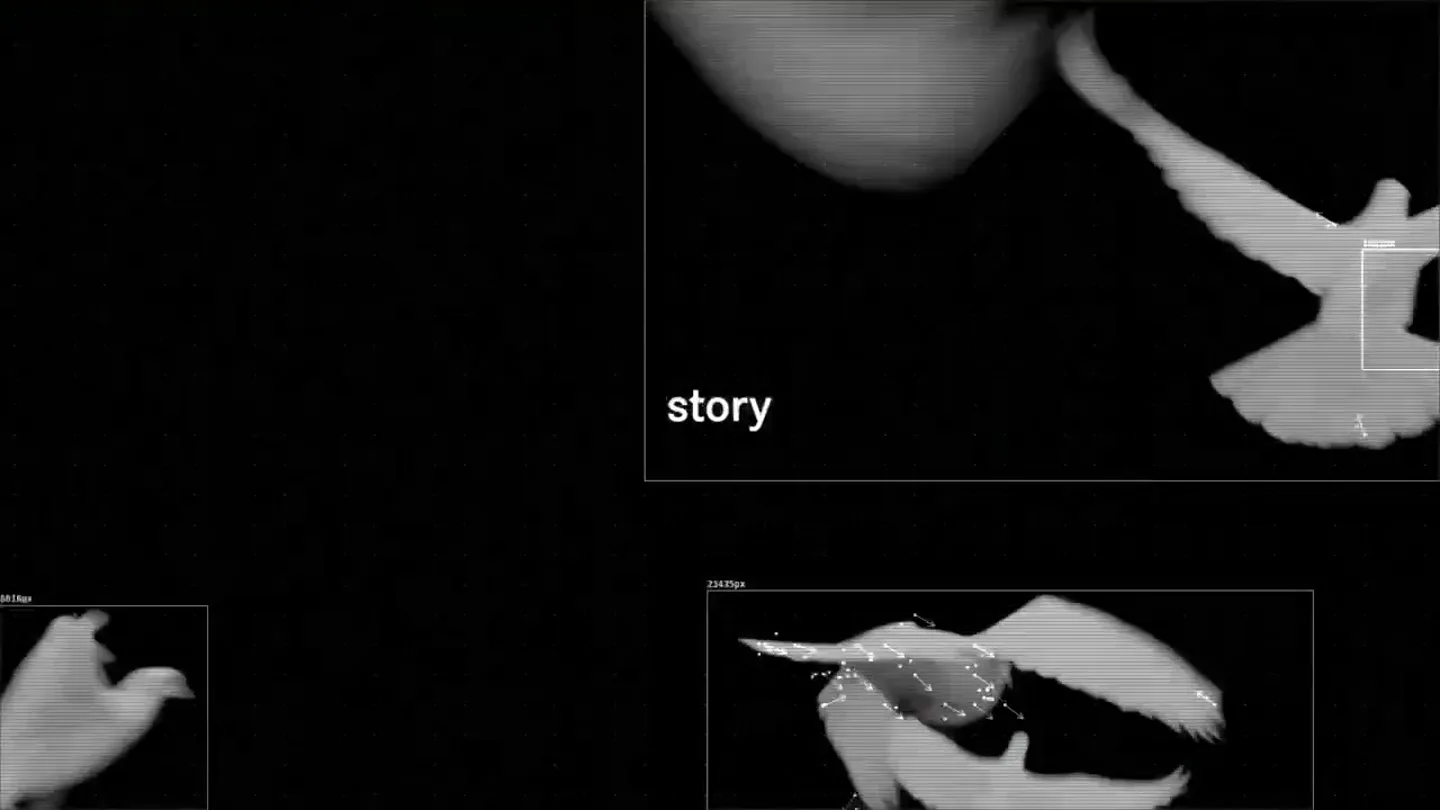
- animate your story like a pro
- Camera
- Dynamic, fast-cut abstract visuals with a sense of forward motion and depth. Text appears centrally, then shifts to a more distributed layout.
- Motion
- Glitch effects, data visualization, particle systems, rapid cuts, text reveals with subtle scaling and fading.
Product Reveal
Creative AI & Data Visualization
“(No spoken dialogue — The electronic beat continues, with a noticeable sweep at 0:08, enhancing the sense of transition and reveal.)”
- On screen
- create keyframe polish
- Camera
- Zooming into abstract data networks, then a static shot of a music player UI, followed by a dynamic abstract tunnel.
- Motion
- Network graph animation, numerical data overlay, UI elements with glassmorphism, abstract tunnel warp effect.
Feature Teaser
Intuitive Editing & Control
“(No spoken dialogue — The energetic electronic beat maintains its pace, supporting the rapid visual changes.)”
- On screen
- animate without the slop
- Camera
- Abstract shapes morphing, then a static shot of a desktop application UI with a timeline and effect controls.
- Motion
- Organic shape morphing, UI demonstration with interactive elements, parameter adjustments, and real-time visual feedback.
Call to Action
Brand Identity & Call to Action
“(No spoken dialogue — The electronic beat builds to a sub-bass drop/impact at 0:18, leading into a final, impactful brand reveal.)”
- On screen
- make stories that move OSMO STUDIO osmo.inc
- Camera
- Static, centered text reveals, followed by a static, centered brand logo and website.
- Motion
- Text fade-in, logo reveal with subtle glow/distortion, website URL fade-in. Minimal camera movement, focusing on text and logo.
Motion design primitives
Synthesizable in Remotion · key components of the high-energy-ai-launch template.
GlitchTextReveal
Text appears with a vibrant, chromatic aberration and scanline glitch effect, often accompanied by a rapid scale or position shift. The background is typically abstract and highly saturated.
+ Code construction recipe
Utilize Remotion's `interpolate` for text opacity and scale, combined with `Shader` components for chromatic aberration and scanline effects. Implement `spring` for subtle bounce on text entry. Backgrounds can use `Canvas` for generative patterns or `Image` with `SVGFilter` for distortion.
DataNetworkZoom
A complex network of glowing nodes and connecting lines animates, often with a sense of forward motion or zooming, creating an abstract representation of data or AI processing.
+ Code construction recipe
Render a 3D network graph using `ThreeCanvas` or `WebGL` within Remotion. Animate camera position (zoom/dolly) and node/line properties (color, glow, opacity) using `interpolate` and `spring` for organic movement. Particle systems can enhance the 'data' feel.
AbstractTunnelWarp
A symmetrical, often mirrored, abstract tunnel effect with undulating patterns and vibrant colors, creating a sense of speed and depth. UI elements or text can be overlaid on top.
+ Code construction recipe
Implement a `Shader` or `Canvas` component to generate the tunnel pattern, animating parameters like frequency, amplitude, and color over time. Use `SVGFilter` for radial blur or noise displacement. Overlay UI elements or text with `AbsoluteFill` and animate their opacity/scale.
Style DNA & aesthetic system
Visual aesthetic
Typography
Motion
Special effects
Pacing & rhythm
Conceptual story rhythm
- 1
The Glitchy Introduction
Purpose. Immediately grabs attention with high-impact visuals and establishes a futuristic, creative tone.
Execution. Rapid cuts of abstract, glitchy, colorful patterns with short, punchy text overlays.
- 2
The Data Unveiling
Purpose. Hints at the underlying technology (AI, data processing) and its creative potential.
Execution. Abstract network graphs and numerical data visualizations, transitioning to a more structured UI.
- 3
The Creative Workflow
Purpose. Demonstrates the product's capability for intuitive and powerful animation creation.
Execution. Dynamic abstract shapes, followed by a clear demonstration of the software's interface and controls.
- 4
The Brand Statement
Purpose. Reinforces the core message and provides a clear call to action.
Execution. Concise textual statement followed by a bold, impactful brand logo and website reveal.
Remix in Animatiq Studio
Master remix prompt · agent-ready
Sample remix
Objective
Launch a new AI-powered music composition platform.How the recipe adapts
The GlitchTextReveal primitive would be used for 'compose', 'harmonize', 'master', and 'your sound', with glitch effects synchronized to a new electronic music track. The DataNetworkZoom would be adapted to show interconnected musical notes and evolving waveform patterns. The AbstractTunnelWarp would feature pulsating audio spectrum visualizations. The color palette would shift to cool blues, purples, and electric greens, maintaining the high-contrast, neon feel. The final brand reveal would be 'SynthFlow AI' with 'synthflow.ai'.Remix blueprint · high-energy-ai-launch
Scene durations (4 scenes, 21.6s)
Key Remotion components
Related Creative AI & Video Product Launches
Explore all Creative AI & Video launches →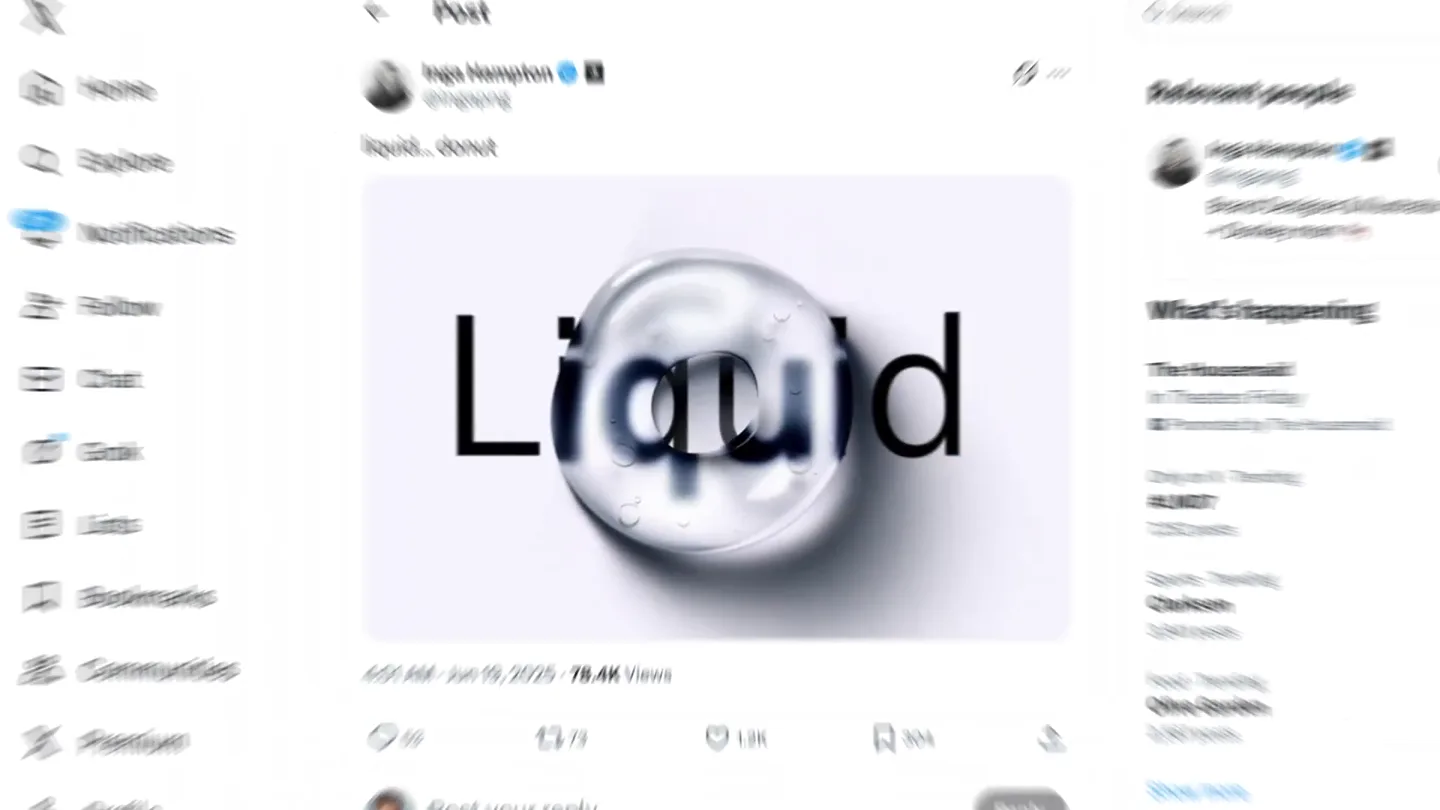
Figma's Made in Figma 2025 reel, a showcase film of work designed in the tool.
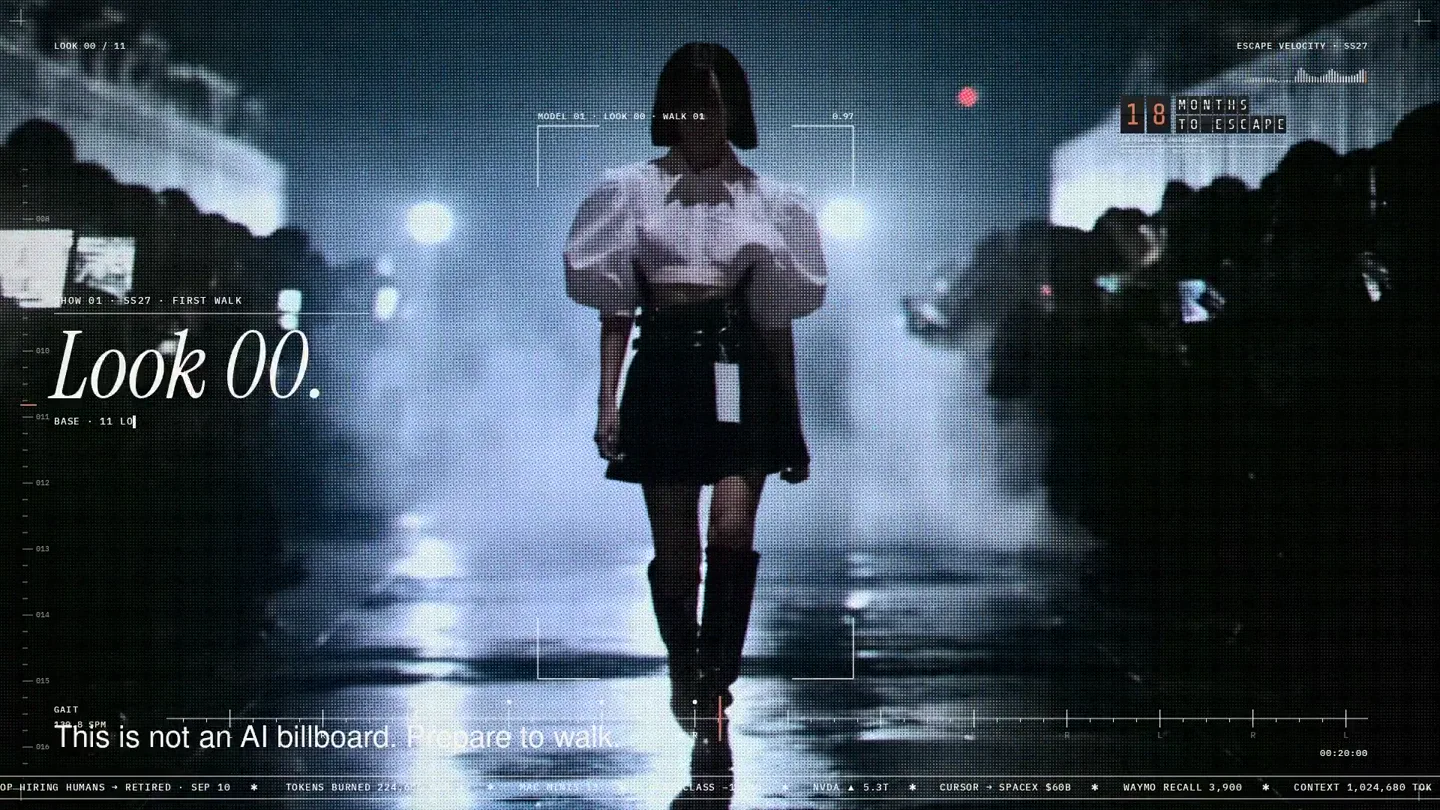
An overnight film made by giving Opus 5.5 Donald's prompt, Midjourney, and a moodboard. The piece is titled Look 00.
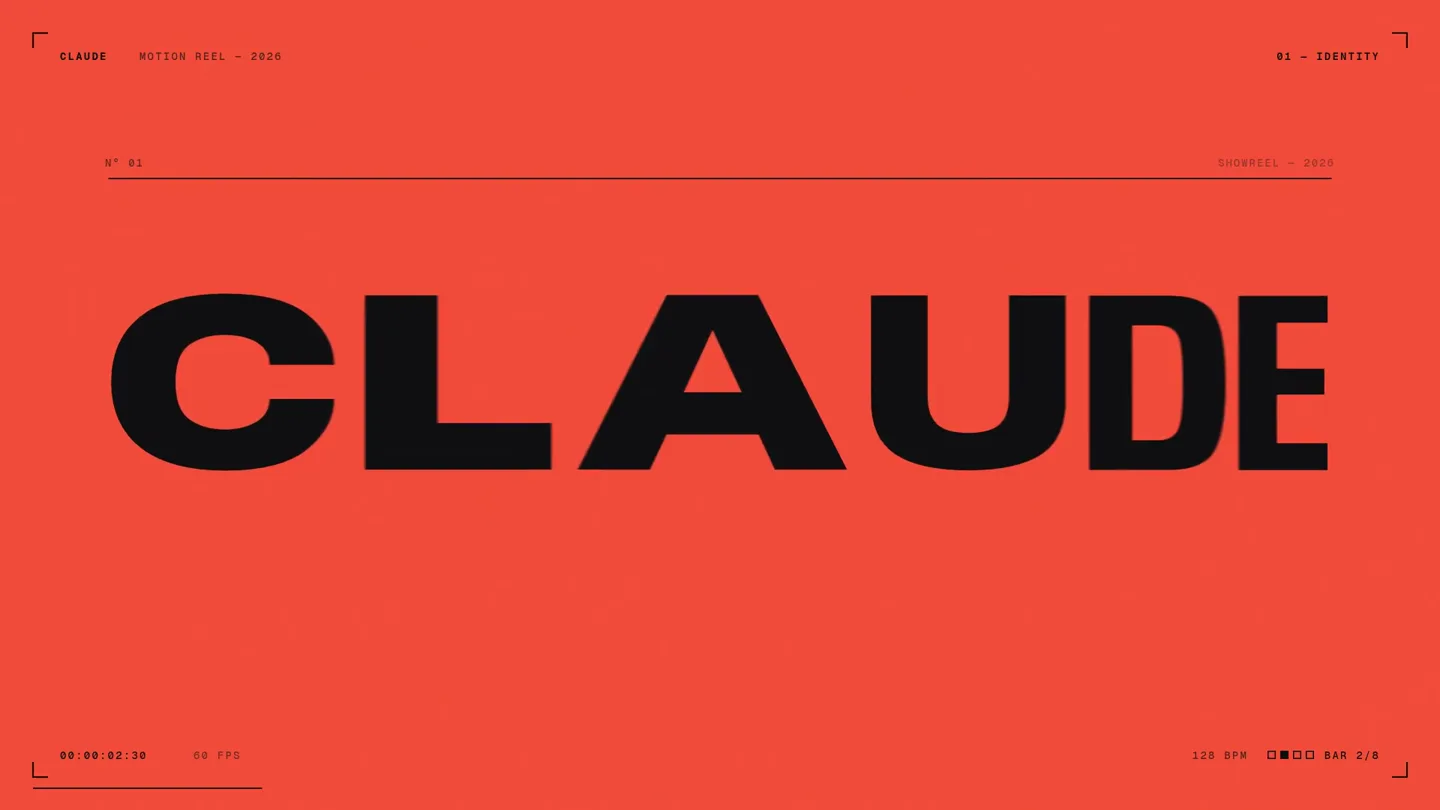
A 15-second motion reel made by asking Opus 5.5, on max effort, for a résumé showreel.