
Scene-by-scene timeline & spoken transcript
The Hook
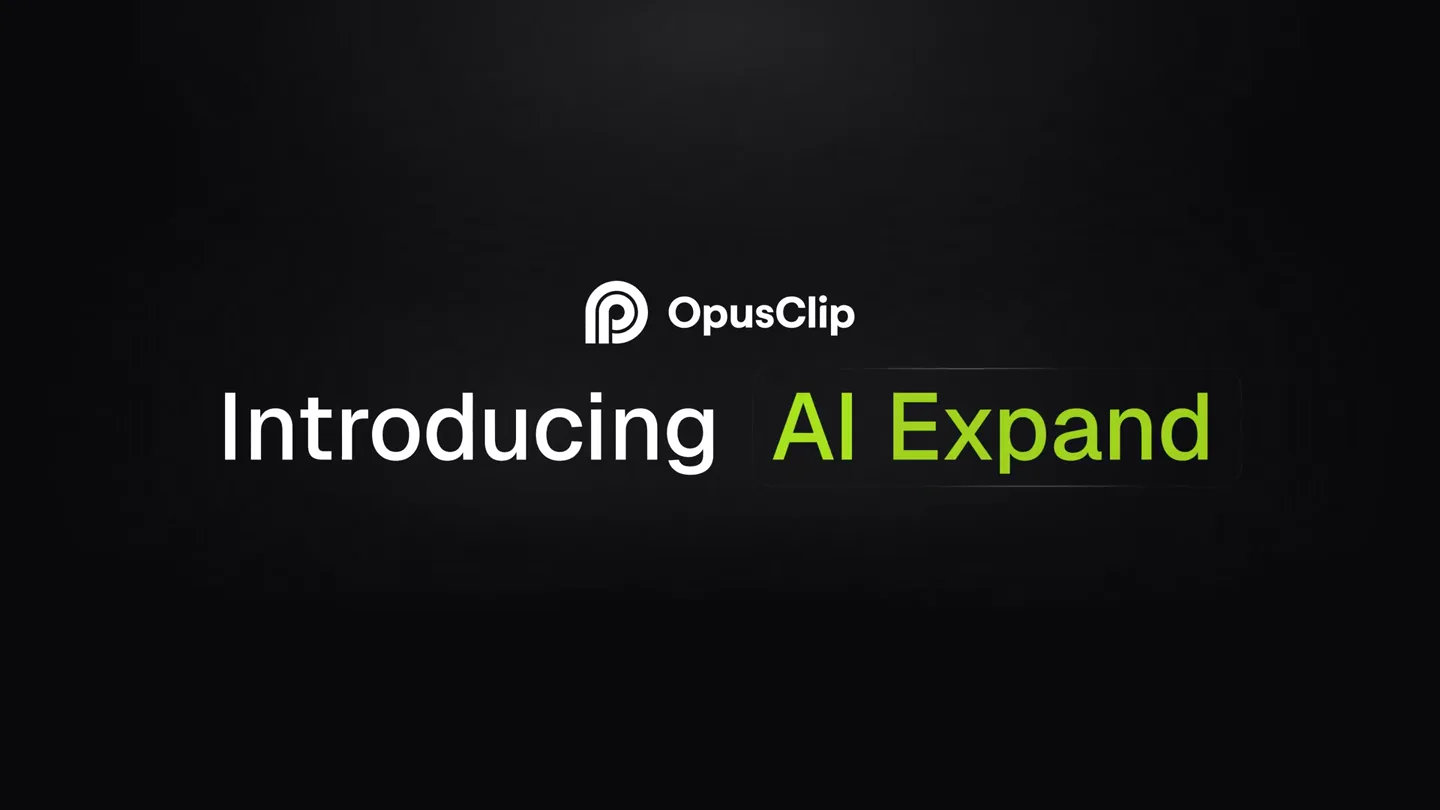
Introducing AI Expand
“(No spoken dialogue — Driving electronic score with sub-bass and synth plucks. Riser at 0:07 leading to sub-bass drop/impact at 0:08.)”
- On screen
- OpusClip Introducing AI Expand Start with any video you've already
- Camera
- Static, centered text and logo reveal. Followed by a static shot of a video upload interface.
- Motion
- Text fades in and out, with a highlight effect on key product names. Simple UI element animation for video upload.
Problem Agitation
The Multi-Format Challenge
“(No spoken dialogue — Consistent driving electronic score. Sub-bass drop/impact at 0:08.)”
- On screen
- MP4 Turn a single video into every format you need. Original 3:4 1:1 16:9
- Camera
- Static shot of a video player, then a horizontal pan revealing multiple aspect ratios.
- Motion
- Video content appears within a phone-like frame. Multiple video frames slide in from the right, each displaying the same content in a different aspect ratio, with labels fading in below.
Product Reveal
AI Expansion vs. Cropping
“(No spoken dialogue — Driving electronic score. Riser from 0:12 to 0:14, culminating in sub-bass drop/impact at 0:14.)”
- On screen
- Nothing gets cropped, only expanded. Traditional reformatting AI Expanding
- Camera
- Static, centered text. Then a split-screen comparison with a slight zoom on each video.
- Motion
- Text fades in with a highlight. Two video frames appear side-by-side, one showing traditional cropping and the other showing AI expansion, with a subtle zoom to emphasize detail.
Feature Teaser
Post Anywhere
“(No spoken dialogue — Driving electronic score. Riser from 0:27 to 0:29, followed by sub-bass drop/impact at 0:29.)”
- On screen
- Ready to post anywhere your audience is. Say bye to reformatting. Say hi to expanding! Now live in Opus Labs
- Camera
- Static, centered text. Then a grid of social media icons appears, followed by more static text.
- Motion
- Text fades in with highlights. Social media icons animate in with a subtle bounce or spring effect. Text transitions with a quick fade.
Call to Action
Discover Opus Labs
“(No spoken dialogue — Driving electronic score continues, then fades out.)”
- On screen
- labs.opus.pro
- Camera
- Static, centered text.
- Motion
- URL text fades in smoothly.
Motion design primitives
Synthesizable in Remotion · key components of the ai-expand-style-launch template.
TextHighlightFade
Specific words within a sentence are highlighted with a vibrant color and a subtle glow, then the entire text fades in or out. This draws attention to key terms.
+ Code construction recipe
Use Remotion's <Text> component. Apply a conditional style for highlighted words, animating 'color' and 'textShadow' properties using `interpolate` or `spring` for a smooth glow. Animate the parent container's 'opacity' for fade effects.
MultiAspectRatioReveal
An initial video frame expands or duplicates into multiple frames, each showcasing the same content in a different aspect ratio, sliding into a horizontal arrangement.
+ Code construction recipe
Utilize a parent <AbsoluteFill> for layout. Render multiple <Video> components, each wrapped in a container with specific 'aspectRatio' and 'borderRadius'. Animate 'translateX' and 'opacity' for each frame using `spring` or `interpolate` to create the sliding and revealing effect.
SplitScreenComparisonZoom
Two video frames appear side-by-side, demonstrating a 'before and after' or 'traditional vs. new' comparison, with a subtle zoom into each frame to emphasize detail.
+ Code construction recipe
Employ two <Video> components within a flex container. Animate the 'scale' property of each video container using `spring` to achieve the subtle zoom. Ensure synchronized playback of the video content.
Style DNA & aesthetic system
Visual aesthetic
Typography
Motion
Special effects
Pacing & rhythm
Conceptual story rhythm
- 1
The Pain Point
Purpose. Establish the common problem of video reformatting and cropping across platforms.
Execution. Text describing the problem, followed by a visual demonstration of a single video being adapted into multiple formats, highlighting the limitations of traditional methods.
- 2
The Solution Unveiled
Purpose. Introduce OpusClip AI Expand as the innovative solution.
Execution. A clear textual reveal of 'AI Expand' with a highlight, followed by a direct visual comparison showing 'Traditional reformatting' vs. 'AI Expanding' side-by-side.
- 3
Benefit Amplification
Purpose. Showcase the key advantage: seamless multi-platform readiness.
Execution. Text emphasizing 'post anywhere' accompanied by an animated array of social media platform icons, reinforcing the product's versatility.
- 4
Call to Action
Purpose. Direct users to where they can experience the product.
Execution. A concluding text sequence with a clear call to action, revealing the product's availability in 'Opus Labs' and displaying the website URL.
Remix in Animatiq Studio
Master remix prompt · agent-ready
Sample remix
Objective
Launch an AI tool called 'PixelPerfect' that enhances low-resolution images into high-definition, suitable for print and web.How the recipe adapts
The TextHighlightFade primitive would highlight 'PixelPerfect' and 'high-definition' in green. The MultiAspectRatioReveal would show a single low-res image transforming into multiple high-res versions for different print sizes (e.g., 8x10, 11x14) and web banners. The SplitScreenComparisonZoom would feature a blurry original image next to a crisp, AI-enhanced version, with a subtle zoom to showcase texture and detail. Sound design impacts would align with the 'before' image transforming into the 'after' image.Remix blueprint · ai-expand-style-launch
Scene durations (5 scenes, 35s)
Key Remotion components
Related AI Agents Product Launches
Explore all AI Agents launches →
To ensure that artificial general intelligence benefits all of humanity

Gopuff introduces Go, an AI shopping assistant built with SpaceXAI: say what you need and the order is placed.

Iliad (Troy) trailer made by Grok Imagine 1.5, which was just released