
Palmier · Launch Video Breakdown: Hook, Pacing & Motion Design
Fal's H3 Max is now in Palmier: 15-second 720p clips in 14 seconds for $0.50.
Scene-by-scene timeline & spoken transcript
The Hook
AI Agent Prompting & Generation
“(No spoken dialogue — Ambient electronic score with evolving pad and subtle rhythmic pulse. Mysterious mood.)”
- On screen
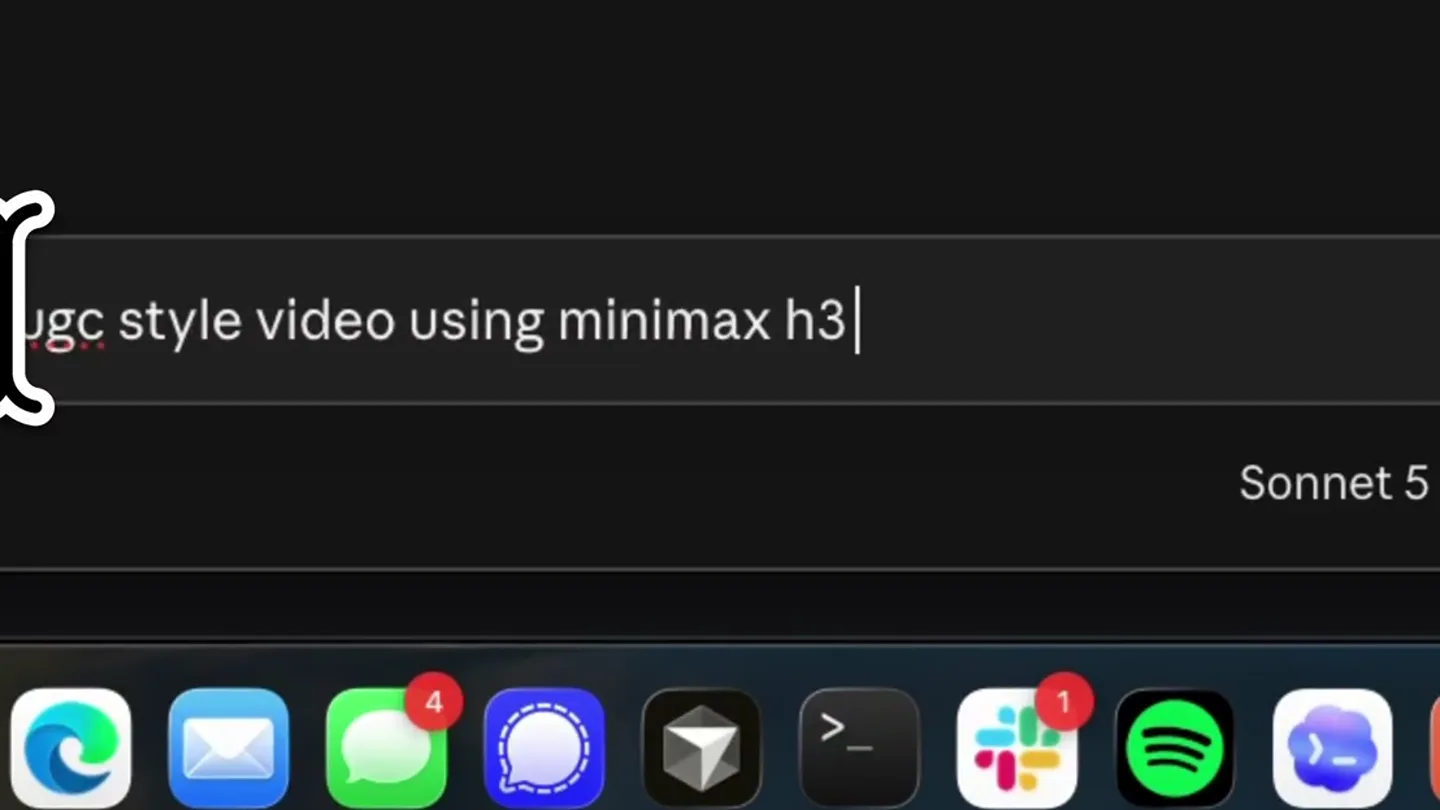
- ugc style video using minimax h3 m
- Camera
- Close-up on a text input field, then a quick zoom out to reveal a desktop application interface.
- Motion
- Typing animation, cursor blink, UI element reveal with subtle easing.
Product Reveal
AI Video Generation Progress
“(No spoken dialogue — Ambient electronic score continues, building anticipation.)”
- On screen
- AI Preparing... 15s Generating... Downloading... Beachf...candid Beachf...GC clip
- Camera
- Static shot of the application interface, focusing on the generation progress bar.
- Motion
- Progress bar animation, text updates (Preparing, Generating, Downloading), thumbnail reveal.
Feature Teaser
Generated Video Playback
“(No spoken dialogue — Ambient electronic score with evolving pad and subtle rhythmic pulse. Mysterious mood.)”
- On screen
- Palmier Pro AI 15s Beachf...candid Beachf...BBQ - fun UGC clip
- Camera
- Static shot of the application interface, showing the generated video playing in a preview window.
- Motion
- Video playback within UI, subtle cursor hover animation.
Call to Action
Brand Call to Action
“female voice laughing, then speaking a few words, male voice speaking a few words”
- On screen
- Available on palmier
- Camera
- Static shot of the application interface, with text overlay appearing centrally.
- Motion
- Text reveal with scale and opacity animation, high-energy audio transition.
Motion design primitives
Synthesizable in Remotion · key components of the ai-agent-ui-reveal template.
TypingCursorReveal
A text input field animates as if being typed into, with a blinking cursor, followed by a quick zoom out to reveal the surrounding UI.
+ Code construction recipe
Use `interpolate` for text character reveal and cursor opacity. Implement `spring` for the camera zoom-out effect. Text content can be dynamically passed as a prop.
ProgressCardUpdate
A UI card displays a progress bar and status text (e.g., 'Preparing', 'Generating', 'Downloading'), which updates sequentially, culminating in a generated asset thumbnail.
+ Code construction recipe
Utilize `interpolate` for the progress bar width and text opacity/scale. Sequence multiple `Sequence` components for each status update. The final thumbnail can be a `Still` component.
BrandTextImpact
Large, bold text appears centrally on screen with a strong scale and opacity animation, synchronized with a high-energy audio transition.
+ Code construction recipe
Employ `spring` with high stiffness and damping for the text scale and `interpolate` for opacity. Synchronize animation start with an `Audio` component's specific timestamp.
Style DNA & aesthetic system
Visual aesthetic
Typography
Motion
Special effects
Pacing & rhythm
Conceptual story rhythm
- 1
User Input & AI Command
Purpose. Establishes the user's interaction with the AI agent, demonstrating ease of use and natural language processing.
Execution. Close-up on typing a prompt into a text field, followed by a reveal of the AI agent's interface.
- 2
AI Processing & Creation
Purpose. Showcases the AI's capability to generate content, emphasizing speed and efficiency.
Execution. Progress bars and status updates indicating 'Preparing', 'Generating', and 'Downloading' of the AI-created asset.
- 3
Result & Product Value
Purpose. Highlights the tangible output of the AI, demonstrating the quality and relevance of the generated content.
Execution. Playback of the AI-generated video clip within the application's preview window, showing a 'fun UGC clip'.
- 4
Brand & Availability
Purpose. Reinforces the brand identity and directs users to where they can access the product.
Execution. A dramatic text reveal of 'Available on palmier' synchronized with a high-energy audio transition.
Remix in Animatiq Studio
Master remix prompt · agent-ready
Sample remix
Objective
An AI code generation tool that creates full-stack applications from natural language prompts.How the recipe adapts
The TypingCursorReveal primitive would show a user typing a prompt like 'Build a full-stack e-commerce app with Stripe integration'. The ProgressCardUpdate would display 'Analyzing prompt...', 'Generating backend...', 'Compiling frontend...', 'Deploying...'. The generated asset would be a preview of the application's UI. The BrandTextImpact would reveal 'CodeGen AI: Build in Seconds' with the same dramatic audio and visual flair.Remix blueprint · ai-agent-ui-reveal
Scene durations (4 scenes, 35.7s)
Key Remotion components
Related AI Agents Product Launches
Explore all AI Agents launches →
To ensure that artificial general intelligence benefits all of humanity

Gopuff introduces Go, an AI shopping assistant built with SpaceXAI: say what you need and the order is placed.

Iliad (Troy) trailer made by Grok Imagine 1.5, which was just released