
Tyler Beauchamp · Launch Video Breakdown: Hook, Pacing & Motion Design
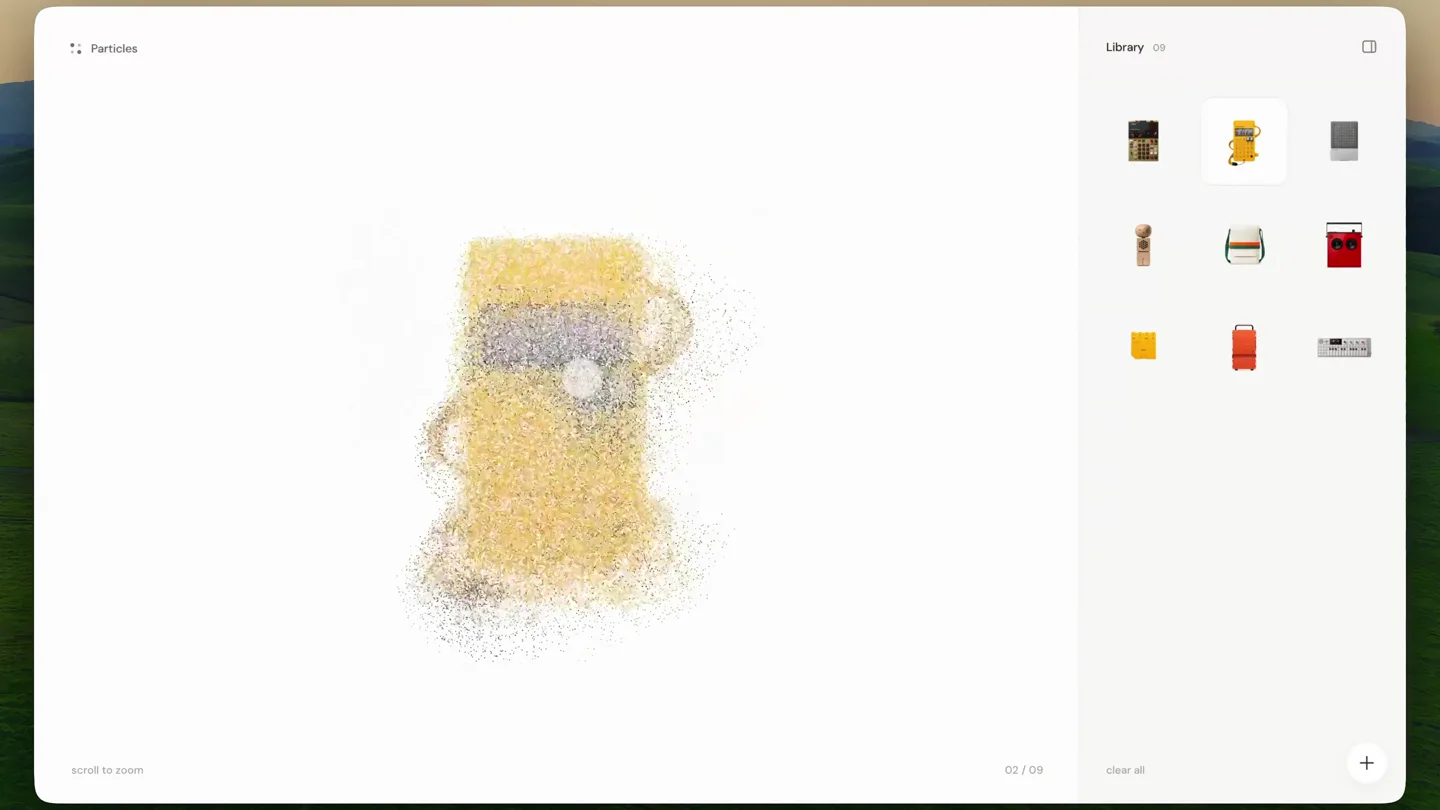
A particle experiment built with Codex. Play it at particles.tylerbeauchamp.net.
Scene-by-scene timeline & spoken transcript
The Hook
Particle Dissolve & Reconstruct
“(No spoken dialogue — ambient visual with subtle particle sound design implied by motion.)”
- On screen
- Particles Library 08 scroll to zoom 01 / 09 clear all
- Camera
- Static, centered product view within a browser-like UI. The product itself undergoes transformation.
- Motion
- Particle system simulation, object deconstruction and reconstruction via granular synthesis of pixels.
Product Reveal
Sequential Product Reveals
“(No spoken dialogue — ambient visual with subtle particle sound design implied by motion.)”
- On screen
- Particles Library 08 scroll to zoom 02 / 09 clear all
- Camera
- Static, centered product view within a browser-like UI. Each product appears and disappears in the same central spot.
- Motion
- Particle dissolve transition, followed by a new product forming from the particles. Rapid succession of reveals.
Feature Teaser
Diverse Product Showcase
“(No spoken dialogue — ambient visual with subtle particle sound design implied by motion.)”
- On screen
- Particles Library 08 scroll to zoom 03 / 09 clear all
- Camera
- Static, centered product view within a browser-like UI. Products continue to cycle through the particle effect.
- Motion
- Consistent particle dissolve and reconstruct animation, highlighting the variety of objects that can be 'particle-ized'.
Call to Action
Final Product & CTA Hint
“(No spoken dialogue — ambient visual with subtle particle sound design implied by motion.)”
- On screen
- Particles Library 08 scroll to zoom 05 / 09 clear all
- Camera
- Static, centered product view within a browser-like UI. The final product is revealed, hinting at interaction.
- Motion
- The established particle dissolve and reconstruct, leading to a final, clear product display. The 'scroll to zoom' and 'clear all' text subtly suggest interaction.
Motion design primitives
Synthesizable in Remotion · key components of the particle-product-showcase template.
ParticleDissolve
An object rapidly disintegrates into a cloud of small, randomly moving particles, then disperses. The particles have varying opacities and sizes, creating a dynamic, ephemeral effect.
+ Code construction recipe
Utilize Remotion's Canvas API or WebGL shaders for particle simulation. Each pixel of the source image maps to a particle. Animate particle position, scale, and opacity using `spring` or `interpolate` with a custom easing curve for organic dispersion. Implement a noise function for random initial velocities.
ParticleReconstruct
A cloud of particles converges and coalesces to form a distinct object. The particles gradually gain coherence and color, solidifying into the final product.
+ Code construction recipe
Reverse the `ParticleDissolve` logic. Particles start from a dispersed state and animate towards their target positions on the object. Use `interpolate` with a custom easing function to control the convergence speed and `spring` for a subtle bounce at the end. Animate color and opacity from transparent/grayscale to the object's true colors.
UIFrameReveal
A product is displayed within a clean, minimalist browser-like interface, with subtle UI elements like 'Library' and 'scroll to zoom' visible. The focus remains on the central product transformation.
+ Code construction recipe
Render a static background UI frame using standard Remotion components (e.g., `AbsoluteFill`, `Div`). Place the `ParticleDissolve` and `ParticleReconstruct` components within the central content area of this UI frame. Ensure the UI elements remain consistent and static throughout the product transitions.
Style DNA & aesthetic system
Visual aesthetic
Typography
Motion
Special effects
Pacing & rhythm
Conceptual story rhythm
- 1
Initial Disintegration
Purpose. Immediately grabs attention with a visually striking, unexpected transformation.
Execution. The first product (a synthesizer) rapidly dissolves into a cloud of particles.
- 2
Rapid Product Cycle
Purpose. Showcases the versatility and core functionality of the 'particle experiment' across multiple distinct objects.
Execution. A quick succession of different products (speaker, wooden figure, bag) appearing from and dissolving into particles.
- 3
Consistent Transformation
Purpose. Reinforces the core mechanic and visual signature of the product.
Execution. Each product consistently undergoes the same particle dissolve and reconstruct animation.
- 4
Final Product & Hint
Purpose. Leaves the viewer with a clear image of the product's capability and a subtle call to action.
Execution. The final product (a red speaker) is revealed and held briefly, with UI elements suggesting interaction.
Remix in Animatiq Studio
Master remix prompt · agent-ready
Sample remix
Objective
Launch a new line of modular smart home devices, emphasizing their seamless integration and sleek design.How the recipe adapts
The particle dissolve and reconstruct effect will be used to transition between different smart home modules (e.g., a smart speaker, a climate sensor, a lighting hub). Instead of a generic UI, the framing will be a stylized smart home dashboard interface. Each device will have a unique accent color that emerges during its reconstruction, highlighting its individual function while maintaining a cohesive brand aesthetic. The fast cuts will emphasize the ease of swapping and combining modules.Remix blueprint · particle-product-showcase
Scene durations (4 scenes, 14.4s)
Key Remotion components
Related Tech & SaaS Product Launches
Explore all Tech & SaaS launches →
Unreal Engine 6 has been announced with Rocket League.
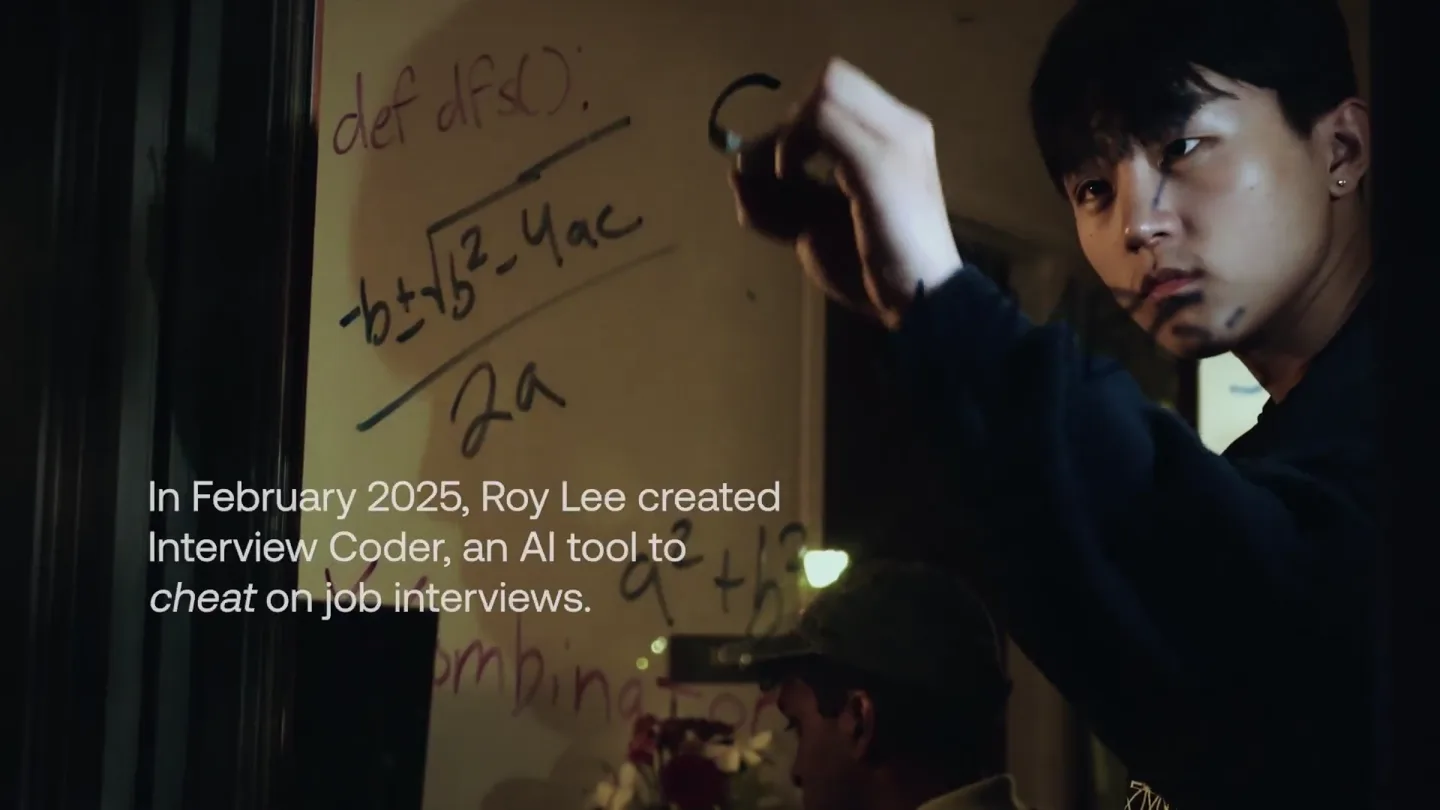
announcing @cluely's $15M fundraise, led by @a16z. cheat on everything.
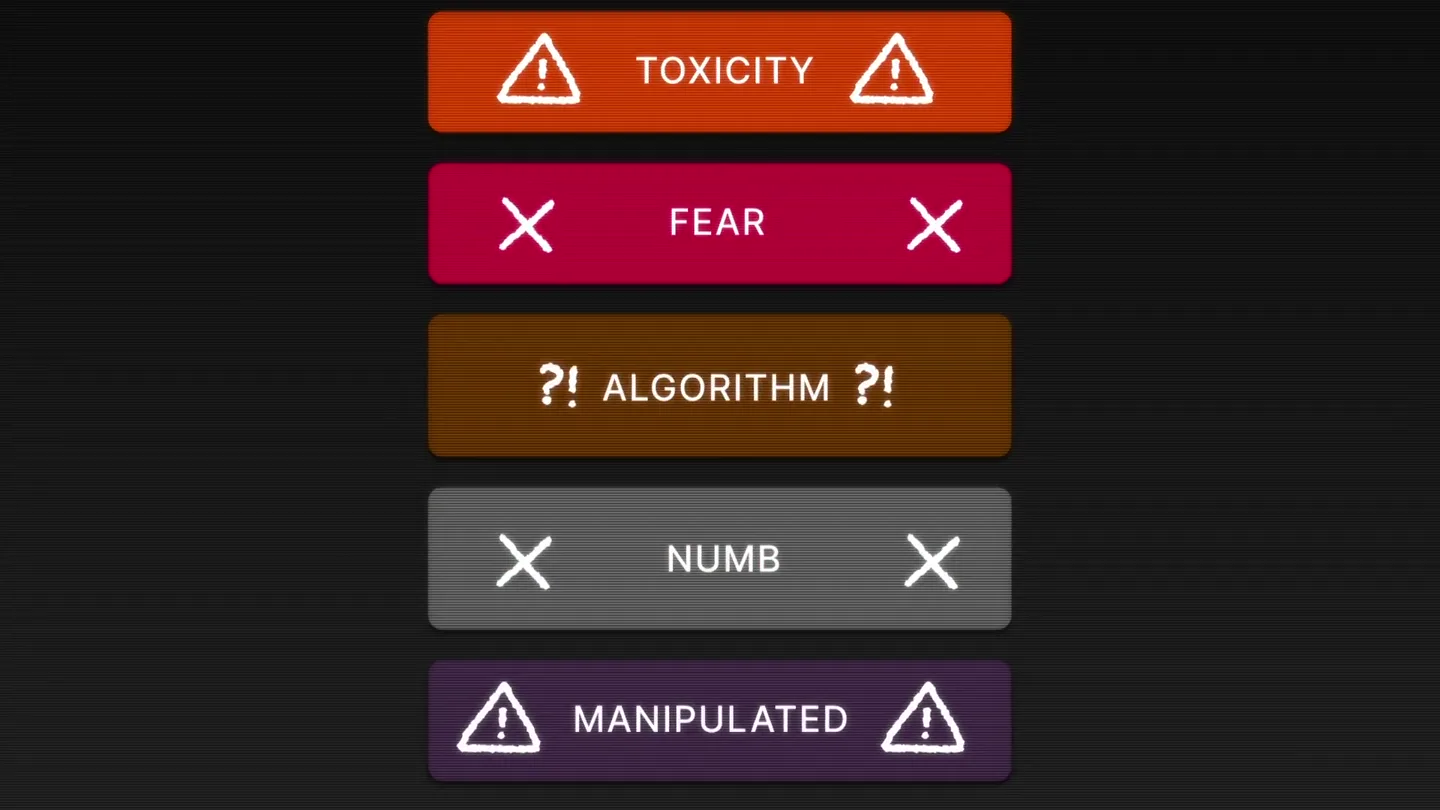
Yesterday we launched Bouncer to put users in control of their Twitter feed. Today, we open sourced the Chrome extension. We believe software should align with your interests, not the company that…