
Pause · Launch Video Breakdown: Hook, Pacing & Motion Design
Pause 1.0 Flash is built to speed up editors and creators by 80x. The post calls it fast and cheap, and the beta is out at 50% off.
Scene-by-scene timeline & spoken transcript
The Hook
The Editing Dilemma
“(No spoken dialogue — The music features a driving electronic beat with prominent synth melodies, arpeggiated synth lines, and a strong sub-bass presence. It incorporates various sound design elements typical of EDM, including high-energy risers, whooshes, sweeps, and impactful sub-bass drops. The overall feel is energetic and dynamic, building tension and excitement throughout the track.)”
- On screen
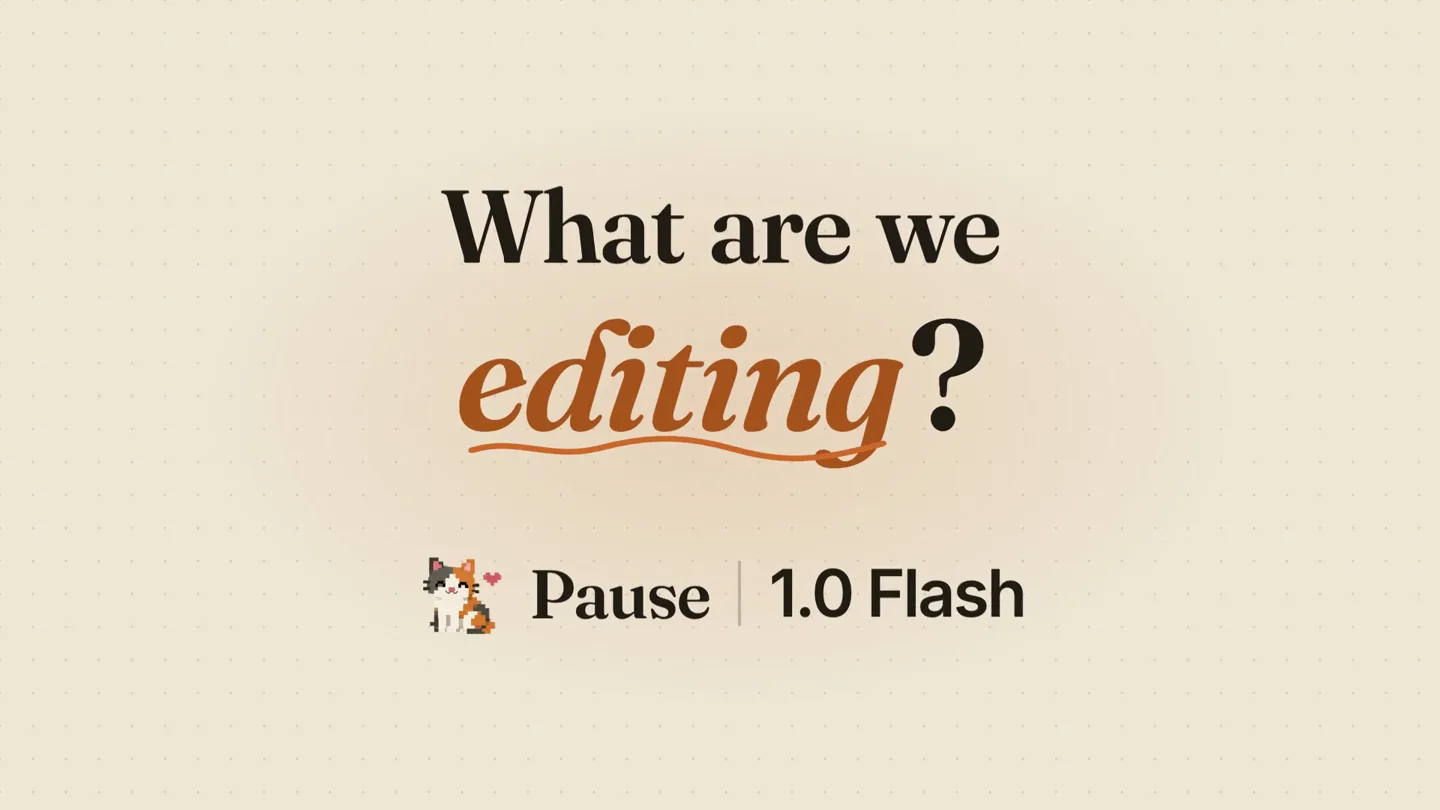
- What are we editing?
- Camera
- Static shot on text, then a rapid zoom-in through a stylized tunnel of video timelines, ending on a single pixel-art cat character.
- Motion
- Dynamic camera push-in, 3D tunnel effect with UI elements, pixel art character animation.
Product Reveal
AI-Powered Editing Workflow
“(No spoken dialogue — The music continues with its energetic and dynamic feel, building tension and excitement throughout the track.)”
- On screen
- wyr_raw.mp4 28:14 bro can you edit this whole video for me? ALL Cut SFX Effects Music Zoom Reframe Captions edit anything you want Pause 1.0 Flash On it. Watching all 20 minutes of your footage. Working for 0:04 Watching the footage Cutting the sequence Reframing the facecam Adding zooms Adding SFX Adding music Autocut. Every dead silence gone. silence 1.8s silence 1.4s silence 1.6s Zooms. Pixel-perfect zooms with smooth velocity graphs. gold Easing every zoom SFX & music. Sound effects that land on the joke. vine boom trizz bamboo hit ding Scoring to the beat Captions. Every word, right on POOKIE FLL SMELL UR GASEOUS SUBSTANCES K simp Auto reframe. Facecam exactly where you want it. Placing the facecam Choose both doors! FACECAM top-left top-right 06 / 06 Fully editable timeline. A real editable Premiere project. You nap. Pause edits.
- Camera
- Primarily static shots showcasing UI elements, with subtle camera pans and zooms to highlight specific features within the application interface.
- Motion
- UI animation, text reveals, simulated screen recordings, highlight animations, and subtle camera movements to guide attention.
Feature Teaser
Speed and Efficiency Showcase
“Whoa”
- On screen
- the owner edited KILL 1 KILL 99 infinity brainrots edited AIMBOT edited BE FEMBOY KISS FURRY edited $1 $1,000,000,000 edited FOLTYN edited 17 seconds edited 42.5k 2.4k PLAY edited $999De edited 568B edited IN JUST 2 MIN edited the seeds edited over edited makes them edited QUESTS 0/25 3/1 MAID FURRY BE BALD BE RICH edited PRO $2 568B Edited by Pause 1.0 Flash
- Camera
- Dynamic, fast-paced montage of various video clips, with quick cuts and zooms, followed by a close-up on a large 'PRO' text and a financial value.
- Motion
- Rapid-fire montage, extreme close-ups, text overlays with bold typography, and a quick transition to a presenter.
Call to Action
Affordable AI Editing
“(No spoken dialogue — The music continues with its energetic and dynamic feel, building tension and excitement throughout the track.)”
- On screen
- Cheap. From $15/mo in beta. One prompt. "bro can you edit this whole video for me?" Pause 1.0 Flash The AI that actually edits. Beta is live · 50% off · pausevfx.com
- Camera
- Static shots on text, with a brief shot of the presenter, then returning to text-based calls to action.
- Motion
- Text reveals, subtle background animations, and a clear call to action with product branding.
Motion design primitives
Synthesizable in Remotion · key components of the pause-flash-ai-launch template.
TimelineTunnelZoom
A rapid, immersive zoom-in effect through a 3D tunnel constructed from video timeline UI elements, culminating in a focused view on a central element or character.
+ Code construction recipe
Utilize Remotion's <AbsoluteFill> and <Sequence> components. Create multiple layers of SVG or React components representing timeline tracks. Animate their scale and position using `interpolate` with an `easeOutCubic` curve to simulate depth and speed. Apply a perspective transform to the parent container. Use a `spring` animation for the final snap to the central element.
FeatureHighlightReveal
On-screen text and UI elements animate into view, often accompanied by a pixel-art character interacting with the interface, demonstrating a specific product feature.
+ Code construction recipe
Implement text reveals using `spring` for position and opacity. Use `interpolate` for scaling UI elements. The pixel-art character can be a <Img> component with `transform` animations for movement and `opacity` changes for interaction cues. Ensure precise timing with `Sequence` and `AbsoluteFill` for layered UI elements.
FastCutMontage
A rapid succession of diverse video clips, often with quick zooms, pans, and text overlays, creating a high-energy visual summary of the product's impact or capabilities.
+ Code construction recipe
Use `Sequence` with very short `durationInFrames` for each clip. Apply `spring` animations for quick scale and position changes on individual video clips. Text overlays can use `interpolate` for quick fade-ins and outs. Consider using a `blur` filter on transitions for added dynamism.
Style DNA & aesthetic system
Visual aesthetic
Typography
Motion
Special effects
Pacing & rhythm
Conceptual story rhythm
- 1
The Pain Point
Purpose. Establish the problem of complex video editing and hint at an AI solution.
Execution. Opening question text, followed by a dynamic tunnel animation through a complex video timeline UI, symbolizing the overwhelming nature of traditional editing.
- 2
The Solution Unveiled
Purpose. Introduce Pause 1.0 Flash and demonstrate its core AI editing features.
Execution. Showcase the product's UI with animated feature demonstrations (autocut, zooms, SFX, captions, reframe, editable timeline), guided by a pixel-art cat character.
- 3
The Impact
Purpose. Illustrate the speed and quality of edits achieved with Pause, building excitement.
Execution. A rapid-fire montage of diverse, high-energy edited video clips, emphasizing 'PRO' results and the 'Whoa' moment, followed by a brief appearance of the founder.
- 4
The Offer
Purpose. Present the product's affordability and call the audience to action.
Execution. Clear text overlays highlighting 'Cheap' pricing and the 'One prompt' simplicity, culminating in the product name, tagline, and a call to visit the website for a 50% off beta.
Remix in Animatiq Studio
Master remix prompt · agent-ready
Sample remix
Objective
Launch 'Synapse AI', an AI code completion tool.How the recipe adapts
The opening question 'What are we coding?' replaces 'What are we editing?'. The 3D tunnel effect will be constructed from code editor interfaces and syntax highlighting. The pixel-art cat will be replaced by a pixel-art robot. Feature demonstrations will show 'Auto-complete', 'Bug Fix', and 'Code Refactor' within a simulated IDE. The fast-cut montage will feature rapid-fire code snippets and successful program executions. The call to action will promote 'Synapse AI' with a beta discount.Remix blueprint · pause-flash-ai-launch
Scene durations (4 scenes, 54s)
Key Remotion components
Related Creative AI & Video Product Launches
Explore all Creative AI & Video launches →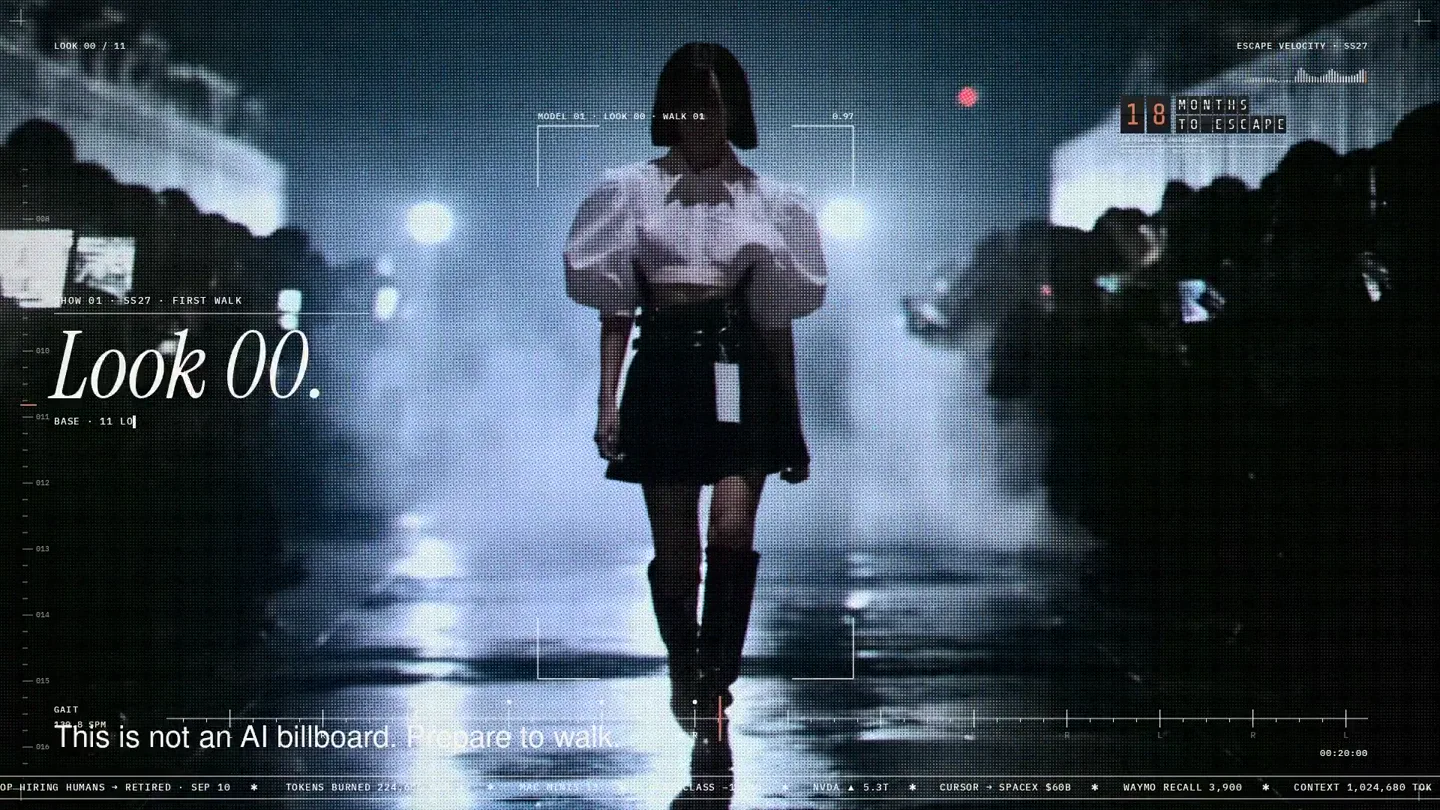
An overnight film made by giving Opus 5.5 Donald's prompt, Midjourney, and a moodboard. The piece is titled Look 00.

The new Grok Bot icon animated entirely in code — every state, shape and expression morphs smoothly into the next. Made with Grok Build.

The payment infrastructure for creators. Turn courses, ebooks, and apps into a live store in minutes.