
Perplexity · Launch Video Breakdown: Hook, Pacing & Motion Design
Computer can start a task in the cloud, then move to a local model on your Mac for private files or sensitive data. Available today in the Perplexity Mac app.
Scene-by-scene timeline & spoken transcript
The Hook
Hybrid Compute Introduction
“(No spoken dialogue — Evolving electronic ambient score with synth pads and arpeggiated melodies.)”
- On screen
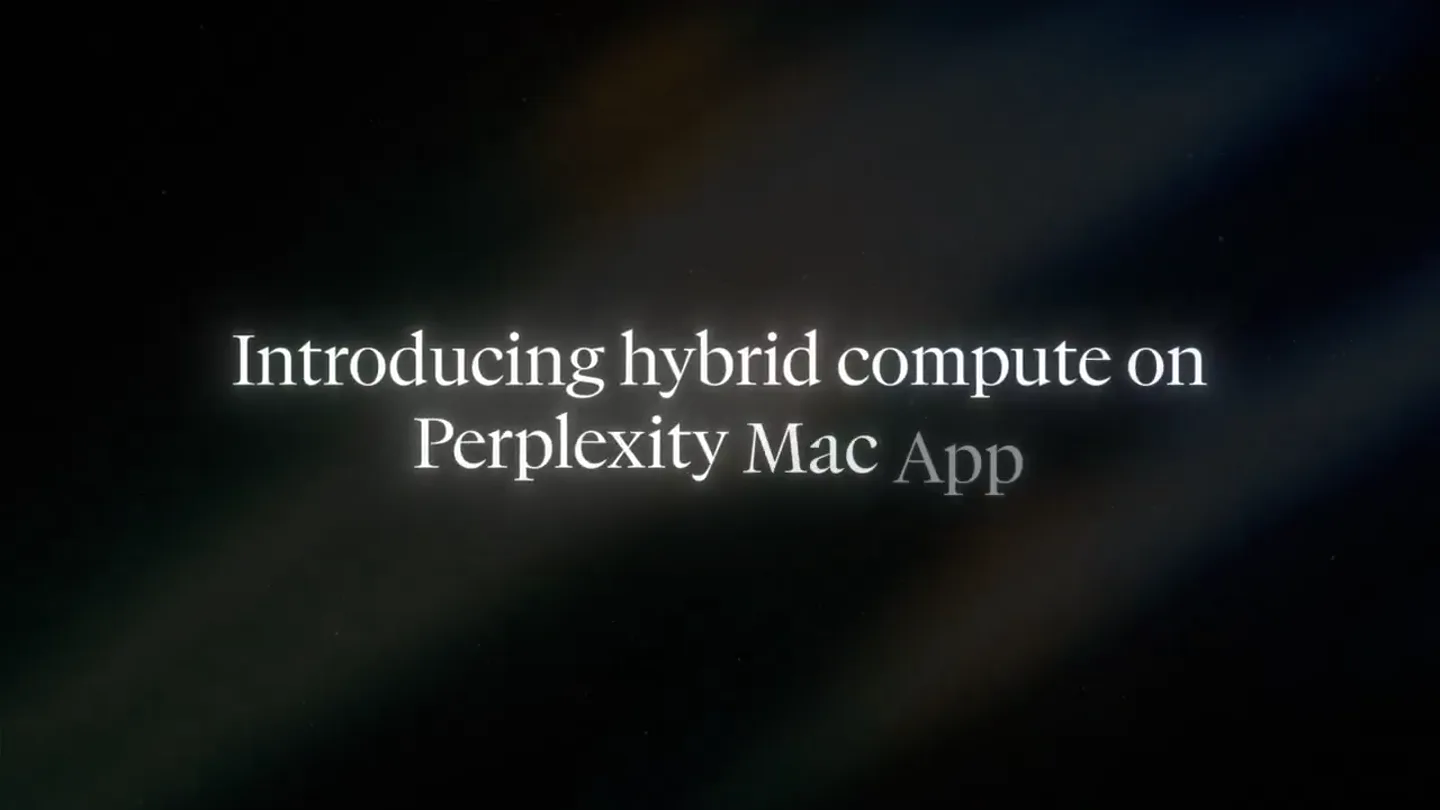
- Introducing hybrid compute on Perplexity Mac App Computer can now split a task between cloud and a local model on your Mac.
- Camera
- Static wide shot of a glowing Mac Studio, then a MacBook Pro, with subtle light rays in the background.
- Motion
- Subtle glow effects, lens flares, and text fades with a clean, minimalist aesthetic.
Product Reveal
Perplexity Mac App UI Walkthrough
“(No spoken dialogue — Ambient electronic score continues, building energy towards a transition.)”
- On screen
- What should we work on? Do anything... Computer Orchestrator Hybrid Local Local model Cloud GPT-5.6 Sol Claude Fable 5 Claude Opus 5 Claude Sonnet 5 Look at the Meridian Local Model / Claude Fable 5 Look at the Meridian files in Documents. Rework the model with their revised projections. Benchmark against comparable deals and then update the IC deck if the returns still clear. Inspecting Meridian files locally Privacy Gate found personal information in this file. How do you want to handle it? Meridian_management.pdf 9 names, 3 titles, 9 emails, 6 phone numbers, 14 others - hide this PDF 1 Process on my Mac Keep this file private — a local model handles it on your device. Recommended 2 Upload anyway Upload the file to the cloud as-is. Skip file Esc Submit Enter
- Camera
- Static, centered view of the Perplexity Mac app UI, with cursor movements highlighting interactions.
- Motion
- Smooth UI animations, dropdowns, text input, and modal transitions demonstrating feature functionality. Cursor interaction is key.
Feature Teaser
Hybrid Compute in Action & Privacy
“(No spoken dialogue — High-energy audio transition at 0:29, followed by a sub-bass drop/impact at 0:30. Rhythmic synth patterns build intensity.)”
- On screen
- and runs personal and confidential data on your Mac. Awaiting 2 subagents Pulling market data from web • Verifying across sources... Claude Fable 5 Reviewing files locally • Updating the IC deck... Local model CPU 21% Memory 82% GPU 99% Tokens 1602 CPU 18% Memory 82% GPU 98% Tokens 1629 Done — model reworked, benchmarked, and the IC memo updated. The headline The revised July 27 case improves returns rather than breaking them: 2.29x MOIC / 18.1% gross IRR, up from 2.20x / 17.1% on the May 8 CIM case. Losing the Tier-1 chassis program to insourcing (FY27 OEM growth cut -5.5% → -14.0%) is more than offset by the two national aftermarket service contracts signed in Q2 — aftermarket goes from 30.7% of FY26E re 43.5% by FY30E, and that mix 1.99x — right on the 2.00x floor. The memo is a new file, not an overwrite — your November Meridian Software memo is untouched. Model on the Desktop, memo in Downloads. Section 7 conditions the approval on a $40M revolver with a springing (not maintenance) covenant, a 50% rate hedge, board-approved capex phasing with a deferral option, and the final QoE as a closing condition. Northbrook Capital Partners Meridian Industrial Holdings, LLC Sarah Chen (Partner), David Okubo (Principal) Jonathan Coney Meridian Industrial Holdings, LLC August 23, 2024 Revised management case — July 27 memo... August 26, 2024 (final IC decision) Meridian-Industrial-Holdings—LBO-Model... Spreadsheet Meridian Industrial Holdings—IC... PDF
- Camera
- Static UI views, with dynamic elements like progress bars and data visualizations animating within the app interface.
- Motion
- Data visualization animations, text reveals, and subtle glow effects around active elements. Seamless transitions between different UI states.
Call to Action
Final Value Proposition & Brand Reveal
“(No spoken dialogue — Significant audio build-up from 0:57 to 0:59, culminating in a final sub-bass impact at 1:00. Atmospheric textures and rhythmic synth patterns conclude.)”
- On screen
- Frontier models run in the cloud. Sensitive data stays local. Now available on Perplexity Mac App perplexity
- Camera
- Static, centered text overlays, followed by the Perplexity logo reveal.
- Motion
- Elegant text fades, scale animations for the logo, and a final, impactful brand reveal with a subtle glow.
Motion design primitives
Synthesizable in Remotion · key components of the perplexity-hybrid-compute-launch template.
GlowTextReveal
Text appears with a soft, ethereal glow that subtly expands and then settles, often accompanied by a slight scale-up. This is used for key headlines and product statements.
+ Code construction recipe
Implement with `interpolate` for opacity and scale, combined with a `box-shadow` or `filter: drop-shadow()` CSS property animated for color and spread, using `spring` for a natural, soft bounce.
UIDropdownSelect
A dropdown menu smoothly expands from a UI element, revealing a list of options. A cursor animates to select an item, which then highlights and collapses the menu.
+ Code construction recipe
Utilize `spring` for the dropdown's height and opacity animation. Cursor movement can be achieved with `interpolatePath` or animating `transform` properties. Highlight states use `background-color` transitions.
DynamicDataViz
Line graphs and progress bars animate dynamically, showing data points or percentages increasing over time, often with a subtle glow or trail effect.
+ Code construction recipe
Render SVG paths for line graphs, animating the `stroke-dasharray` and `stroke-dashoffset` properties. Progress bars use `width` interpolation. Add a `filter: blur()` or `box-shadow` for glow effects.
Style DNA & aesthetic system
Visual aesthetic
Typography
Motion
Special effects
Pacing & rhythm
Conceptual story rhythm
- 1
The Hybrid Promise
Purpose. Introduce the core innovation: splitting tasks between cloud and local compute.
Execution. Opening with a glowing Mac Studio and MacBook, then a clear text overlay explaining the hybrid compute concept.
- 2
Seamless UI Interaction
Purpose. Demonstrate the intuitive user experience of selecting models and inputting tasks.
Execution. Detailed walkthrough of the Perplexity Mac app UI, showing model selection and task input with a guided cursor.
- 3
Privacy & Performance
Purpose. Highlight the privacy features for sensitive data and the real-time performance metrics.
Execution. Showing the 'Privacy Gate' modal, local processing choice, and dynamic data visualizations (CPU, GPU, Tokens) during task execution.
- 4
Empowered Workflow & CTA
Purpose. Showcase the final output of a complex task and drive to download the app.
Execution. Displaying the comprehensive output of the AI agent, followed by clear text overlays emphasizing local data processing and the app's availability.
Remix in Animatiq Studio
Master remix prompt · agent-ready
Sample remix
Objective
Launch a new secure cloud storage solution with local-first syncing.How the recipe adapts
The GlowTextReveal primitive would introduce the 'Secure Local-First Sync' tagline. UIDropdownSelect would demonstrate selecting sync preferences (local-only, hybrid, cloud-only). DynamicDataViz would show real-time encryption progress and storage usage. The overall dark aesthetic with glowing elements would reinforce security and advanced technology. The slow pacing would allow users to understand the nuanced security features.Remix blueprint · perplexity-hybrid-compute-launch
Scene durations (4 scenes, 68s)
Key Remotion components
Related AI Agents Product Launches
Explore all AI Agents launches →
To ensure that artificial general intelligence benefits all of humanity

Gopuff introduces Go, an AI shopping assistant built with SpaceXAI: say what you need and the order is placed.

Iliad (Troy) trailer made by Grok Imagine 1.5, which was just released